Free typing games
Typing Games play free online
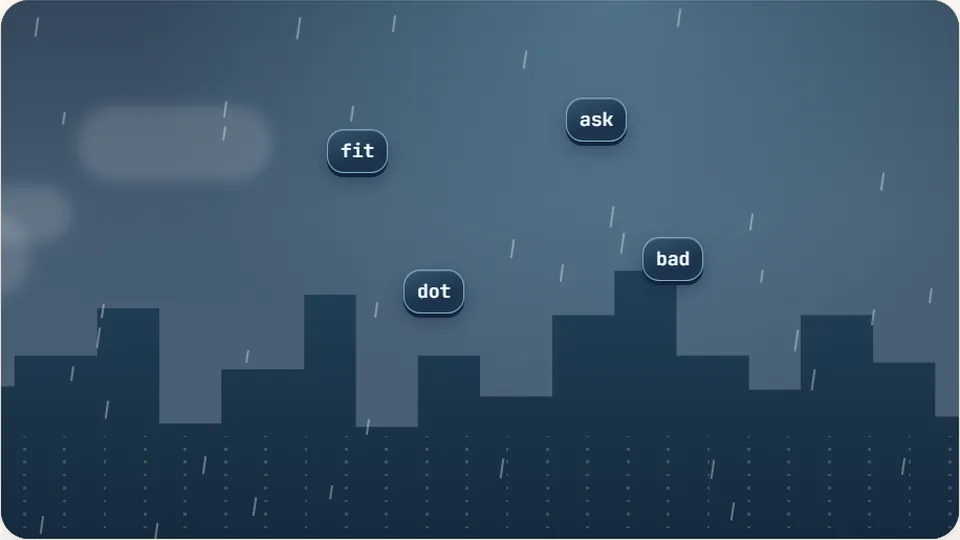
Words fall from the top. Type a word to clear it before it reaches the ground. You have three lives, and the rain gets faster every level. Open Word Rain →
Free · No download · Plays in your browser
Free typing games that make practice feel likeplay
ProTypingGames is a free collection of 69 typing games and 23 typing tests that run in your web browser. There is nothing to download and no account to create. Pick a game, press Enter and start typing.
Every game here is built on one idea: you get faster at typing by typing more, and you type more when it is fun. So instead of drills, you save penalties, haul on a tug-of-war rope, fly a rocket into orbit or keep time with falling notes. Underneath the theme, each game trains the same things a typing course does: finding keys without looking, keeping your accuracy high and holding a steady pace.
The game at the top of this page is ready to play. Below it you will find which game to start with, what a good typing speed looks like and a simple practice plan.
- typing games
- 69
- typing tests
- 23
- difficulty modes
- 3
- sign-ups needed
- 0
- Free to play on any computer with a keyboard
- Easy, Medium and Hard modes in every game
- Best scores saved on your own device
- Games for every age from five to adult
Written and maintained by the ProTypingGames teamLast reviewed: October 2026
Start here
Popular typing games
A dozen games to begin with. Each takes a minute to learn, and they are different enough from one another that one of them will suit you.
Arcade Word Rain
Clear the falling words before they hit the ground.
Play now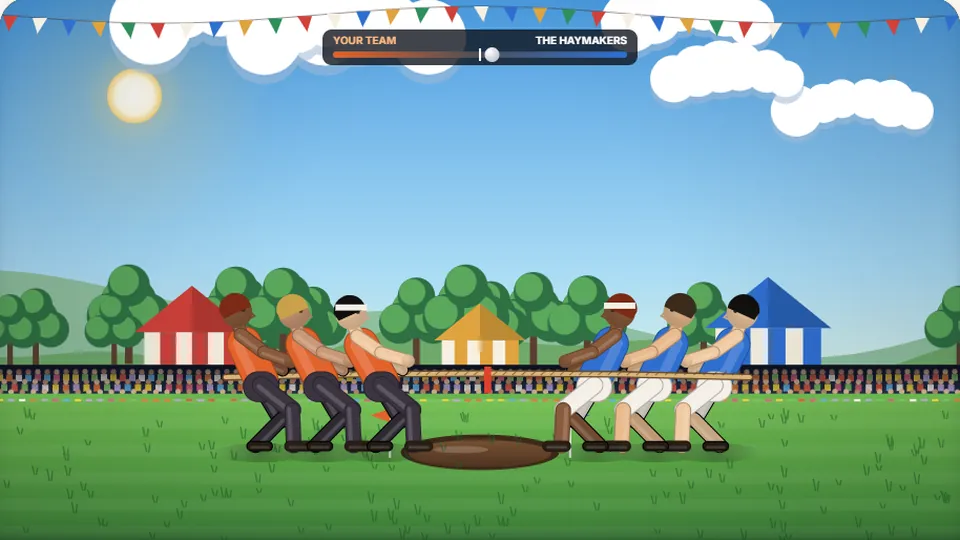 Sports
Tug of Words
Every clean word hauls the rope your way — drag the other team into the mud.
Play now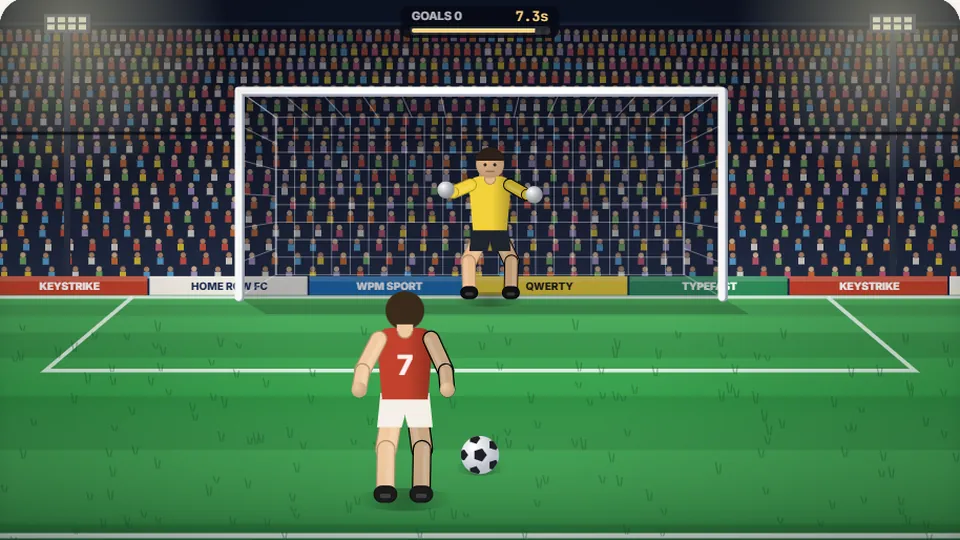 Sports
Penalty Kick
Beat the whistle and the keeper with clean, quick typing.
Play now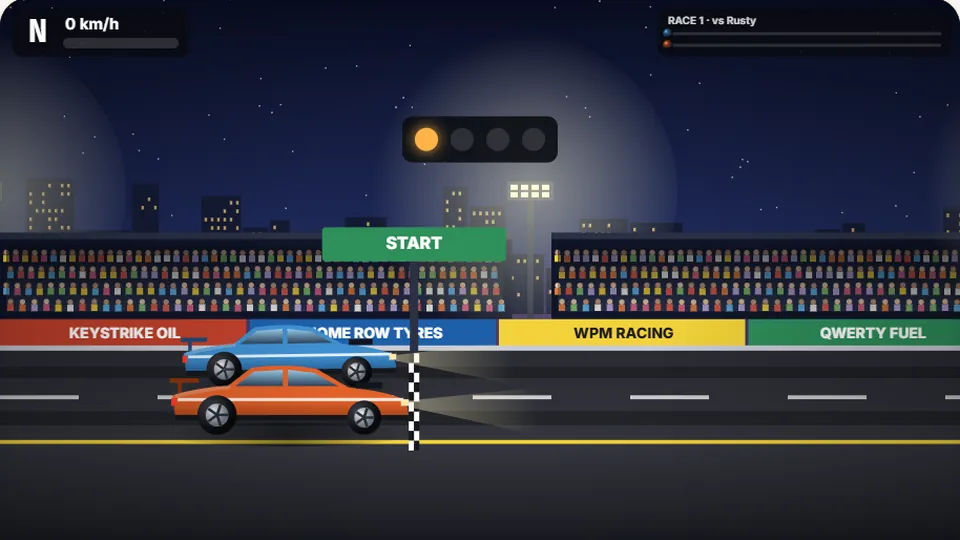 Racing
Drag Strip Typing
Six words, six gears — shift cleanly and beat the car in the next lane.
Play now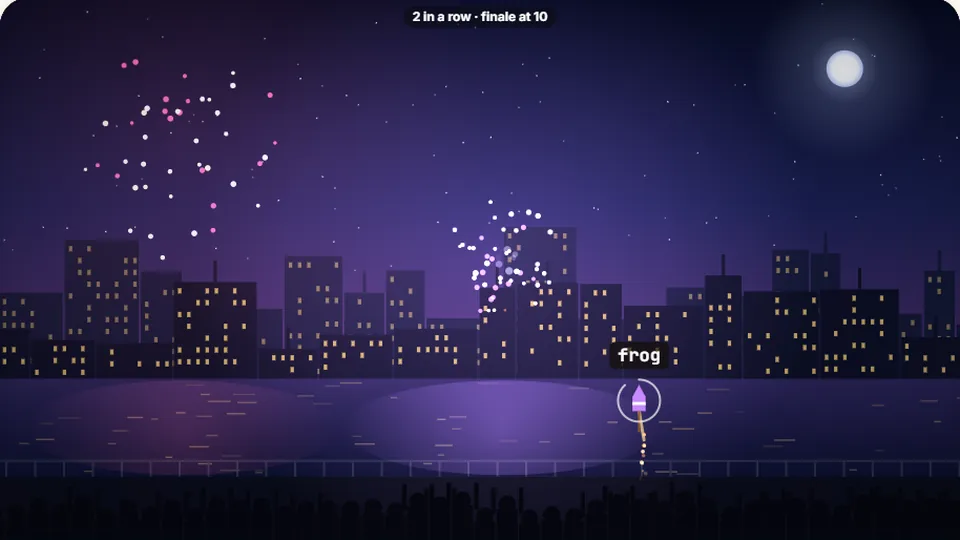 Kids
Fireworks Typing
Rockets climb into the night — type their words to make them burst.
Play now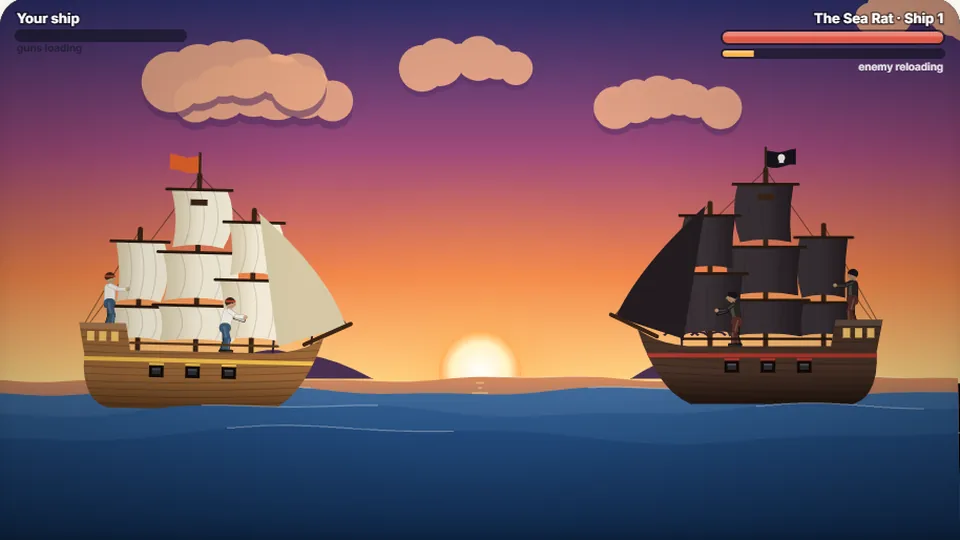 Adventure
Pirate Cannons
Load the guns by typing and sink the enemy ship before it sinks you.
Play now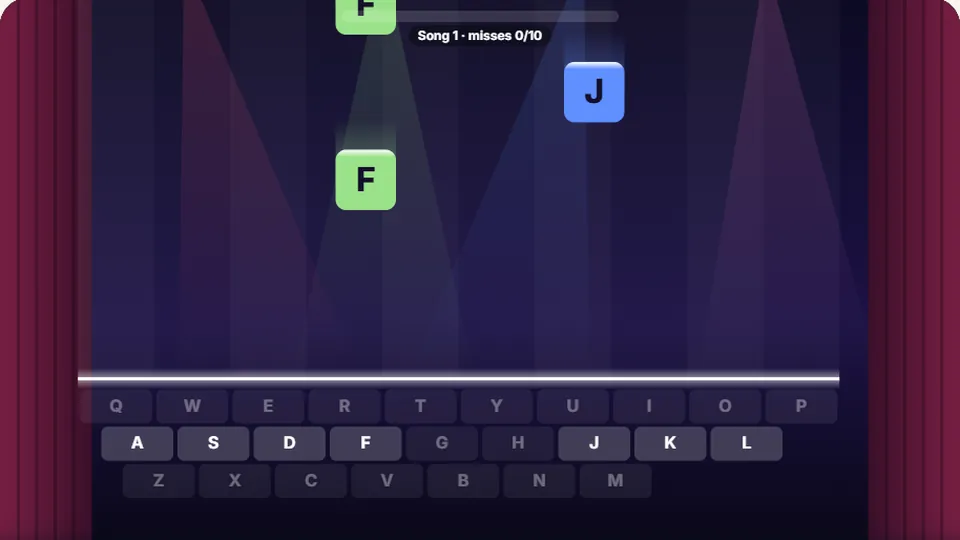 Learn
Melody Keys
Letters fall like notes — press each one on the line to play the melody.
Play now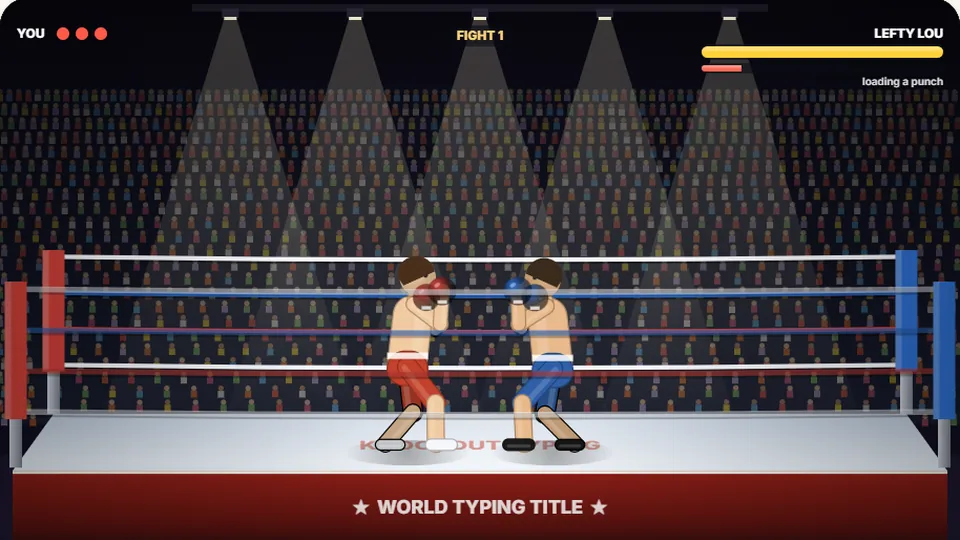 Sports
Knockout Typing
Step into the ring and win the fight with clean typing.
Play now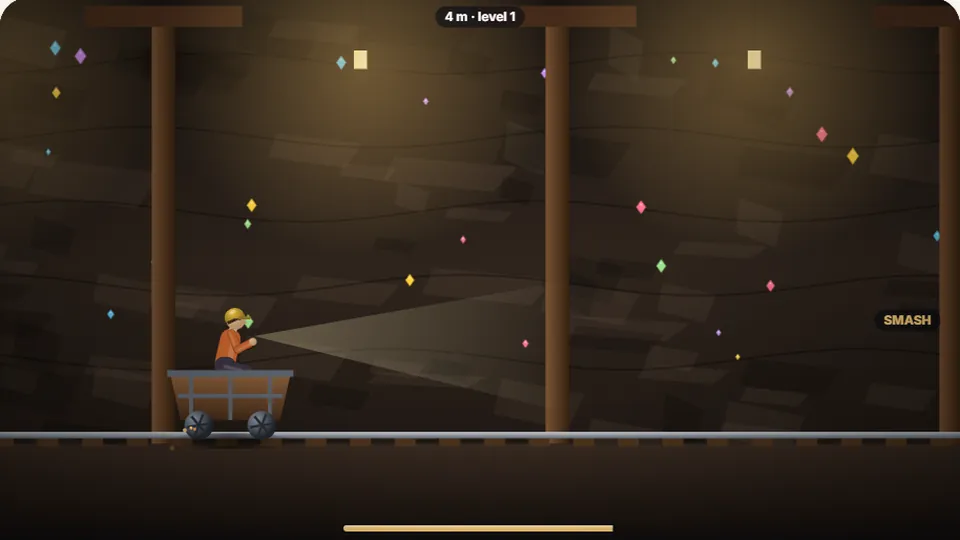 Arcade
Mine Cart Dash
Your cart is rolling — type the word on each hazard to jump it or duck it.
Play now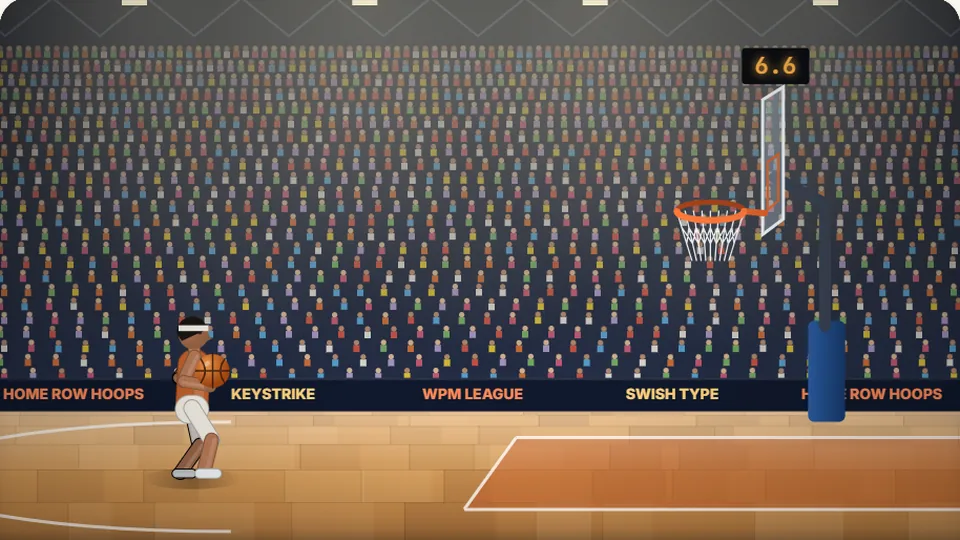 Sports
Hoop Shot
Swish it from downtown with a clean, quick word.
Play now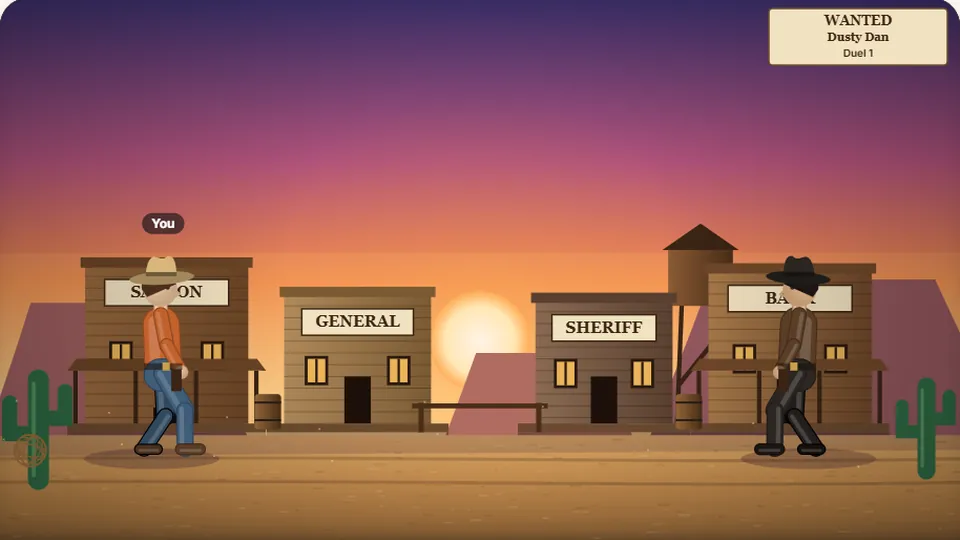 Shooter
Quick Draw
Wait for the call, then type faster than the outlaw can draw.
Play now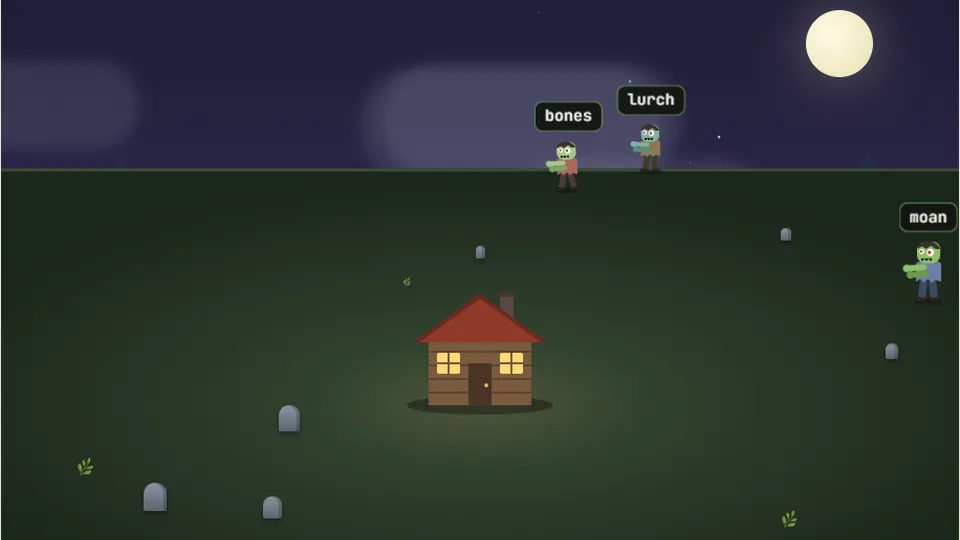 Shooter
Zombie Type
Type fast to drop the zombies before they reach you.
Play nowThe short answer
What is a typing game?
A typing game is a game you control by typing letters, words or sentences instead of using a mouse or a controller. The game shows you what to type. Typing it correctly makes something happen on screen, such as a shot on goal, a jump or a step up a mountain. Because the reward is tied to pressing the right keys, you practice keyboard skills while your attention stays on the game.
Typing games are used by children learning the keyboard, students building speed for schoolwork, adults who want to stop looking at their hands, and fast typists who simply enjoy chasing a higher words-per-minute score.
- What you need
- A browser and a physical keyboard
- Time per game
- One to five minutes
- Skills trained
- Speed, accuracy, key location and rhythm
- Cost
- Free, with no account
How it works
Start playing in under a minute
Choose a game
Use the list beside the game area or browse all 69 games. The games most people enjoy first are at the top of the list.
Pick a mode
Easy slows the game down and uses shorter words. Hard does the opposite. Medium is the standard game, and you can change mode whenever you like.
Press Enter and type
Words appear on screen. Type them exactly as shown. Once a game starts you should not need the mouse at all.
Beat your best
Your best score is saved for each game and each mode, so there is always a number to beat next time.
Pause, restart, full screen and sound sit next to the score at the top of every game.
Browse by style
Types of typing games on this site
The games fall into a few families. Each family trains a slightly different skill, so it helps to know what you are choosing.
Speed typing games
Short, timed rounds where the only goal is to type as many words as you can. Use these to push your top speed once your accuracy is steady.
Racing typing games
You type to move. A clean word is a gear shift, an oar stroke or a burst of speed against rivals who do not wait for you.
Accuracy games
One word, one shot. How cleanly you type decides whether the dart finds the bullseye or the penalty finds the corner. These reward calm, mistake-free typing.
Falling word games
Words drop, fly or march toward you and you clear them before they arrive. This is the classic typing game format and the best all-round practice.
Typing games for kids
Single letters and short words, slower timers and friendly themes for children who are still finding their way around the keyboard.
Word and puzzle games
Slower games where thinking matters as much as speed. Unscramble a word, crack a code or remember a sequence.
Lessons in disguise
Structured practice for the home row, the number row and the full alphabet, with a score to keep it interesting.
Adventure games
Longer sessions with levels, bosses and something to protect, for when you want to settle into one game for a while.
Not sure where to start?
The best typing game for your goal
Start from what you want to improve. Each suggestion below is the game on this site that targets that one skill most directly.
| Your goal | Start with | Why it works |
|---|---|---|
| I am a complete beginner | Home Row Hero | It teaches the eight resting keys first, which is where every touch typist starts. |
| I want a higher WPM | Word Sprint | Sixty seconds of nothing but words, with a live words-per-minute counter. |
| I make too many mistakes | Penalty Kick | A single typo sends the shot wide, so you learn to slow down and type cleanly. |
| I keep looking at the keyboard | Word Rain | Words fall from the top of the screen, so your eyes have to stay up. |
| I need the number row | Vault Cracker | Every code mixes letters with digits. |
| My child is five to seven | Busy Bee | One letter at a time, with plenty of time to find each key. |
| My child is eight to twelve | Tug of Words | Short words, a clear goal and a fun reason to keep typing. |
| I want steady rhythm, not bursts | Melody Keys | Letters arrive in time with a tune, which trains even pacing. |
| I want to compete | Typing Race | Three rivals, one passage and a finish line. |
| I only have two minutes | Bell Ringer | Ten words, ten swings of the hammer and you are done. |
| I want to relax | Zen Type | No timer and no lives. Just text and a calm scene. |
| I want to measure my speed | 1-minute typing test | Games are for practice. A test gives you a number you can compare week to week. |
A closer look
Six typing games worth trying first
If you want a quick tour of what the site does, play these six. Together they cover every kind of game we make.
Word Rain
Arcade
The classic. Words fall from the sky and you type each one before it reaches the ground. It gets faster every level, and because the words start at the top of the screen it quietly trains you to stop looking down.
Word RainTug of Words
Sports
The other team never stops pulling. Every word you finish hauls the rope back your way, so steady typing wins and a pause costs you ground. It is the best game here for learning to keep a constant pace.
Tug of WordsPenalty Kick
Sports
Type the word before the whistle. Clean and quick puts the ball in the top corner, and one mistake can send it wide. Two minutes of this teaches more about accuracy than an hour of free typing.
Penalty KickMelody Keys
Learn
Letters fall like notes and each correct key plays the next note of a tune. The same note is always the same key, so you start to hear your mistakes. It is a different way to learn where the keys are.
Melody KeysDrag Strip Typing
Racing
Six words, six gear shifts and a rival in the next lane. A race lasts about fifteen seconds, which makes it very hard to play only once.
Drag Strip TypingFireworks Typing
Kids
Rockets drift up with short words attached. Type one and it bursts into color. It is slow and forgiving at the start, which makes it a good first game for a child or a nervous beginner.
Fireworks Typing
For young typists
Typing games for kids
Most children are ready to start learning the keyboard properly at around seven or eight, when their hands are big enough to rest on the home row. Before that age the useful goal is simpler: knowing where the letters are. Games help at both stages, because a child will happily repeat a game twenty times and will not repeat a worksheet twice.
For younger children, look for games that ask for one key at a time and give plenty of time to find it. Speed does not matter yet. From about eight, short whole words work better than single letters, because typing real words is what builds the finger patterns they will use for the rest of their lives.
Keep sessions short. Ten minutes a day does more than an hour on Saturday, and it is much easier to end on a win. Sit the child so their elbows are roughly level with the keyboard, and resist the urge to correct every finger. Good fingering comes from playing the home row games, not from being told.
| Age | What to practice | Games to try |
|---|---|---|
| 5 to 6 | Finding letters on the keyboard, one key at a time | Busy BeeBalloon PopKey Jump |
| 7 to 8 | Home row keys and three-letter words | Home Row HeroSnowball ShowdownFireworks Typing |
| 9 to 11 | Whole words without looking down | Word RainTug of WordsAnimal Rescue |
| 12 and up | Speed, punctuation and longer texts | Typing RaceWord SprintQuote Quest |
Every game is an ordinary web page with nothing to install, so they run on school Chromebooks and library computers wherever this site is allowed.
For work and study
Typing games for adults and professionals
Adults usually come to typing practice with a specific problem. You type all day but still look at your hands. You are quick but careless, and spend a third of your time on the backspace key. Or you are applying for a job and the form asks for your typing speed.
Games are a practical fix because they fit into gaps. A round of Penalty Kick takes about two minutes, which is short enough to play between meetings and long enough to matter if you do it every day. The accuracy games are the most useful for experienced typists, because they punish the single careless error that an ordinary typing test lets you correct and forget.
If you write code, enter data or live in spreadsheets, spend part of your practice on the keys that ordinary words skip. Vault Cracker and Number Crunch cover the number row, and the coding and data entry tests in the typing test section use brackets, symbols and digits.
The evidence
Do typing games actually improve your typing?
Yes, for the same reason any focused practice works. Typing is a motor skill. You improve by making the right movement many times, noticing straight away when you get it wrong, and practicing a little beyond what feels comfortable. A good typing game supplies all three without you having to organize anything.
Researchers at Aalto University and the University of Cambridge studied 168,000 volunteer typists in 2018. Two of their findings are worth knowing. The fastest typists also made the fewest errors, and fast typists tended to press the next key before they had fully released the last one. Both habits come from sheer volume of practice, which is exactly what games add.
The one thing a game cannot do is choose your fingers for you. If you play every game with two fingers, you will become a very fast two-finger typist and then stop improving. Spend your first week on the home row so the games reinforce a technique worth keeping.
Repetition without boredom
A sixty-second round can contain forty words. Ten rounds is four hundred words you would never have typed from a textbook.
Instant feedback
A wrong key is obvious the moment you press it. The shot misses or the combo breaks. Fast feedback is what lets your hands correct themselves.
Rising difficulty
Levels get faster and words get longer as you improve, so you are always working at the edge of your ability.
A reason to come back
A best score to beat is a small thing, but it is what brings people back tomorrow, and consistency is what builds speed.
Choosing a method
Typing games, typing lessons or typing tests?
They are three different tools, and most people who improve use all three. Lessons teach the technique, games supply the practice and tests measure the result.
| Method | Best for | Where it falls short |
|---|---|---|
| Typing games | Daily motivation and a high volume of practice | They do not teach finger placement on their own |
| Typing lessons | Learning correct technique from the beginning | Easy to abandon once the novelty wears off |
| Typing tests | Measuring speed and accuracy over time | Little variety, and no fun in repeating them daily |
A sensible mix is one home row lesson, three or four games and one test a week.
Benchmarks
What is a good typing speed?
Typing speed is measured in words per minute, usually written WPM. For everyday use, around 40 WPM is comfortable and is the figure most often quoted as the average for adults. The Aalto study mentioned above measured a higher average of about 52 WPM among its online volunteers, who were probably more practiced than the general population.
What counts as good depends on what you need it for. For email and schoolwork, 40 to 50 WPM with few mistakes is plenty. Jobs that are mostly typing, such as transcription or data entry, usually ask for 60 to 80. Above 100, the keyboard is no longer what slows you down.
Children are on a different scale. As a rough guide, five words per minute for each school grade is a sensible target: about 15 WPM in third grade, 25 in fifth grade and 35 to 40 by the start of high school. Accuracy above 90 percent matters more than any of those numbers.
- Handwriting13WPM
Copying text with a pen
- Hunt and peck27WPM
Two fingers, looking at the keys
- Average adult40WPM
Comfortable for everyday use
- Fluent touch typist60WPM
Rarely looks at the keyboard
- Professional typist75WPM
Transcription and data entry work
- Advanced typist100WPM
Faster than most people speak in dictation
- Competitive typist130WPM
Regulars in online typing races
The math
How words per minute is calculated
Words are different lengths, so typing tests use a standard word of five characters, counting spaces and punctuation. Your raw speed is every character you typed, divided by five, divided by the minutes that passed. Your net speed counts only the characters you got right, and it is the number worth caring about.
The games on this site show WPM where it makes sense, and the typing tests report net WPM, raw WPM and accuracy together. Use the games to practice and a test to measure.
- Raw WPM
- (all characters typed ÷ 5) ÷ minutes
- Net WPM
- (correct characters ÷ 5) ÷ minutes
- Accuracy
- correct keystrokes ÷ total keystrokes × 100
Example: 260 characters in one minute with 10 errors is 52 raw WPM, 50 net WPM and about 96 percent accuracy.
Know your number
Free typing tests
When you want a number, take a test. There are timed tests from 30 seconds to 20 minutes, fixed word counts, and specialist tests for numbers, 10-key, data entry, code and punctuation. Each one reports net speed, raw speed and accuracy.
Timed tests
Word count tests
Technique
Touch typing basics: the home row
Touch typing means typing without looking at the keys, with each finger responsible for its own columns. It starts from the home row. Rest your left fingers on A, S, D and F and your right fingers on J, K, L and the semicolon key. Your thumbs sit on the space bar. The F and J keys have small raised bumps so you can find the position by feel.
From there, each finger reaches up or down for the keys nearest to it and then returns. The return is the important part. A finger that goes back to its home key always knows where it is, and that is what lets you type without checking.
This layout is called QWERTY, after the first six letters of the top row. It was designed by Christopher Latham Sholes for typewriters in the 1870s and is still the standard on almost every English-language keyboard. Home Row Hero teaches the resting keys, and Alphabet Dash walks through every letter in order.
| Finger | Left hand | Right hand |
|---|---|---|
| Index finger | F, G, R, T, V and B | J, H, U, Y, M and N |
| Middle finger | D, E and C | K, I and the comma |
| Ring finger | S, W and X | L, O and the period |
| Little finger | A, Q, Z, Shift and Tab | Semicolon, P, Enter and Shift |
| Thumb | Space bar | Space bar |
The rule that matters most
Why accuracy comes before speed
The most common mistake in typing practice is chasing speed too early. It feels productive, because the number goes up. But a fast typist who makes errors is not actually fast, because every error costs a stop, a backspace and a retype.
Compare two people. One types at 40 WPM with 98 percent accuracy. The other types at 55 WPM with 88 percent accuracy. On paper the second is quicker. In practice the first finishes a real document sooner, with less frustration, because the second is correcting roughly one word in every two.
So the order is fixed. Get the finger positions right. Bring your accuracy to 95 percent or better at whatever speed that takes. Only then push for pace, and ease off the moment your accuracy slips. Speed built on accurate habits stays. Speed built on guessing has to be unlearned later.
A plan you can follow
A four-week typing practice plan
Ten to fifteen minutes a day is enough. The order matters more than the amount: position first, then accuracy, then speed.
- Week 1
Learn the home row
Play Home Row Hero until the eight resting keys need no thought. Do not look down. It will be slower than your old way of typing, and that is normal.
- Week 2
Reach every letter
Add the top and bottom rows with Alphabet Dash, then Word Rain on Easy. Aim for 95 percent accuracy and ignore your speed completely.
- Week 3
Type clean under pressure
Move to the accuracy games. Penalty Kick, Dart Typing and Golf Typing all punish a single typo, which is exactly the habit you want to break.
- Week 4
Build speed
Now push. Play Word Sprint and Typing Race on Medium, then on Hard. Take the 1-minute test at the end of the week and write the number down.
After four weeks of this, it is realistic to be touch typing at or near your old speed with far fewer mistakes. From there, speed comes from the same routine: a few minutes a day, a mix of games and a test once a week.
What to watch for
Common mistakes that slow learners down
Do this
- Keep your eyes on the screen, even when you are unsure of a key.
- Return each finger to its home key after every reach.
- Slow down until you can type a full line without an error.
- Practice a little every day, at about the same time.
Avoid this
- Looking down to check where a key is.
- Chasing speed before your accuracy reaches 95 percent.
- Hammering backspace instead of calmly typing the word again.
- Resting your wrists on the edge of the desk while you type.
Is it worth it?
What faster typing is actually worth
The arithmetic is simple. Suppose you spend two hours a day typing at 35 WPM. At 60 WPM the same amount of text takes about 70 minutes. That is 50 minutes back every working day, or roughly four hours a week, from a skill that takes a few weeks of short sessions to build.
The less obvious benefit is attention. When you have to look for keys, part of your mind is on the keyboard. When your fingers know the way, all of it is on what you are writing. Students notice this in exams and essays. Programmers and writers notice it as fewer interruptions to their train of thought.
Built into every game
What you get on ProTypingGames
Every game shares the same controls and the same rules, so once you have played one you know how the rest work.
Three difficulty modes
Easy, Medium and Hard change both the pace of the game and the length of the words. Each mode keeps its own best score.
Pause and restart
Stop a round to answer the door and pick it up exactly where you left it. The game also pauses itself if you switch to another tab.
Full screen
One button fills the display with the game and hides everything else on the page.
Scores that stay yours
Best scores are stored in your own browser. There is no account, no login and no leaderboard to sign up for.
Light and dark themes
Switch themes from the top of any page. Your choice is remembered for next time.
Sound you can turn off
Each game has its own effects, from a bowstring to a stadium crowd. One button mutes them all.
Keyboard first
Enter starts a game and Escape stops it. You should never need to reach for the mouse in the middle of a round.
Real typing tests
23 tests report net speed, raw speed and accuracy, so you can check that the games are working.
In the classroom and at home
For teachers and parents
Typing games work well as a warm-up at the start of a computer lesson or as a reward at the end of one. Nothing needs installing and nobody needs an account, so a class can be playing within a minute of sitting down.
A simple routine is to give everyone the same game and the same mode for five minutes, then ask students to write down their best score. Next lesson, the target is to beat their own number, not each other's. That keeps slower typists motivated and makes progress visible.
Hardware
Keyboards, layouts and devices
The games work with any physical keyboard: laptop, desktop, mechanical or membrane. The type of keyboard matters far less than people expect. A cheap keyboard you practice on daily will make you faster than an expensive one you do not.
The word lists assume a QWERTY layout, but the games simply check which character you typed, so they also work if you use Dvorak or Colemak. Dvorak was patented by August Dvorak in 1936, and Colemak was released by Shai Coleman in 2006. Both place the most common letters on the home row. They can be more comfortable, but relearning takes weeks, and for most people better technique on QWERTY is the quicker win.
On phones and tablets the games open and use the on-screen keyboard. That is fine for a quick go, but thumb typing is a different skill. To build keyboard speed, use a real keyboard or connect one to your tablet.
Look after your hands
Posture, comfort and avoiding strain
Good posture is not about sitting stiffly. It is about keeping your wrists straight and your shoulders loose. Sit with your feet flat on the floor and your elbows bent at roughly a right angle. The keyboard should be low enough that your forearms are level, and the top of the screen should be near eye height.
Let your hands float over the keys instead of anchoring your wrists on the desk. Press lightly. Most keyboards register a key long before it reaches the bottom, and hitting keys hard only tires your fingers.
Take a short break every half hour to shake out your hands and look at something far away. If you feel pain, tingling or numbness, stop. Discomfort that keeps coming back is a reason to see a doctor or physiotherapist, not something to practice through.
Glossary
Typing terms explained
- WPM
- Words per minute. The standard measure of typing speed, where one word equals five characters.
- CPM
- Characters per minute. Divide it by five to get WPM.
- Net WPM
- Your speed after mistakes are taken out. This is the figure employers and typing tests usually mean.
- Raw WPM
- Your speed counting everything you typed, right or wrong.
- Accuracy
- The percentage of your keystrokes that were correct.
- Home row
- The middle row of letter keys, where your fingers rest: A S D F and J K L plus the semicolon.
- Touch typing
- Typing by feel, without looking at the keyboard, using all ten fingers.
- Hunt and peck
- Typing with one or two fingers while searching for each key by eye.
- Muscle memory
- The automatic recall of a movement after enough repetition. It is what lets you type a word without thinking about its letters.
About this site
How these games are made and tested
ProTypingGames is an independent project. Every game is written specifically for this site and runs entirely in your browser, with no plug-ins. The artwork and the sound effects are generated by code instead of being downloaded as files, which is why the pages load quickly.
Before a game is published it is played through with careful typing, with careless typing and with no typing at all, to check that the scoring is fair and that nothing breaks. Word lists are plain English, grouped by length so that Easy really is easier, and chosen to be suitable for all ages.
We try to be straightforward about what a game can do. Games build speed and accuracy through repetition. They do not replace learning correct finger placement, which is why the home row comes first in every recommendation on this page.
Good to know
Typing games: frequently asked questions
Are these typing games really free?
Do I need to download or install anything?
What is the best typing game for beginners?
Which typing games are best for kids?
Can typing games really increase my WPM?
How long should I practice each day?
What is a good typing speed?
Do the games work on a Chromebook or a school computer?
Can I play on a phone or tablet?
Are my scores saved?
Is there a typing test as well as games?
What is touch typing?
Should I learn Dvorak or Colemak instead of QWERTY?
Ready to type faster?
Pick a game and play one round. That is all it takes to start.