Typing Games
Word Guess typing game
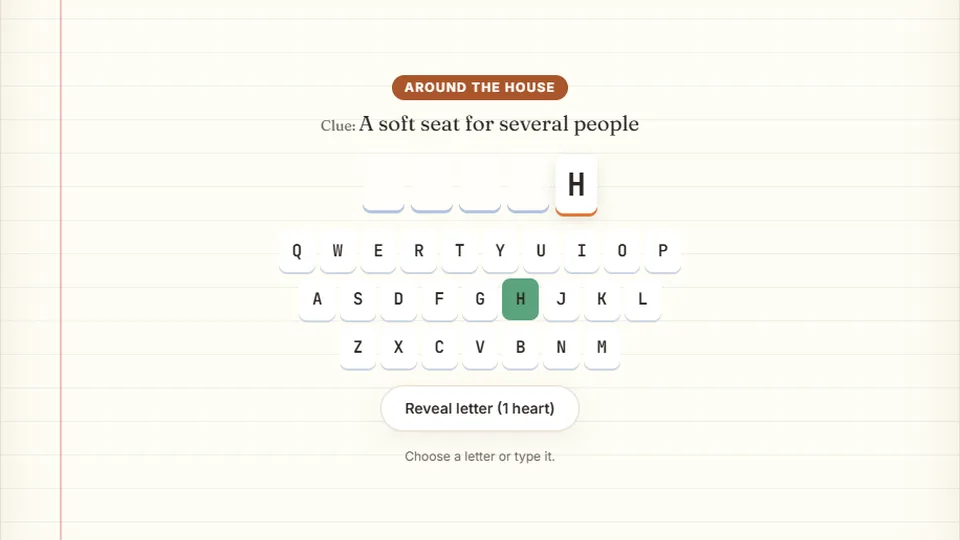
Use the category and clue to guess the word one letter at a time. Enter reveals a letter for the price of a heart.
Classic word puzzle
About Word Guessword typing games
Word Guess is a free hangman-style typing game built directly for your web browser. Instead of typing full words that scroll across the screen, you are given a row of blank tiles representing a hidden word. Your goal is to reveal the word by typing individual letters on your keyboard before your remaining guesses run out.
We built this game to combine the spelling strategy of traditional word games with the physical muscle memory of touch typing. Each incorrect guess brings you closer to a game over, which forces you to think about common letter combinations, prefix patterns, and suffix endings while keeping your fingers anchored to the home row.
Like all games on our site, this puzzle runs entirely in your browser with no account setup or download required. You can load the game instantly and start practicing your keyboard layout while solving engaging vocabulary puzzles.
- Free to play
- 100%
- Hearts per word
- 6
- Downloads needed
- 0
- Instant play
- Browser
- Classic hangman-style deduction mechanics
- Saves your personal high scores locally in your browser
- Includes light and dark themes for comfortable viewing
- Works with physical keyboards and mobile on-screen keys
Quick start guide
How to play Word Guess
Select your difficulty
Choose Easy, Medium, or Hard from the main menu. Higher difficulties feature longer, more complex words with less common letter patterns to challenge your spelling skills.
Type letters to guess
Look at the blank spaces on the screen. Type any letter on your keyboard. If the letter is in the word, it reveals itself in the correct position. If not, you lose one of your allowed guesses.
Solve the hidden word
Continue typing letters to fill in the blanks. If you figure out the word before running out of turns, type the remaining letters to complete the round and earn points.
Watch the scoreboard
Track your score and remaining guesses at the top. Use the controls by the scoreboard to pause the game, restart the round, toggle the sound, or enter full-screen mode.
Your highest score for each of the three difficulty modes is saved automatically in your browser on the device you are currently using.
Game mechanics
Why play our word typing games
Word Guess offers a distinct pace compared to traditional arcade typing tests. It prioritizes spelling recall and keyboard familiarity over raw words-per-minute speed.
Active spelling recall
Instead of copying words displayed on screen, you must mentally search for words that fit the blank spaces. This builds stronger cognitive connections between spelling and typing.
Three balanced modes
Easy mode uses common short words, while Hard mode introduces longer vocabulary words that require a solid grasp of English prefixes and suffixes.
Home row reinforcement
Because you guess one letter at a time, you can focus on returning your fingers to the home row bumps (F and J) between inputs, practicing proper form without time pressure.
How puzzle typing games build real skills
Many players find that alternating between high-speed arcade games and slower, puzzle-based typing games helps round out their keyboard skills. Speed is highly dependent on accuracy and rhythm. When you slow down to solve a puzzle, you train your brain to locate keys without looking down, which is the foundation of touch typing.
The average online typing speed hovers around 52 words per minute, based on a large-scale study by Aalto University. Moving past this average requires reducing your error rate. Word Guess penalizes blind typing, encouraging deliberate, accurate keystrokes.
By practicing with hidden words, you learn to anticipate where keys are located relative to each other. This spatial awareness helps you type faster when you return to standard prose tests.
- Average online typist52WPM
Typical speed for casual keyboard users worldwide.
- Everyday comfortable speed40WPM
Sufficient for basic email and document writing.
- Fluent touch typist goal70WPM
Achieved through regular practice and high accuracy.
Tips for success
Strategies for solving Word Guess puzzles
To get high scores consistently in Word Guess, you should approach the puzzle systematically. Start by guessing the most common vowels in the English language: E, A, and O. Revealing the vowels first gives you a clear framework of the word's syllable structure, making it much easier to deduce the remaining letters.
Once you have a few vowels on the board, look for common consonant clusters. Letters like T, N, S, R, and H appear with much higher frequency than letters like Z, Q, or X. If you see a blank space at the end of a word, test letters like S, D, or G, which frequently end common English words.
Remember that there is no timer ticking down in this game. Take your time to visualize the word before making a guess. This deliberate pace helps you avoid unnecessary errors and keeps your streak alive.
Explore the site
Discover more free typing games
We have designed a wide variety of typing challenges to keep your practice sessions fresh. If you want to try something different after playing Word Guess, explore our full library of arcade, speed, and learning games.
 Arcade
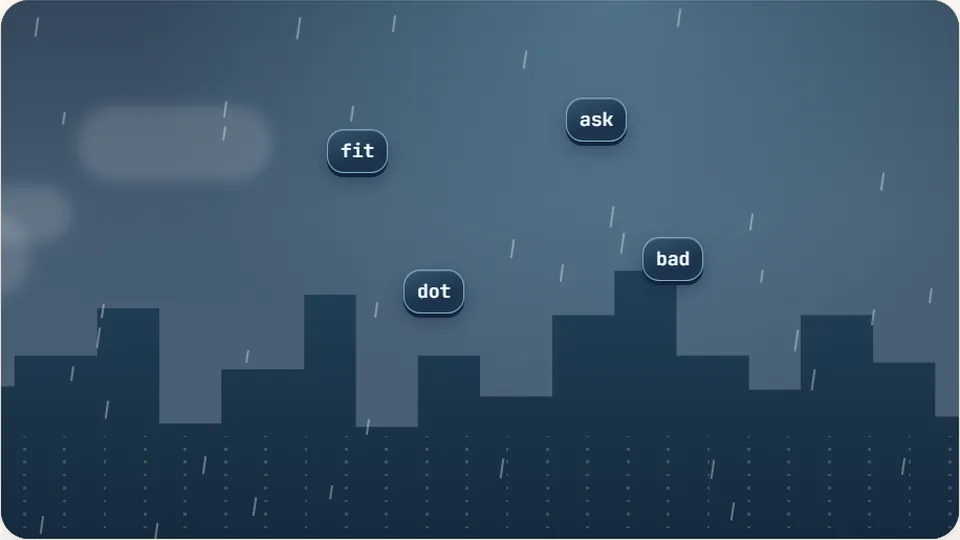
Word Rain
Clear the falling words before they hit the ground.
Play now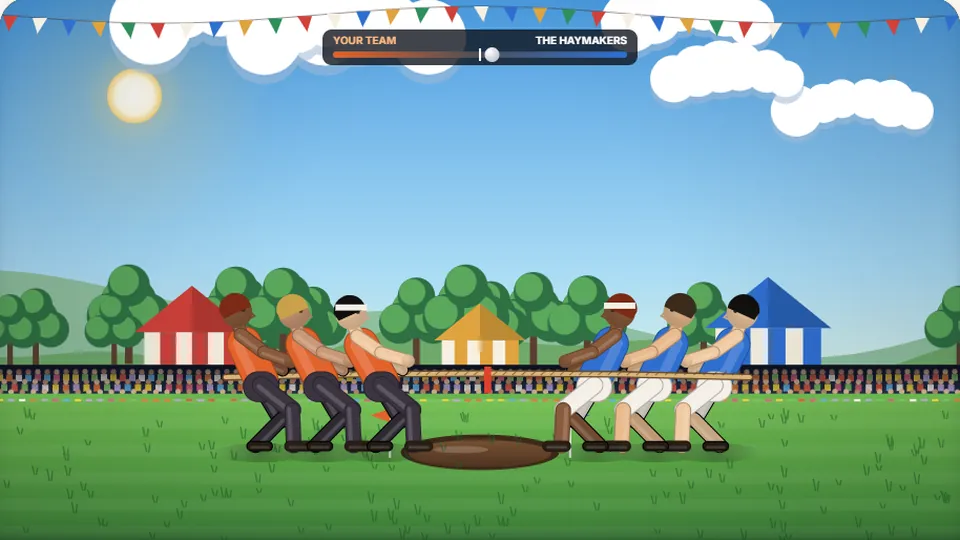 Sports
Tug of Words
Every clean word hauls the rope your way — drag the other team into the mud.
Play now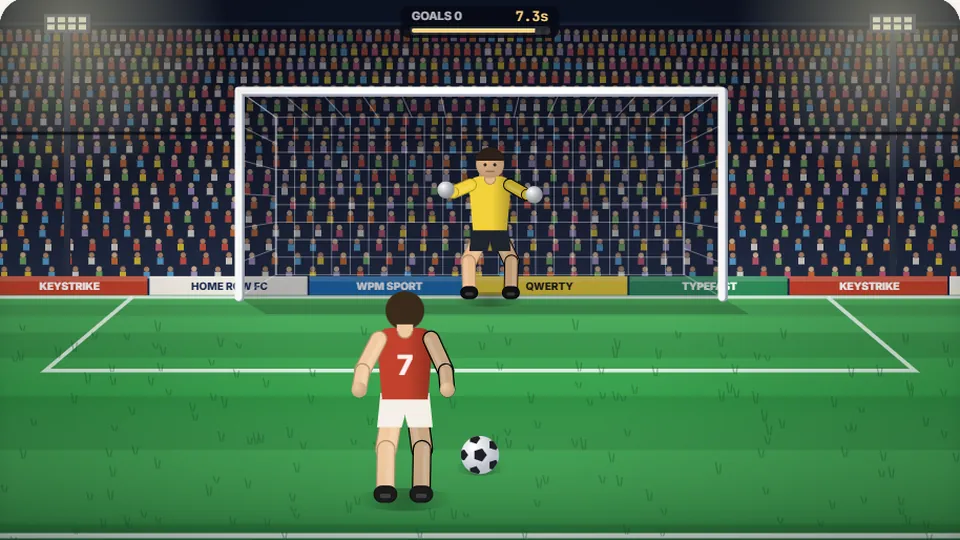 Sports
Penalty Kick
Beat the whistle and the keeper with clean, quick typing.
Play now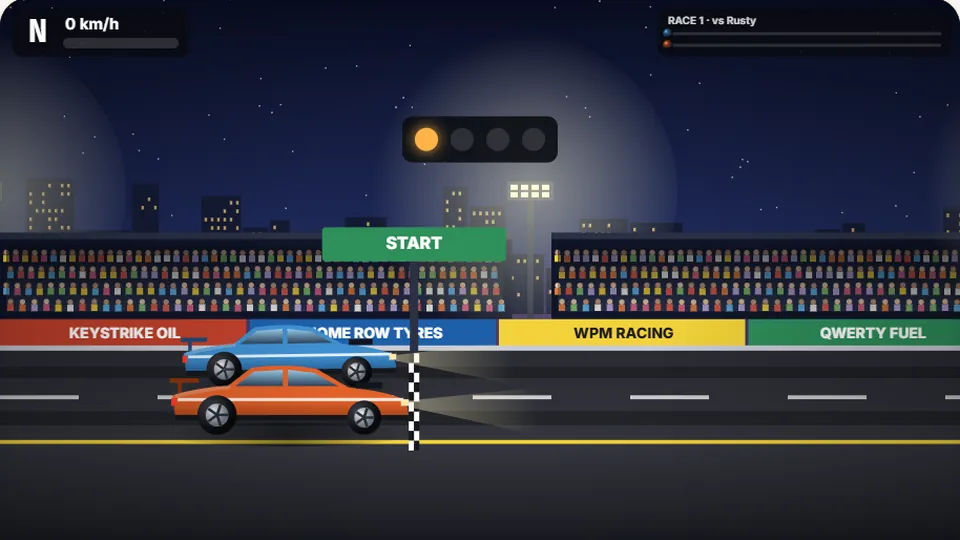 Racing
Drag Strip Typing
Six words, six gears — shift cleanly and beat the car in the next lane.
Play now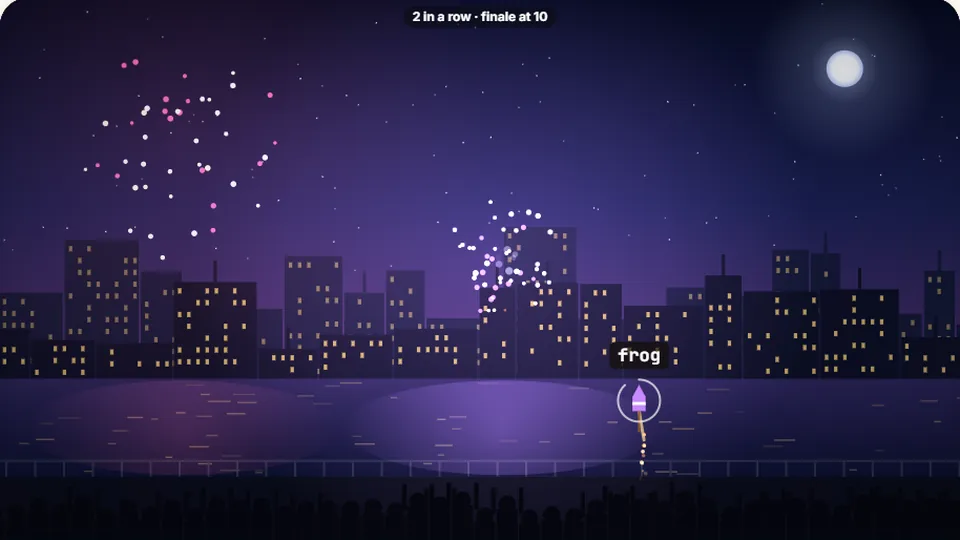 Kids
Fireworks Typing
Rockets climb into the night — type their words to make them burst.
Play now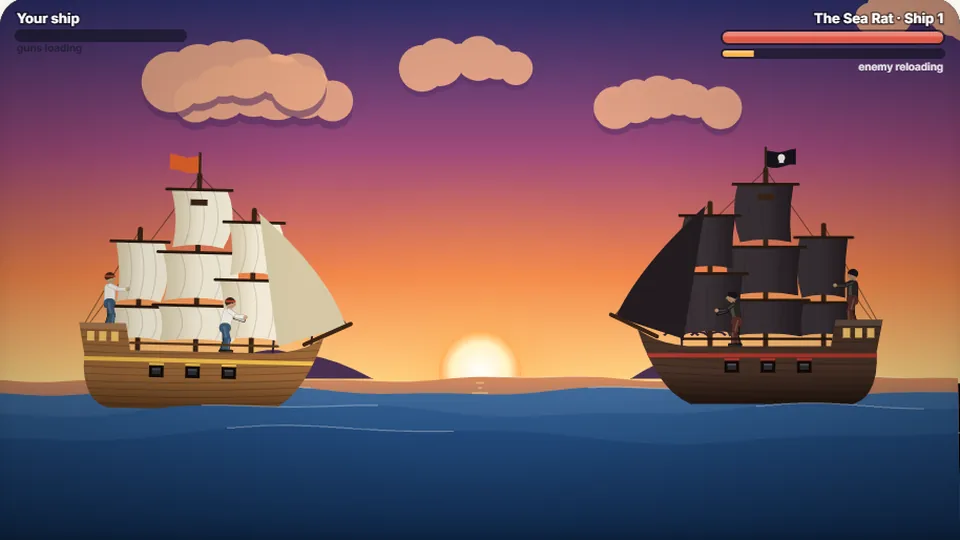 Adventure
Pirate Cannons
Load the guns by typing and sink the enemy ship before it sinks you.
Play now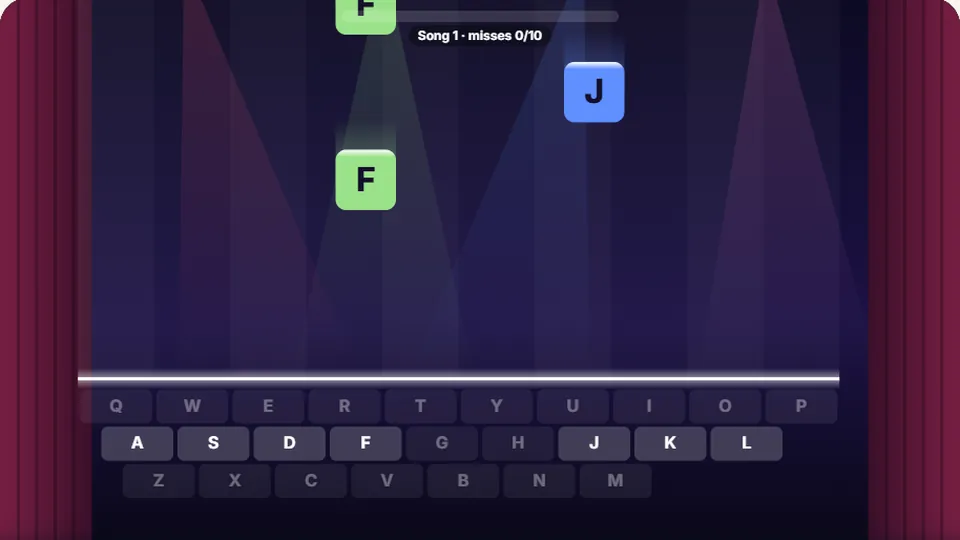 Learn
Melody Keys
Letters fall like notes — press each one on the line to play the melody.
Play now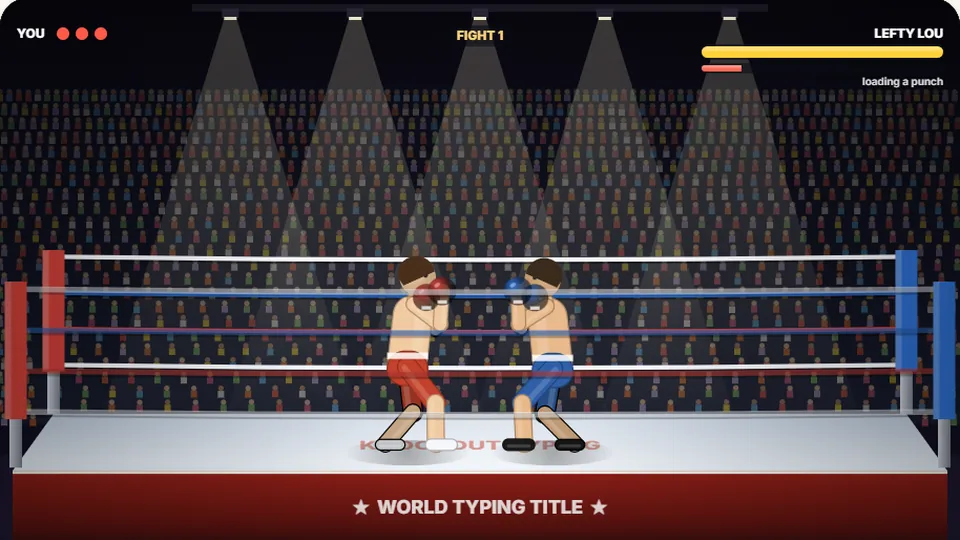 Sports
Knockout Typing
Step into the ring and win the fight with clean typing.
Play nowCommon questions
Frequently asked questions
Do I need to download anything to play Word Guess?
Are my high scores saved?
Can I play this game on a phone or tablet?
How does the difficulty setting affect the game?
Is there a dark mode available?
What should I do if I get stuck on a word?
Ready to test your spelling and typing?
Jump into Word Guess now to challenge your vocabulary and sharpen your keyboard accuracy. Choose your difficulty and start typing.