Typing Games
Typing Race
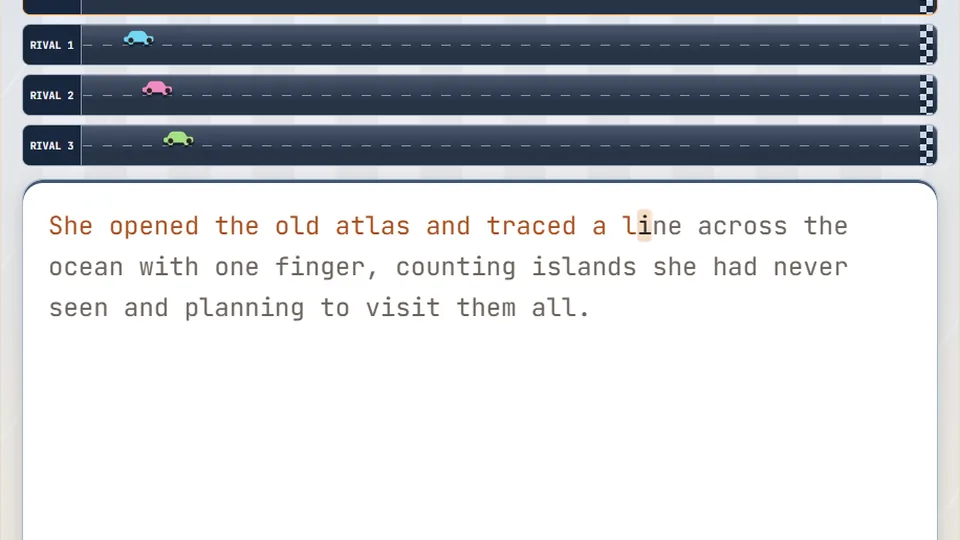
Type the passage correctly to drive your car forward. Three rival cars race alongside you — cross the finish line first to win.
The starting grid
Out-type rival cars to the finish lineracing typing games
Typing Race puts your keyboard skills on the track. In this free racing typing game, you are matched against three rival cars in a sprint to the finish. Every word you type correctly pushes your car forward, while mistakes slow your momentum. It is a straightforward test of speed and accuracy under pressure.
The game tracks your words per minute (WPM) and accuracy live on the screen as you type the passage. You can play directly in your browser without an account, making it easy to jump in for a quick race whenever you have a few minutes.
- Rival cars
- 3
- WPM tracking
- Live
- To play
- Free
- Downloads
- 0
- Race against three computer opponents
- Live tracking of your typing speed and accuracy
- Three difficulty modes to match your skill
- Best scores save locally in your browser
Game mechanics
How car typing games work
Car typing games combine the mechanics of a standard typing test with the visual feedback of a race. Instead of just watching a cursor move across a screen of text, your typing speed directly controls a vehicle. The faster and more accurately you type the provided passage, the faster your car moves down the track.
In Typing Race, you are competing against three other cars. These rivals are paced to provide a challenge, requiring you to maintain a steady rhythm and minimize errors to stay ahead. The visual representation of the race adds a layer of urgency that a simple text box lacks.
- Goal
- Cross the finish line before the three rival cars.
- Movement
- Correct keystrokes advance your car; errors halt progress.
- Tracking
- WPM and accuracy are calculated and displayed in real-time.
- Difficulty
- Choose Easy, Medium, or Hard to adjust the challenge.
Instructions
Getting off the starting line
Select your difficulty
Choose Easy, Medium, or Hard from the main menu. This determines the complexity of the text passage you will need to type.
Watch the countdown
Place your hands on the home row and wait for the starting signal. The race begins as soon as the text appears on the screen.
Type the passage
Type the words exactly as they appear. Your car will accelerate with every correct word. If you make a mistake, you must fix it before you can continue.
Check your results
Once you cross the finish line, review your final WPM, accuracy percentage, and placement against the rival cars.
You can pause, restart, or toggle the sound using the controls near the scoreboard.
Winning tactics
Building speed in race typing games
Winning in Typing Race requires more than just moving your fingers quickly. The most common mistake players make is trying to type faster than their accuracy allows. When you make an error, the time spent noticing the mistake, hitting backspace, and retyping the word costs you far more momentum than simply typing at a steady, controlled pace.
Focus on reading one or two words ahead of what you are currently typing. This helps your brain process the upcoming keystrokes, smoothing out your rhythm and preventing the stutter-step typing that slows your car down. Consistent accuracy is the key to maintaining top speed.
Prioritize accuracy
Aim for 95% accuracy or higher. Fixing mistakes is the biggest drain on your speed.
Read ahead
Keep your eyes on the upcoming words, not just the letters you are currently hitting.
Maintain rhythm
Try to type at a consistent, even pace rather than rushing in bursts.
Game details
What to expect on the track
Typing Race includes several features designed to help you track your progress and customize your experience.
Live WPM tracking
Watch your typing speed update in real-time as you race, giving you immediate feedback on your performance.
Local high scores
The game saves your best scores for each difficulty level directly in your browser, so you can always try to beat your personal best.
Theme options
Switch between light and dark themes to suit your preference and reduce eye strain during longer practice sessions.
More speed typing games
If you enjoy the fast-paced challenge of Typing Race, try these other games that focus on speed and quick reactions.
| Goal | Game | Why play it |
|---|---|---|
| Straight-line speed | Drag Strip Typing | Focus entirely on raw acceleration in short, intense bursts. |
| Fast reflexes | Word Sprint | A pure speed challenge without the racing visuals. |
| Quick typing | Combo Rush | Build multipliers by typing words quickly and accurately in succession. |
| Racing mechanics | Pit Stop Typing | Combines typing speed with timing challenges. |
Typing speed benchmarks
Understanding where your speed falls can help you set realistic goals for improvement. Keep in mind that a 'word' in typing measurements is standardized as five characters, including spaces.
- Beginner25WPM
Still learning the keyboard layout.
- Average40WPM
Comfortable everyday typing speed.
- Proficient60WPM
Good speed for most professional tasks.
- Fast80WPM
Requires consistent practice and good technique.
- Expert100WPM
Top-tier speed, often seen in competitive typing.
How to improve your race times
Do this
- Keep your fingers resting lightly on the home row (ASDF and JKL;).
- Focus on typing accurately before trying to type fast.
- Take short breaks if your hands feel tense or tired.
- Practice regularly for short periods rather than in long, infrequent sessions.
Avoid this
- Don't look down at your hands while typing.
- Don't smash the keys; use a light, even touch.
- Don't ignore mistakes; fix them immediately to build good habits.
- Don't get frustrated if your speed drops when learning new techniques.
Questions
Common questions about Typing Race
Do I need to download anything to play?
Is the game free to play?
Can I play on a tablet or phone?
How are my scores saved?
What happens if I make a typo during the race?
Keep practicing
Try our other typing games
We have 69 games and 23 typing tests on the site to help you build your keyboard skills.
 Arcade
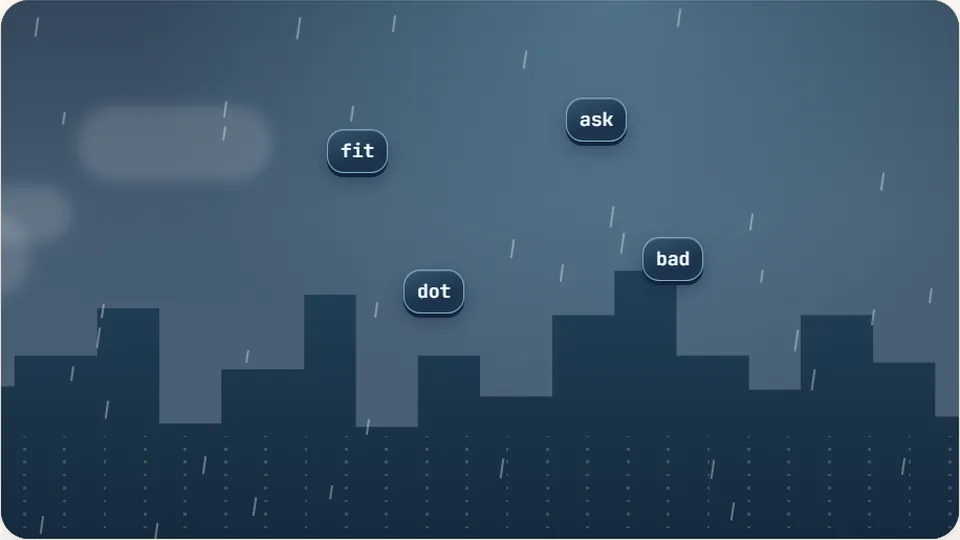
Word Rain
Clear the falling words before they hit the ground.
Play now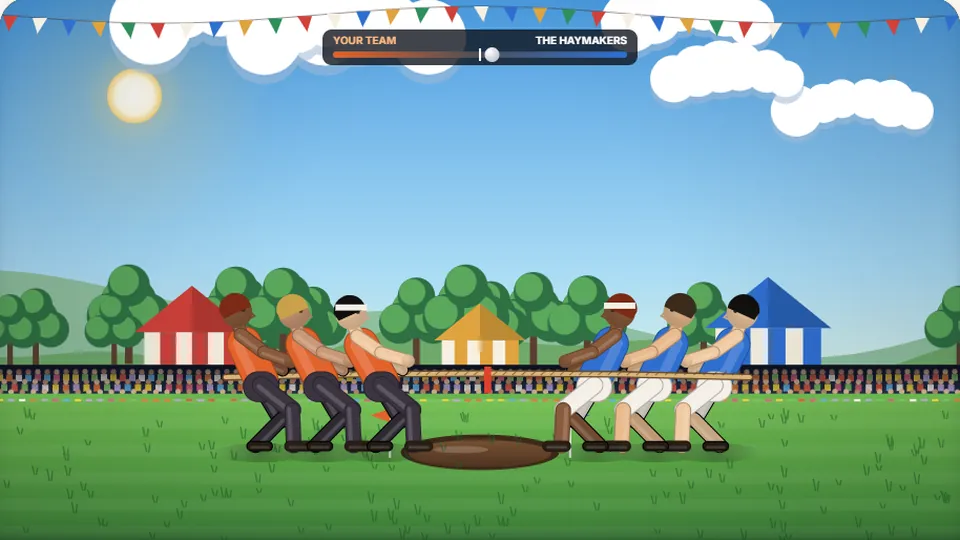 Sports
Tug of Words
Every clean word hauls the rope your way — drag the other team into the mud.
Play now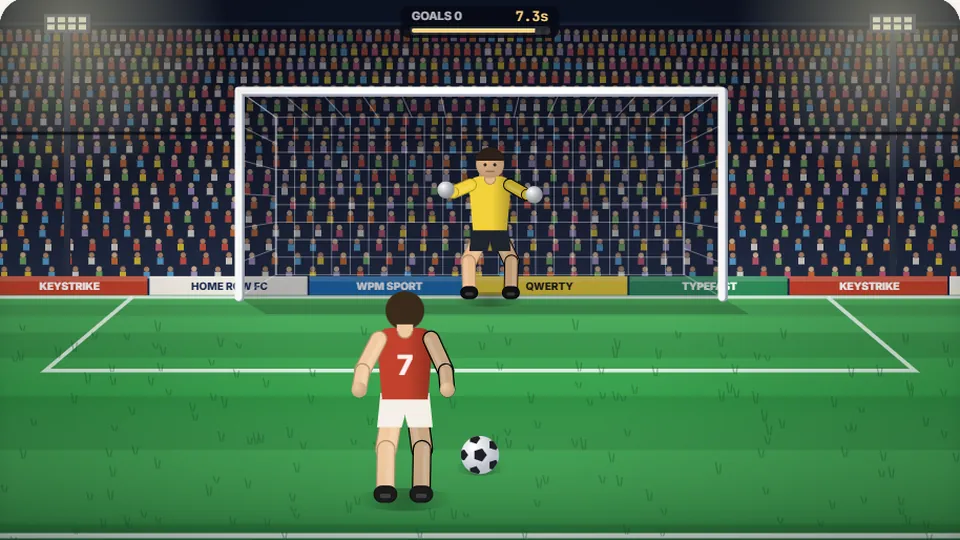 Sports
Penalty Kick
Beat the whistle and the keeper with clean, quick typing.
Play now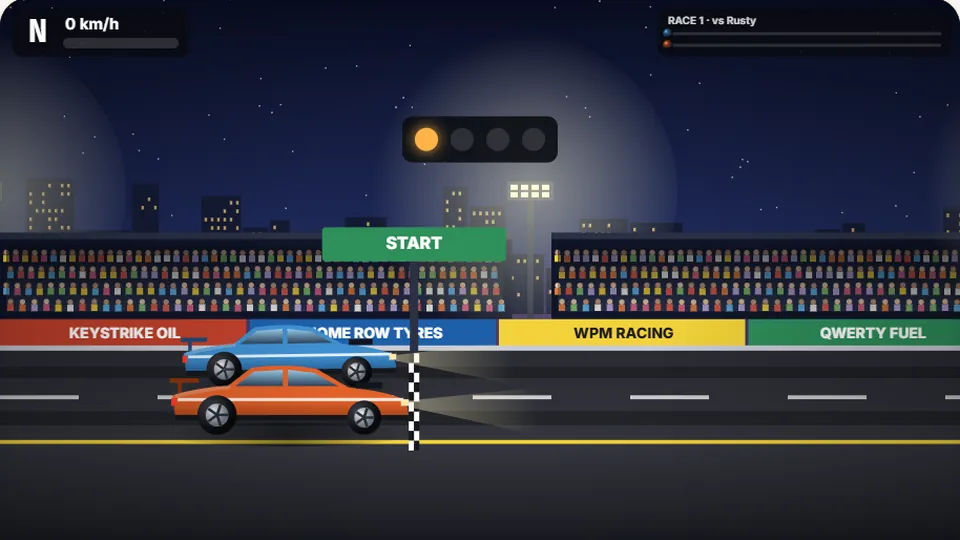 Racing
Drag Strip Typing
Six words, six gears — shift cleanly and beat the car in the next lane.
Play now Kids
Fireworks Typing
Rockets climb into the night — type their words to make them burst.
Play now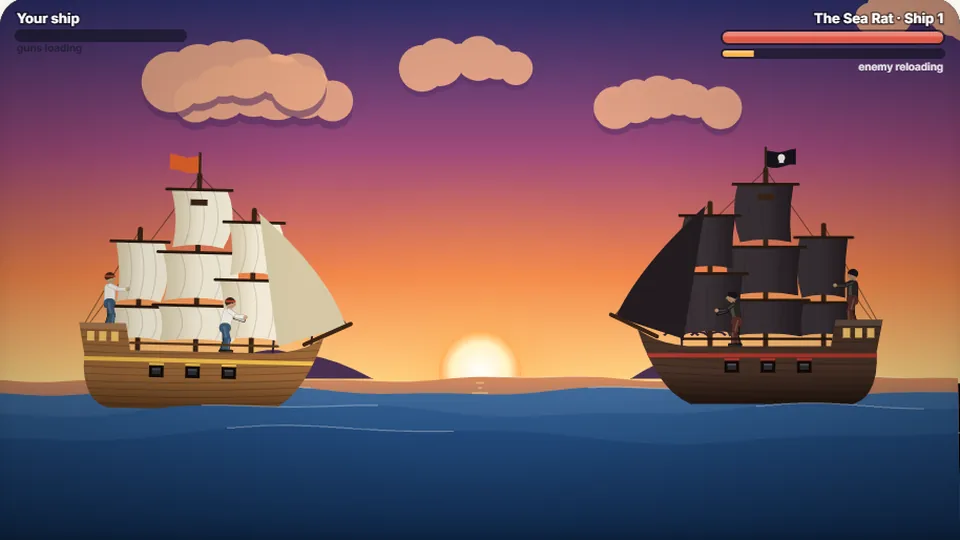 Adventure
Pirate Cannons
Load the guns by typing and sink the enemy ship before it sinks you.
Play now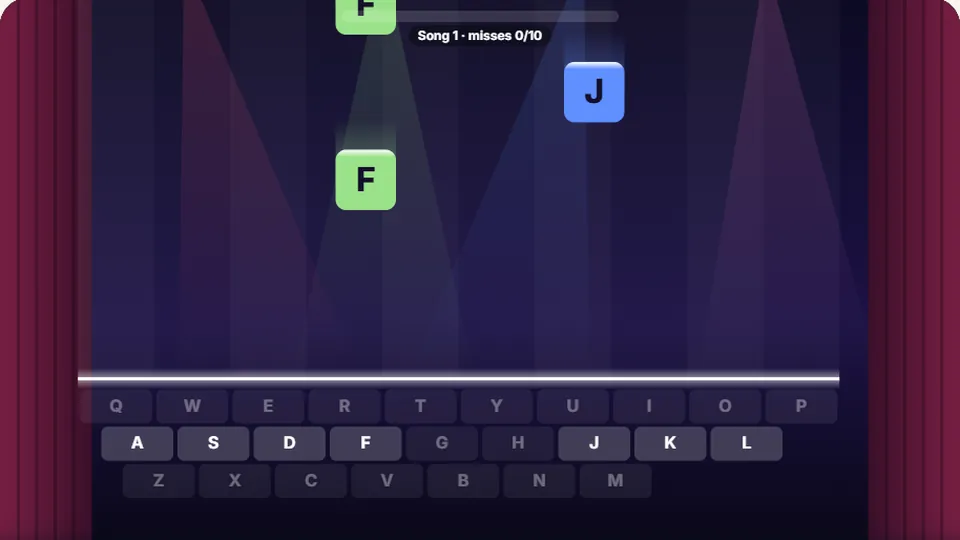 Learn
Melody Keys
Letters fall like notes — press each one on the line to play the melody.
Play now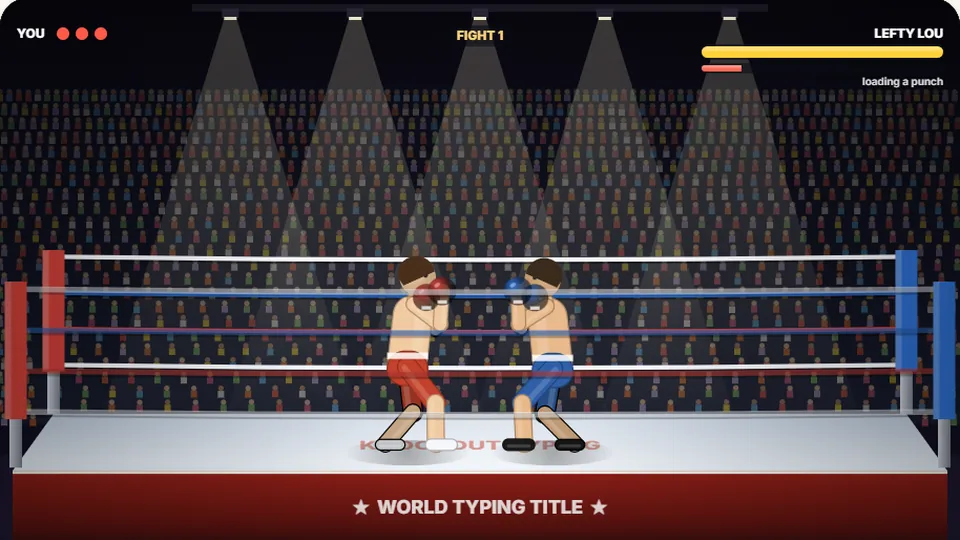 Sports
Knockout Typing
Step into the ring and win the fight with clean typing.
Play nowReady to start the race?
Put your typing speed to the test. Choose your difficulty and see if you can beat the rival cars to the finish line.