Typing Games
Spell Quest typing game

A word flashes on screen, then disappears. Type it back correctly from memory. Longer words appear as you level up.
Free browser game
Overvieweducational typing games
Spell Quest is a free online game built to test and improve your memory alongside your keyboard skills. Educational typing games often focus only on speed, but this one challenges you to retain what you read before your fingers start moving. A word flashes up on screen, disappears, and leaves you to type it back from memory.
You can play right here in your browser with no download and no account required. It works across devices, though a physical keyboard gives you the best control over your spelling and finger placement. Three difficulty settings let you choose how long words stay visible.
Your best scores save automatically in your browser on that device. If you want a quick mental workout that combines spelling practice with core keyboard drills, this fits right into a daily routine.
- Difficulty levels
- 3
- Downloads needed
- 0
- Free to play
- 100%
- Score saving
- Local
- Play directly in any modern browser without installing software
- Test visual memory and keyboard accuracy at the same time
- Choose between easy, medium, and hard difficulty modes
- Switch between light and dark themes to suit your workspace
Mechanics
How the game works
The core loop is straightforward. A target word appears briefly on the screen, then vanishes. Your job is to recall the spelling instantly and type the word without looking back at the prompt.
Accuracy matters more than speed here. If you rush and miss a letter, the round registers an error. Taking an extra split second to visualize the word before striking the keys yields better results than blind typing.
- Primary goal
- Memorize and spell hidden words correctly
- Controls
- Standard keyboard with pause and sound toggle options
- Difficulty
- Easy, medium, and hard modes with separate high scores
- Platform
- Web browsers on desktop, tablet, and mobile devices
Instructions
Step-by-step gameplay
Start a round
Select your difficulty mode and press play. The game interface loads instantly in your browser window.
Watch the flash
A word appears on the screen for a short window. Read it carefully and commit the spelling to memory before it hides.
Type from memory
As soon as the word vanishes, type the letters onto your keyboard and hit enter to submit your answer.
Check your score
The game records your correct answers and updates your personal best score stored locally on your device.
You can pause the game at any time using the controls next to the scoreboard if you need a break.
Details
Built for practice and focus
Learning typing games often rely on continuous text copying, which can become repetitive. Spell Quest introduces a memory element that forces your brain to engage differently with the keyboard. By separating the reading phase from the typing phase, it trains you to hold character sequences in your head.
The interface includes a set of clear controls located right by the scoreboard. You can pause your session, restart a round, toggle sound effects, or switch into full-screen mode for an uninterrupted workspace.
Memory training
Briefly seeing and hiding words helps build short-term visual retention.
Adjustable pace
Three distinct difficulty modes let you match the challenge to your skill level.
Keyboard comfort
Practise touch typing without looking down at your fingers.
A four-week spelling and typing routine
Consistency yields better results than long, exhausting sessions. Spend five to ten minutes each day working through this simple four-week schedule.
- Week 1
Easy mode focus
Start on easy mode to get comfortable with the flash duration. Focus on 100% spelling accuracy rather than how quickly you press the keys.
- Week 2
Medium difficulty
Move up to medium mode. Pay attention to finger placement on the home row so you can reach every key without looking down.
- Week 3
Hard mode challenge
Test your retention on hard mode. Shorter display times require instant recognition and immediate finger movement.
- Week 4
Speed and retention
Mix Spell Quest sessions with standard typing tests to see how your overall WPM and spelling accuracy have improved.
Feel free to repeat any week if you want extra reinforcement before moving on.
Arcade & Learn
Play more free browser games
Explore our full collection of 69 free typing games and 23 typing tests. No downloads or accounts are needed to play any of them.
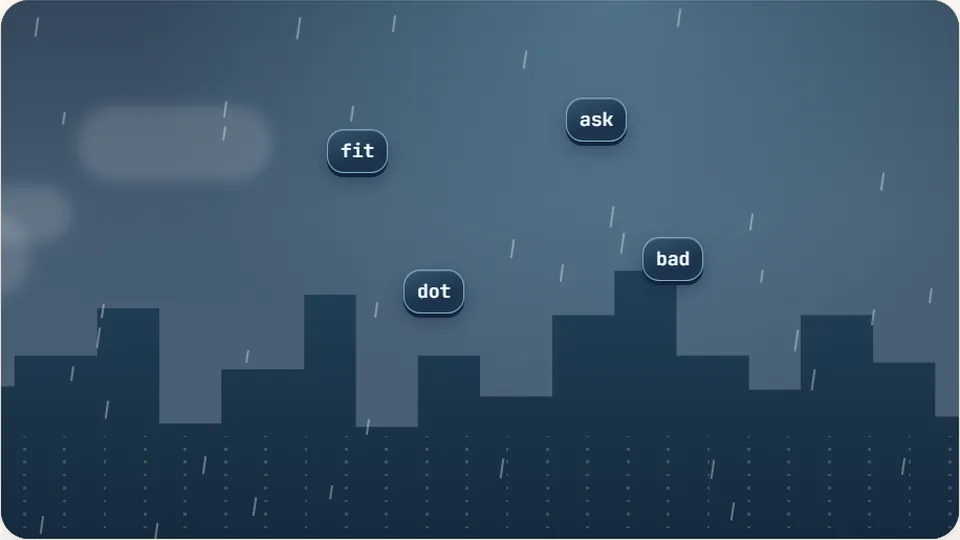 Arcade
Word Rain
Clear the falling words before they hit the ground.
Play now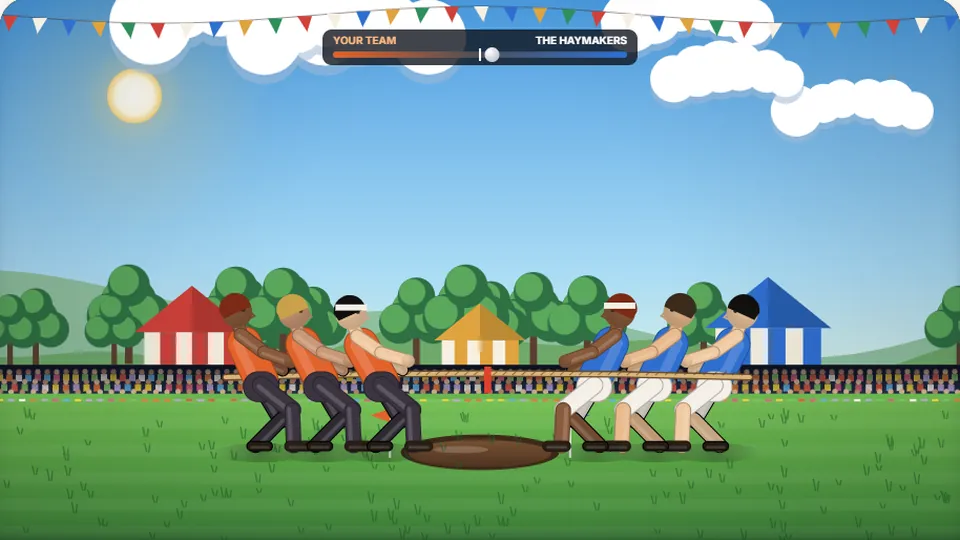 Sports
Tug of Words
Every clean word hauls the rope your way — drag the other team into the mud.
Play now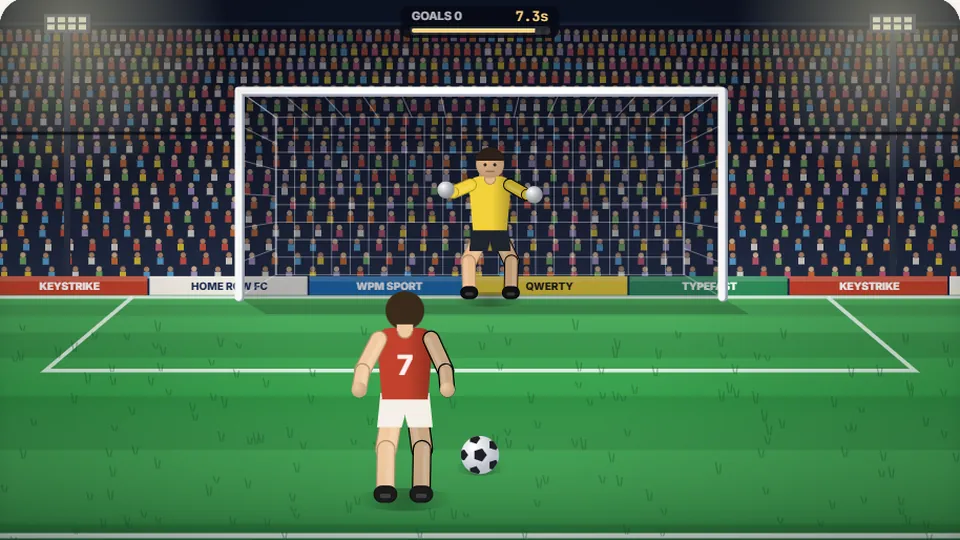 Sports
Penalty Kick
Beat the whistle and the keeper with clean, quick typing.
Play now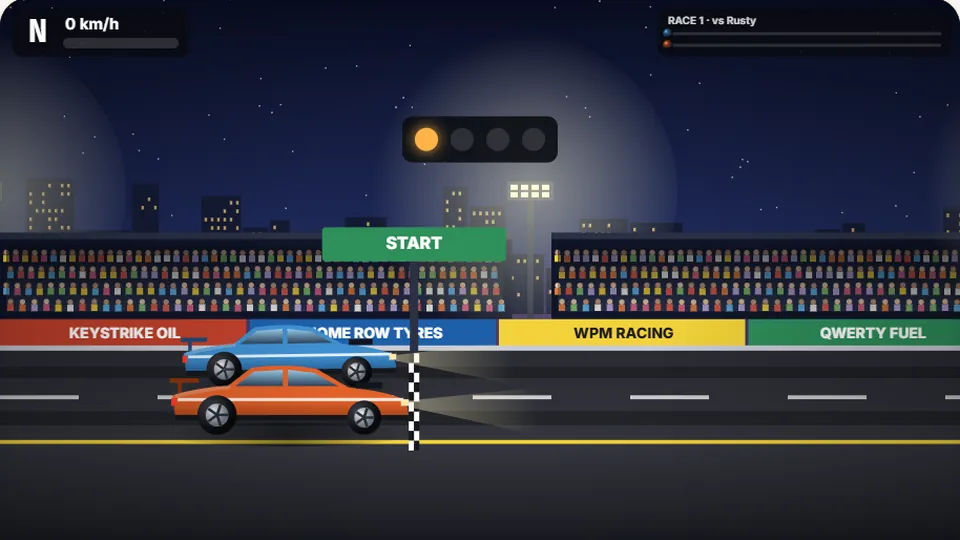 Racing
Drag Strip Typing
Six words, six gears — shift cleanly and beat the car in the next lane.
Play now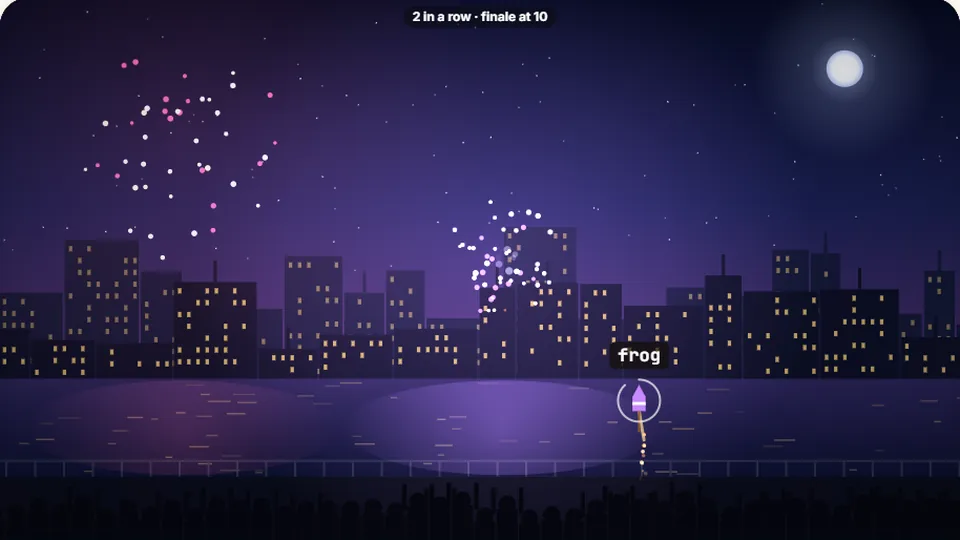 Kids
Fireworks Typing
Rockets climb into the night — type their words to make them burst.
Play now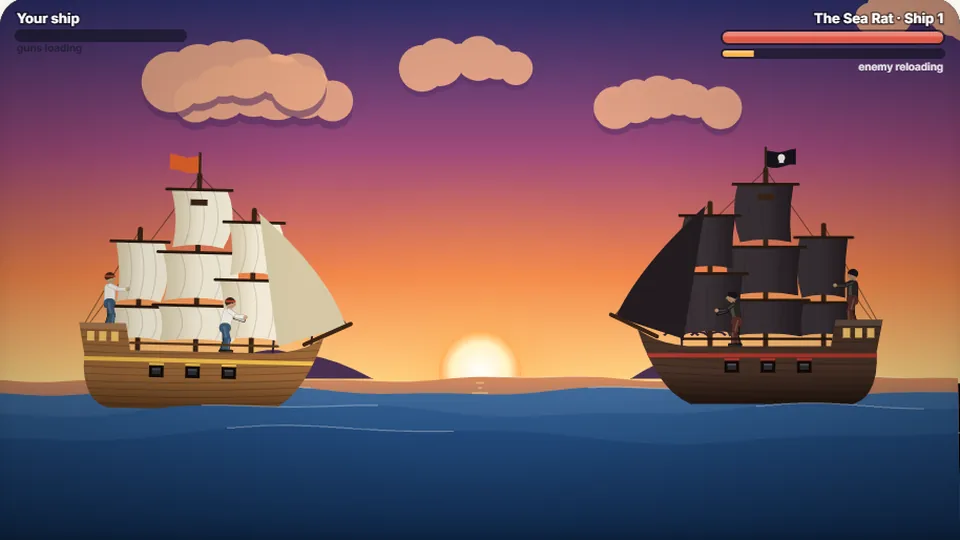 Adventure
Pirate Cannons
Load the guns by typing and sink the enemy ship before it sinks you.
Play now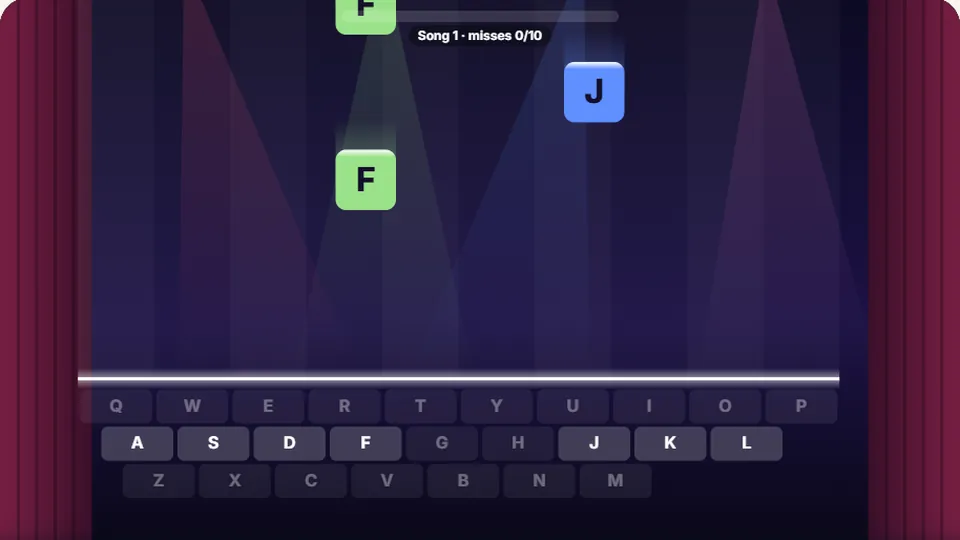 Learn
Melody Keys
Letters fall like notes — press each one on the line to play the melody.
Play now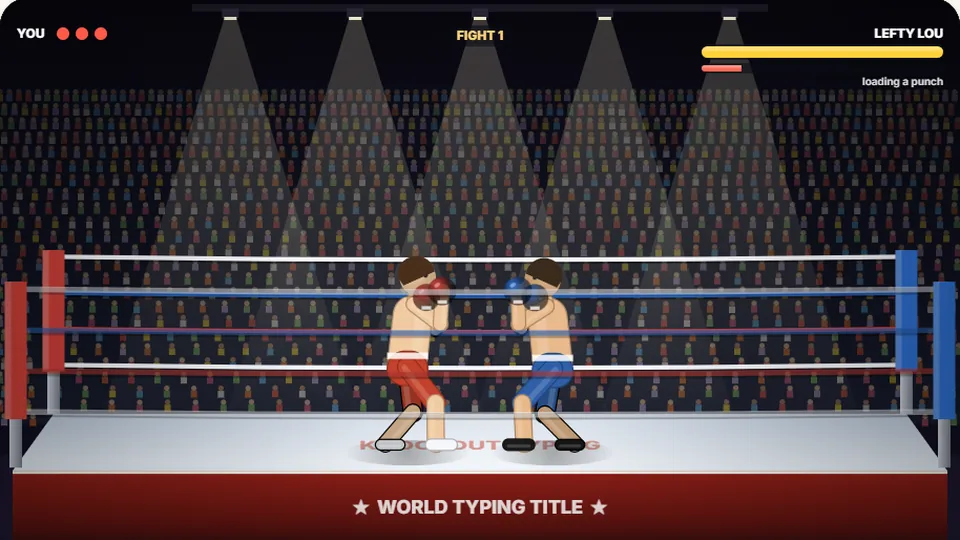 Sports
Knockout Typing
Step into the ring and win the fight with clean typing.
Play nowQuestions
Frequently asked questions
Is Spell Quest completely free?
How do I save my high scores?
Can I play on my phone or tablet?
What skills does this game improve?
Are there different difficulty levels?
Ready to test your spelling?
Jump into Spell Quest now and see how many words you can remember and type correctly.