Typing Games
Letter Hunt typing game
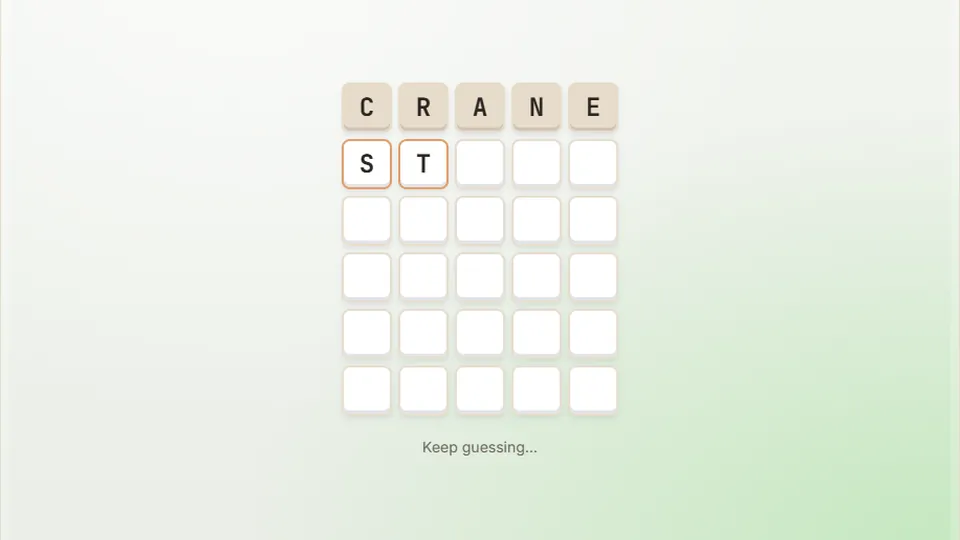
Type a five-letter word and press Enter. Green means right spot, yellow means wrong spot, grey means not in the word. Crack it in six tries.
Daily word puzzle
Test your vocabulary with Letter Huntmaster the secret word
Letter Hunt is a free word guessing game designed to test your deduction skills and finger placement on the keyboard. Your objective is simple: discover the hidden word within six attempts using direct keyboard input and visual color clues.
Unlike classic arcade word games that push for speed, Letter Hunt mixes word games with physical typing practice. Each attempt forces you to consider common letter pairings, key locations, and English vocabulary patterns before committing your keystrokes.
Everything runs inside your web browser without accounts, downloads, or paywalls. Simply load the game, start typing words that fit the grid, and refine your strategy based on the feedback from every line.
- Guesses allowed
- 6
- Letters per word
- 5
- Difficulty modes
- 3
- Free browser access
- 100%
- Real-time feedback using green, yellow, and gray tiles
- Supports standard desktop keyboards and mobile touchscreens
- Saves best streaks and scores locally on your device
- Built-in control panel with pause, restart, sound, and full screen
Game mechanics
How to play Letter Hunt
Type your starter word
Enter a word that fits the grid in your selected practice language. Hit Enter to submit your guess into the first row of tiles.
Analyze the color feedback
Green tiles mean the letter is correct and in the right place. Yellow tiles mean the letter is in the secret word but located in a different slot. Gray tiles mean the letter is not in the word.
Refine your next attempt
Use the remaining letter options to form another valid guess. Keep green letters in position, move yellow letters to new slots, and avoid grayed-out keys.
Crack the word in six tries
Solve the word puzzle before your six rows fill up. Complete the round to record your score and try a new secret word.
Physical mechanical keyboards yield the best feedback for fast typing, but on-screen keyboards work smoothly on tablets and phones.
Tactical advice
Smart strategies for word guessing games
Winning puzzle typing games reliably comes down to opening choices and tactical elimination. Your first guess should always contain at least three vowels (like A, E, I, O) and frequent consonants such as R, S, or T. Words like ARISE, SLATE, or CRANE eliminate or confirm vital letters early on.
Avoid reusing gray letters in subsequent rows. It can be tempting to type familiar muscle-memory combinations, but wasting a row on confirmed wrong letters limits your chance of solving the word within six attempts. Treat every keystroke as a deliberate choice to narrow down possibilities.
If you get stuck on the fourth or fifth attempt, take a brief moment to scan the keyboard layout. Think about English spelling rules—such as common endings like -IGHT, -CH, or -TY—and test those positions on the home row.
Vowel coverage
Use your first two attempts to test four common vowels so you can establish the core sound structure of the target word.
Consonant elimination
Test common letter pairs like ST, SH, TR, and PL early to reduce the dictionary pool quickly.
Home-row discipline
Keep your fingers resting on the home row (ASDF JKL;) while thinking to maintain solid typing form between guesses.
Pattern recognition
Look at remaining open slots and consider structural word endings like -ER, -ED, -LE, or -Y.
Comparing difficulty settings in Letter Hunt
Letter Hunt features three distinct modes tailored to different skill levels. Switch modes near the scoreboard to reset your current target word and track individual local records.
| Difficulty | Target Word Pool | Feedback Rules |
|---|---|---|
| Easy | Common everyday words | Standard green, yellow, and gray color hints with flexible word options. |
| Medium | Broader dictionary vocabulary | Standard color hints with fewer hints given for obscure word forms. |
| Hard | Advanced and uncommon words | Strict validation requiring exact root word forms and challenging letters. |
Your highest streak for each difficulty mode is saved independently in your browser.
More puzzle typing games to try
If you enjoy logic challenges and word games, try these hand-picked titles on ProTypingGames.
| Your Goal | Recommended Game | Why Play It |
|---|---|---|
| Unscramble mixed-up letter sets | Word Scramble | Rearrange jumbled characters under moderate pressure to train anagram solving. |
| Solve hidden letters with limited tries | Word Guess | A classic hangman-style challenge that tests single letter elimination. |
| Crack numeric codes instead of text | Vault Cracker | Applies similar deductive logic to number combinations on your top row or numpad. |
| Build vertical words to clear blocks | Word Tower | Combines spatial puzzle thinking with quick key presses. |
| Practice pure typing without pressure | Zen Type | A relaxed environment focused purely on key accuracy and finger rhythm. |
Full library
Explore our complete game collection
ProTypingGames offers 69 free browser games and 23 typing tests across arcade, speed, educational, and puzzle categories. No downloads or sign-ups required.
 Arcade
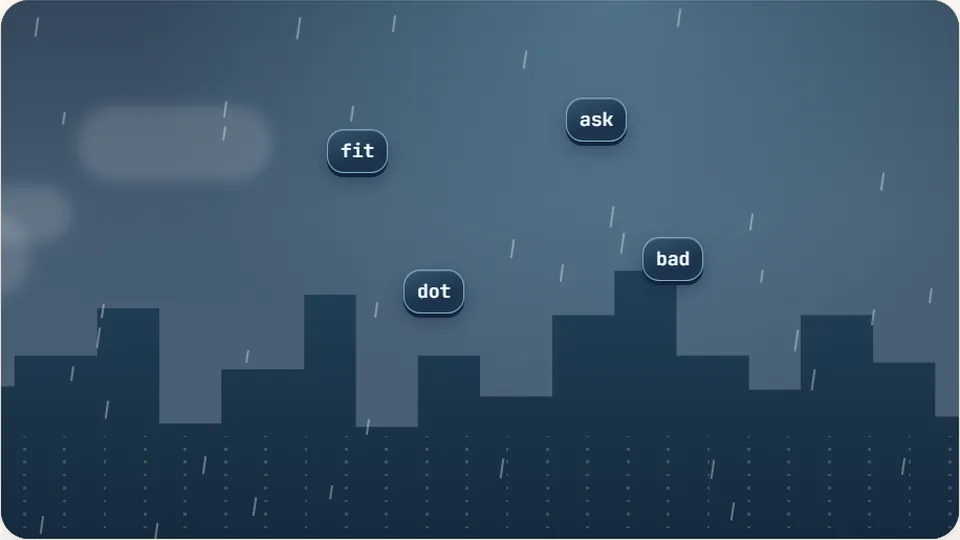
Word Rain
Clear the falling words before they hit the ground.
Play now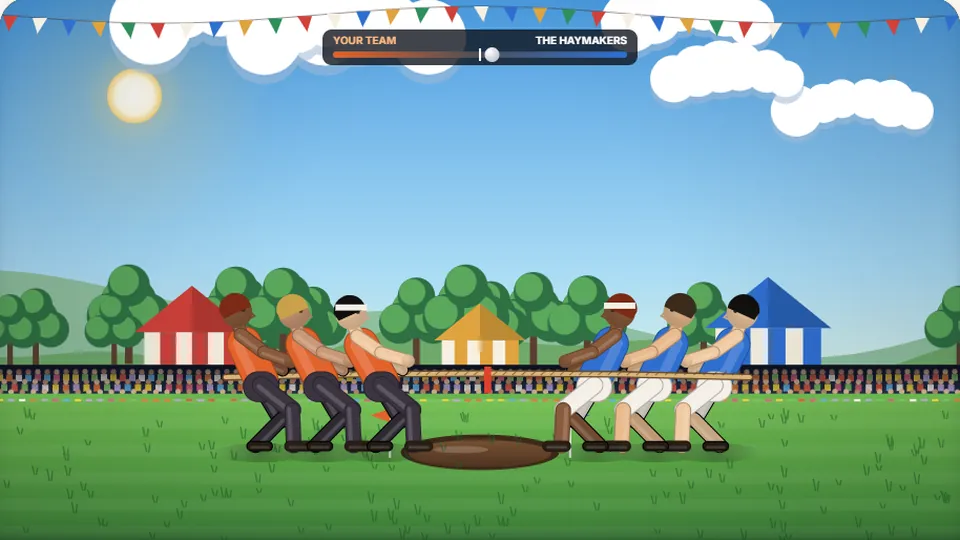 Sports
Tug of Words
Every clean word hauls the rope your way — drag the other team into the mud.
Play now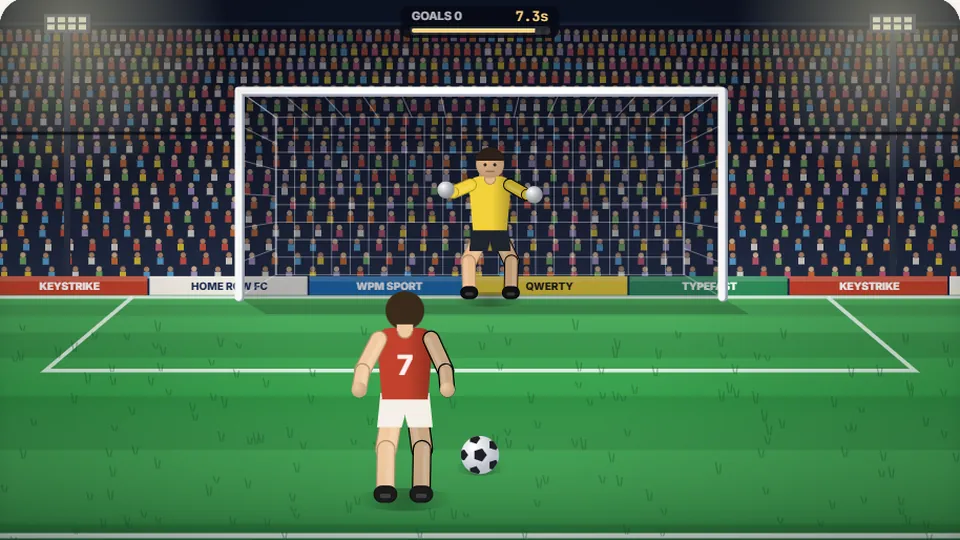 Sports
Penalty Kick
Beat the whistle and the keeper with clean, quick typing.
Play now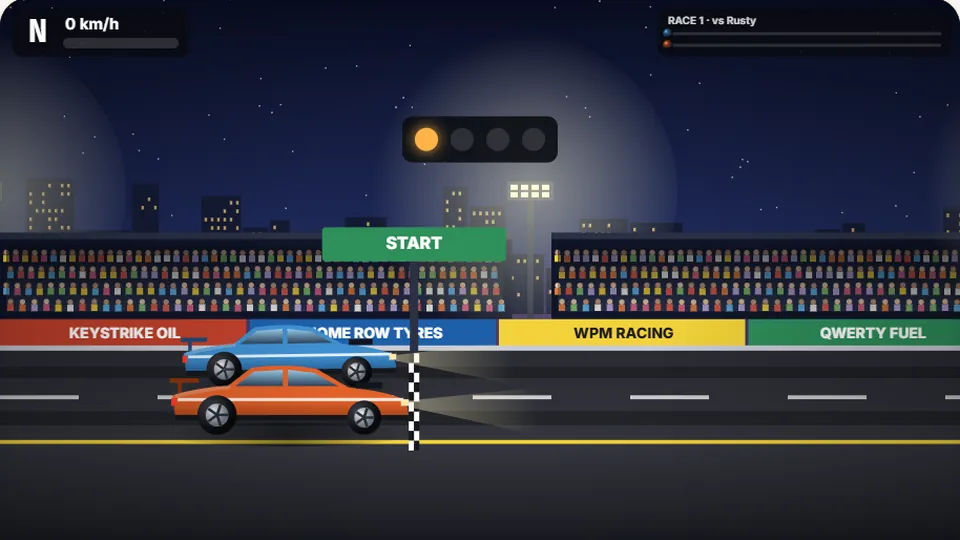 Racing
Drag Strip Typing
Six words, six gears — shift cleanly and beat the car in the next lane.
Play now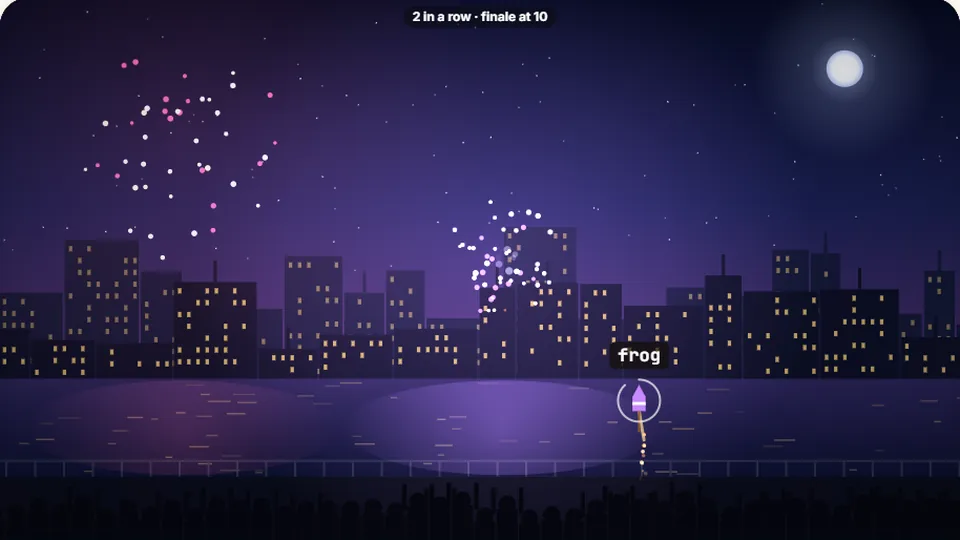 Kids
Fireworks Typing
Rockets climb into the night — type their words to make them burst.
Play now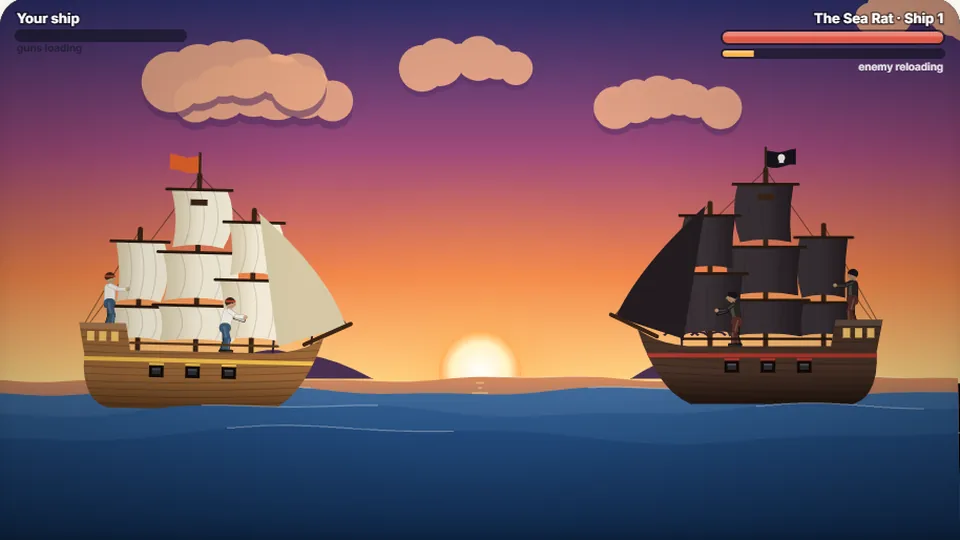 Adventure
Pirate Cannons
Load the guns by typing and sink the enemy ship before it sinks you.
Play now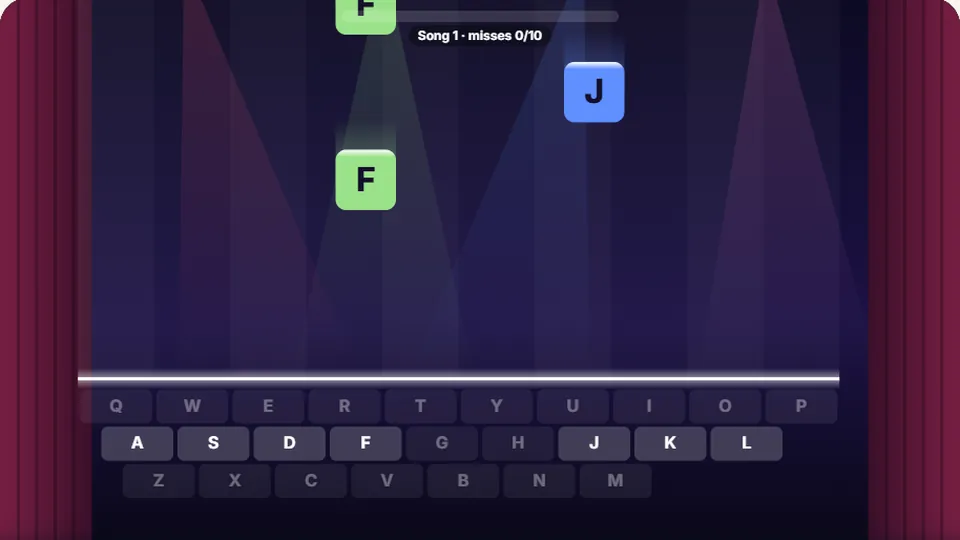 Learn
Melody Keys
Letters fall like notes — press each one on the line to play the melody.
Play now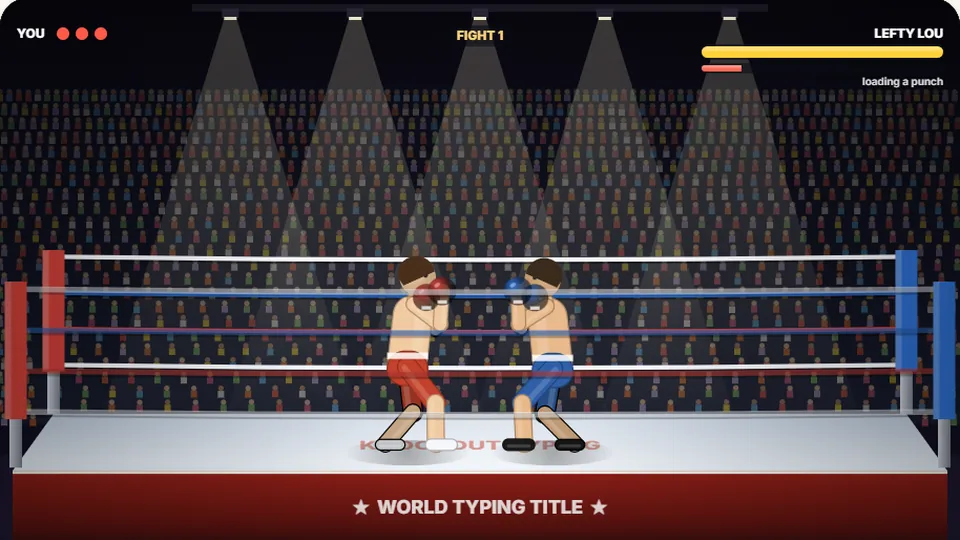 Sports
Knockout Typing
Step into the ring and win the fight with clean typing.
Play nowGot questions?
Frequently asked questions
Is Letter Hunt free to play?
How does Letter Hunt help improve typing skills?
Can I save my best scores and win streaks?
Does Letter Hunt work on touchscreens?
What features are included in the top toolbar?
What is the average typing speed for online players?
Ready to hunt for the secret word?
Put your vocabulary and keyboard accuracy to the test right now in your browser.