Typing Games
Arrow Duel typing game
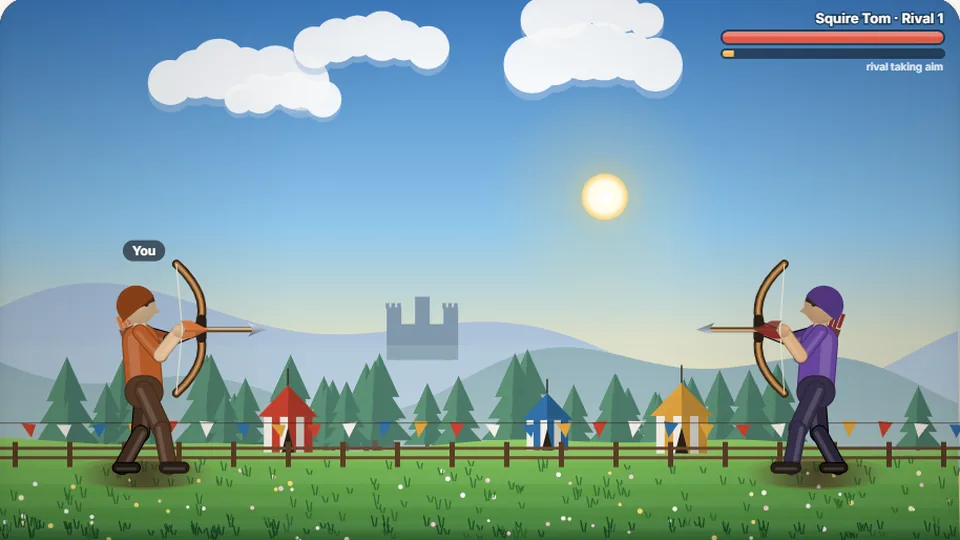
Typing draws your bow. A word with no mistakes hits the rival; any slip sends the arrow wide. Beat them before their shot lands.
Bowstring showdown
Loose clean shots under pressurearchery typing game
Arrow Duel is a precision archery typing game where your keystrokes control your aim and draw. Two marksmen stand opposite each other on a windy field. Each archer draws an arrow, and a word appears above the opposing target. Type the prompt accurately from the first letter to the last, and your arrow flies straight into your rival's target board. Stumble on a single key, and your shaft veers wide into the dirt.
Your opponent does not wait for you to find your rhythm. A visible tension meter fills across their side of the screen as they draw back their bowstring. If their bar tops out before you finish your prompt cleanly, their arrow strikes your marksman and you forfeit a heart. Victory demands steady hands, strict focus, and a willingness to pace yourself instead of hammering keys in a blind panic.
Like the best shooter typing games, Arrow Duel changes the relationship between speed and accuracy. Smashing the backspace key to fix messy typing burns valuable milliseconds while your adversary draws closer to release. Perfect execution on the first try is the only path to the top of the scoreboard.
- Required prompt accuracy
- 100%
- Difficulty modes
- 3
- Downloads or accounts needed
- 0
- Browser high score storage
- Local
- Head-to-head archery duels where typos send arrows flying wide
- Rival draw timers that punish hesitation and messy typing
- Three distinct skill settings: Easy, Medium, and Hard
- Clean browser-based performance with light and dark visual themes
Core rules
How the archery typing duel works
Arrow Duel strips away complex platforming controls and reduces marksmanship to pure keyboard discipline. In this archery typing game, your archer stands fixed on the left bank, facing down a progression of challengers on the right. When a duel begins, the game displays a single target word. You must enter every letter in sequence without error. Because an unforced error spoils the shot entirely, you cannot simply blaze through the letters and patch mistakes later.
Rivals scale in speed and tenacity as you win matches. The incoming timer shrinks with every round, forcing you to maintain strict typing posture and rhythm under time constraints. It is an ideal training tool among cool typing games because it directly targets the bad habit of rushing ahead before your fingers are aligned on the home row.
- Single-shot stakes
- Every word functions as a single arrow draw; missing a letter spoils your release.
- Rival draw meter
- Opponents draw at a steady cadence, creating a natural countdown for each exchange.
- Three difficulty tiers
- Easy, Medium, and Hard feature unique vocabulary length and distinct rival speeds.
- Device support
- Runs on desktop browsers and mobile touchscreens, though physical keys yield best results.
Duel fundamentals
How to line up your shots
Select your difficulty
Pick Easy, Medium, or Hard from the opening screen. Easy presents shorter vocabulary with generous rival draw times, while Hard demands longer words and lightning-fast releases.
Anchor your fingers on home row
Place your index fingers on the F and J keys before the first countdown ends. Keeping your hands anchored prevents hunting for keys when an unexpected letter appears.
Type the displayed word cleanly
Read the full word before pressing the first key. Enter each letter smoothly. If you strike an incorrect key, your archer fires off-target, forcing you to draw a fresh arrow.
Drop the rival before they release
Monitor your rival's tension bar in your peripheral vision. Submit your completed word before their bar fills to win the volley and move on to the next challenger.
Rushing your first keystroke leads to wild misses. Take a fraction of a second to read the entire word before your fingers begin moving.
Shooting form
Why accuracy beats raw speed in an archery typing game
Most people assume speed typing is about finger velocity, but archery duel mechanics expose the flaws in that approach. In everyday typing, a 2018 Aalto University study of 168,000 volunteers measured an average speed near 52 words per minute, with casual typing settling closer to 40 WPM. However, typists who hit high burst speeds often do so by trading away accuracy, relying heavily on backspace to scrub out typos as they go.
In Arrow Duel, a slip immediately ruins your flight path. When an arrow flies wide, the game dumps your current word and loads a fresh prompt while your rival keeps drawing. That penalty costs far more time than simply typing at an even, controlled pace of 45 WPM with zero misses. Maintaining an accuracy mark above 95% is the single most reliable way to survive deep into Hard mode.
To build that consistency, treat each prompt like an archer treats their breath. Look at the root word, recognize any letter clusters or uncommon pairings, and type through the sequence with uniform finger pressure. Speed develops naturally once you stop making unforced corrections.
Zero-error mindset
A missed shot gives your opponent an open window to strike. Focus on zero mistakes over raw finger speed.
Rhythmic pacing
Maintain an even metronome between keypresses instead of erratic bursts followed by long pauses.
Home row stability
Keep your palms raised slightly off the desk and return fingers to the tactile bumps on F and J after reaches.
Streak preservation
Chain clean hits to beat your personal best. Each difficulty saves its own best score in your browser.
Game setup
Engineered for pure marksmanship
Arrow Duel focuses strictly on responsive inputs, crisp visuals, and balanced practice mechanics.
Instant browser play
Jump into a duel instantly without waiting for installations, asset downloads, or account registrations.
Light and dark themes
Toggle visual modes instantly to match your workspace lighting and minimize eye fatigue during long sessions.
Local scoreboards
Every difficulty setting retains your best survival streaks directly inside your browser storage.
Dedicated controls
Use the scoreboard bar to pause, restart matches, toggle audio effects, or expand into full-screen view.
Explore the catalog
More fun typing games online
ProTypingGames hosts 69 games and 23 typing tests designed to test reflexes, vocabulary, and keyboard discipline across multiple genres.
 Arcade
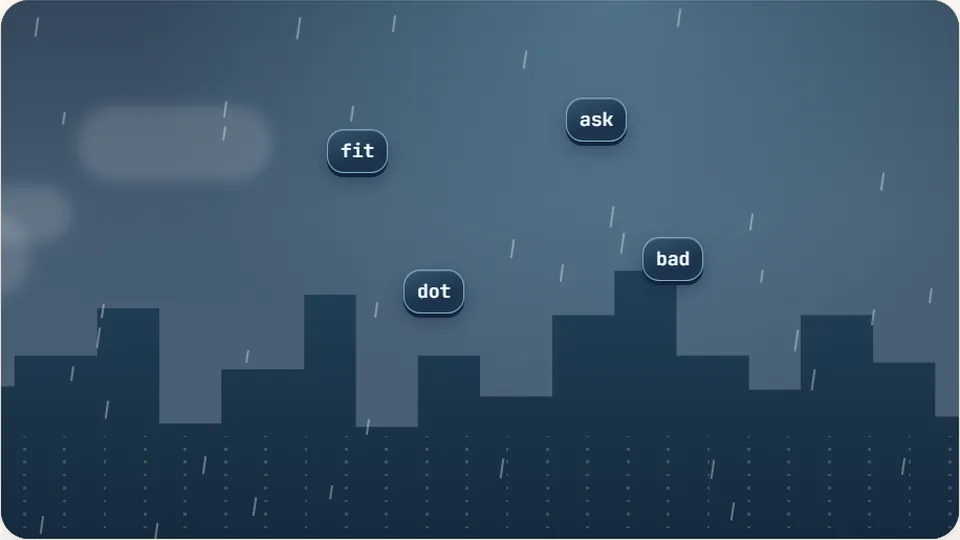
Word Rain
Clear the falling words before they hit the ground.
Play now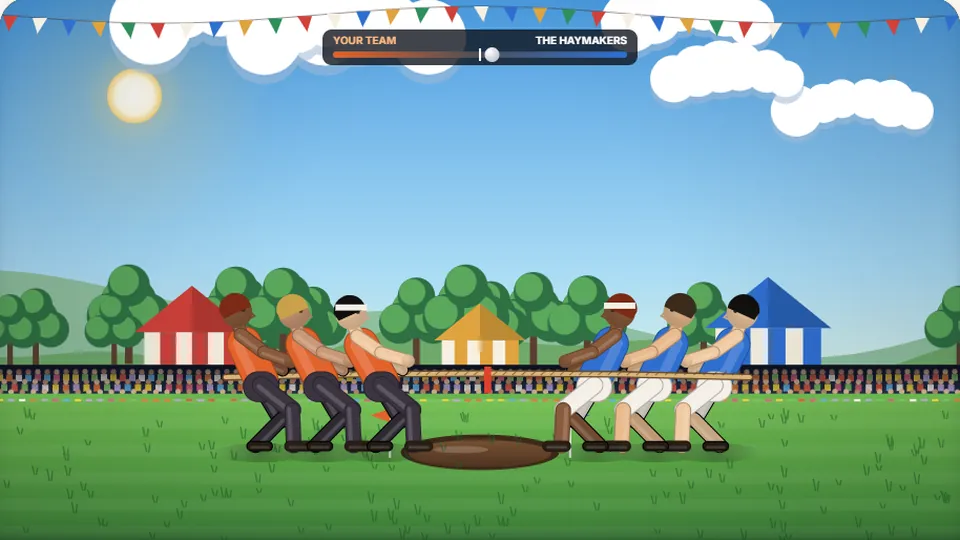 Sports
Tug of Words
Every clean word hauls the rope your way — drag the other team into the mud.
Play now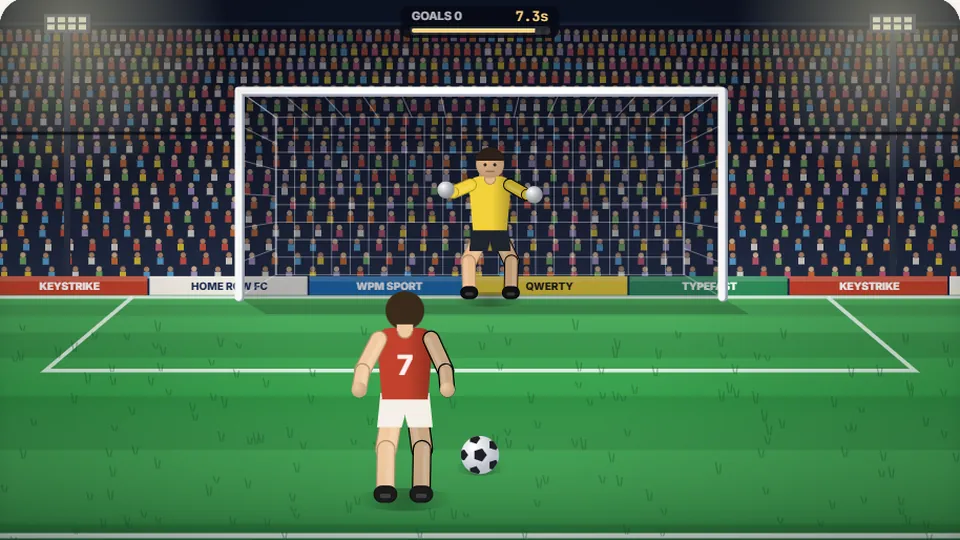 Sports
Penalty Kick
Beat the whistle and the keeper with clean, quick typing.
Play now Racing
Drag Strip Typing
Six words, six gears — shift cleanly and beat the car in the next lane.
Play now Kids
Fireworks Typing
Rockets climb into the night — type their words to make them burst.
Play now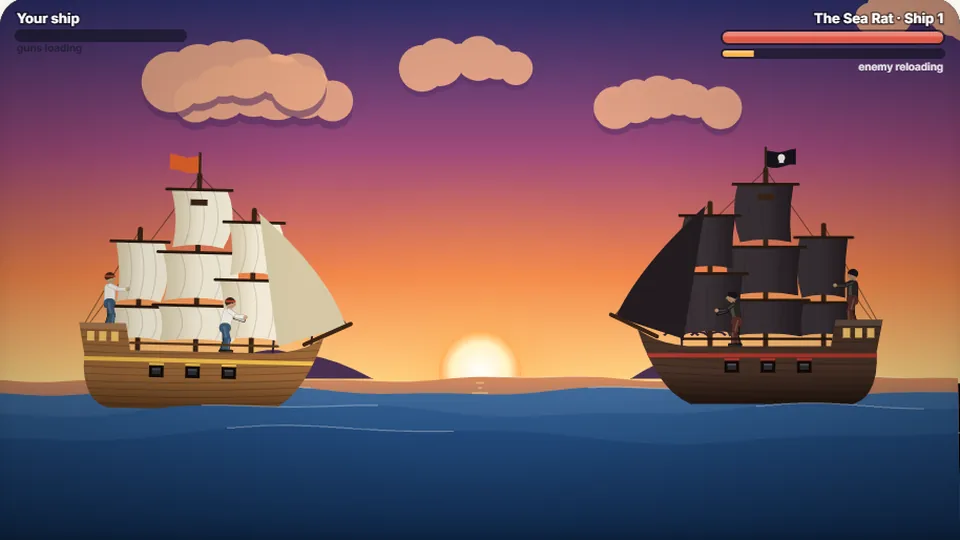 Adventure
Pirate Cannons
Load the guns by typing and sink the enemy ship before it sinks you.
Play now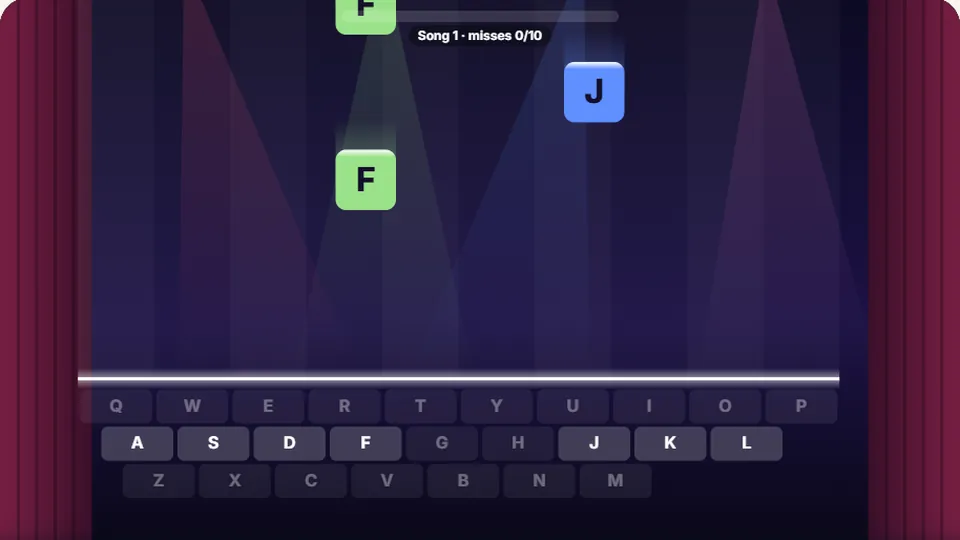 Learn
Melody Keys
Letters fall like notes — press each one on the line to play the melody.
Play now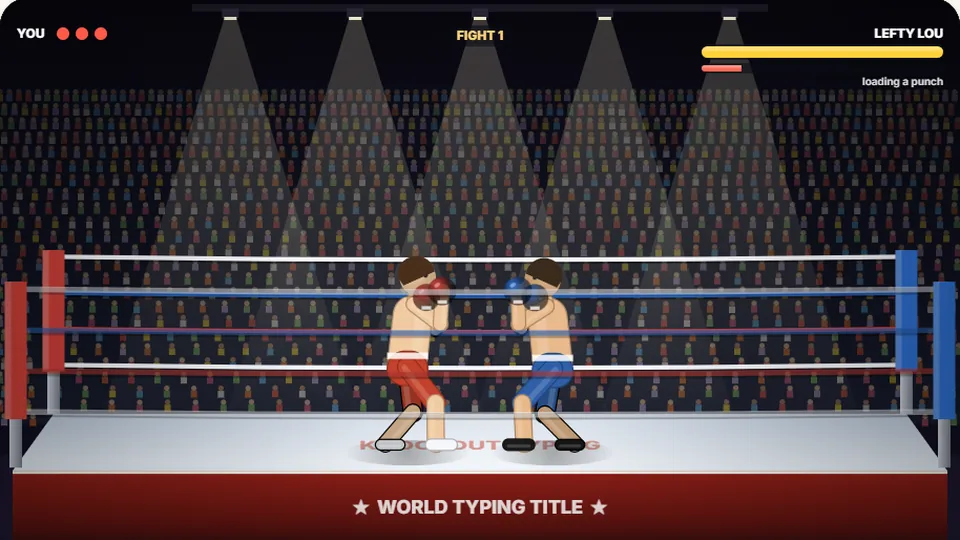 Sports
Knockout Typing
Step into the ring and win the fight with clean typing.
Play nowPlayer questions
Frequently asked questions
What happens when I make a typo in Arrow Duel?
Can I play Arrow Duel on a phone or tablet?
How does the rival archer determine when to fire?
Are my high scores saved across different devices?
How do the three difficulty levels differ?
Do capital letters or punctuation marks appear in the duels?
Ready your bow on the range
Step up to the shooting line, take aim with your keyboard, and drop your rival before their arrow lands.