Typing Games
Bell Ringer typing game
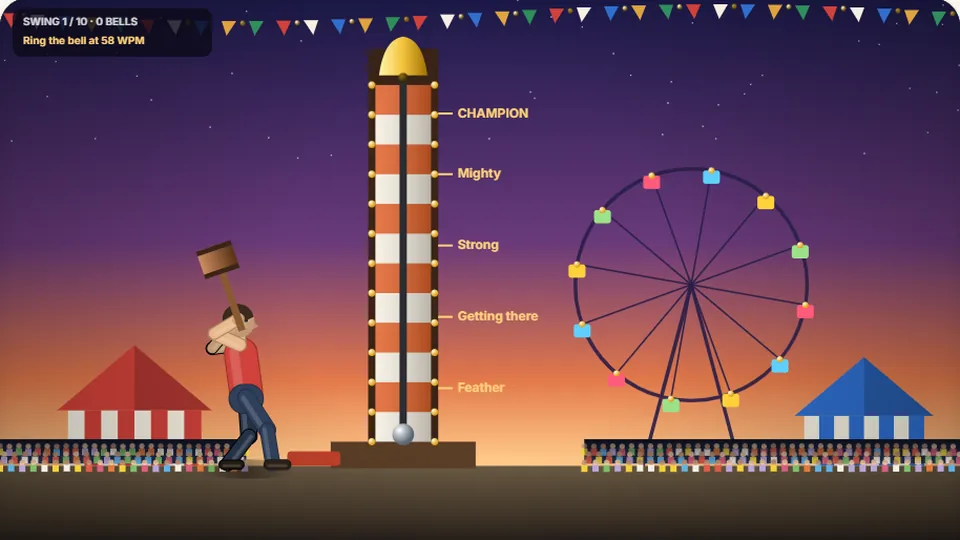
Type the word to swing the mallet. The cleaner and faster you type, the higher the puck flies. Ring the bell for the top prize. Ten swings.
Step right up
Test your strength on the carnival towerfairground typing game
Bell Ringer is a fairground typing game built around the classic midway high striker. You stand in front of the tower with a heavy wooden mallet, waiting for a prompt word. As soon as the letters appear, your typing speed and keystroke precision determine how hard you swing. Clean keystrokes send the metal puck flying up the vertical track toward the brass bell at the top.
Mishits, typos, and hesitant typing sap the momentum out of your swing. If you stumble on a letter, the puck stalls halfway up the beam and falls back down with a dull clunk. When you lock into a steady rhythm without mistakes, you launch the puck past every score rung to ring the bell with a crisp chime.
The game runs directly in your web browser without accounts, downloads, or setup fees. Whether you want a quick warm-up between tasks or a fun typing games session to test your burst typing speed, step up to the plate and swing for the top bell.
- Difficulty modes
- 3
- Free browser play
- 100%
- Downloads needed
- 0
- Saved best scores
- Local
- Instant visual feedback on your typing burst power
- Separate high scores saved locally across Easy, Medium, and Hard
- Clean midway sound effects with a toggle switch on the scoreboard
- Responsive controls with pause, restart, and full-screen modes
Instructions
How to swing the mallet and ring the bell
Choose your difficulty
Select Easy, Medium, or Hard from the start menu. Easy gives you shorter, common words with forgiving timing. Hard throws longer words and complex letter patterns that demand fast typing games precision.
Read the incoming prompt word
Keep your fingers resting on the home row keys. The target word appears on the striker platform right above the mallet base. Read the full word before pressing the first key to avoid early misfires.
Type cleanly to deliver the strike
Each accurate keystroke adds kinetic energy to the swing. Finish the word in a smooth, continuous burst. A single mistake dampens your mallet power, so prioritize flawless accuracy over wild key-mashing.
Track the puck and claim your score
Watch the puck rocket up the tower rungs. If your net speed and accuracy clear the threshold, the puck hits the bell at the top. Your round score and personal best update immediately on the scoreboard.
A physical desktop keyboard gives you tactile feedback that helps maintain consistent rhythm compared to typing on a glass mobile screen.
Under the hood
Why accuracy drives puck height on the high striker
In physical fairgrounds, ringing the bell takes raw muscle and a square strike on the lever pin. In this carnival typing game, your typing cadence serves as the striking power. The game engine measures the duration between your first and last keystroke alongside error frequency to calculate the upward velocity of the puck.
A steady typing speed game rewards steady flow. If you type at 70 WPM but pause awkwardly between letter clusters, the puck loses lift. Similarly, correcting typos burns precious fractions of a second. Hitting every key cleanly on the first pass guarantees maximum vertical distance on every swing.
Clean keystroke multiplier
Entering words without hitting the backspace key awards a clean-hit bonus that propels the puck past the upper marker rungs.
Burst speed conversion
Typing quick short words in sub-second bursts generates the explosive impact needed to reach the highest bell tier.
Local browser records
Your best rounds are stored directly in your local browser storage so your personal records persist between sessions.
Comparing difficulty modes in Bell Ringer
Each difficulty mode tunes the word length, required burst speed, and puck gravity so you can practice at your current skill tier.
| Difficulty | Word Complexity | Target Skill Level |
|---|---|---|
| Easy | 3 to 5 letter everyday words | Beginners building basic finger dexterity and home row habits |
| Medium | 5 to 8 letter vocabulary terms | Intermediate typists practicing sustained 40 to 60 WPM burst rhythm |
| Hard | 8+ letter words with difficult digraphs | Advanced typists targeting 70+ WPM precision under strict timing |
Each mode stores its own independent high score on your device, allowing you to track progress across all three tiers.
Explore the catalog
Browse our full collection of typing games
From arcade fairground challenges to deep typing tests and story adventures, find your next keyboard workout across 69 unique titles.
 Arcade
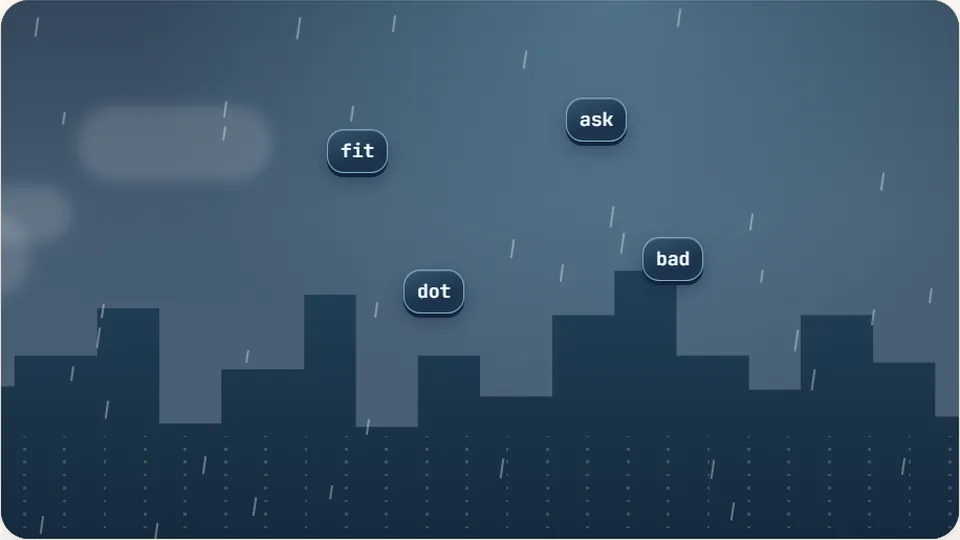
Word Rain
Clear the falling words before they hit the ground.
Play now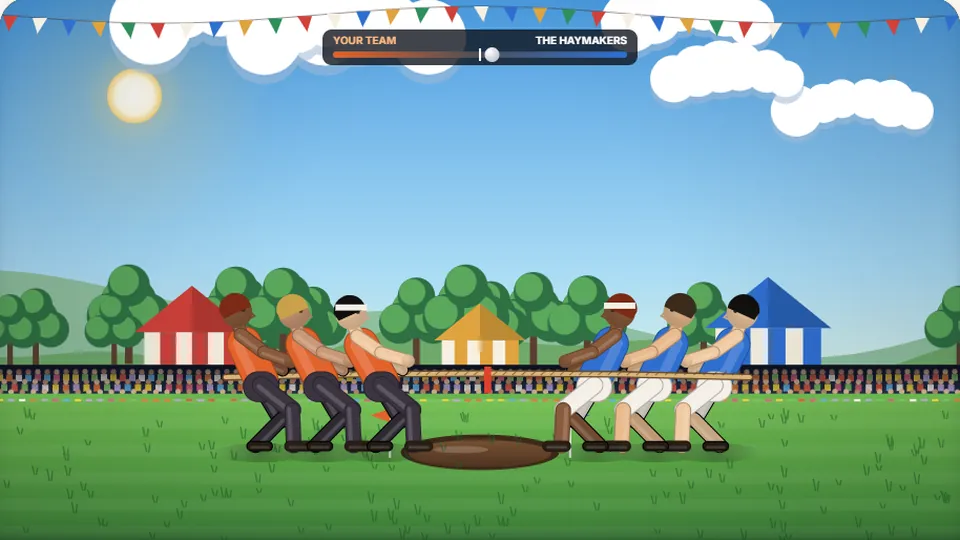 Sports
Tug of Words
Every clean word hauls the rope your way — drag the other team into the mud.
Play now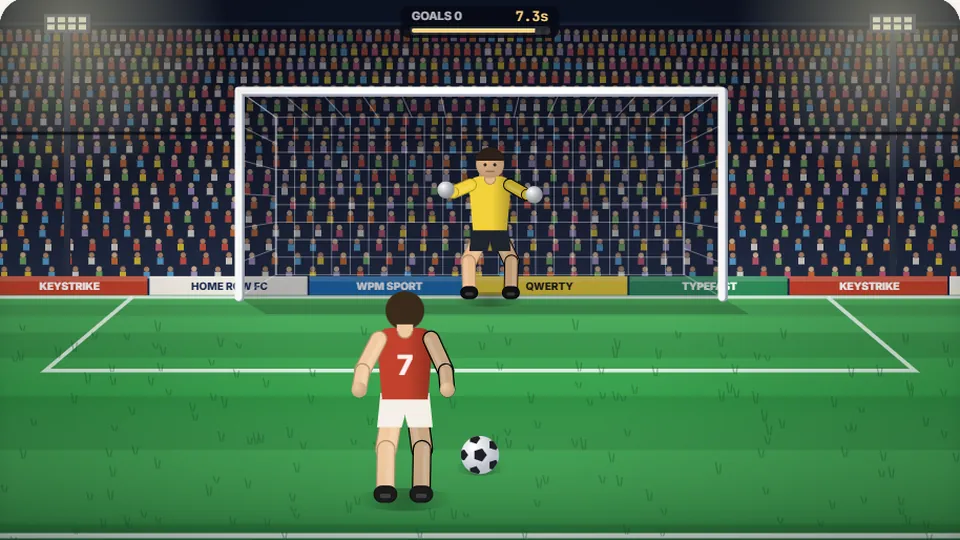 Sports
Penalty Kick
Beat the whistle and the keeper with clean, quick typing.
Play now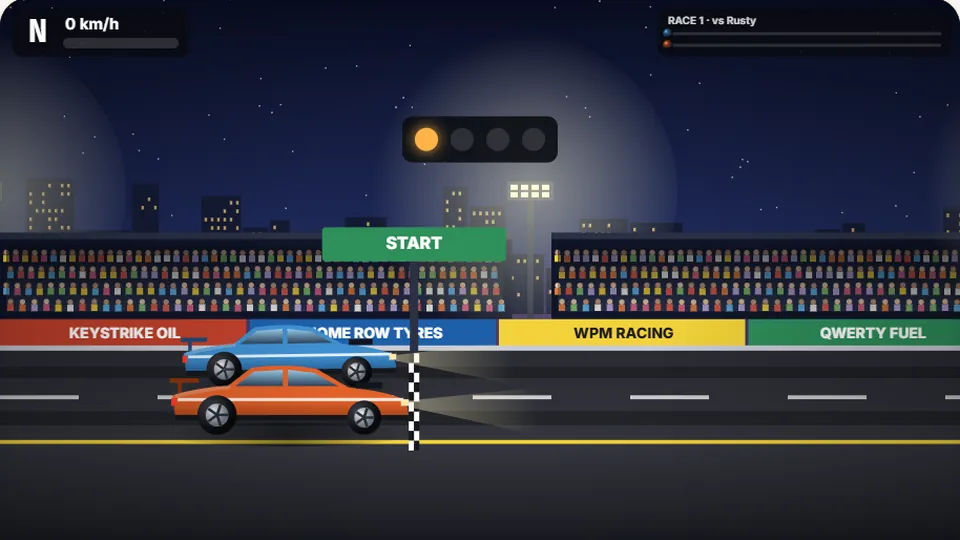 Racing
Drag Strip Typing
Six words, six gears — shift cleanly and beat the car in the next lane.
Play now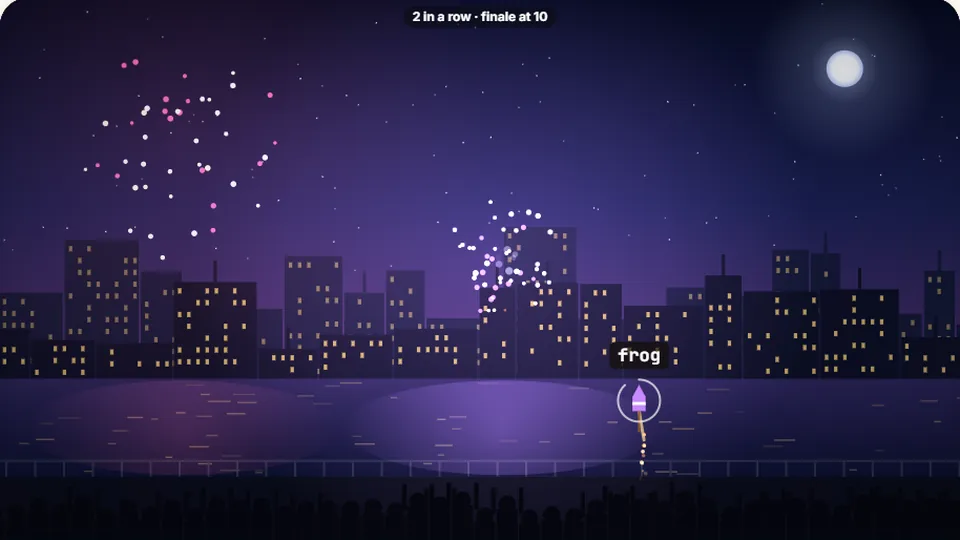 Kids
Fireworks Typing
Rockets climb into the night — type their words to make them burst.
Play now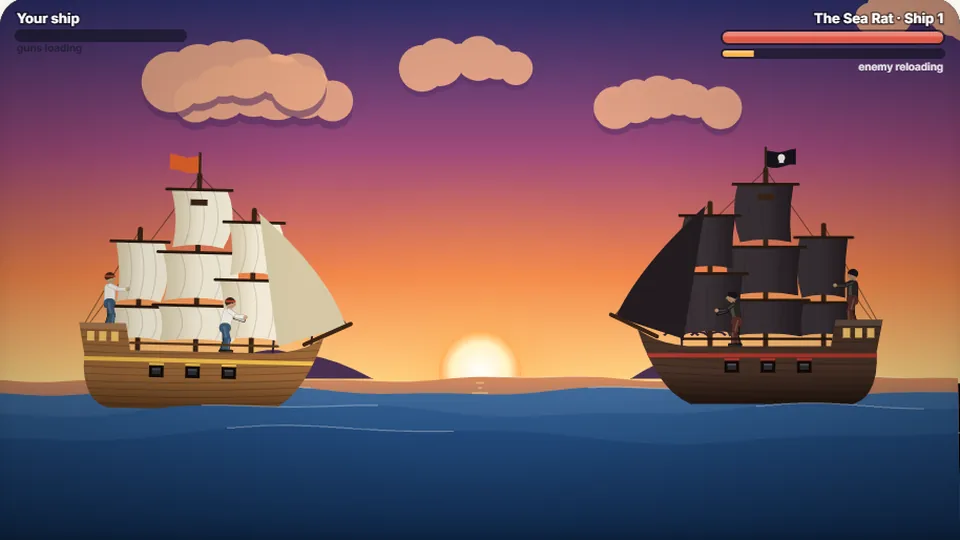 Adventure
Pirate Cannons
Load the guns by typing and sink the enemy ship before it sinks you.
Play now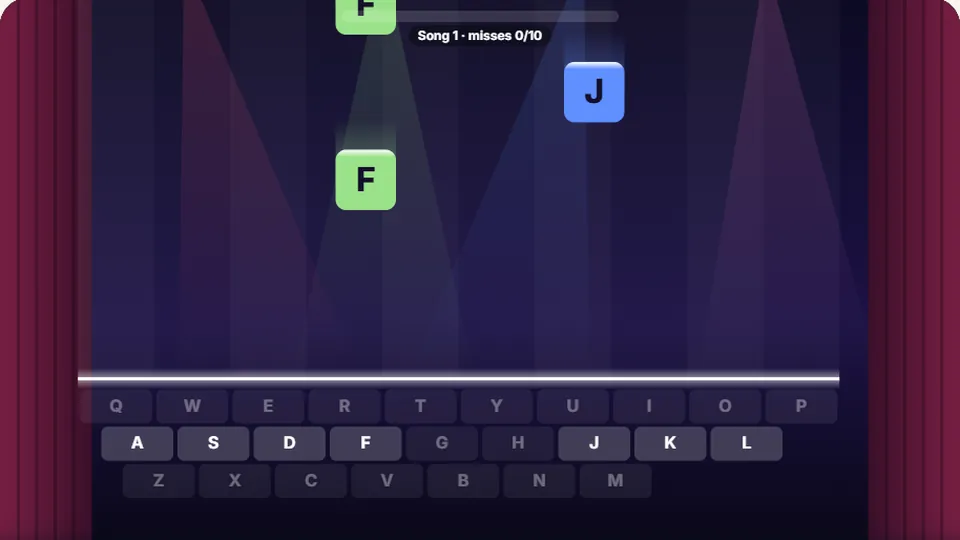 Learn
Melody Keys
Letters fall like notes — press each one on the line to play the melody.
Play now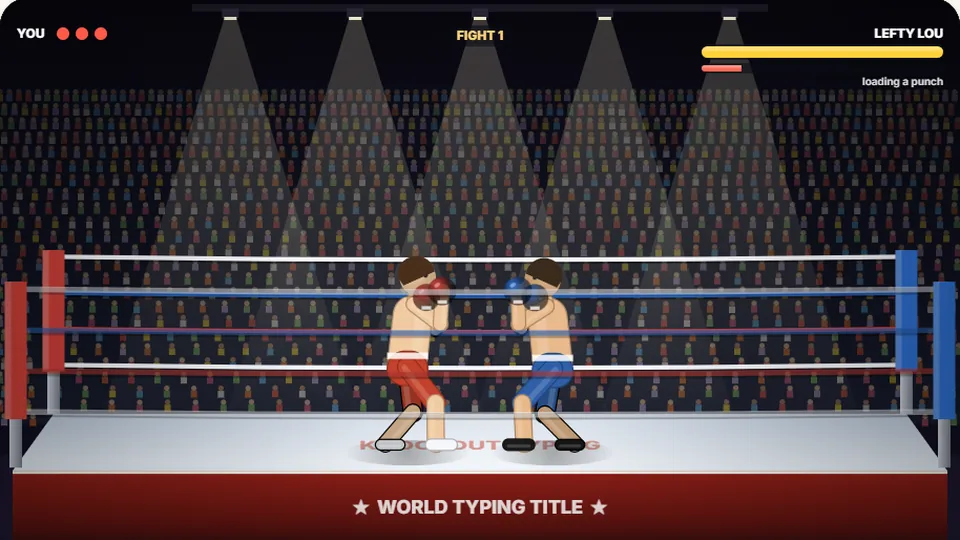 Sports
Knockout Typing
Step into the ring and win the fight with clean typing.
Play nowCommon questions
Frequently asked questions about Bell Ringer
How does the puck reach the bell in Bell Ringer?
Is Bell Ringer completely free to play?
Can I play Bell Ringer on a smartphone or tablet?
Where are my high scores saved?
How can I improve my score on Hard mode?
Are there sound settings for quiet environments?
Step up and swing the mallet
Test your burst speed on the high striker tower. Ring the bell on Easy, Medium, and Hard without downloading any software.