Typing Games
Tower Control typing game
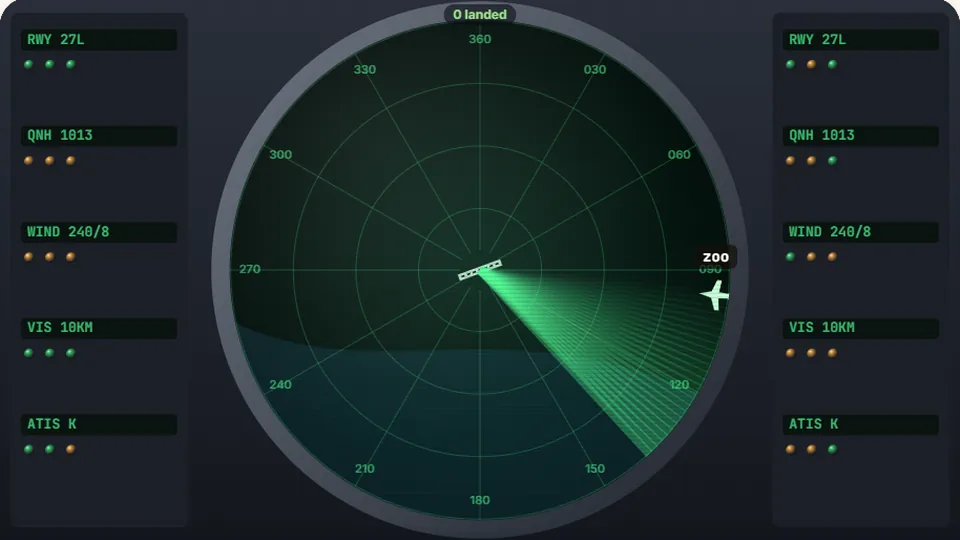
Each plane on the radar has a call word. Type it to clear the plane to land before it reaches the centre unguided. Five diversions ends your shift.
Radar management
Guide incoming flights to safetyairplane typing game
Tower Control is a browser-based airplane typing game that puts you in the seat of an air traffic controller. Flight markers glide onto the radar screen bearing assigned call words. Your task is straightforward: spot the target, enter the call word accurately on your keyboard, and clear the aircraft for a safe landing before its fuel gauge drops to zero.
As traffic builds across the airspace, multiple aircraft converge on the runway thresholds simultaneously. You cannot simply read words from left to right like a printed page. You have to evaluate the radar scope, prioritize low-fuel approaches, and execute keystrokes under strict deadlines.
The game runs directly in your web browser with no accounts to set up and no downloads required. Whether you want a short five-minute drill between tasks or a sustained focus session, the radar keeps your fingers sharp and your eyes moving.
- Difficulty modes
- 3
- Free browser play
- 100%
- Saved best scores
- Local
- Sign-ups needed
- 0
- Real-time radar tracking requires active visual scanning and threat triage
- Short call words on Easy stretch to complex aviation vocabulary on Hard
- Fuel gauges place genuine pressure on prompt, accurate keystrokes
- Built-in browser storage records your personal high score for each tier
Core loop
An air traffic typing game built for fast decision-making
In this air traffic typing game, targets enter the airspace from the screen edges and head toward runways near the center. Each plane displays its altitude vector, remaining fuel reserves, and an assigned call word. Typing the first letter of a word claims that aircraft; completing the word hands off the plane to ground crews and removes it from the display.
Mistakes cost valuable seconds. A mistyped character resets your current input for that target, forcing you to re-orient your hands while the plane continues its descent. Balancing speed against raw key accuracy is the only way to prevent runway pileups when the radar turns red.
- Input mechanic
- Target lock on initial keystroke; finishing the full word clears the approach.
- Lose condition
- Any inbound plane running completely dry on fuel triggers a game over.
- Display modes
- Toggle between clean light and dark themes to match your room lighting.
- Score tracking
- Highest successful landings are stored right in your browser on that device.
Step by step
How to manage the runway approach
Scan the airspace
Look at the perimeter of the radar as new blips appear. Check the length of their call words and glance at the fuel ring encircling each icon to see who needs clearance first.
Pick the critical target
Ignore the newest arrivals if an older flight is dangerously close to empty. Lock in your choice and focus on the first character of that specific call word.
Type cleanly to clear
Key in every character without pausing mid-word. A completed string confirms the approach, wheels touch down, and the runway clears for the next inbound flight.
Handle emergency traffic
As your score climbs, planes move faster and fuel tanks shrink. Maintain a steady cadence so sudden clusters of three or four planes do not break your rhythm.
Use the pause button beside the scoreboard if you need to step away; the airspace pauses instantly.
Radar room habits for higher scores
Do
- Scan fuel rings before choosing which word to type next.
- Keep your fingers anchored on the ASDF and JKL; home row so you never search for letters.
- Finish a word once you start it; switching halfway leaves planes stranded in low fuel.
- Use a physical mechanical or chiclet keyboard whenever possible for crisp tactile response.
- Aim for 95% accuracy or better instead of thrashing keys at top speed.
Don't
- Do not fixate on the easiest short words while longer flights run out of fuel in the corner.
- Do not hammer the backspace key frantically; pause for a quarter-second to reset your hands.
- Do not look down at the keyboard; keep your eyes pinned entirely to the radar sector.
- Do not ignore the sound toggle if audio cues help you verify landings without looking.
- Do not play on Hard mode until you can comfortably clear Medium without close calls.
Explore the catalog
Discover more word typing games
Our library includes 69 games and 23 typing tests designed to strengthen accuracy, speed, and keyboard fluency across every skill tier.
 Arcade
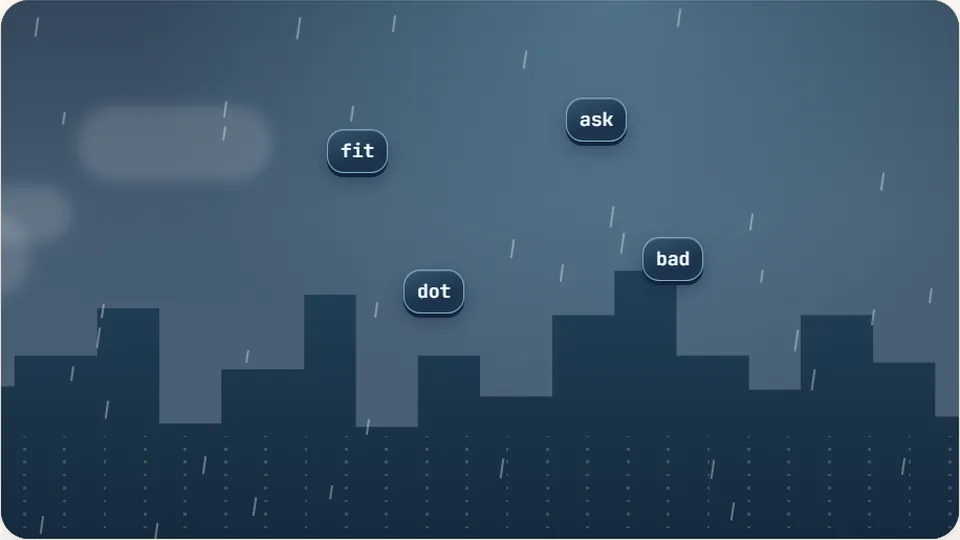
Word Rain
Clear the falling words before they hit the ground.
Play now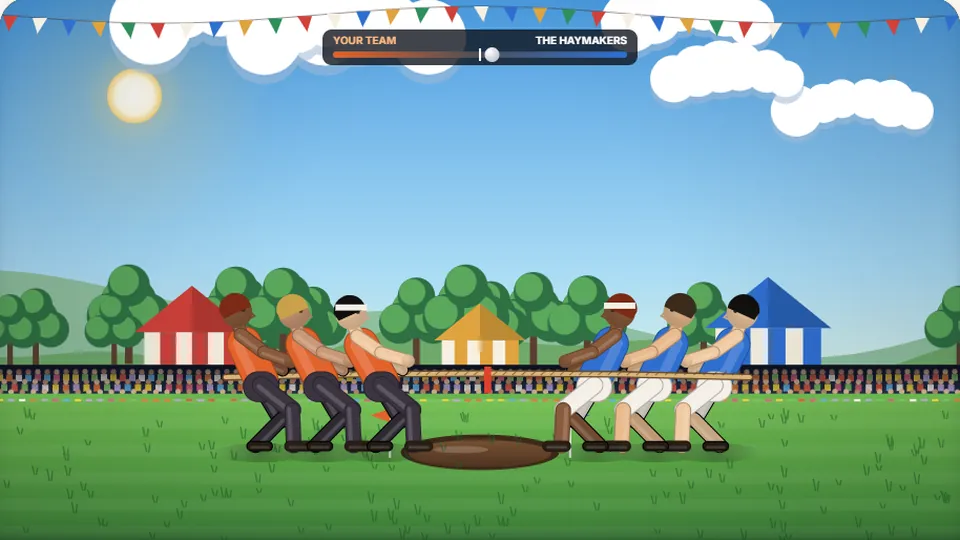 Sports
Tug of Words
Every clean word hauls the rope your way — drag the other team into the mud.
Play now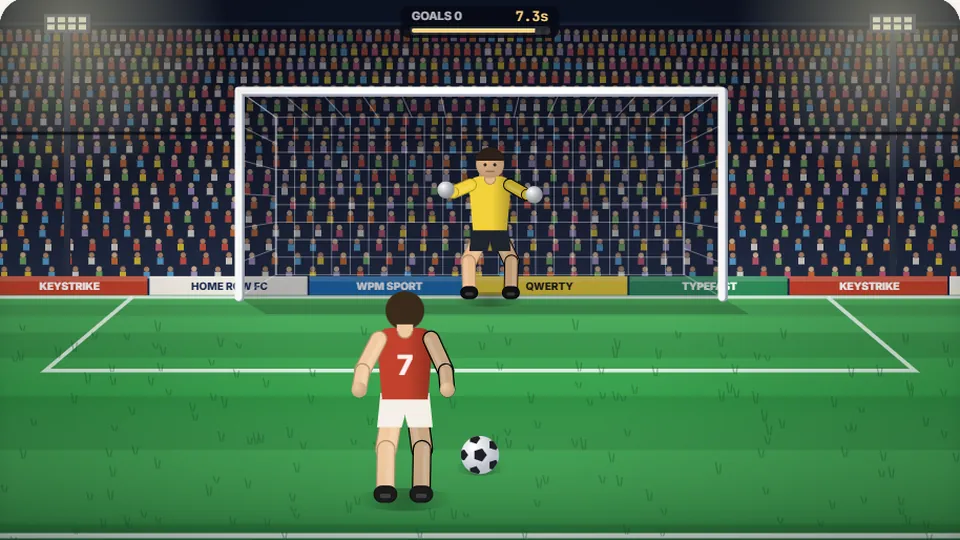 Sports
Penalty Kick
Beat the whistle and the keeper with clean, quick typing.
Play now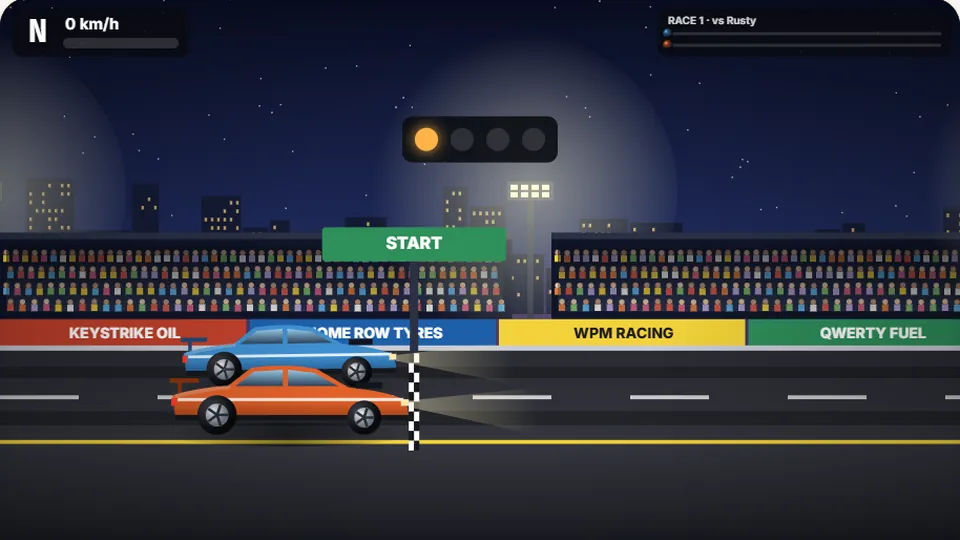 Racing
Drag Strip Typing
Six words, six gears — shift cleanly and beat the car in the next lane.
Play now Kids
Fireworks Typing
Rockets climb into the night — type their words to make them burst.
Play now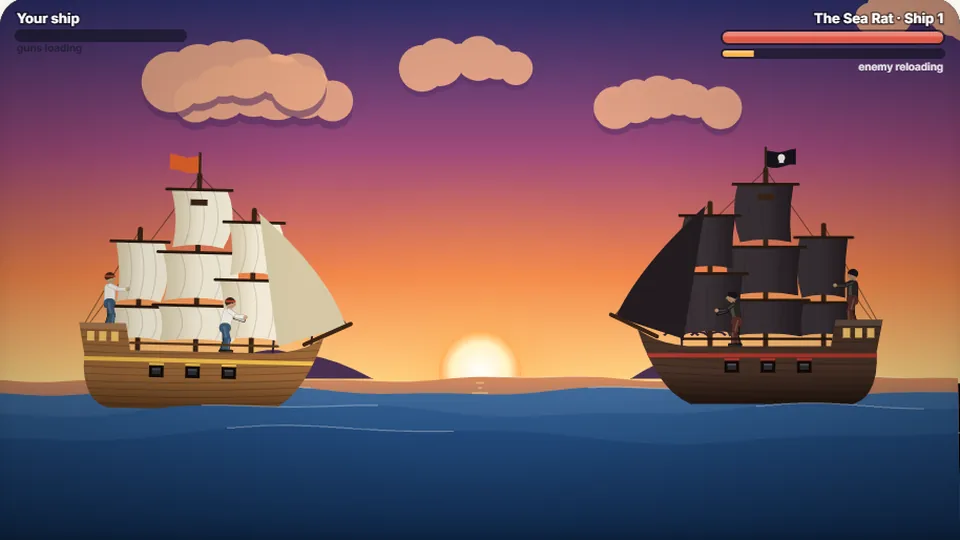 Adventure
Pirate Cannons
Load the guns by typing and sink the enemy ship before it sinks you.
Play now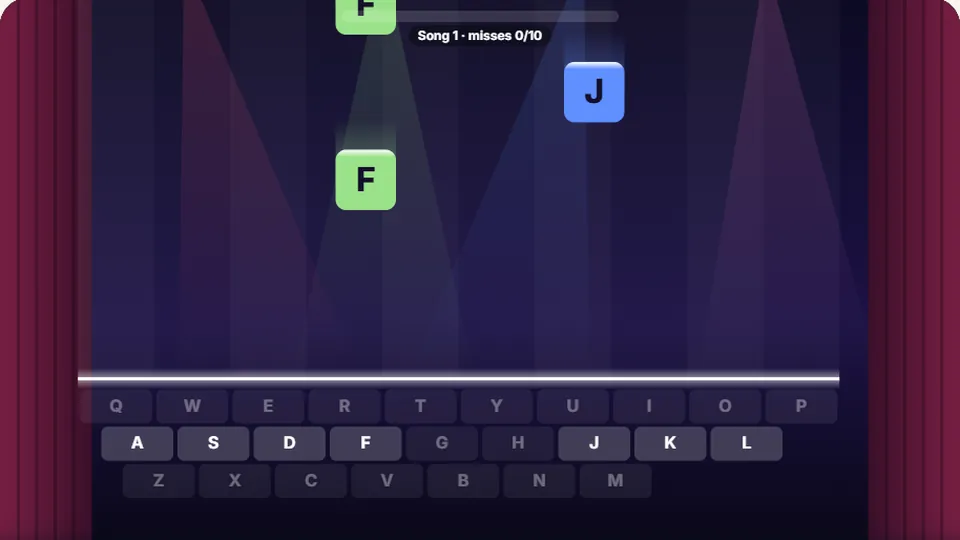 Learn
Melody Keys
Letters fall like notes — press each one on the line to play the melody.
Play now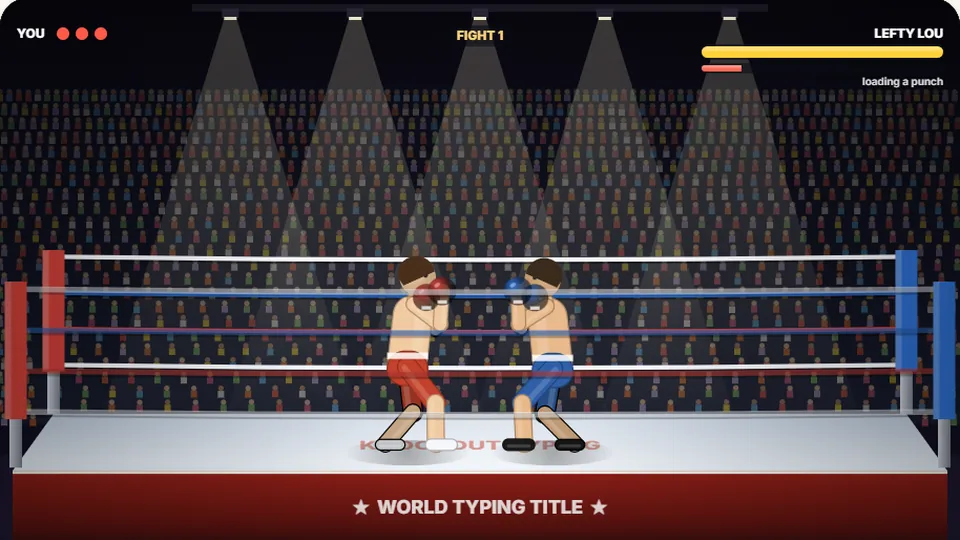 Sports
Knockout Typing
Step into the ring and win the fight with clean typing.
Play nowGot questions?
Frequently asked questions about Tower Control
What kind of game is Tower Control?
Do I have to pay or create an account to play?
Can I play on a mobile phone or tablet?
How does scoring and high-score saving work?
What happens if I make a typo?
How do the three difficulty modes differ?
Take the tower shift today
Test your composure, protect the runways, and sharpen your keyboard instincts on the live radar scope.