Typing Games
Melody Keys typing game
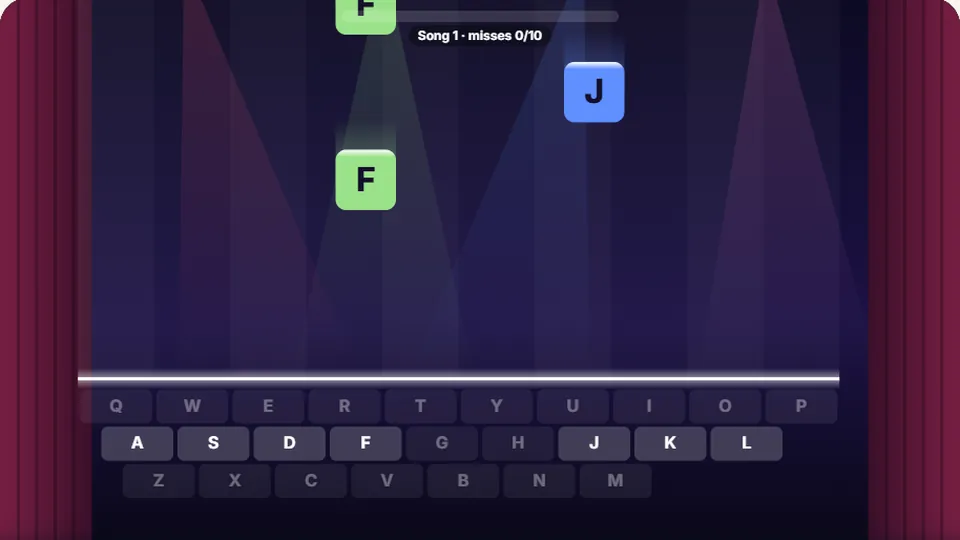
Letters fall toward the line. Press each one as it gets there to play its note. Good timing scores more. Miss ten and the song stops.
Overview
Learn the keyboard with a melodymusic typing game
Melody Keys is a free music typing game that turns keyboard practice into a rhythm challenge. Letters fall down the screen like musical notes. You need to press the matching key just as the letter reaches the target line at the bottom. When you time it right, you play a note in a real melody.
This game helps you build muscle memory for individual keys without the pressure of typing full words. It works well if you are just starting to learn where the letters are, or if you want a relaxing way to practice accuracy.
You play entirely in the browser, with no downloads and no account required. It is one of our most popular typing games for kids and anyone who enjoys rhythm games.
- To play
- Free
- Difficulty modes
- 3
- Platform
- Browser
- Account needed
- No
- Letters fall like notes on a staff
- Hit the key on the line to play a melody
- Build a streak by not missing notes
- Easy, Medium and Hard modes
Instructions
How to play Melody Keys
Watch the falling letters
Letters will drop from the top of the screen. Keep your eyes on the target line at the bottom.
Time your keystrokes
Wait until a letter is directly over the line, then press that key on your keyboard.
Play the melody
A correct, well-timed key press plays the next note in the song. Missing the key or the timing breaks your streak.
Set a high score
Keep your streak going to maximize your score. The game saves your best score for each difficulty level locally in your browser.
You can play on a tablet or phone using the on-screen keyboard, but a physical keyboard gives you the best experience for building touch typing habits.
Benefits
Why this piano typing game works
Most typing games focus on speed and whole words. Melody Keys isolates single keystrokes. This is useful when you are trying to memorize the layout of the QWERTY keyboard. You have time to think about where a specific letter is before it hits the line.
The musical feedback acts as a reward. Instead of just seeing a score go up, you hear the song progress. This makes it a fun typing game that holds your attention longer than standard drill exercises.
By focusing on timing rather than raw speed, you practice accuracy. Hitting the right key at the right moment builds the kind of deliberate control that leads to faster typing later.
Builds muscle memory
Isolating single letters helps you learn their exact position without the distraction of typing a full word.
Improves accuracy
The game requires you to hit the correct key at a specific time, training you to be precise.
Engaging feedback
Hearing the melody play correctly is a strong motivator to keep your streak alive.
A rhythm-based practice routine
Use Melody Keys as a warm-up or a break from standard typing tests. Here is a simple way to incorporate it into your practice.
- Phase 1
Focus on finding the keys
Start on Easy mode. Do not worry about a perfect streak. Your goal is simply to locate the correct key before it passes the line. Keep your eyes on the screen, not your hands.
- Phase 2
Build your streak
Stay on Easy mode, but now try to string together 10 or more correct notes in a row. If you miss, reset and try again. Focus on maintaining a steady rhythm.
- Phase 3
Increase the tempo
Move up to Medium mode. The letters fall faster, requiring quicker reactions. You need to know where the keys are instinctively to keep up.
- Phase 4
Master the timing
Try Hard mode. This tests both your reaction time and your accuracy. Use this mode to push your limits after you have mastered the slower speeds.
Remember that accuracy of 95% or better matters more than raw speed. If you are struggling on a harder mode, drop back down and focus on hitting the right keys.
Game Features
What to expect in the game
Melody Keys includes several features to help you practice effectively.
Three difficulty modes
Choose Easy, Medium or Hard. Each mode changes how fast the letters fall, letting you adjust the challenge to your skill level.
Local high scores
The game saves your best score for each difficulty mode directly in your browser, so you can track your progress over time.
Light and dark themes
Switch between light and dark modes to suit your preference or the lighting in your room.
Simple controls
Use the buttons near the scoreboard to pause, restart, enter full screen or toggle the sound on and off.
Keep Playing
Try our other typing games
We have 69 games and 23 typing tests on the site. If you enjoyed this music typing game, check out some of our other options.
 Arcade
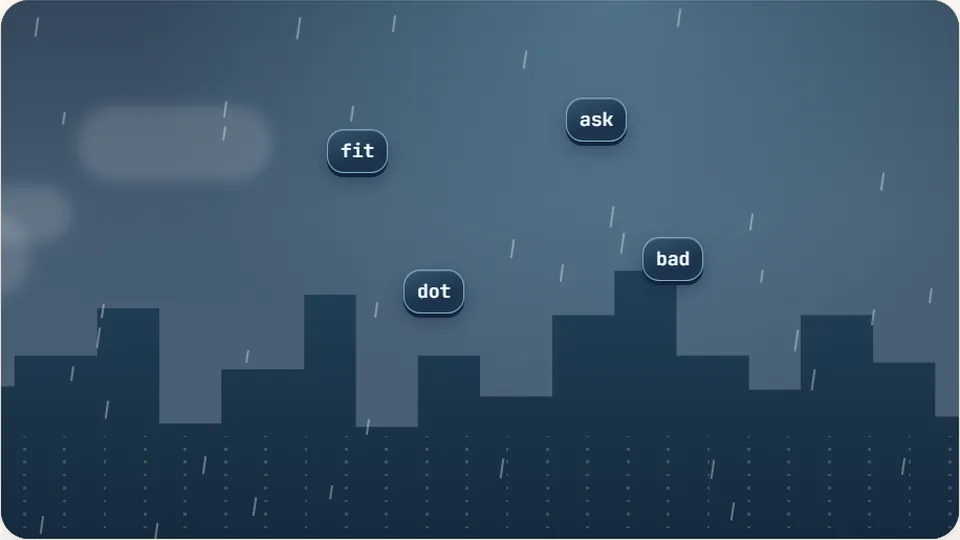
Word Rain
Clear the falling words before they hit the ground.
Play now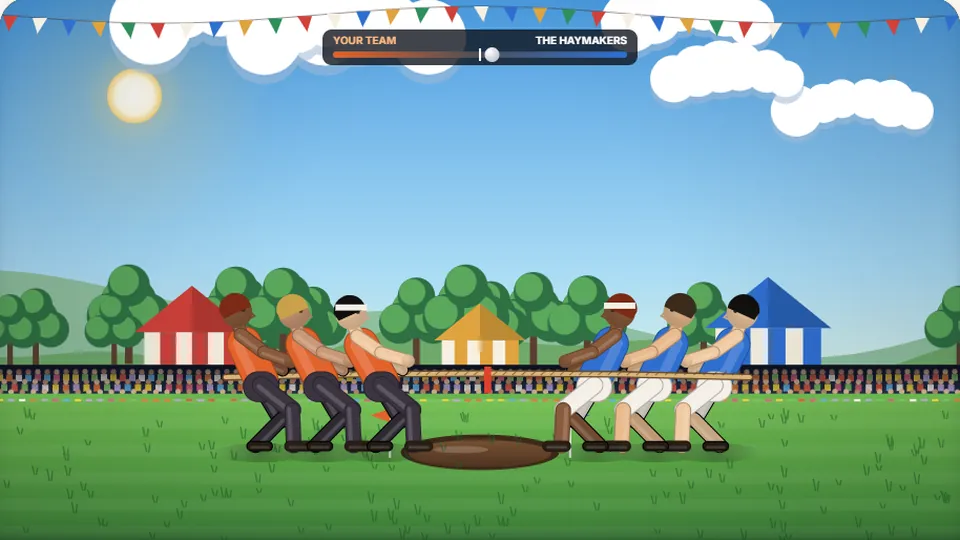 Sports
Tug of Words
Every clean word hauls the rope your way — drag the other team into the mud.
Play now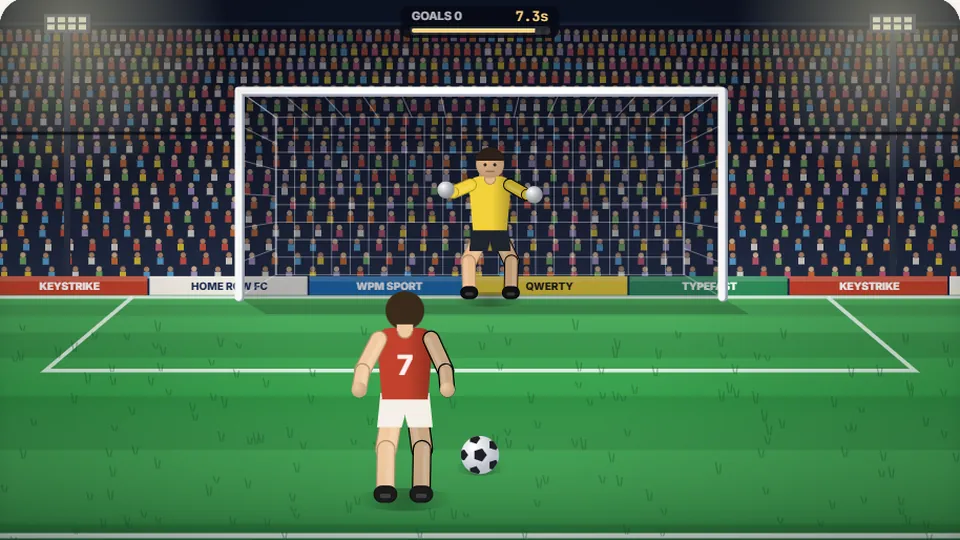 Sports
Penalty Kick
Beat the whistle and the keeper with clean, quick typing.
Play now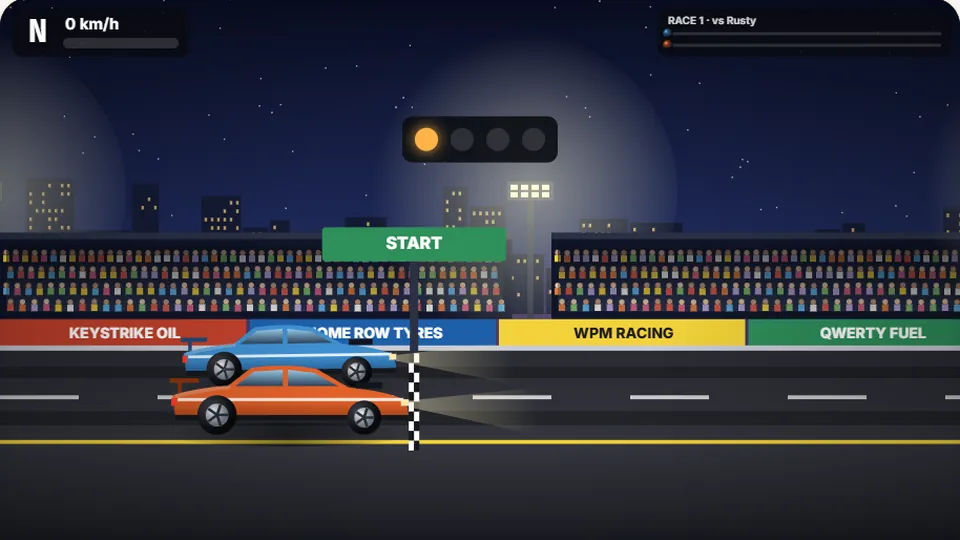 Racing
Drag Strip Typing
Six words, six gears — shift cleanly and beat the car in the next lane.
Play now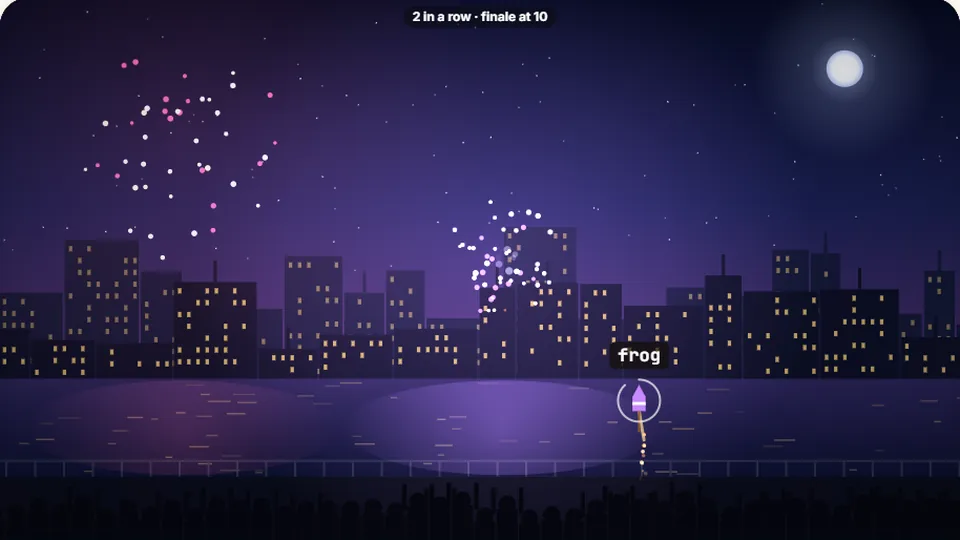 Kids
Fireworks Typing
Rockets climb into the night — type their words to make them burst.
Play now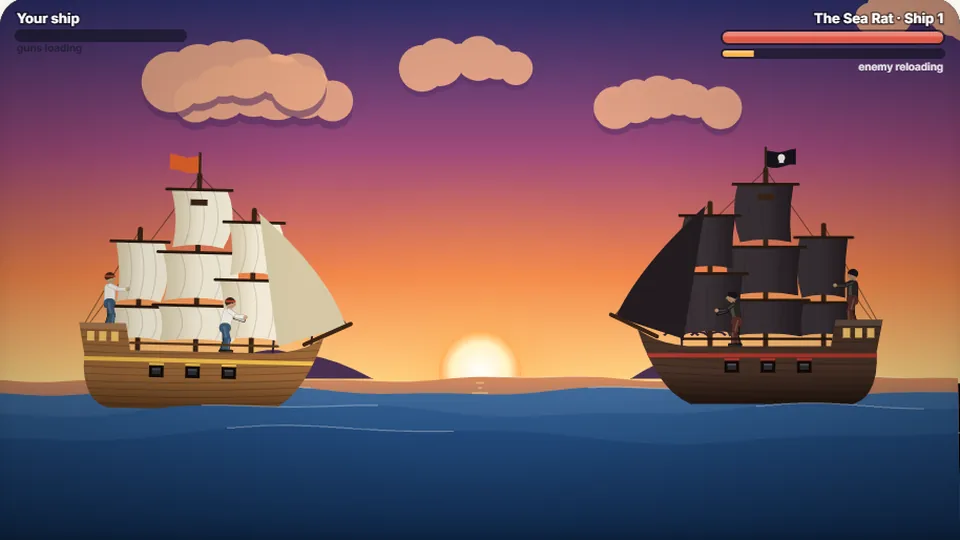 Adventure
Pirate Cannons
Load the guns by typing and sink the enemy ship before it sinks you.
Play now Learn Melody Keys
Letters fall like notes — press each one on the line to play the melody.
Play now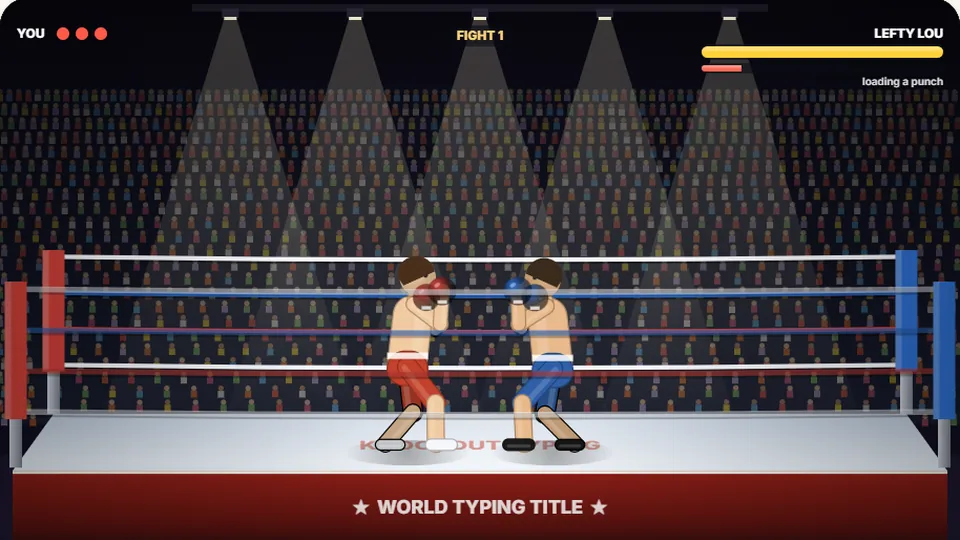 Sports
Knockout Typing
Step into the ring and win the fight with clean typing.
Play nowQuestions