Typing Games
Balloon Pop typing game
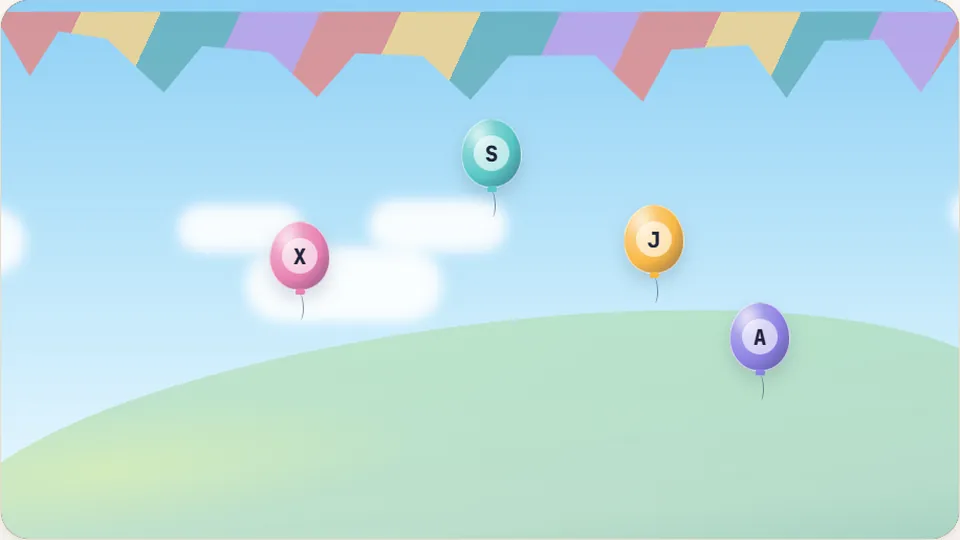
Each balloon shows a letter. Press that key to pop it before it floats off the top. Pop balloons to score and keep your lives.
Keyboard basics
A gentle balloon typing game built for beginnerstyping games for kids
Balloon Pop introduces young learners to the computer keyboard without time pressure or complicated scoring rules. As colorful balloons drift up from the bottom of the screen, each one carries a single letter. Pressing the matching key on the keyboard pops the balloon with a clean sound effect, clearing the screen and awarding points before the balloon floats away.
Most typing games for kids demand full words or fast finger coordination right away. Balloon Pop focuses purely on letter recognition and key location. Players look at a single character on screen, find the matching key, and tap it. This simple feedback loop builds confidence for children who are touching a physical keyboard for the very first time.
The game runs entirely in your web browser with zero setup required. Your high scores save automatically on your device across three clear difficulty tiers, giving young learners an easy way to measure progress session by session.
- Difficulty modes
- 3
- Letter per balloon
- 1
- Free in browser
- 100%
- Saved best scores
- Local
- Single-letter targets make early keyboard practice manageable and fun
- Gentle floating speeds prevent frustration while keeping kids engaged
- Separate best scores saved locally for Easy, Medium, and Hard modes
- Playable instantly on any modern desktop browser, Chromebook, or tablet
Game details
How Balloon Pop teaches key recognition
Balloon Pop is an arcade-style educational game created to help early typists connect visual letters with physical keys. In early childhood education, hunting for keys across an unfamiliar QWERTY layout can feel overwhelming. By presenting one balloon at a time at slower speeds, the game lets children scan the board without losing a round instantly.
As players grow familiar with key positions, higher difficulty settings increase the floating speed and introduce more balloons simultaneously. This natural progression helps children develop muscle memory and hand-eye coordination at their own pace.
- Target audience
- Children, elementary students, and beginning typists of all ages.
- Key skill
- Single-key letter recognition across the full QWERTY keyboard layout.
- Browser controls
- Quick buttons for pause, restart, audio toggle, and full-screen display.
- Input support
- Best with a physical keyboard; supports on-screen keyboards on touch devices.
Step-by-step guide
How to play Balloon Pop in three easy steps
Select your difficulty mode
Choose Easy, Medium, or Hard based on your child's typing comfort. Easy gives extra time with slowly rising balloons, while Hard sends letters drifting upward more rapidly.
Spot the rising letter
Watch the balloons enter from the bottom of the screen. Look at the letter printed in the center of the lowest or fastest-moving balloon.
Press the matching key to pop
Find and press that letter on your keyboard before the balloon reaches the top edge of the screen. Each successful pop adds to your current round score.
Tip: Encourage young typists to place their index fingers on the home row bumps (F and J) so they learn to locate neighboring keys without looking away from the screen.
Why kids love it
Built for stress-free keyboard practice
We designed Balloon Pop around clarity and immediate visual feedback so kids can focus on learning without confusing menus or distractions.
Bright visual feedback
Crisp colors, high-contrast letter fonts, and satisfying pop animations keep young typists attentive and rewarded for every correct stroke.
Saved high scores
Every difficulty mode remembers your personal best score directly in your browser, offering gentle motivation to beat yesterday's record.
Light and dark themes
Toggle between clean light and soft dark visual themes to keep the screen comfortable in bright classrooms or dim study spaces.
Physical keyboard focus
While compatible with touchscreens, the game works best with standard desktop and laptop keyboards to build true typing habits.
Educational benefits
Why fun typing games for kids build lasting habits
Learning to type on a standard computer keyboard requires two separate cognitive tasks: decoding the letter on screen and mapping a finger movement to the correct row and column. For adults, this happens automatically. For young children, finding an obscure key like 'P' or 'B' takes conscious visual search.
Fun typing games for kids bridge that gap by turning repetitive search into an enjoyable visual game. When practice feels like popping balloons rather than completing a chore, children log more key presses per session. Over several short daily sessions, random hunting transforms into reliable muscle memory.
Consistent early practice also sets good posture and hand positioning habits. Starting with individual letters allows children to keep their hands balanced over the keyboard rather than pecking with a single index finger.
Spatial awareness
Helps children understand the layout of upper, home, and bottom keyboard rows through repeated single-letter prompts.
Visual-motor mapping
Strengthens the direct neural connection between seeing a character symbol and striking the physical key.
Pacing and focus
Teaches kids to prioritize steady accuracy over frantic, inaccurate button mashing.
Early digital literacy
Prepares elementary students for school writing assignments, online tests, and classroom software.
Keep practicing
Explore more free typing games for kids
Ready for another typing challenge? Try other beginner-friendly titles and fun kids typing games across our collection of 69 free keyboard games.
 Arcade
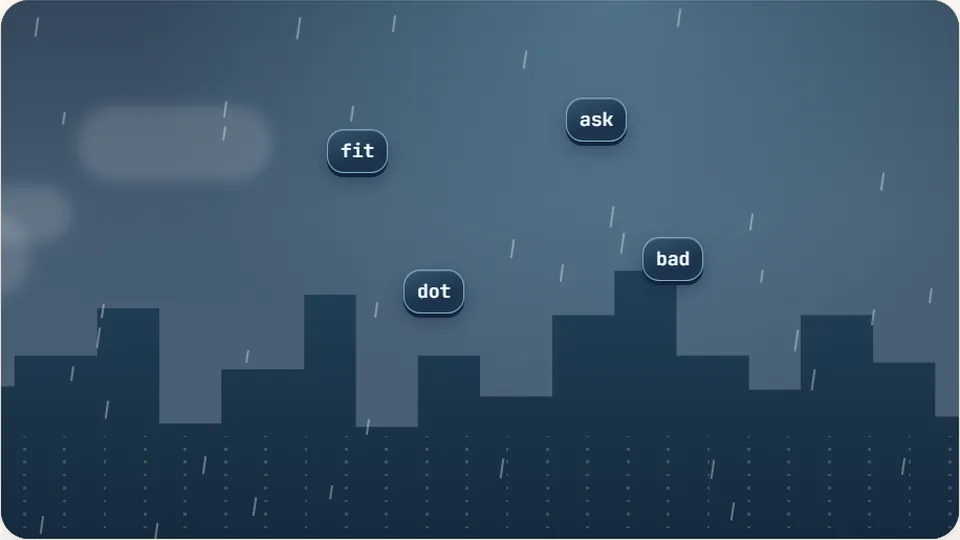
Word Rain
Clear the falling words before they hit the ground.
Play now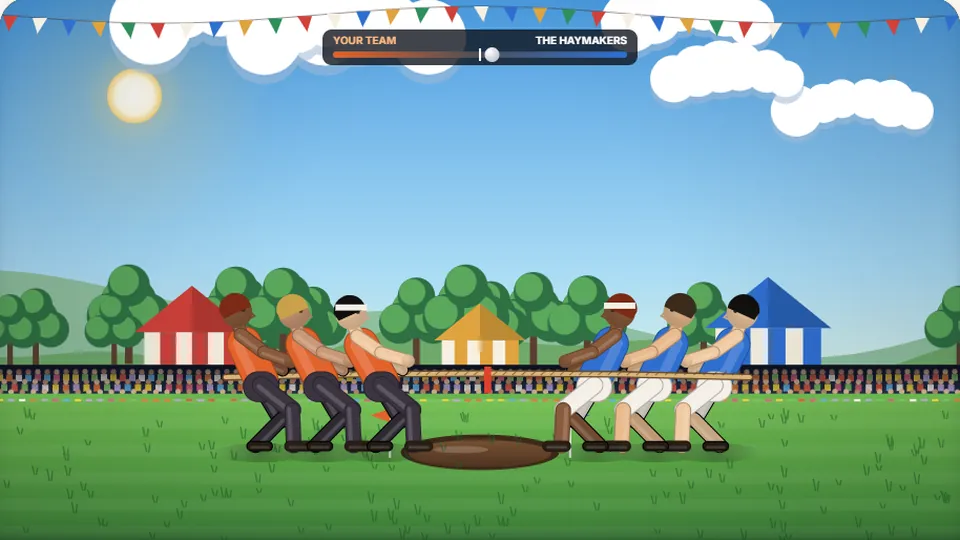 Sports
Tug of Words
Every clean word hauls the rope your way — drag the other team into the mud.
Play now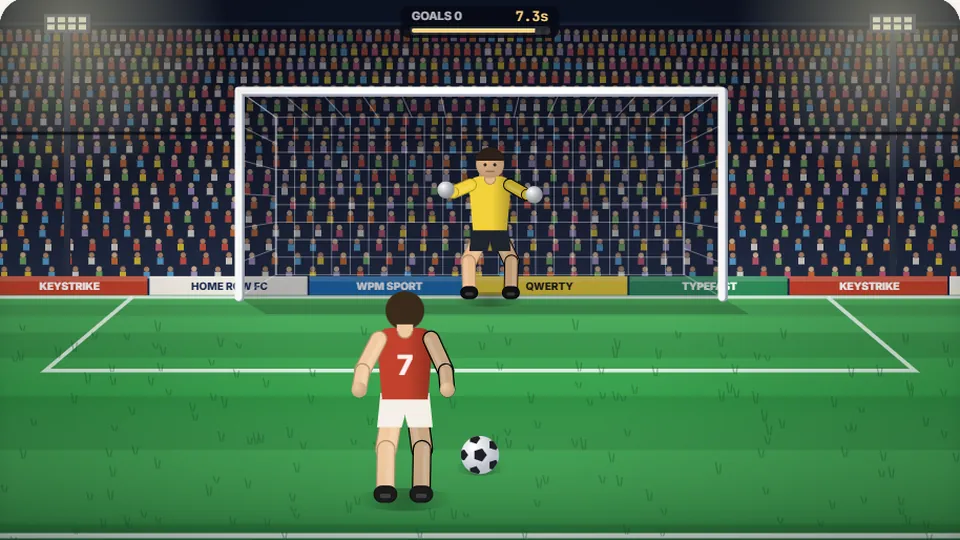 Sports
Penalty Kick
Beat the whistle and the keeper with clean, quick typing.
Play now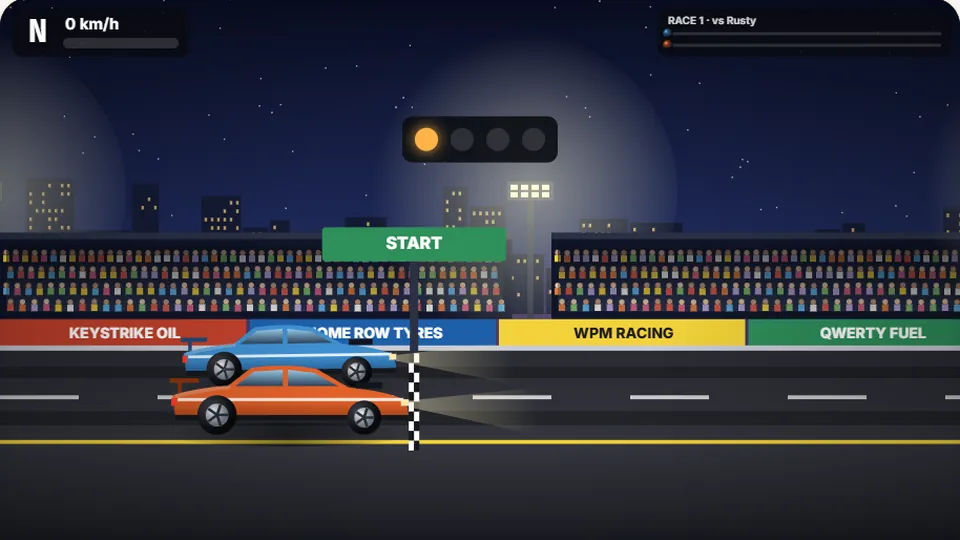 Racing
Drag Strip Typing
Six words, six gears — shift cleanly and beat the car in the next lane.
Play now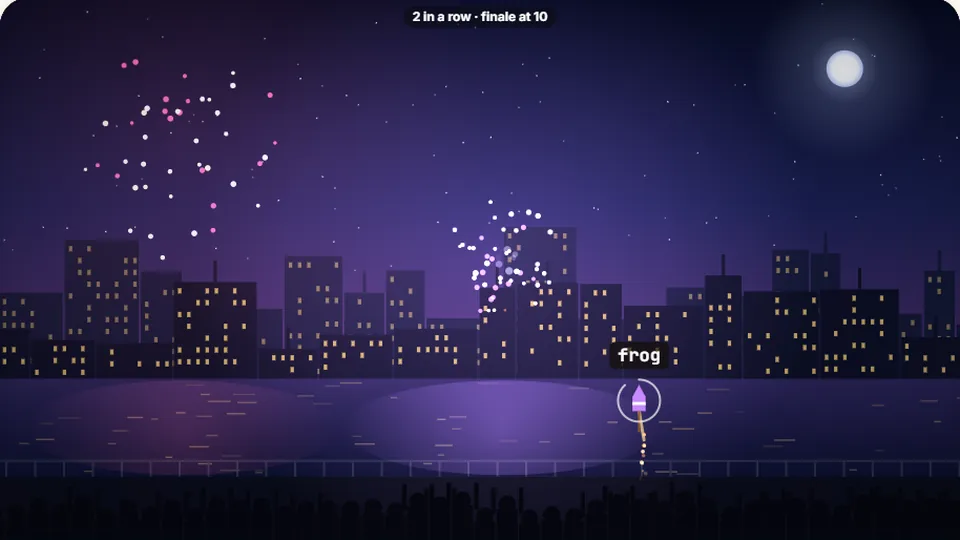 Kids
Fireworks Typing
Rockets climb into the night — type their words to make them burst.
Play now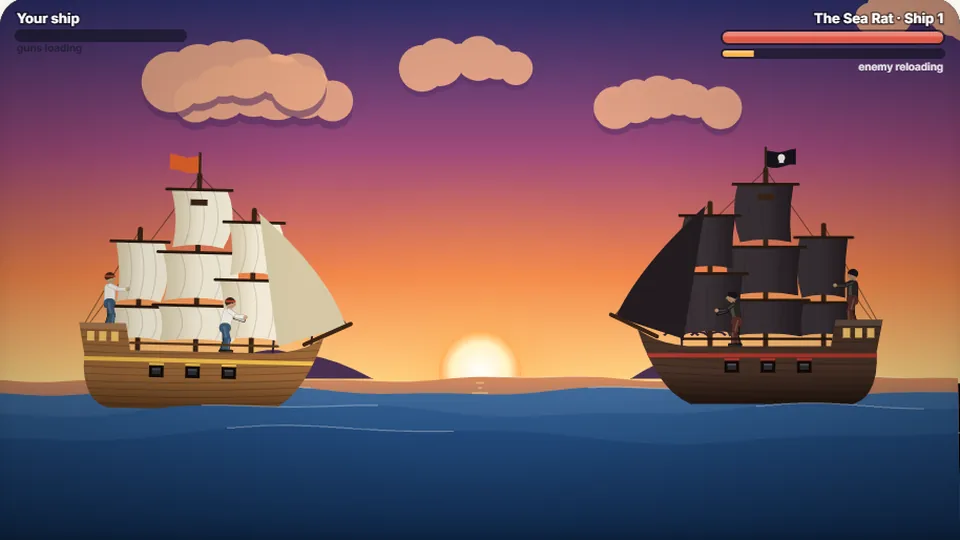 Adventure
Pirate Cannons
Load the guns by typing and sink the enemy ship before it sinks you.
Play now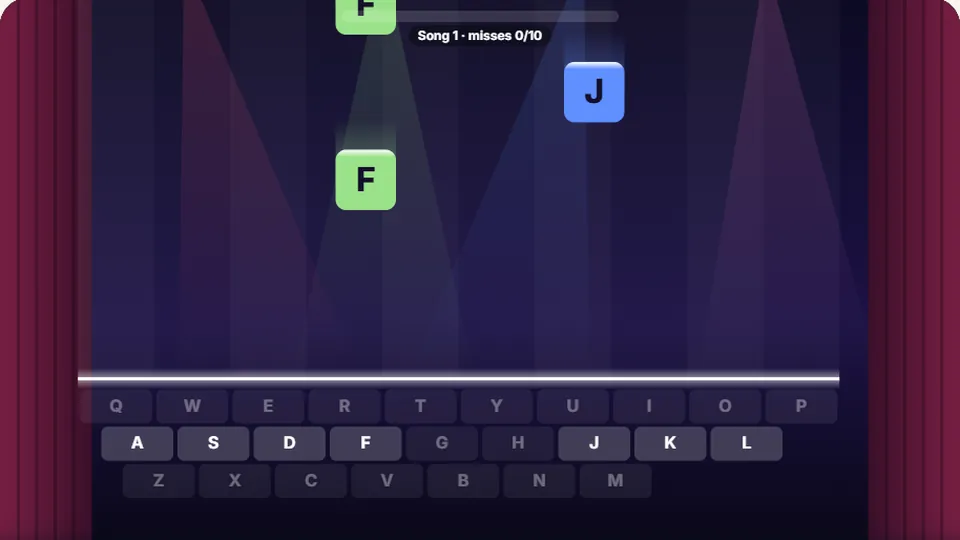 Learn
Melody Keys
Letters fall like notes — press each one on the line to play the melody.
Play now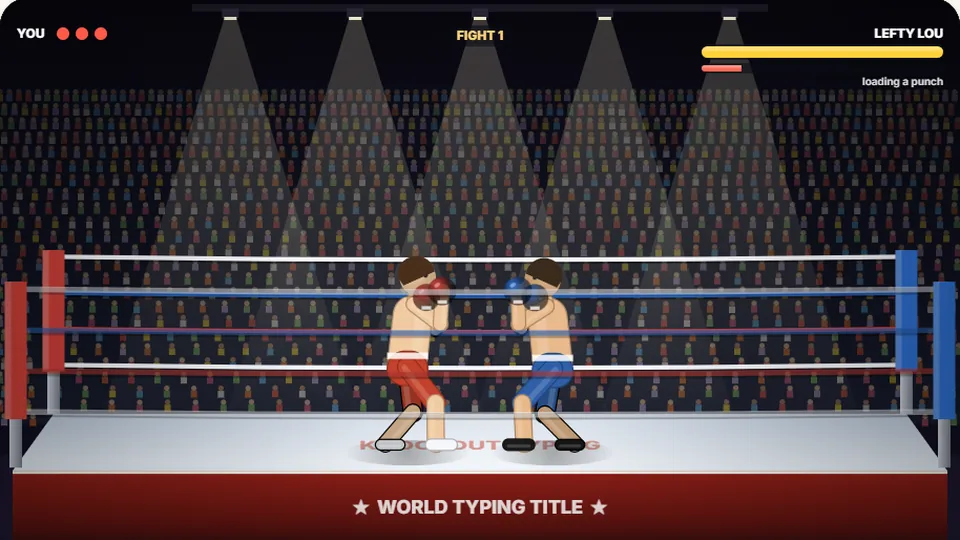 Sports
Knockout Typing
Step into the ring and win the fight with clean typing.
Play nowCommon questions
Frequently asked questions about childrens typing games
What age is Balloon Pop best for?
Is Balloon Pop completely free to play?
Do I need to install any software or plugins?
Can my child play on a tablet or iPad?
How does Balloon Pop save my child's score?
What should my child play after mastering Balloon Pop?
Start popping balloons and learning the keyboard today
Jump into Balloon Pop now for free. Pick your difficulty, watch the floating balloons, and build key-hunting speed one pop at a time.