Typing Games
Goalie Typing
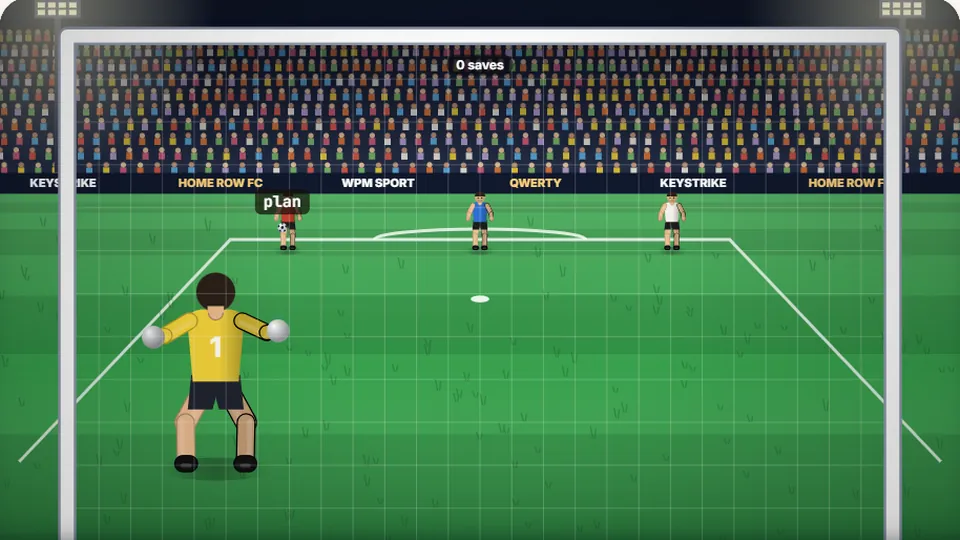
Each ball carries a word. Type it before the ball reaches the goal to make the save. Let three in and the match is lost.
Defend your goal
Welcome to Goalie TypingMake the save
Goalie Typing is a free goalkeeper typing game where your keyboard is your gloves. Strikers from the opposing team will take shots on your goal, and each football has a word attached to it. To make the save, you need to type the word correctly before the ball crosses the goal line. The pressure builds as more strikers join the attack, testing your speed and accuracy under pressure.
We built this game to be a fun way to practice typing. Instead of just transcribing text, you're reacting to a dynamic field of play. You have to prioritize targets, stay focused, and type cleanly to keep the ball out of the net. It's a great challenge for anyone looking for fun typing games that feel more like an arcade classic than a lesson.
- Saves Made
- 0
- Words Typed
- 0
- Best Score
- 0
- Accuracy
- 100%
- Play instantly in your browser with no downloads.
- Choose from Easy, Medium, and Hard difficulty levels.
- No account is required; your best scores are saved on your device.
- Works on desktop, tablet, and mobile devices.
Game guide
How to play Goalie Typing
Watch the strikers
The game begins with one striker who will shoot at your goal. As you play, more strikers will appear, increasing the number of shots you need to save.
Type the word on the ball
Each football flying towards your goal carries a unique word. As soon as you start typing a word, that ball becomes your active target. You must finish it before starting another.
Make the save
If you type the word correctly before the ball reaches the goal, your goalie will dive and make the save. If you're too slow or make a mistake, the other team scores a point.
You can pause, restart, toggle sound, and enter full-screen mode using the controls near the scoreboard.
Game mechanics
A unique football typing game experience
We designed Goalie Typing with a few key features to make it a replayable and useful typing practice tool.
Three difficulty levels
Start with Easy mode to learn the game. Move to Medium for a faster pace, then try Hard, where the shots are faster and the words are more complex.
Track your best score
The game saves your personal best score for each difficulty level directly in your browser. You can always see your own record and try to beat it.
Play on any device
Goalie Typing works on desktops, laptops, tablets, and phones. For the best experience and highest scores, we recommend using a physical keyboard.
Fast-paced action
This isn't a slow, methodical typing test. It's a fast typing game that demands quick reactions and the ability to type accurately while scanning the screen for the next threat.
Tips and tricks
Tips for a clean sheet
To get a high score in Goalie Typing, you need more than just raw speed. The key is to be efficient and accurate. The most common mistake is panicking and trying to type the word for a ball that's far away while ignoring one that's about to go in. Always prioritize the ball that is closest to crossing the goal line.
Accuracy is more important than speed. A typo forces you to backspace and correct it, costing valuable time. It's better to type a little slower and be certain of each keystroke. This is especially true on Hard mode, where a single mistake can mean the difference between a save and a goal.
Try to keep your fingers anchored on the home row (ASDF and JKL;). This fundamental skill allows you to reach any key with minimal hand movement, which is essential for the kind of fast, reactive typing this game requires. Consistent practice will help build the muscle memory needed to hit every key without looking down.
Common typing terms
- WPM
- Words Per Minute. The standard measure of typing speed. A 'word' is defined as five characters, including spaces and punctuation.
- Accuracy
- The percentage of characters you type correctly. High accuracy (95% or more) is crucial for effective typing.
- Home Row
- The middle row of keys on a QWERTY keyboard (ASDF for the left hand, JKL; for the right). It's the base position for touch typing.
- CPM
- Characters Per Minute. A measure of raw typing speed that counts every single character typed in a minute.
- Error Rate
- The percentage of characters typed incorrectly. It's the inverse of accuracy; an accuracy of 97% means an error rate of 3%.
- QWERTY
- The most common keyboard layout in the English-speaking world, named for the first six keys on the top letter row.
Explore the collection
More fun typing games to play
ProTypingGames offers a library of 69 free typing games across many categories, from sports and racing to puzzles and arcade shooters. There is a challenge for every skill level.
 Arcade
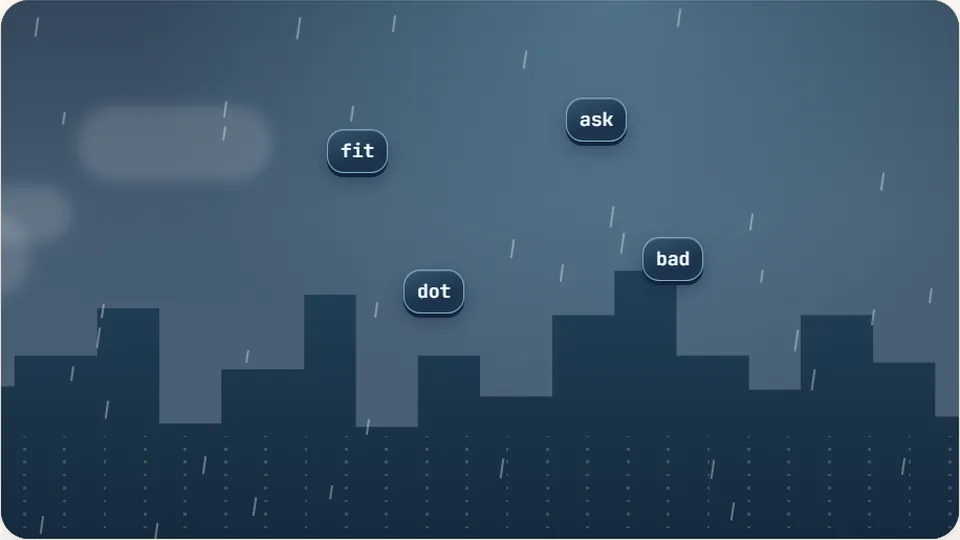
Word Rain
Clear the falling words before they hit the ground.
Play now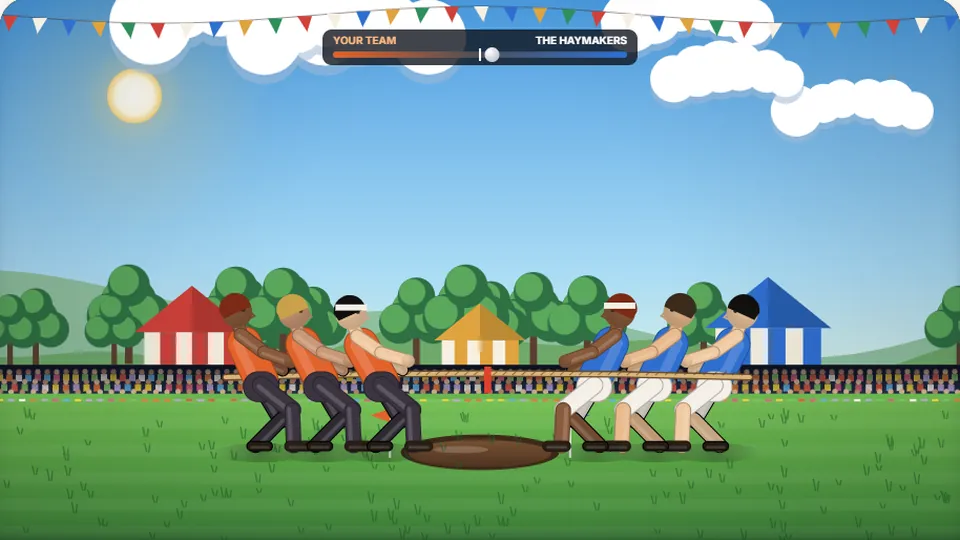 Sports
Tug of Words
Every clean word hauls the rope your way — drag the other team into the mud.
Play now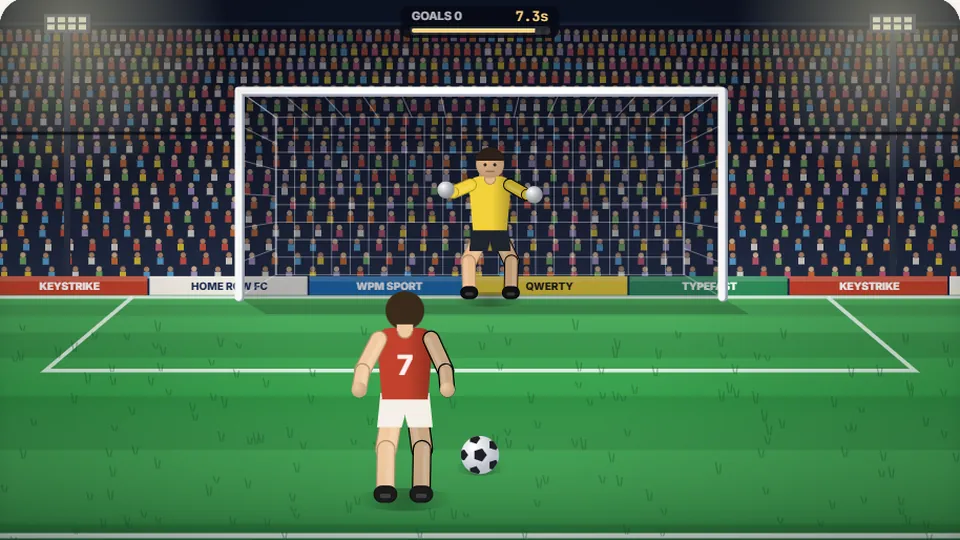 Sports
Penalty Kick
Beat the whistle and the keeper with clean, quick typing.
Play now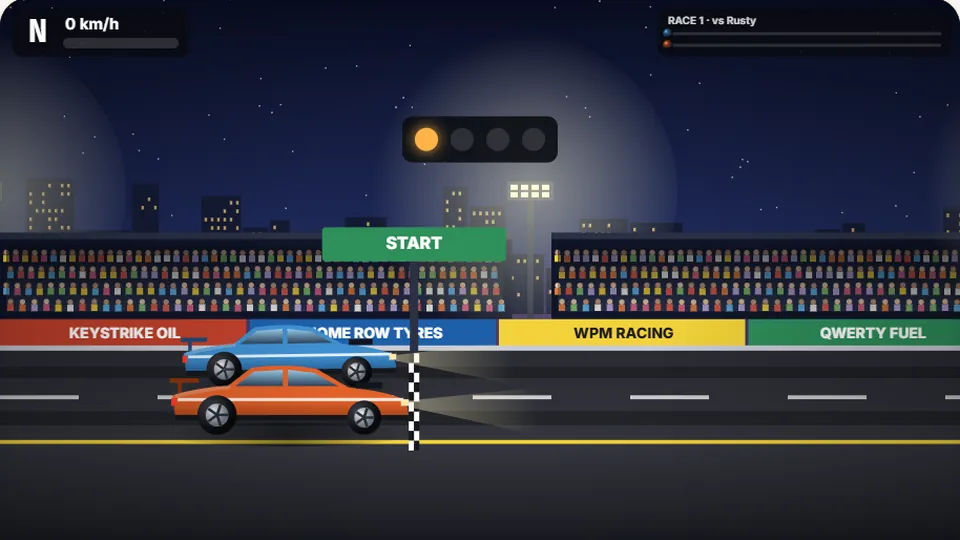 Racing
Drag Strip Typing
Six words, six gears — shift cleanly and beat the car in the next lane.
Play now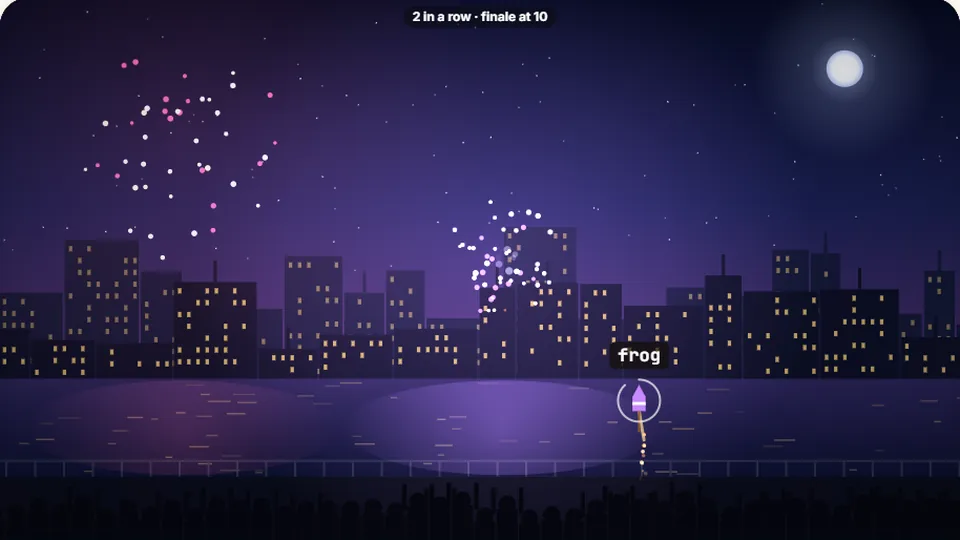 Kids
Fireworks Typing
Rockets climb into the night — type their words to make them burst.
Play now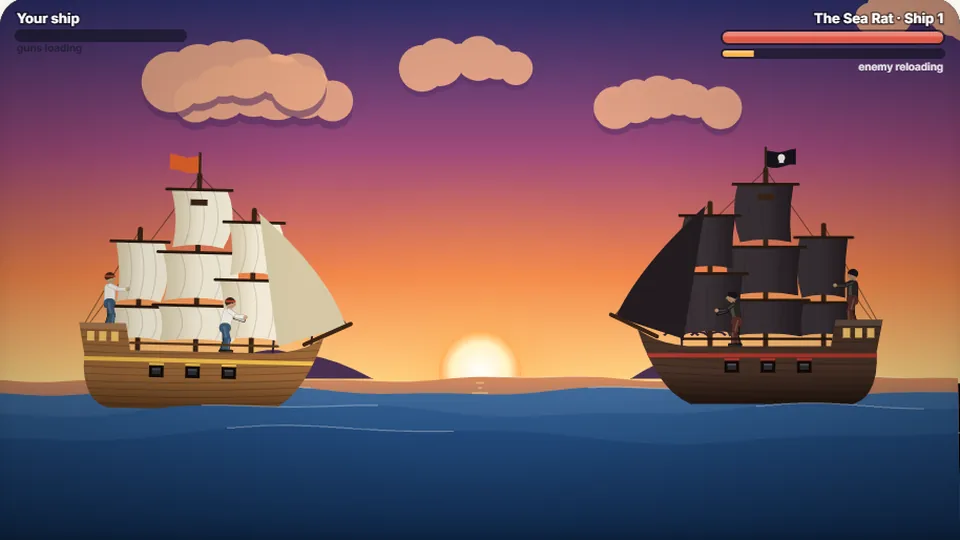 Adventure
Pirate Cannons
Load the guns by typing and sink the enemy ship before it sinks you.
Play now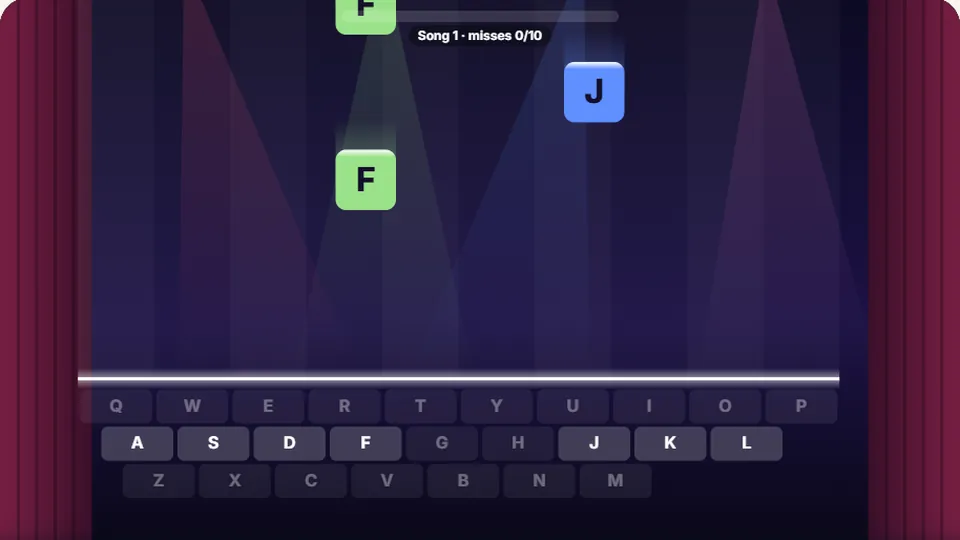 Learn
Melody Keys
Letters fall like notes — press each one on the line to play the melody.
Play now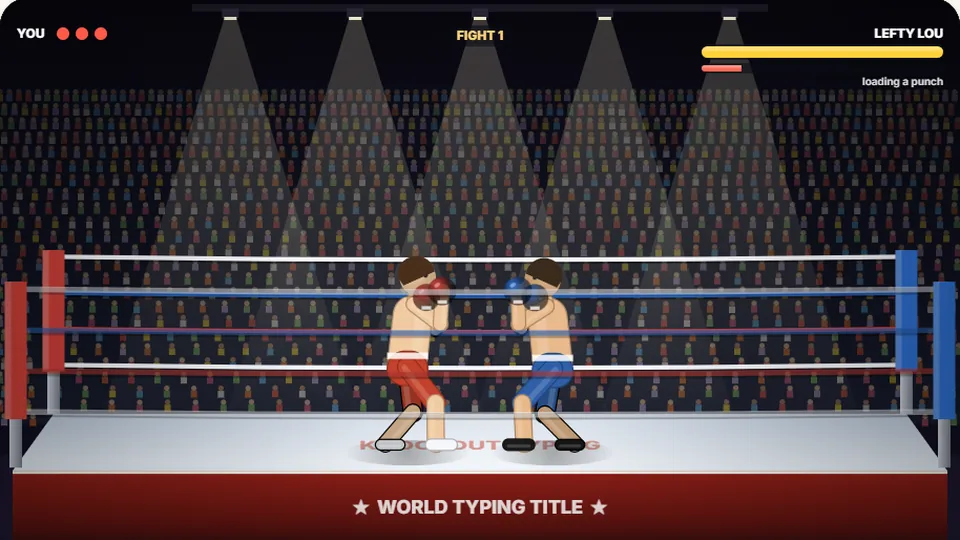 Sports
Knockout Typing
Step into the ring and win the fight with clean typing.
Play nowQuestions?
Frequently asked questions
Is this goalkeeper typing game really free?
How is the score calculated?
Can I play Goalie Typing on my phone?
How do I change the difficulty?
What is a good speed for this game?
How does playing this game help improve my typing?
Ready to defend the goal?
Test your reflexes and your typing skills. Choose your difficulty and see how many saves you can make.