Typing Games
Home Row Hero typing game
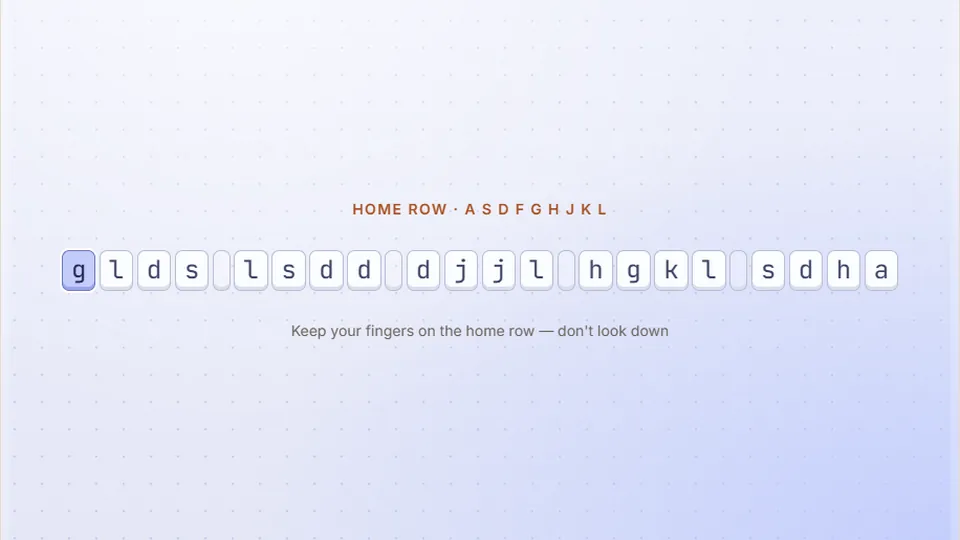
Type each line of keys exactly, starting from the home row. New rows unlock as you level up, building touch-typing muscle memory.
Learn the basics
Master the home row firstBuild muscle memory
Home Row Hero is a free touch typing game designed to teach you the fundamentals of typing without looking at the keyboard. It breaks the QWERTY layout down into manageable sections, starting right where your fingers naturally rest.
Instead of trying to memorize the whole board at once, this game forces you to build true muscle memory row by row. You start with ASDF and JKL;, then slowly add reaches to the top and bottom rows as your confidence grows.
- Difficulty modes
- 3
- Free to play
- 100%
- Downloads needed
- 0
- Target accuracy
- 95%
- Focuses entirely on finger placement
- Builds habits that prevent hunting and pecking
- Saves your best scores locally
- Plays directly in your browser
Getting started
How to play Home Row Hero
Position your hands
Place your left index finger on the F key and your right index finger on the J key. You can feel a small bump on these keys. Let your other fingers fall naturally onto the keys next to them.
Watch the screen, not your hands
The game will prompt you with letters from the home row. Type the letter shown on screen without looking down at your keyboard. Trust your fingers.
Build a rhythm
Focus on hitting the right key with the correct finger every time. Speed comes later; accuracy is what builds the muscle memory you need.
Expand your reach
As you move to Medium and Hard modes, the game introduces letters from the top and bottom rows. Always return your fingers to the home row after reaching for a key.
Use the controls near the scoreboard to pause, restart, or switch to full screen.
The method
Why we focus on the home row
The QWERTY keyboard layout was designed in the 1870s, and the home row is the anchor for efficient typing. If your fingers always start from ASDF and JKL;, your brain learns exactly how far to reach for every other letter.
Computer keyboard typing games often throw whole words at beginners, which encourages bad habits like using only two fingers. By restricting the available keys, Home Row Hero forces you to use all your fingers correctly from day one.
Muscle memory
Repetition on specific keys trains your fingers to move automatically, bypassing conscious thought.
High accuracy
Limiting the keys reduces errors early on, preventing you from practicing mistakes.
Proper technique
Forces you to use the correct finger for each key, which is essential for long-term speed.
A four-week plan for beginners
Learning to type takes consistent, short sessions. Here is a plan using our learn typing games to build a solid foundation.
- Week 1
The anchor
Play Home Row Hero on Easy mode for 10 minutes a day. Do not look at your hands. If you make a mistake, pause and reset your fingers on F and J.
- Week 2
Adding reaches
Move to Medium mode in Home Row Hero to introduce the top row. Pay attention to how your fingers stretch and then immediately return to the home row.
- Week 3
The full board
Try Hard mode to include the bottom row. This is usually the hardest part for new typists. Keep your sessions short to avoid frustration.
- Week 4
Simple words
Now that you know where the keys are, start typing short words. Focus on maintaining at least 95% accuracy.
Many players improve with daily practice. Stick to the plan and prioritize accuracy over speed.
Habits for better typing
Good habits
- Feel for the bumps on the F and J keys to orient yourself.
- Keep your wrists hovering slightly or resting lightly on a pad.
- Look at the screen, even when you make a mistake.
- Aim for 95% accuracy or higher before trying to type faster.
Bad habits
- Do not look down at your hands.
- Do not use only your index fingers (hunting and pecking).
- Do not tense your shoulders or wrists.
- Do not worry about speed while you are still learning the key positions.
Where to go after Home Row Hero
Once you have built some muscle memory, try these typing games for beginners to test your new skills.
| Goal | Game | Why it helps |
|---|---|---|
| Pacing | Zen Type | Removes the pressure of a timer so you can focus entirely on clean keystrokes. |
| Simple words | Balloon Pop | A slow-paced game that introduces short, common words. |
| Rhythm | Melody Keys | Helps you develop a steady, even typing cadence. |
| Speed | Word Rain | Gently pushes you to type faster as words fall down the screen. |
Questions
Common questions about learning to type
How long does it take to learn touch typing?
Do I need a special keyboard?
Why do I type slower when I try not to look?
What is a good typing speed?
Does this game save my progress?
Keep playing
More typing games
Ready for a new challenge? We have 69 games and 23 typing tests to help you improve.
 Arcade
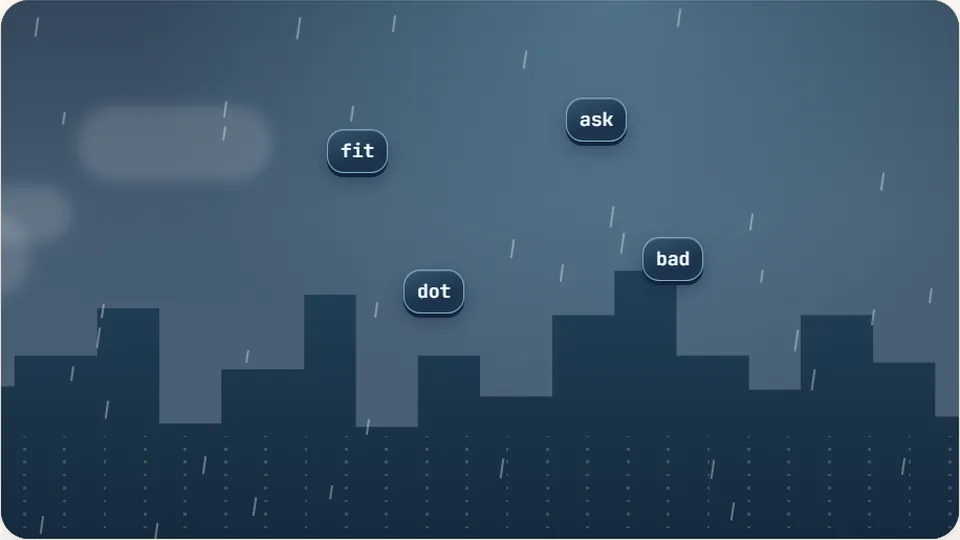
Word Rain
Clear the falling words before they hit the ground.
Play now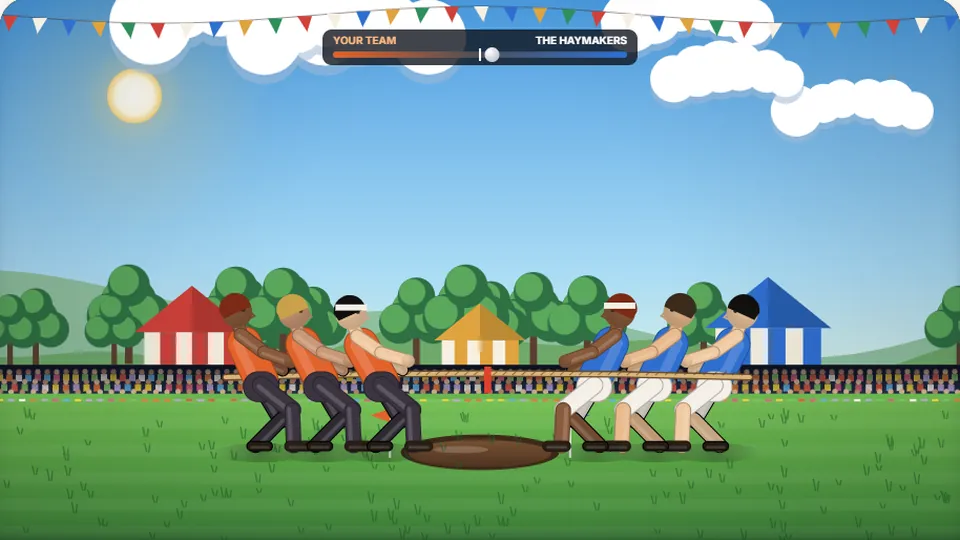 Sports
Tug of Words
Every clean word hauls the rope your way — drag the other team into the mud.
Play now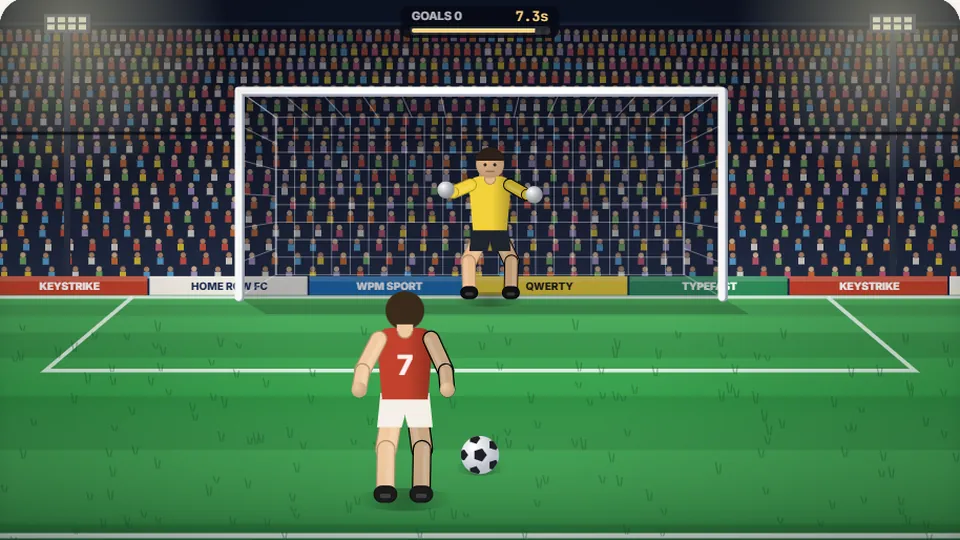 Sports
Penalty Kick
Beat the whistle and the keeper with clean, quick typing.
Play now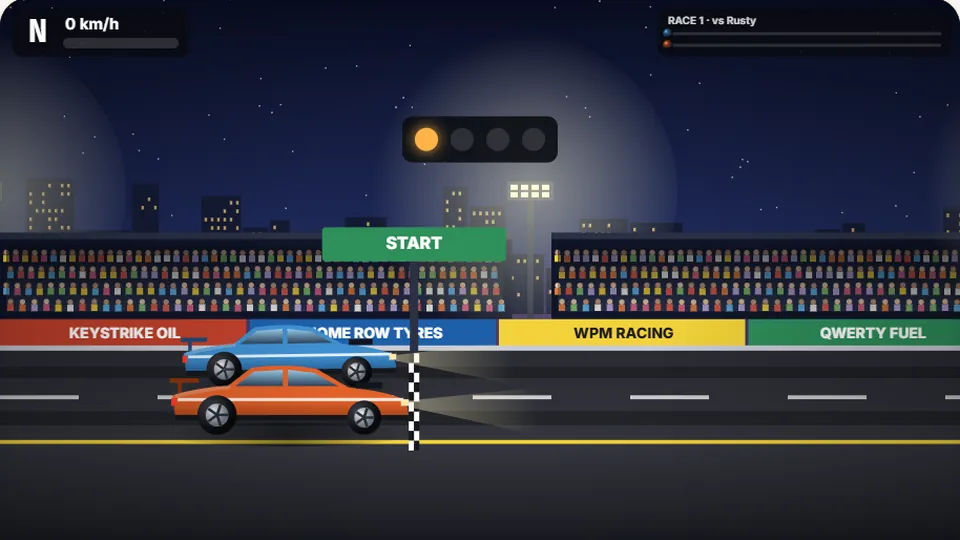 Racing
Drag Strip Typing
Six words, six gears — shift cleanly and beat the car in the next lane.
Play now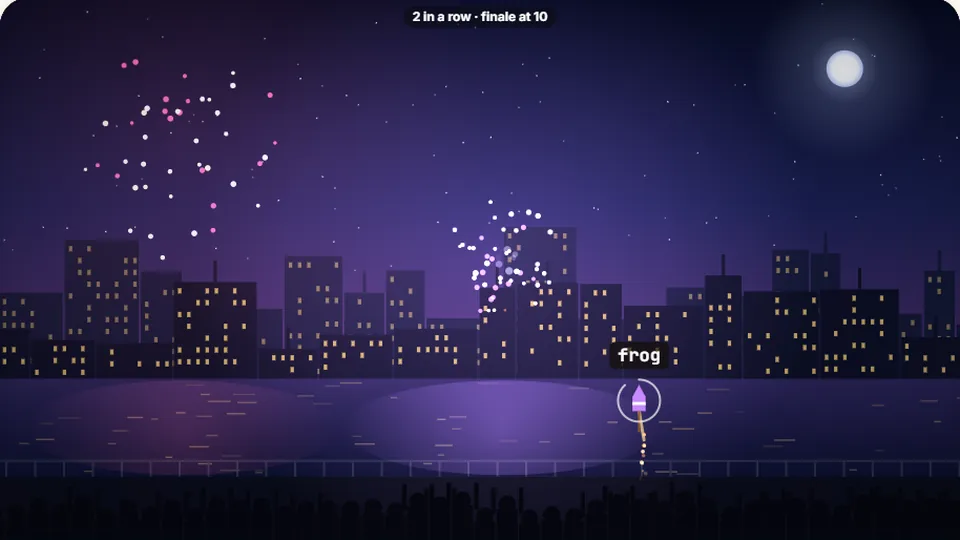 Kids
Fireworks Typing
Rockets climb into the night — type their words to make them burst.
Play now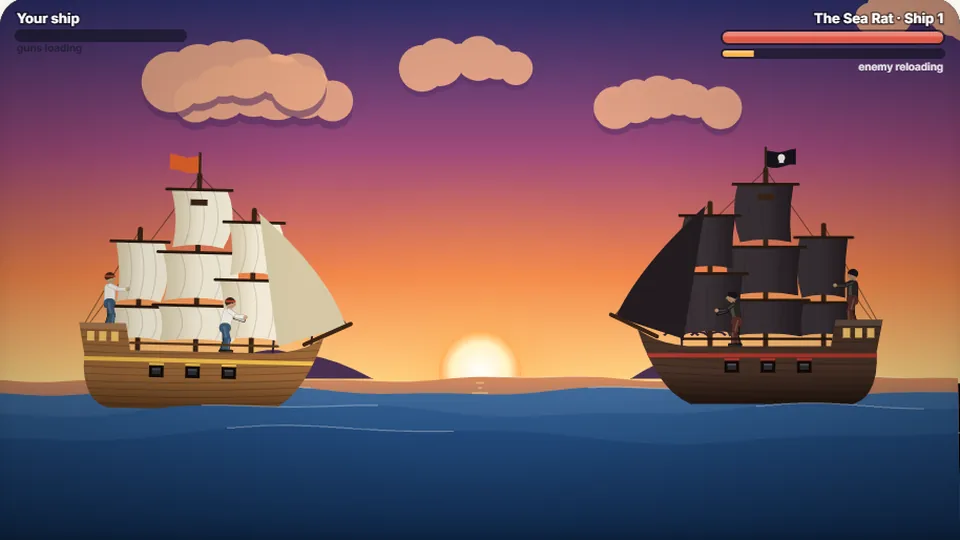 Adventure
Pirate Cannons
Load the guns by typing and sink the enemy ship before it sinks you.
Play now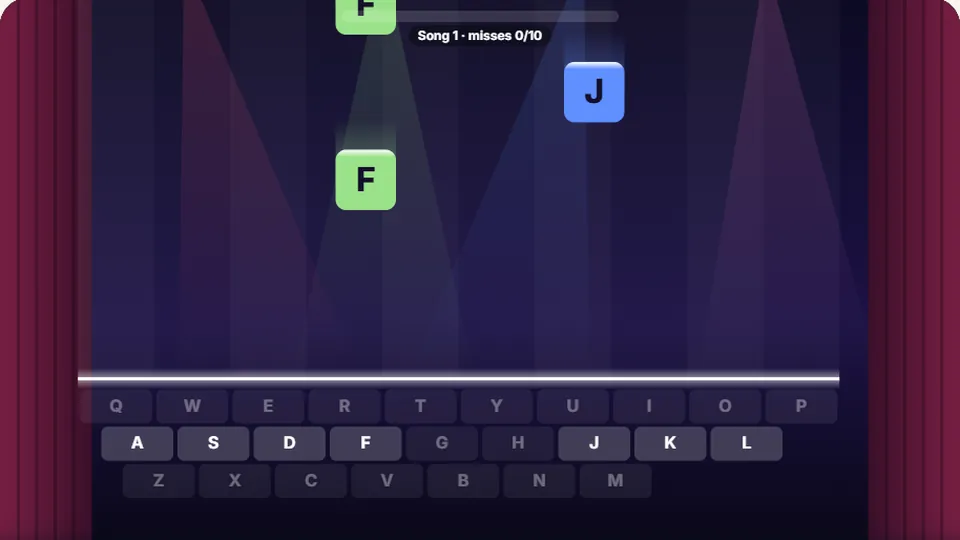 Learn
Melody Keys
Letters fall like notes — press each one on the line to play the melody.
Play now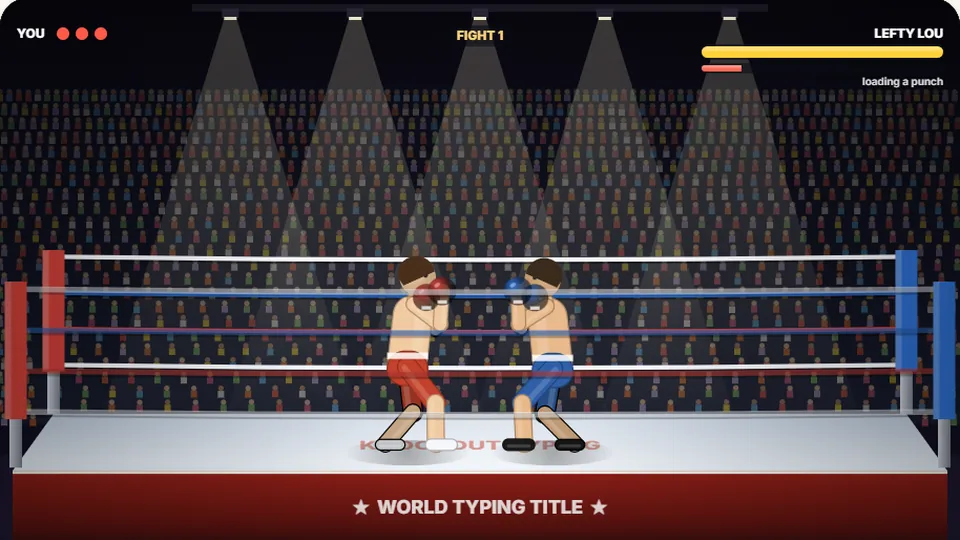 Sports
Knockout Typing
Step into the ring and win the fight with clean typing.
Play nowStart learning today
Place your hands on the home row and build real muscle memory.