Typing Games
Fireworks Typing
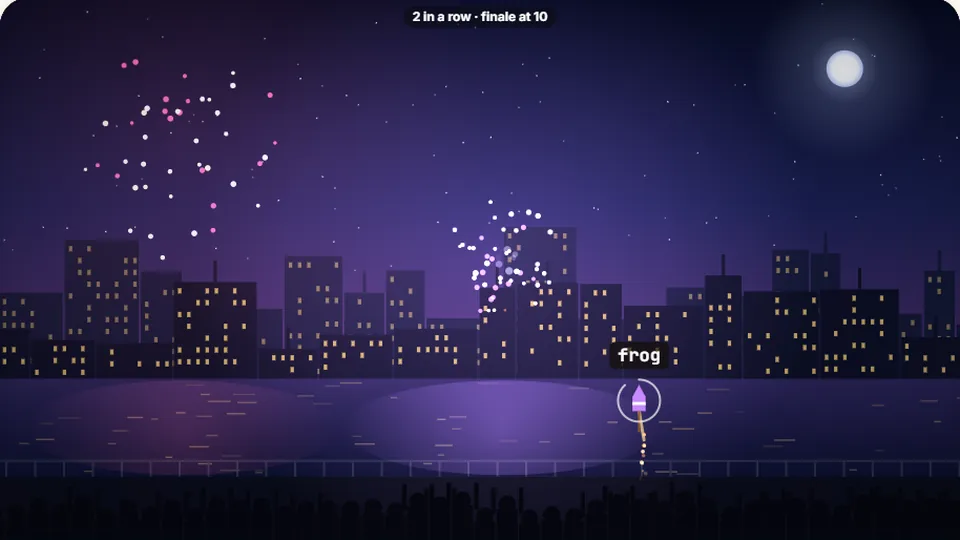
Type a rocket’s word to burst it into fireworks before it fizzles out. Bursts in a row build up to a grand finale.
The Game
Light up the sky with your keyboardtyping games for kids
Fireworks Typing is one of our most popular typing games for kids. It turns learning the keyboard into a colorful nighttime show. Rockets launch from the bottom of the screen, each carrying a word. When you type that word correctly, the rocket bursts into fireworks.
It is designed as a gentle introduction to typing. The words move at a steady pace, giving new typists time to find the keys. Because there are no loud alarms or stressful timers, it works well as an easy typing game for beginners who are just starting to memorize the home row.
You can play Fireworks Typing directly in your browser. It is completely free, requires no account, and there is nothing to download.
- Difficulty modes
- 3
- To play online
- Free
- Downloads needed
- 0
- Best for
- Kids
- Type words to explode rockets
- Easy, Medium, and Hard speeds
- Tracks your best score locally
- Plays in light or dark mode
Overview
What is Fireworks Typing?
Fireworks Typing is a simple arcade-style typing game where the goal is to clear the screen of rising rockets. Each rocket has a word attached to it. The player types the letters of the word in order. Completing the word triggers an animation of the rocket exploding into a firework.
The game ends if too many rockets reach the top of the screen before they are typed. The score is based on how many words you successfully type. It is a straightforward word typing game that focuses on accuracy and steady pacing rather than extreme speed.
- Goal
- Type words to pop the rockets before they escape.
- Controls
- Use your physical keyboard or on-screen device keyboard.
- Levels
- Choose from Easy, Medium, or Hard before you start.
- Saving
- Your highest score is saved automatically in your browser.
Instructions
How to play Fireworks Typing
Select your difficulty
When the game loads, choose Easy, Medium, or Hard. Easy mode features shorter words and slower rockets, making it perfect for younger kids.
Watch for the rockets
Rockets will begin launching from the bottom of the screen, moving upward into the night sky. Each rocket has a word written on it.
Type to burst
Read the word on a rocket and type it using your keyboard. You do not need to press Enter. As soon as you type the last letter correctly, the rocket will explode.
Keep the sky clear
Try to type the words before the rockets reach the top edge of the screen. If a rocket escapes, you lose a life. The game ends when you run out of lives.
If you need to take a break, you can use the pause button located near the scoreboard.
Benefits
Why it works for beginners
Learning to type can be frustrating if the exercises feel like a chore. Fun typing games help bridge the gap between slow, deliberate practice and automatic muscle memory. Fireworks Typing provides immediate, colorful feedback when a word is typed correctly.
The visual reward of the firework explosion keeps younger players engaged. Instead of staring at a blinking cursor on a blank page, they are actively participating in a colorful event. This makes the repetition required to learn the keyboard feel less like work.
Visual rewards
The bright fireworks provide a clear, satisfying signal that a word was typed correctly.
Adjustable speed
The Easy mode is slow enough that beginners will not feel overwhelmed.
Focus on words
Typing full words helps build the muscle memory needed for everyday typing.
More to play
Other fun typing games
If you enjoy Fireworks Typing, try these other typing games for kids and beginners.
Balloon Pop
Type the letters to pop the balloons before they float away.
Word Rain
Stop the falling words from reaching the ground in this classic arcade game.
Liftoff Typing
Type quickly to fuel your rocket and launch it into space.
Alphabet Dash
A fast-paced game focused on finding individual letters quickly.
Questions
Common questions about Fireworks Typing
Is Fireworks Typing free to play?
Do I need to download an app?
Can I play on an iPad or tablet?
How do I save my score?
How do I turn off the sound?
What happens if I make a mistake?
More practice
Try our other typing games
We have dozens of games to help you improve your typing speed and accuracy.
 Arcade
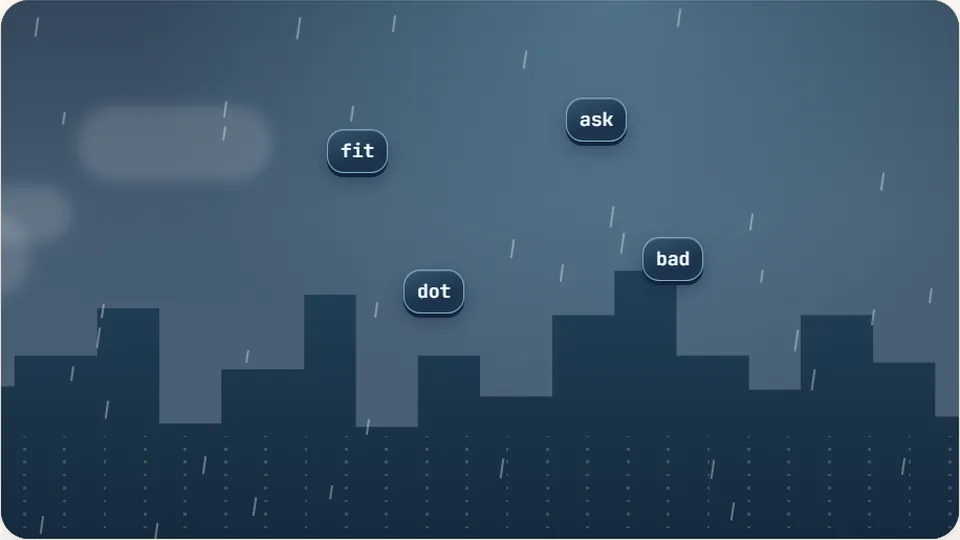
Word Rain
Clear the falling words before they hit the ground.
Play now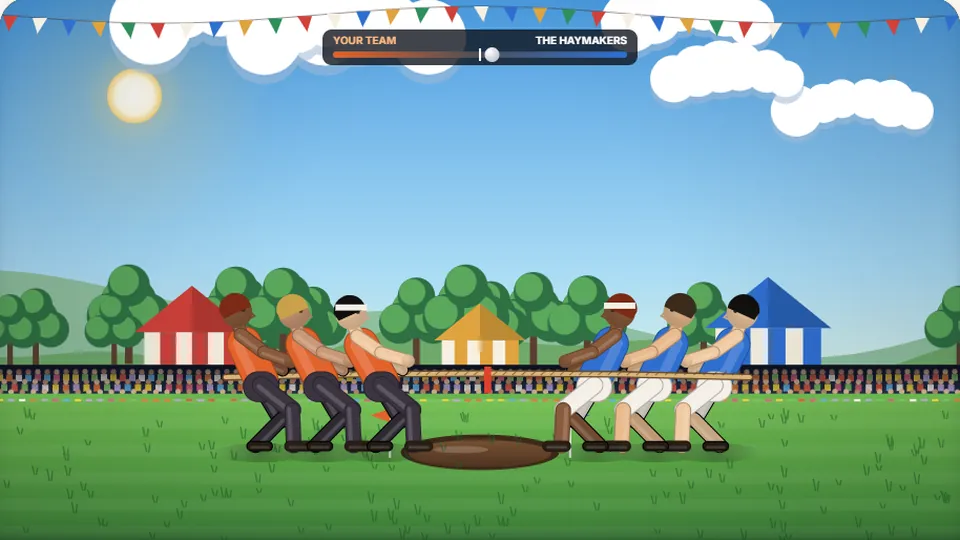 Sports
Tug of Words
Every clean word hauls the rope your way — drag the other team into the mud.
Play now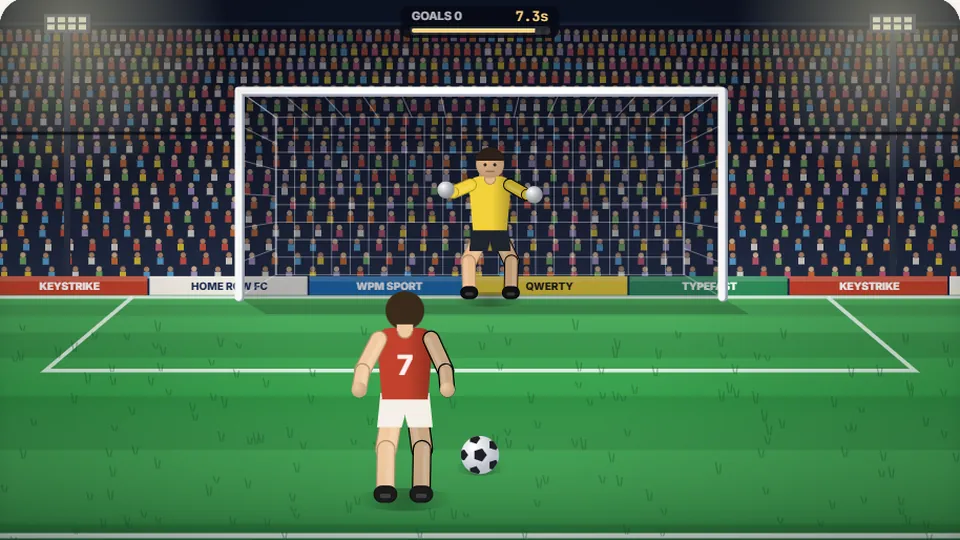 Sports
Penalty Kick
Beat the whistle and the keeper with clean, quick typing.
Play now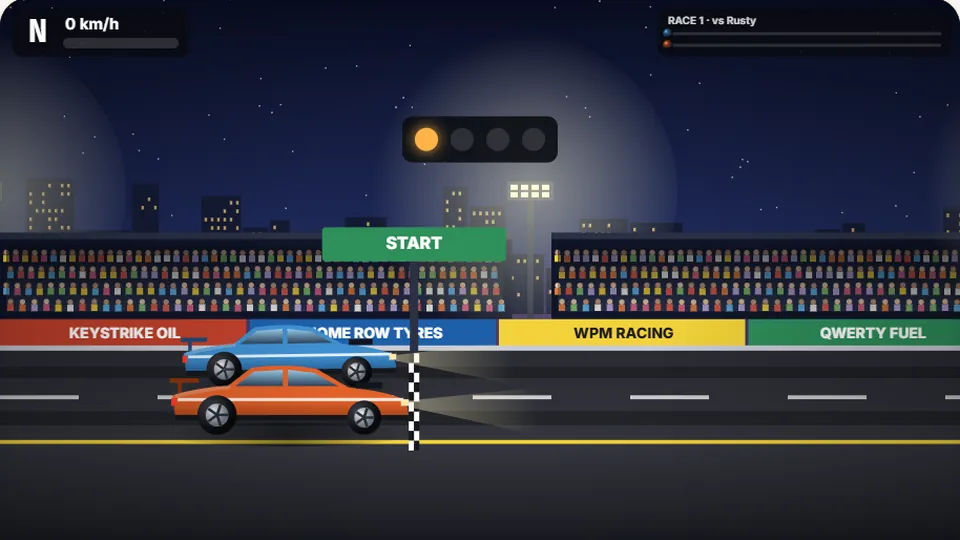 Racing
Drag Strip Typing
Six words, six gears — shift cleanly and beat the car in the next lane.
Play now Kids Fireworks Typing
Rockets climb into the night — type their words to make them burst.
Play now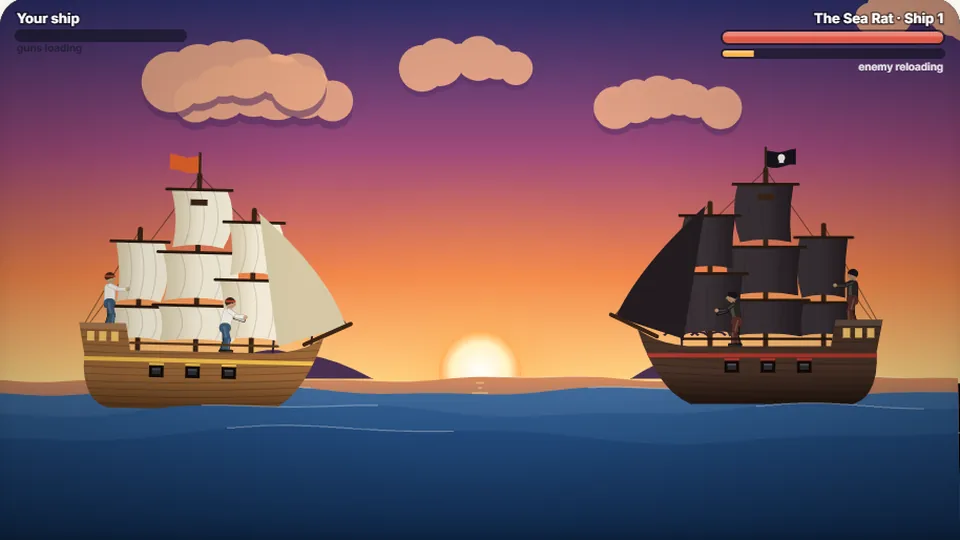 Adventure
Pirate Cannons
Load the guns by typing and sink the enemy ship before it sinks you.
Play now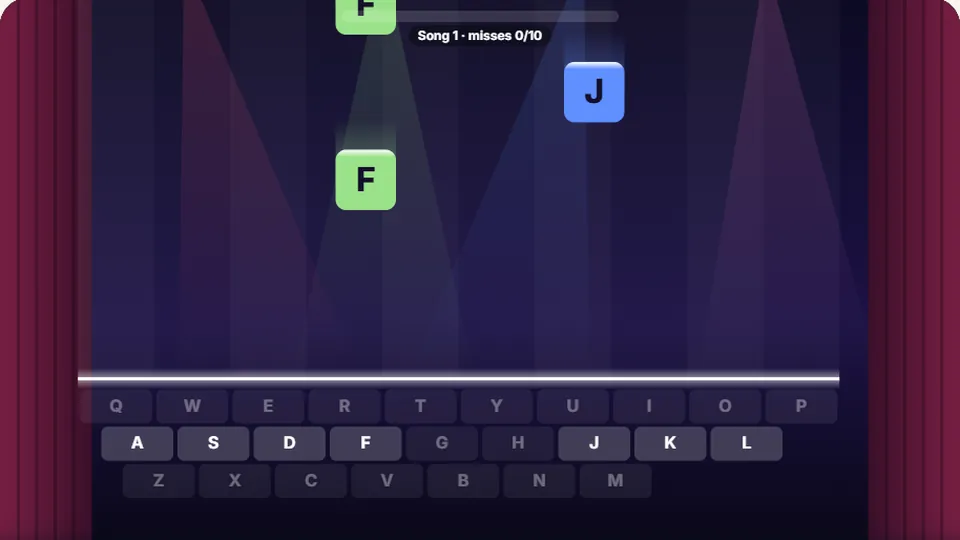 Learn
Melody Keys
Letters fall like notes — press each one on the line to play the melody.
Play now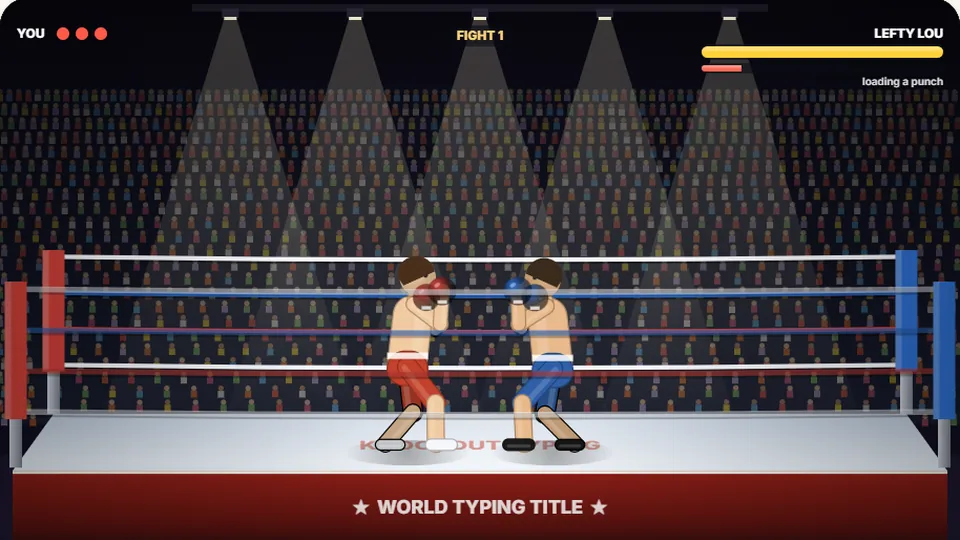 Sports
Knockout Typing
Step into the ring and win the fight with clean typing.
Play nowReady to launch some rockets?
Start playing Fireworks Typing now and see how many words you can clear from the night sky.