Typing Games
Dart Typing
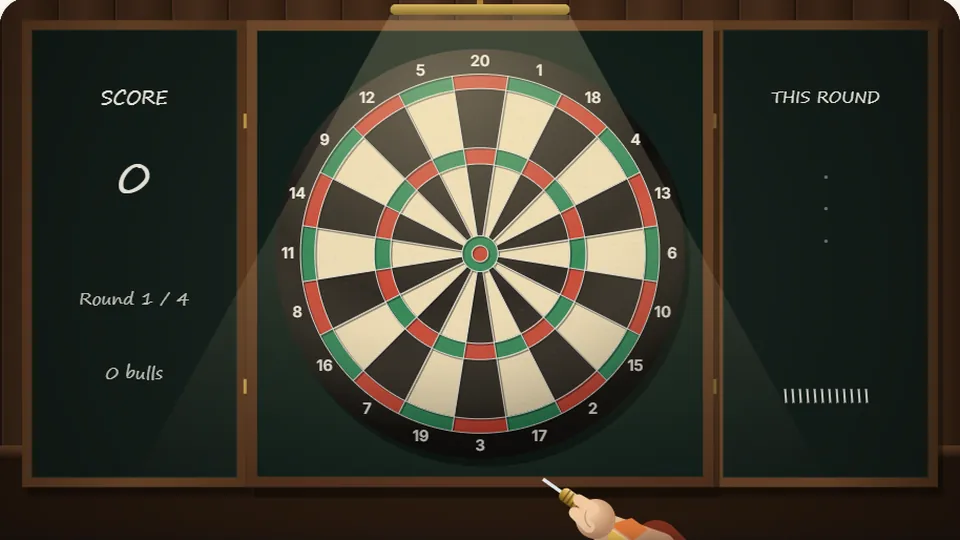
Each word is a throw. Type it without mistakes and quickly for a bullseye; slower lands further out; two or more slips miss the board.
Aim for Accuracy
How Dart Typing works
Welcome to Dart Typing, a free dart typing game I developed to test and train typing precision. The concept is simple: every word you type is a throw at the dartboard. Your accuracy determines where the dart lands. A perfect word, typed without any corrections or errors, is a bullseye. Even a single mistake will lower your score, sending the dart into the outer rings.
Each game gives you twelve darts, which means twelve words to type. The goal is to get the highest score possible. While typing speed can help you finish faster, it's clean, error-free typing that truly matters here. This game isn't about raw speed; it's a focused exercise in precision, making it one of our most popular typing games for adults who want to improve their accuracy.
You can choose from three difficulty levels—Easy, Medium, and Hard—each with its own high score saved to your device. This lets you track your progress as your typing becomes more consistent.
- Darts Per Game
- 12
- Points for a Bullseye
- 50
- Typo to Miss Center
- 1
- Difficulty Levels
- 3
- Type words to throw darts at the board.
- Perfect typing hits the bullseye for maximum points.
- Mistakes and corrections result in lower scores.
- Play for free in your browser with no account needed.
Get Started
How to play Dart Typing
Start the game
Select your difficulty level (Easy, Medium, or Hard) and the game will begin. The first word will appear above the dartboard.
Type the word
Type the displayed word exactly as you see it. As you type, your dart aims. Focus on hitting each key correctly the first time.
Watch your throw
Once you finish the word, your dart is thrown automatically. A perfect word earns a bullseye. An imperfect word lands elsewhere or misses completely.
Repeat for 12 darts
Continue typing the words that appear. After your twelfth and final dart, your total score for the round is displayed.
Use the controls next to the scoreboard to pause, restart, toggle sound, or enter full-screen mode at any time.
Precision is Key
A true typing accuracy game
In Dart Typing, your score is a direct reflection of your accuracy. I designed the scoring mechanic to be strict but fair, rewarding clean keystrokes above all else. A bullseye, worth 50 points, is only awarded for a word typed perfectly from start to finish. This means no typos and no use of the backspace key.
If you make a single typo but correct it, or finish the word with one uncorrected error, your dart will land in the inner ring for 25 points. Two or more mistakes will send your dart into the outer single-point ring, or cause you to miss the board entirely for zero points. This system makes it a great typing accuracy game because it forces you to slow down and concentrate on each individual letter.
While there's no time limit per word, your total time is recorded. It's used as a tie-breaker if you match your high score, but it doesn't contribute directly to the points. The best strategy is to forget about speed and focus entirely on typing each word flawlessly.
Bullseye (50 points)
Awarded for a word typed with 100% accuracy. No typos, no corrections, no hesitation. This is the ultimate goal for every throw.
On the board (1-25 points)
Awarded for words typed with minor errors. A single mistake earns 25 points. Two or more errors will score just 1 point or miss completely.
Game Controls
Built for practice
Like all games on ProTypingGames, Dart Typing includes features to make your practice sessions smooth and effective. Everything works right in your browser.
Play instantly
This is a free online game. There are no downloads to install or accounts to create. Just load the page and start playing.
Saved high scores
The game saves your best score for each difficulty level directly in your browser. This lets you challenge yourself and see your accuracy improve over time.
Light and dark modes
Choose the look that's easiest on your eyes. You can switch between light and dark themes using the settings icon by the scoreboard.
Works on any device
You can play on a desktop, tablet, or phone. For the best experience and control, we recommend using a physical keyboard.
Our Collection
Explore 69 free typing games
We've built a wide variety of games to make typing practice more effective and enjoyable. From racing and arcade shooters to puzzles and adventures, there's something for every skill level. All games are free to play in your browser.
 Arcade
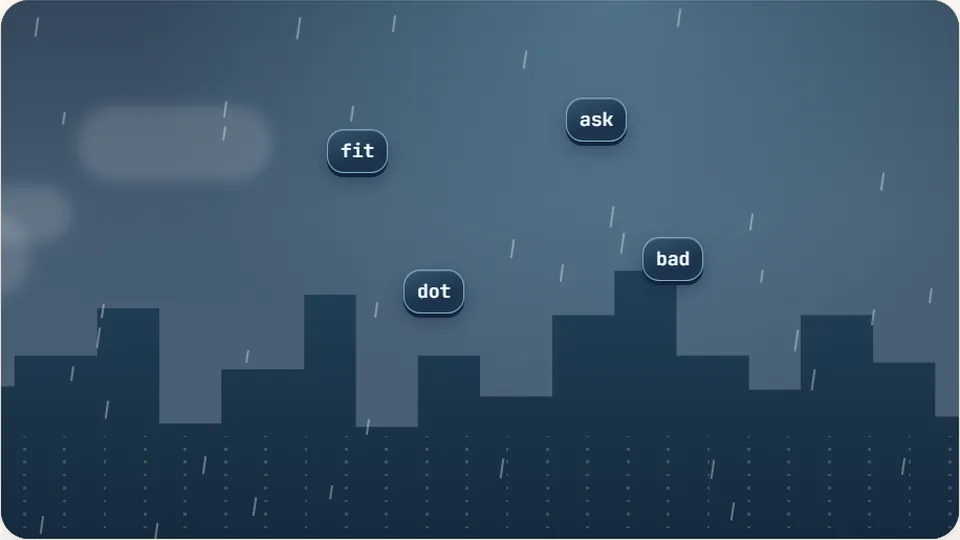
Word Rain
Clear the falling words before they hit the ground.
Play now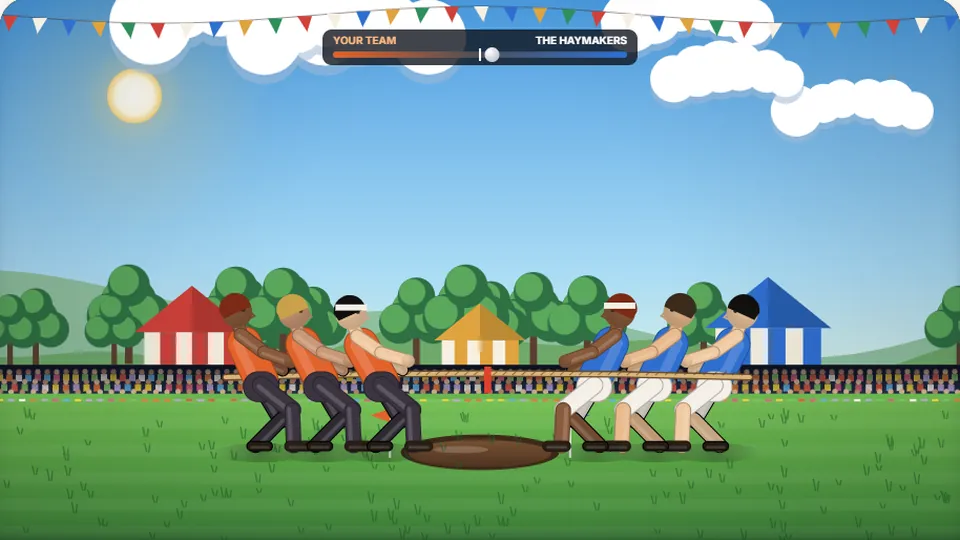 Sports
Tug of Words
Every clean word hauls the rope your way — drag the other team into the mud.
Play now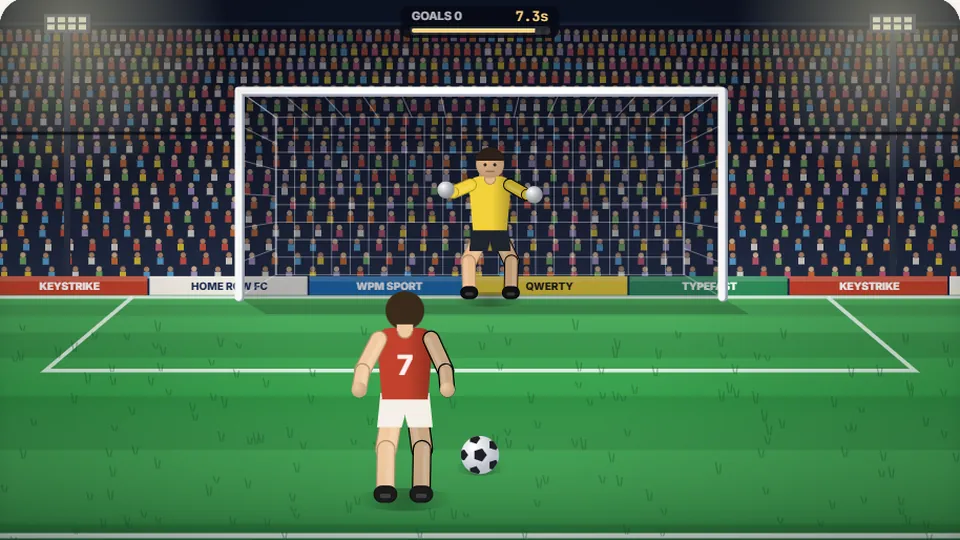 Sports
Penalty Kick
Beat the whistle and the keeper with clean, quick typing.
Play now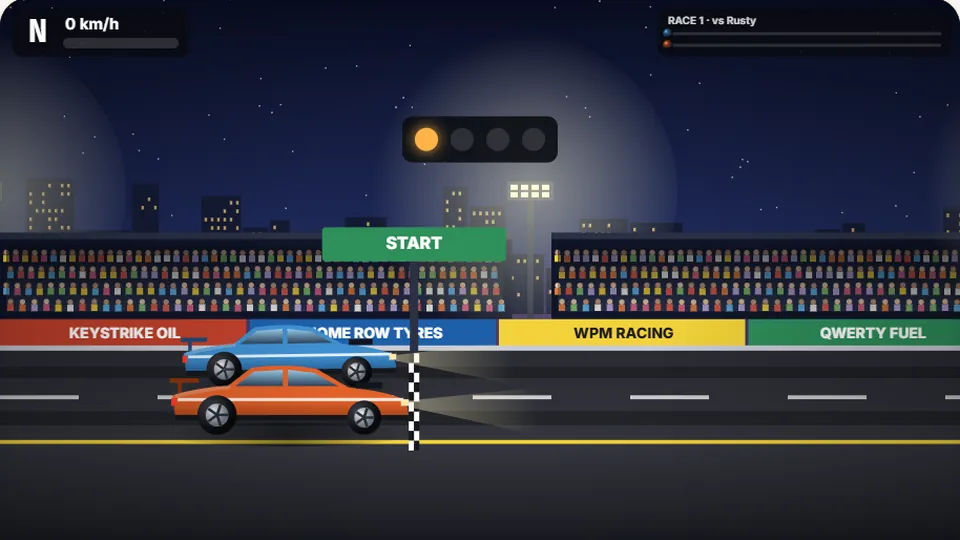 Racing
Drag Strip Typing
Six words, six gears — shift cleanly and beat the car in the next lane.
Play now Kids
Fireworks Typing
Rockets climb into the night — type their words to make them burst.
Play now Adventure
Pirate Cannons
Load the guns by typing and sink the enemy ship before it sinks you.
Play now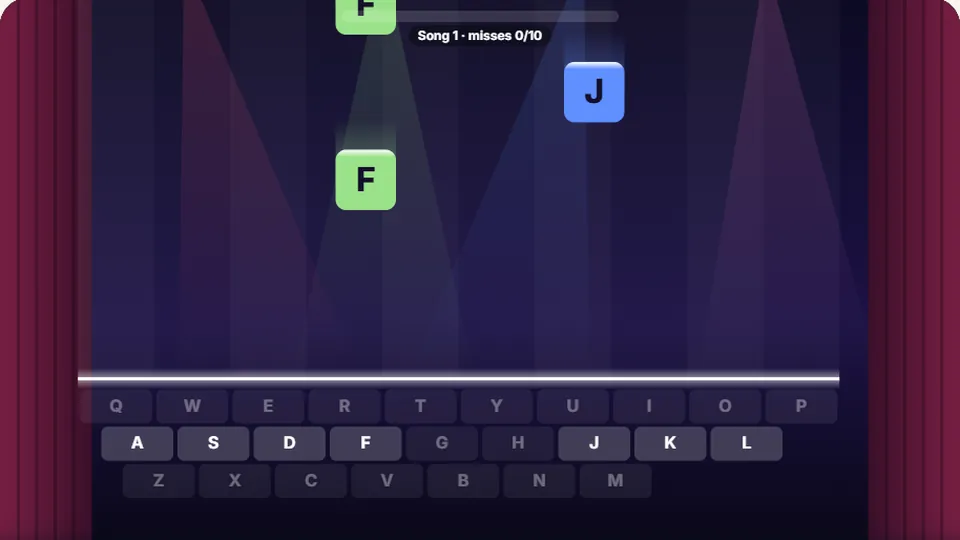 Learn
Melody Keys
Letters fall like notes — press each one on the line to play the melody.
Play now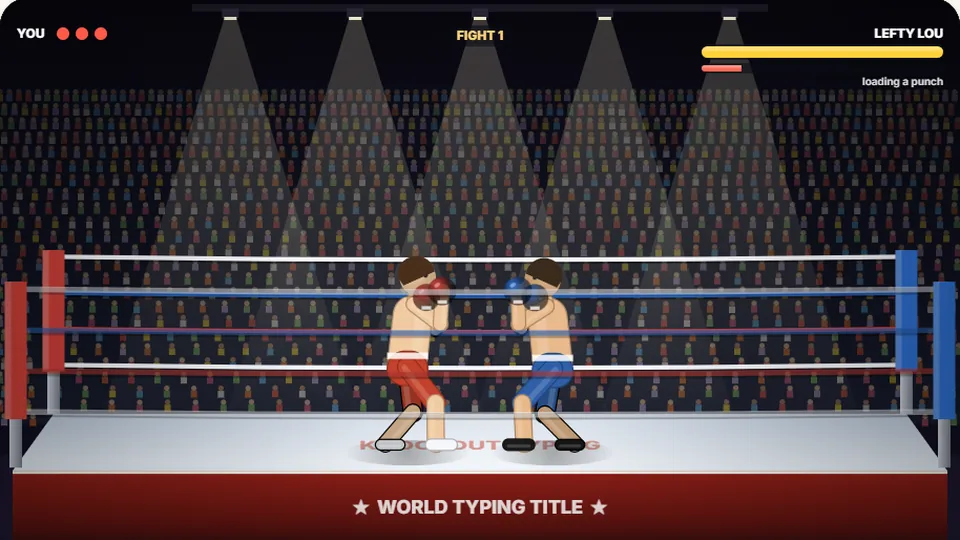 Sports
Knockout Typing
Step into the ring and win the fight with clean typing.
Play nowQuestions
Frequently asked questions about the Dart Typing game
What is the goal of Dart Typing?
How is the score calculated?
Does typing speed matter in this game?
What happens if I make a typo?
Is this a good game for improving typing accuracy?
Can I play Dart Typing on my phone?
Ready to play?
Step up to the oche and test your precision. Your first dart is waiting.