Typing Games
Word Blaster typing game
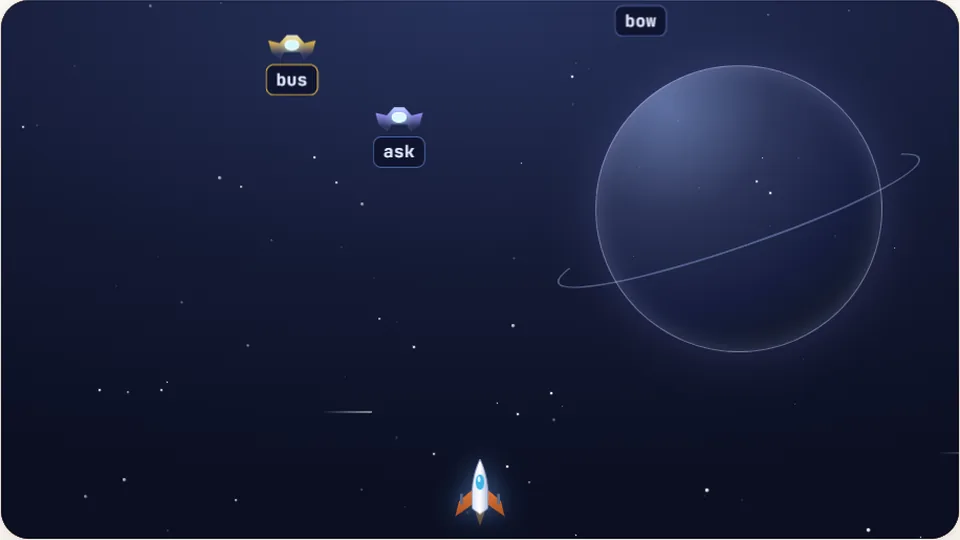
Every correct letter fires a round at the locked alien. Finish the word to blow it up before it reaches your ship.
Defend your ship
Blast target words out of the skyshooter typing games
Word Blaster brings classic arcade space action to your keyboard. Target words drift down from the top of the screen toward your ship stationed at the bottom. To fire your lasers, type the letters of an incoming word in exact order. Each correct keystroke blasts away part of the target, clearing the threat before it hits your hull.
We designed Word Blaster for players who want to sharpen their keyboard accuracy under constant visual pressure. Unlike casual drills, shooter typing games make you manage competing threats. You must look across the screen, prioritize the closest target, and execute flawless keystrokes while the action picks up.
The game runs directly in your browser without any account creation or downloads. Whether you want a quick warm-up session or a high-score attempt, you can jump straight into the action on three tailored difficulty levels.
- Difficulty levels
- 3
- Free to play
- 100%
- Browser action
- Instant
- Local best scores
- Saved
- Retro arcade shooter mechanics paired with precision typing drills
- Three distinct speed settings with independent high score tracking
- Built-in controls for pause, sound, light or dark mode, and fullscreen
- No login required; your best records stay saved in your browser
Game controls
How to clear the sky in Word Blaster
Identify the nearest threat
Scan the screen to find the word closest to your ship. Lower words pose the immediate threat of collision, so target them before tackling higher targets.
Type the exact sequence
Type the letters of the chosen word accurately. Your laser locks onto the text as soon as you type the first letter, firing shots for each matching character.
Destroy targets before impact
Complete the word to detonate the incoming debris. If a word reaches the bottom line, it damages your ship and resets your active word combo.
Track your score and difficulty
Survive as long as possible while building up high point values. Switch between Easy, Medium, and Hard modes to challenge your peak speed.
A physical QWERTY keyboard offers the fastest tactile feedback for lock-on targeting, though touch devices with on-screen keyboards are also supported.
Arcade design
Why space typing games build real accuracy
In traditional typing exercises, your eyes follow a stationary block of text from left to right. Space typing games break this pattern by forcing your brain to process moving visual elements across two dimensions. You have to read the text, assess its vertical position, and send commands to your fingers without looking down at your hands.
This dynamic movement strengthens your spatial keyboard awareness. When a word drops faster on the left flank, your left hand must respond instantly while your eyes move ahead to prepare for the next line. Over time, this training reduces your hesitation when switching between distant key regions on the home row.
Word Blaster combines this spatial challenge with strict accuracy rules. Backspacing is not an option when space invaders typing game elements descend at full speed. You learn to strike keys cleanly on the first attempt, which directly translates to cleaner, faster typing in daily document work.
Peripheral vision drill
Track multiple descending words at once while keeping your eyes fixed near the middle of the screen.
Instant key recognition
Eliminate second-guessing. Your fingers move instantly to home row positions as words appear.
Precision over panic
Maintain high accuracy even when target words enter the lower danger zone near your ship.
Score tracking
Build long streaks without mistakes to set standard high scores across all three difficulty modes.
| Mode | Word Length | Descent Speed | Target Audience |
|---|---|---|---|
| Easy | 3 to 5 letters | Slow baseline | Beginners and warm-ups |
| Medium | 4 to 7 letters | Moderate pace | Intermediate typists (35–55 WPM) |
| Hard | 6 to 10+ letters | Rapid drop | Advanced players seeking a test |
Recommended games by practice goal
Choose a game based on what specific typing skill you want to train today.
| Goal | Game | Why it works |
|---|---|---|
| Space target defense | Word Blaster | Combine real-time threat prioritizing with high-speed key entry. |
| Pure speed building | Word Sprint | Focus on rapid-fire words without the extra visual distraction of moving enemies. |
| Survival under pressure | Zombie Type | Train fast recovery when multiple targets approach your defensive line simultaneously. |
| Vertical tracking | Word Rain | Practice hitting falling character drops in a steady arcade rhythm. |
| Basic home row discipline | Home Row Hero | Master core finger placements before taking on fast-paced arcade shooters. |
Browser collection
Play free online typing games unblocked
ProTypingGames offers 69 free games and 23 speed tests designed to run directly in your browser. No accounts, no installs, and no fees.
 Arcade
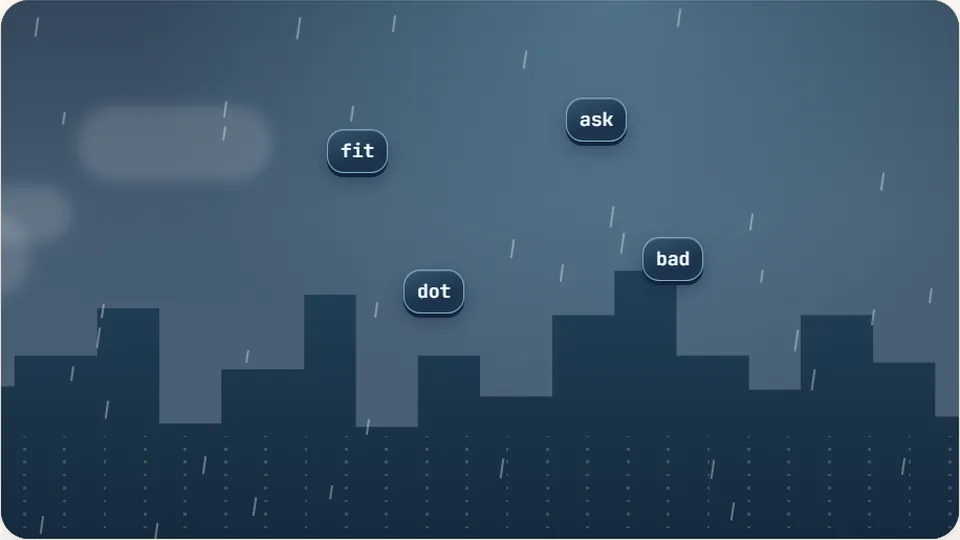
Word Rain
Clear the falling words before they hit the ground.
Play now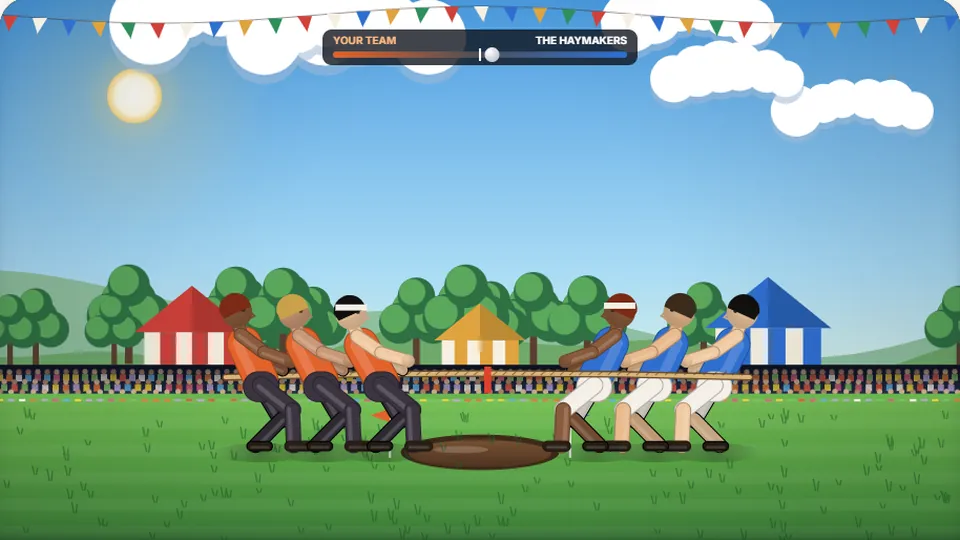 Sports
Tug of Words
Every clean word hauls the rope your way — drag the other team into the mud.
Play now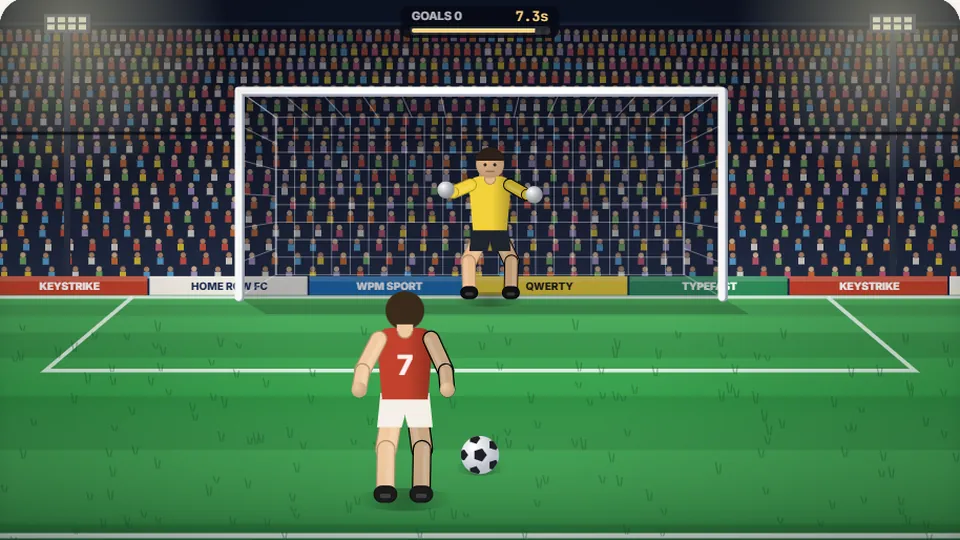 Sports
Penalty Kick
Beat the whistle and the keeper with clean, quick typing.
Play now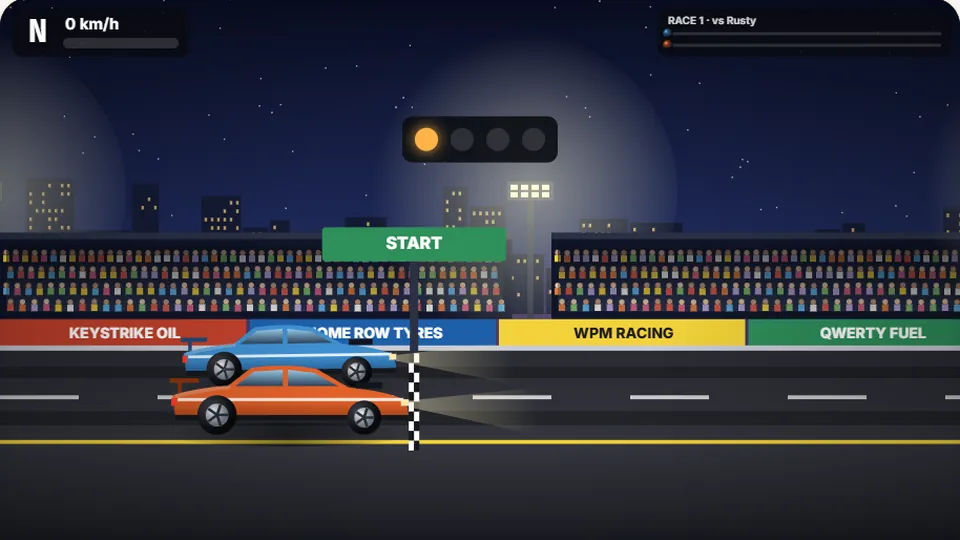 Racing
Drag Strip Typing
Six words, six gears — shift cleanly and beat the car in the next lane.
Play now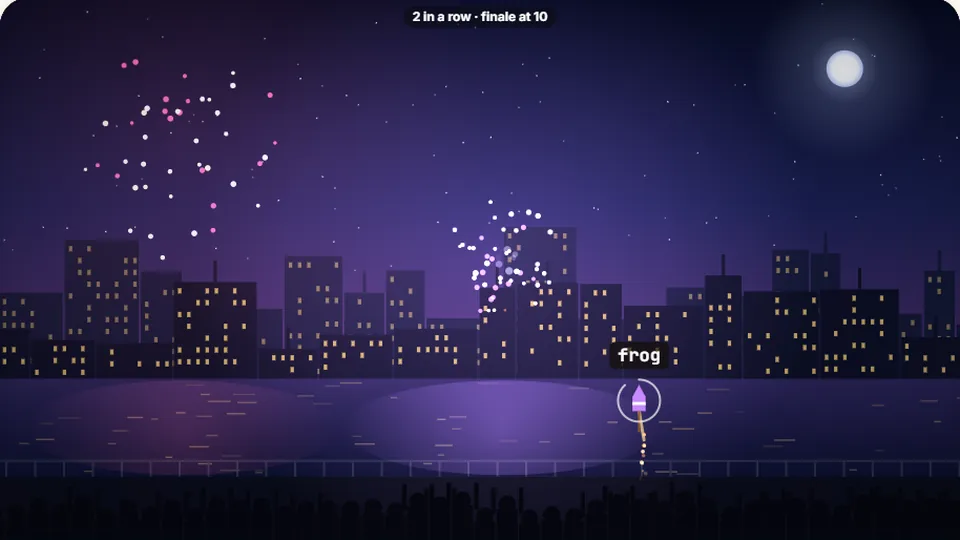 Kids
Fireworks Typing
Rockets climb into the night — type their words to make them burst.
Play now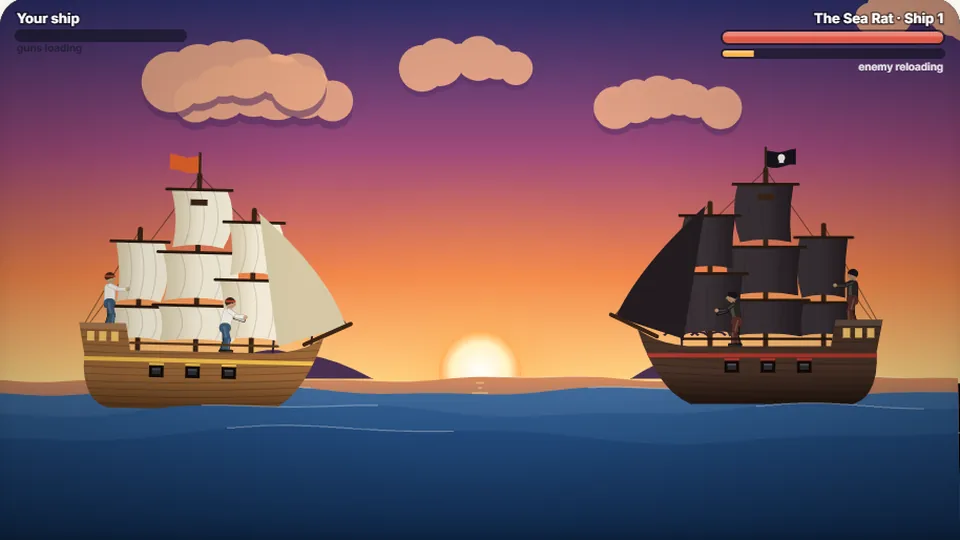 Adventure
Pirate Cannons
Load the guns by typing and sink the enemy ship before it sinks you.
Play now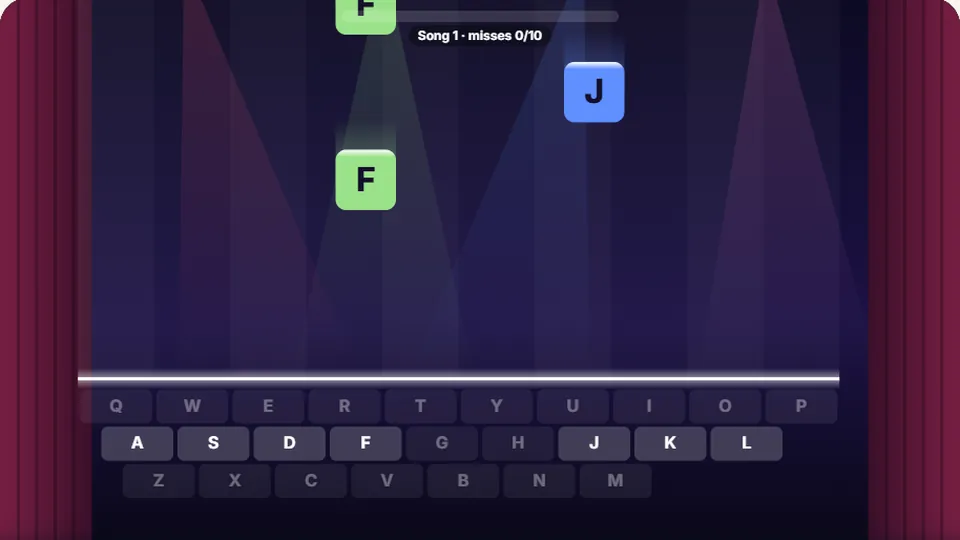 Learn
Melody Keys
Letters fall like notes — press each one on the line to play the melody.
Play now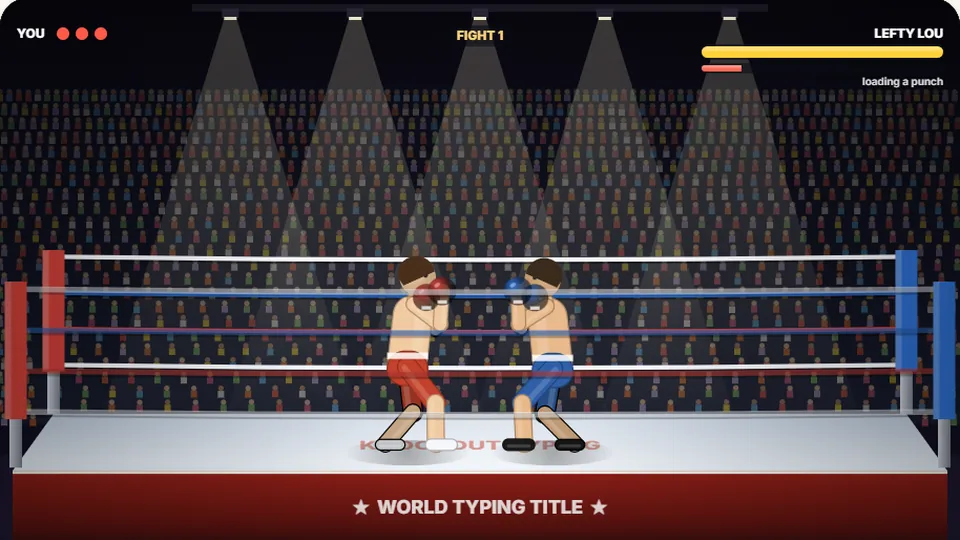 Sports
Knockout Typing
Step into the ring and win the fight with clean typing.
Play nowCommon questions
Frequently asked questions about Word Blaster
Do I need to install software to play Word Blaster?
How does Word Blaster save my high scores?
Can I play Word Blaster on a tablet or mobile phone?
What features are available on the scoreboard bar?
Is Word Blaster suitable for school or office practice?
What happens if I make a typing mistake while targeting a word?
Ready to defend your ship in Word Blaster?
Start targeting words in space right now. Play for free directly in your web browser with no download required.