Typing Games
Harbour Lights typing game
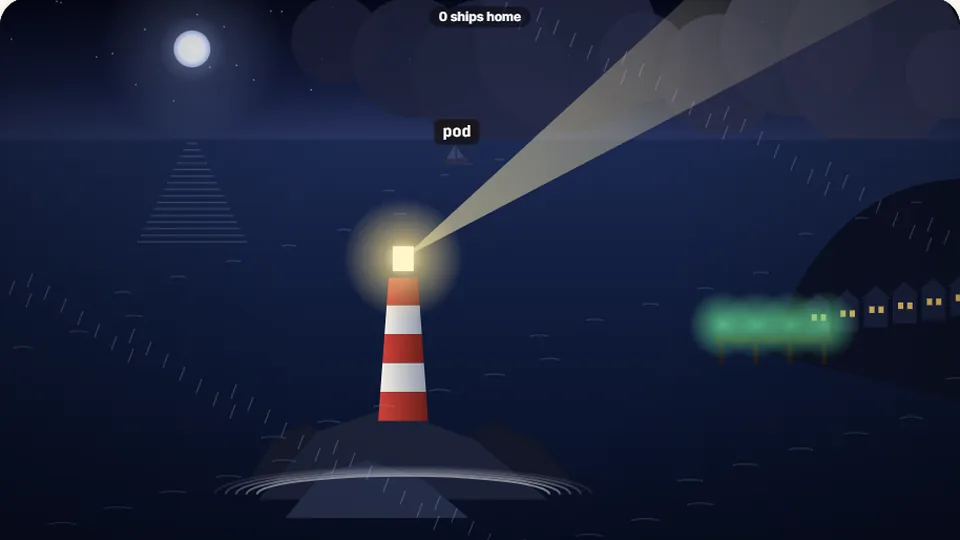
Each ship has a word. Type it to turn the beam on that ship and guide it into harbour before it reaches the rocks.
Maritime arcade action
Shine the beam to guide ships homeLighthouse typing game
Harbour Lights is a fast-paced lighthouse typing game set on a foggy coast after nightfall. Wooden schooners, cargo vessels, and fishing trawlers drift slowly out of the dark toward sharp coastal rocks. Each vessel displays a target word above its deck. Typing the letters rotates the heavy lighthouse lens across the water, casting a bright beam that illuminates the ship and directs it toward safe harbor.
We built Harbour Lights to sharpen sight-reading skills under time pressure without feeling repetitive. You must scan the screen to judge which vessel is closest to danger, prioritize short emergency words versus longer slow-moving targets, and keep your hands on the home row as multiple ships appear from the mist at once.
- Difficulty levels
- 3
- Free in browser
- 100%
- Downloads needed
- 0
- Saves best score
- Browser
- Dynamic target switching lets you hit backspace to change ships mid-word if a closer vessel is about to crash.
- Clear sound cues announce incoming ships, successful harbor entries, and dangerous hull strikes on the rocks.
- Three difficulty settings adjust water current speeds, word lengths, and fog density across night shifts.
- Simple interface controls let you toggle audio, enter full screen, or pause your run at any time.
Game mechanics
How Harbour Lights works on screen
In this ship typing game, the play field represents a dark coastline with a central lighthouse tower looking over the bay. Blackened silhouettes of ships spawn at the top and sides of the view, drifting steadily downward on current lines that lead straight toward jagged reefs.
As soon as you type the initial character of a word visible above a vessel, the lighthouse beam snaps directly toward that ship's position. Completing the word sends a bright green flash across the water, granting points and turning the ship safely toward the illuminated dock.
- Genre
- Arcade sight-reading action
- Control style
- Full word entry via physical or virtual QWERTY keys
- Pacing
- Real-time multi-target priority management
- Saved progress
- Local score recording for Easy, Medium, and Hard modes
Step-by-step guide
How to master the coast beam
Scan the shoreline for immediate threats
Look at all active ships drifting in the bay. Prioritize the vessel closest to the dark reef outlines at the bottom of the screen, regardless of whether its word is long or short.
Type the lead letter to swing the beam
Strike the first key of the target word. The lighthouse spotlight will instantly swivel to focus on that ship, highlighting its remaining letters against the night sky.
Finish the word without miskeying
Type the rest of the string cleanly. Accurate execution guides the ship around the breaker rocks and clears it from the harbor path before the next vessel moves in.
Switch targets quickly when currents shift
If a faster cutter suddenly sweeps in front of a slower cargo barge, clear your active target and type the first letter of the closer ship to re-aim the light beam instantly.
Keeping your index fingers grounded on the tactile bumps on F and J helps you maintain target accuracy without taking your eyes off the approaching fleet.
Tactical advice
Tactics for surviving heavy fog and rapid tides
Harbour Lights tests your spatial awareness as much as your pure key speed. High scoring relies on keeping your eyes fixed on the open water rather than watching your hands. When multiple ships crowd the channel, calculating which vessel will strike the rocks first requires quick decision-making under steady pressure.
We tested various sea speeds during development to ensure that longer vocabulary words appear on slower, larger vessels while quick three-letter terms mark fast motor launches. This design prevents unfair collisions while rewarding players who maintain consistent typing rhythms.
| Mode | Vessel Speed | Word Length | Target Audience |
|---|---|---|---|
| Easy | Slow drift | 3 to 5 letters | Beginners building confidence |
| Medium | Moderate tide | 4 to 8 letters | Everyday touch typists |
| Hard | Swift current | 6 to 12 letters | Advanced speed typists |
Skill development
Why Harbour Lights improves real-world typing
Playing word typing games with dynamic moving targets builds useful mechanical habits that carry directly over to document editing and everyday keyboard use.
Targeted vision tracking
Train your peripheral vision to spot words moving across different screen coordinates without shifting your posture.
Calibrated finger memory
Execute common letter combinations fluidly as you guide different hull sizes safely past environmental obstacles.
Stress tolerance under speed
Maintain high typing accuracy of 95% or better while multiple fast-moving targets close in on the coastline.
Catalog access
Explore fun typing games across all categories
ProTypingGames offers 69 free browser games designed to test speed, memory, accuracy, and keyboard agility without ads or registration delays.
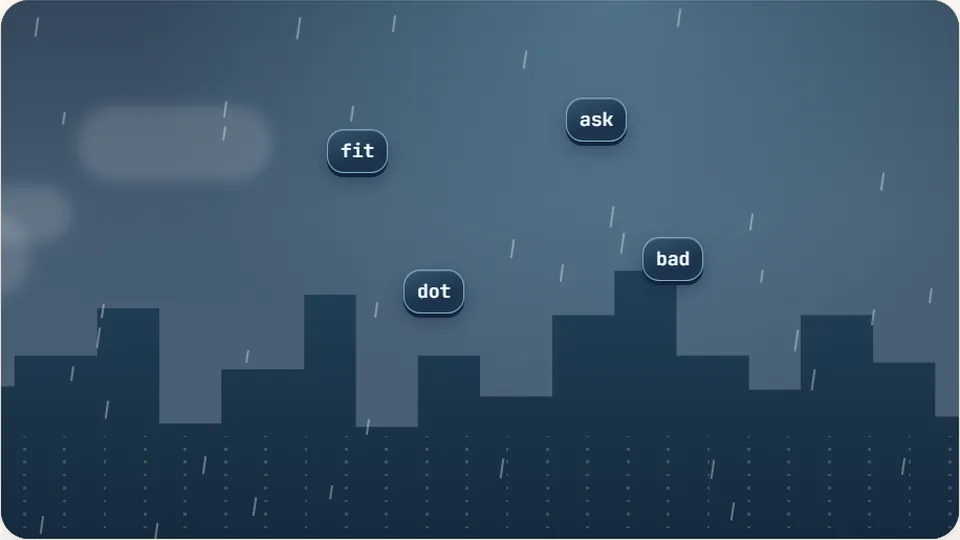 Arcade
Word Rain
Clear the falling words before they hit the ground.
Play now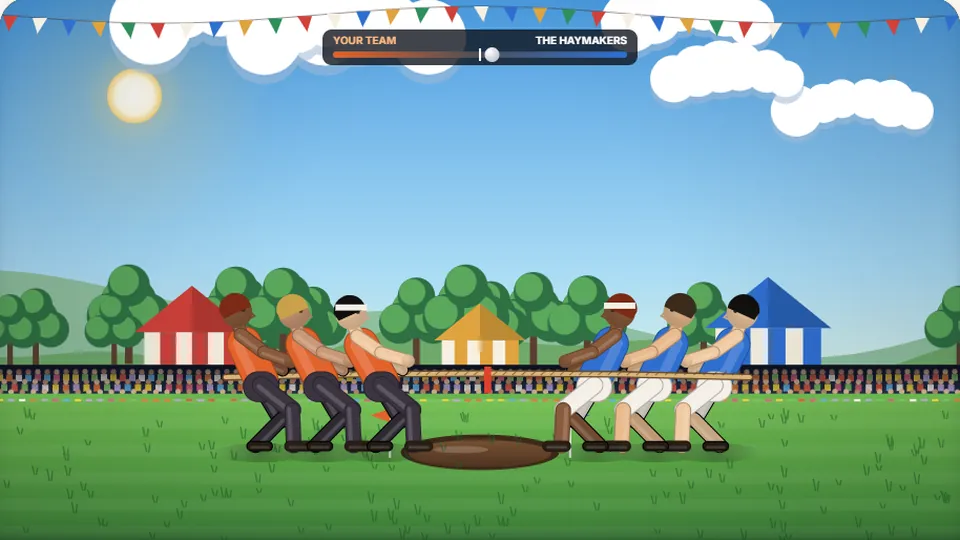 Sports
Tug of Words
Every clean word hauls the rope your way — drag the other team into the mud.
Play now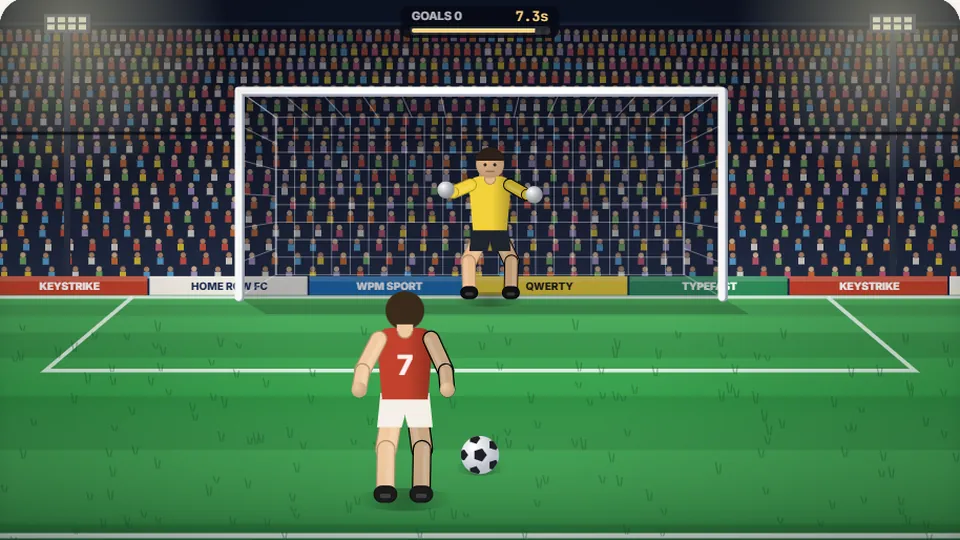 Sports
Penalty Kick
Beat the whistle and the keeper with clean, quick typing.
Play now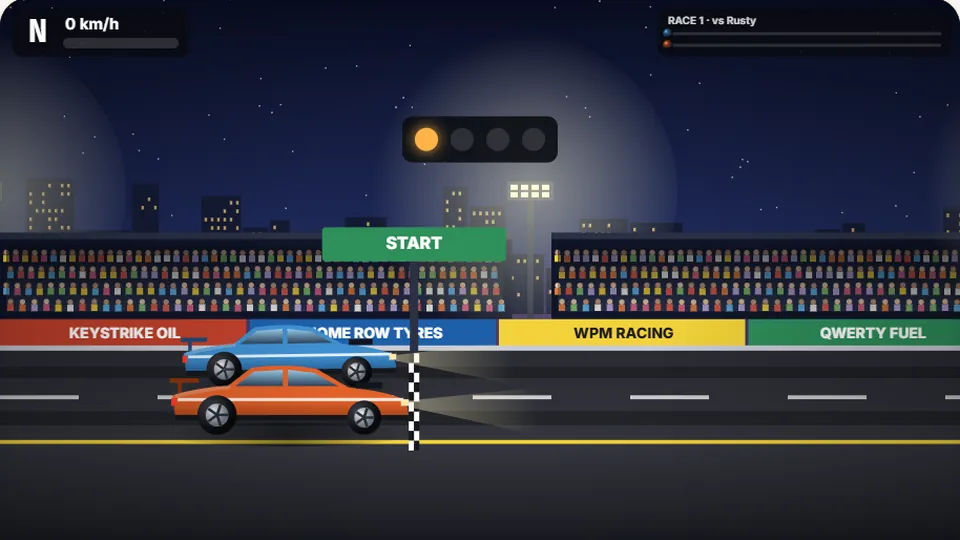 Racing
Drag Strip Typing
Six words, six gears — shift cleanly and beat the car in the next lane.
Play now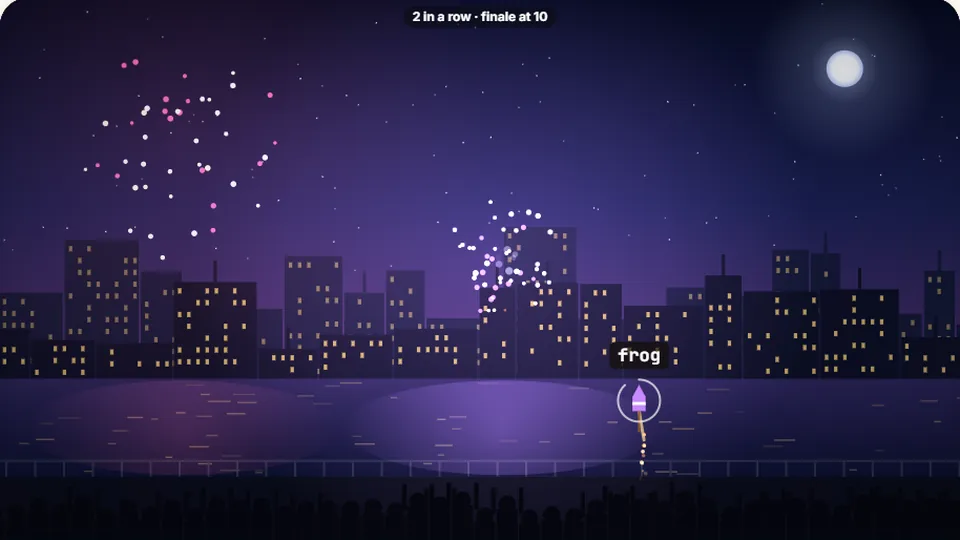 Kids
Fireworks Typing
Rockets climb into the night — type their words to make them burst.
Play now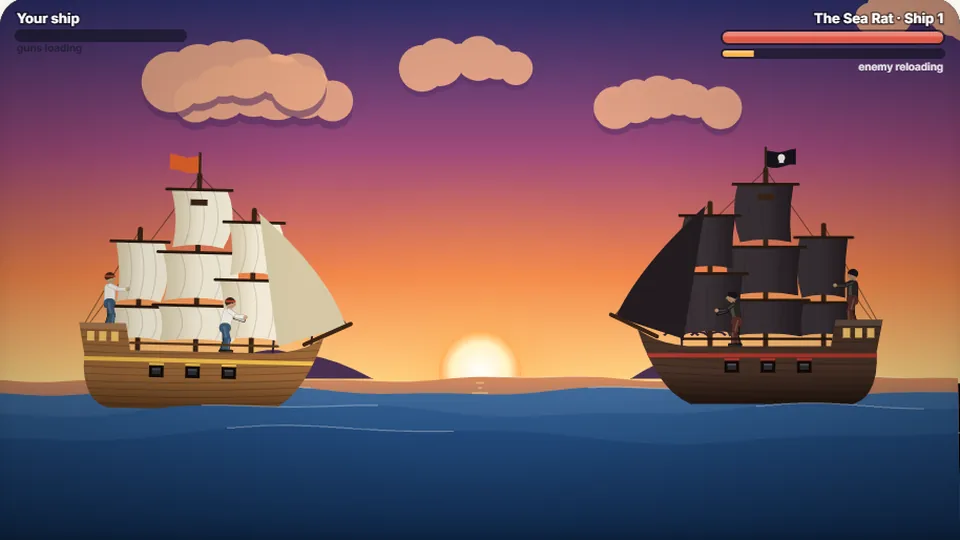 Adventure
Pirate Cannons
Load the guns by typing and sink the enemy ship before it sinks you.
Play now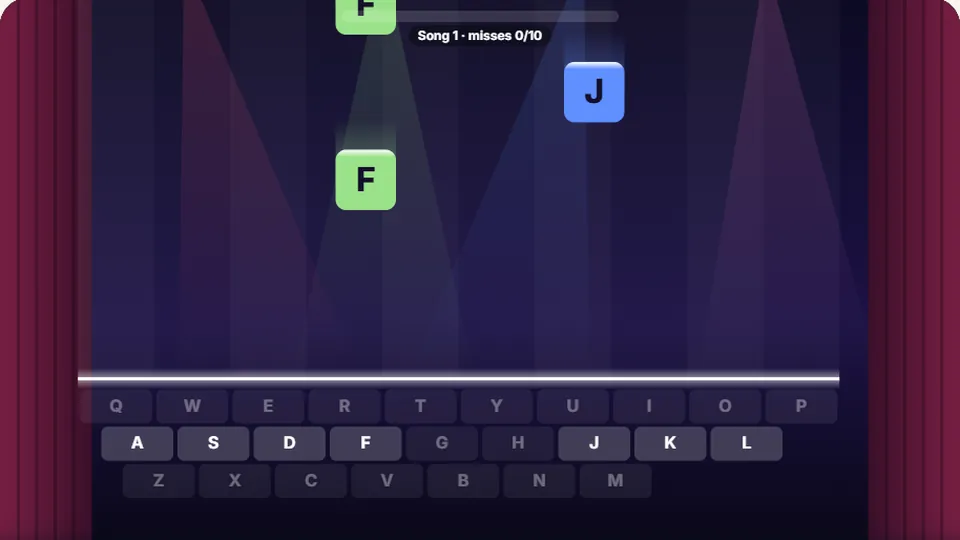 Learn
Melody Keys
Letters fall like notes — press each one on the line to play the melody.
Play now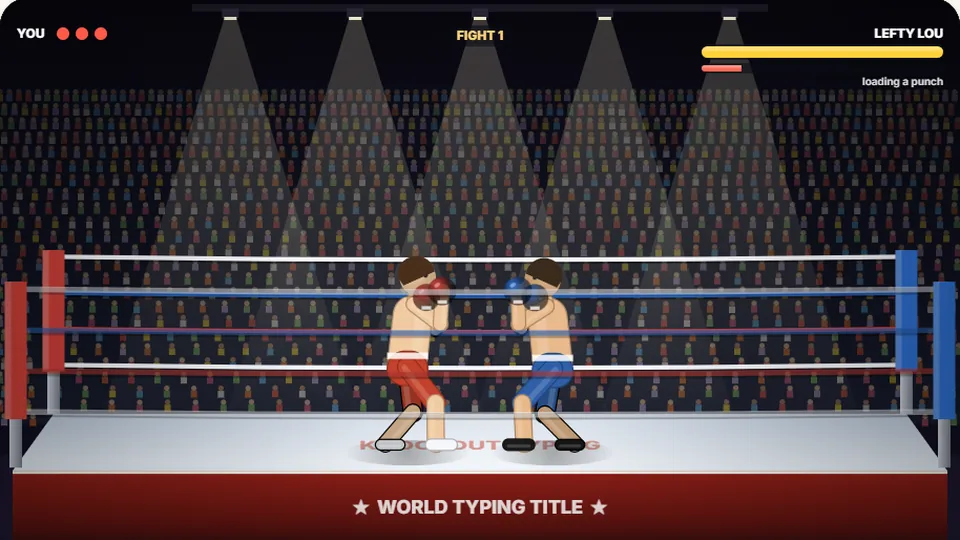 Sports
Knockout Typing
Step into the ring and win the fight with clean typing.
Play nowCommon questions
Frequently asked questions
Is Harbour Lights completely free to play?
How does Harbour Lights save my personal record?
Can I play Harbour Lights on a mobile tablet or phone?
What happens if a ship hits the rocks?
Can I switch targets if I start typing the wrong word?
Does Harbour Lights include audio controls?
Man the lighthouse and protect the coast
Test your reaction time, prioritize incoming ships, and keep the harbor safe tonight.