Typing Games
Whack-a-Word typing game
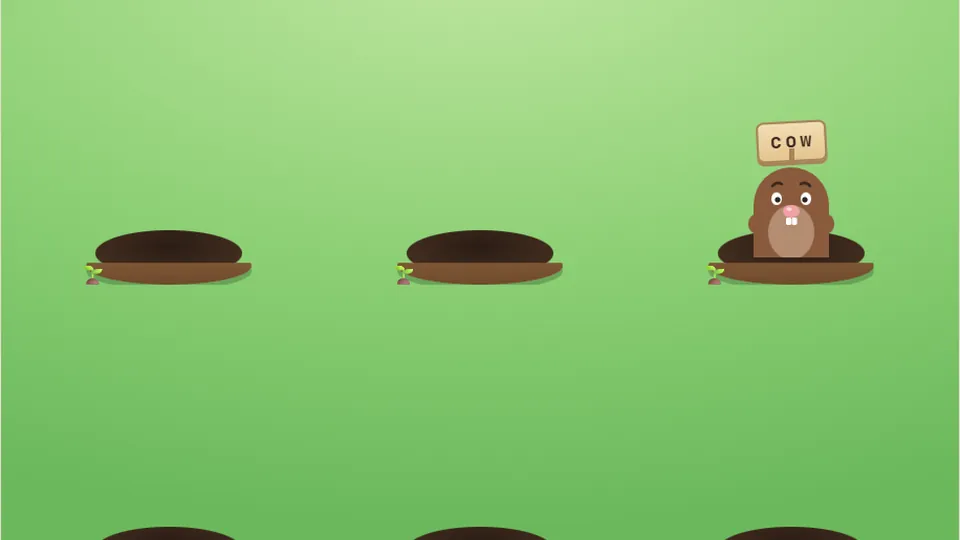
Moles pop up holding a word. Type it to bring the hammer down before the mole ducks away.
Arcade typing
Test your reflexes with Whack-a-Wordfast word whacking
Whack-a-Word brings the classic arcade experience to your keyboard. Instead of using a physical mallet, your fingers do the work. Words pop up from a grid of holes at random intervals, and you must type them accurately before they duck back down. It is a high-energy way to play fun typing games that prioritize reaction time and peripheral vision.
We built this game to help players move past looking at their hands. Because words appear all over the screen, you have to keep your eyes on the monitor and trust your muscle memory. It is a simple loop: see the word, type the word, and watch the mole get whacked. The faster you are, the higher your score climbs.
This game runs directly in your web browser with no need for an account or a download. We have included three distinct difficulty modes so you can start at a comfortable pace and move up as your fingers get faster. Your best scores stay saved right here on your device.
- Difficulty modes
- 3
- No account needed
- Free
- No download
- Browser
- Quick start
- Instant
- Classic whack-a-mole mechanics
- Randomized word placement
- Real-time score tracking
- Works on desktop and mobile
Quick start guide
How to play Whack-a-Word
Select your difficulty
Choose between Easy, Medium, or Hard. Easy gives you longer windows to type, while Hard requires near-instant reactions as words disappear almost as soon as they emerge.
Watch the holes
Keep your eyes on the grid. When a word pops up, type it exactly as shown. There is no need to press Enter; the mole is whacked as soon as the last letter is hit correctly.
Beat the clock
Each round is a race against time. If a word ducks back into its hole before you finish typing it, you miss the point. Focus on the words closest to disappearing first.
Check your high score
After the round ends, your score is displayed. Your personal best for that difficulty level is saved in your browser so you can try to beat it in your next session.
A physical keyboard is recommended for the best experience, though you can use an on-screen keyboard on tablets.
Game mechanics
Why this is one of our favorite fun typing games
Whack-a-Word stands out because it breaks the linear flow of traditional typing. Most arcade typing games move from top to bottom or left to right, but this grid-based system forces you to scan the whole screen.
Reaction training
Develop the ability to translate visual cues into keystrokes instantly without hesitation.
Visual scanning
Improve your peripheral vision by tracking multiple holes across the game board simultaneously.
Adjustable pace
Toggle between modes to find the right balance of challenge and success for your current skill level.
Expected speeds for each mode
While Whack-a-Word is about speed, it is also about rhythm. The average person types at about 40 words per minute, but the pressure of the moles popping up can make that feel much faster. Here is how the difficulty levels generally align with typing speeds.
If you find yourself struggling on Hard, drop back down to Medium. It is better to have 100% accuracy at a slower speed than to panic and mash keys. Accuracy is the foundation of all cool typing games.
- Easy Mode25WPM
Perfect for beginners and younger students.
- Medium Mode45WPM
The sweet spot for most casual typists.
- Hard Mode70WPM
Requires advanced touch-typing skills and focus.
- Pro Level90WPM
Only for those who have mastered the home row.
- Global Average52WPM
Based on the 2018 Aalto University study.
Play like a pro
Strategies for a higher score
To get a top score in Whack-a-Word, you need to master the home row. If you are looking at your keyboard to find the letters, the mole will be gone before you finish the first syllable. Keep your fingers resting on ASDF and JKL; and use the bumps on the F and J keys to stay centered.
Another tip is to prioritize. If two words appear at once, go for the shorter one first to clear it quickly, or the one that has been on the screen longer. Learning the 'lifespan' of a mole in each mode helps you manage your time effectively.
We have also included several controls right by the scoreboard to help you customize your session. You can toggle the sound if you are in a quiet environment, or enter full-screen mode to remove distractions and focus entirely on the grid.
Home row focus
Keep your hands anchored so you don't have to look down.
Mental mapping
Learn the grid layout so you can anticipate where words pop up.
Stay calm
Tension leads to typos. Keep your wrists relaxed for faster movement.
Accuracy first
A single typo can cost you the mole. Type cleanly.
| Feature | Easy | Medium | Hard |
|---|---|---|---|
| Word Length | 3-5 letters | 4-7 letters | 6+ letters |
| Pop-up Duration | Long | Moderate | Short |
| Moles at Once | 1-2 | 2-3 | 3-4 |
Related fun
Explore more arcade typing games
If you enjoyed the fast-paced action of Whack-a-Word, we have dozens of other titles to keep you practicing. From racing to shooters, there is a game for every style.
 Arcade
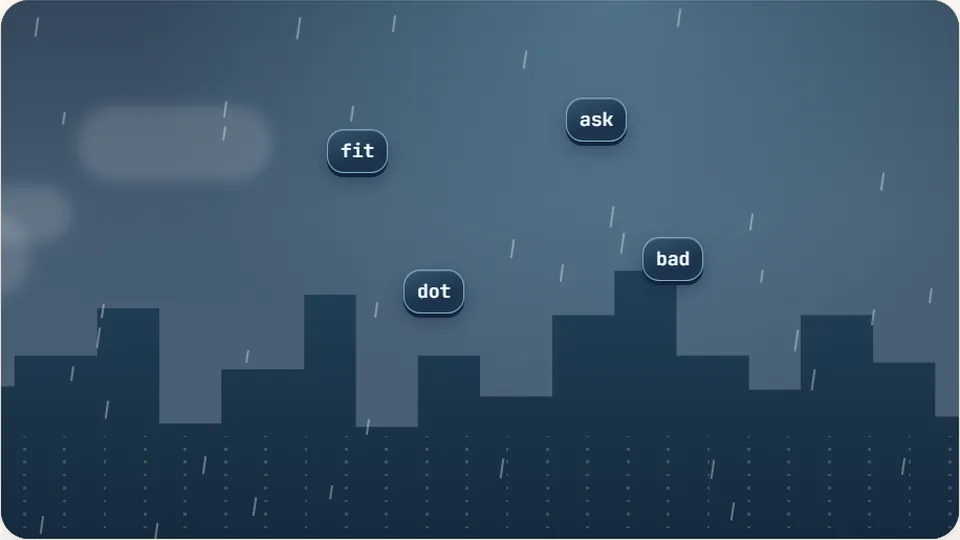
Word Rain
Clear the falling words before they hit the ground.
Play now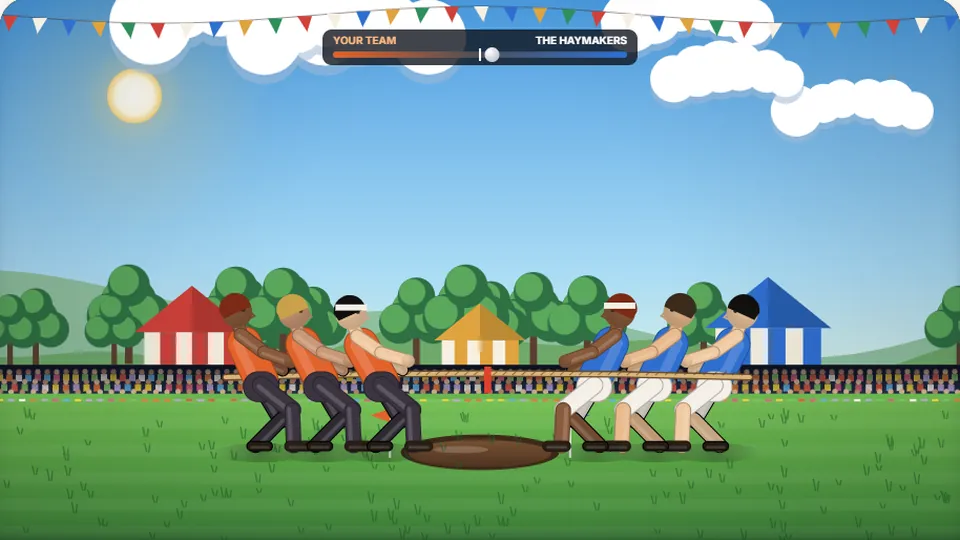 Sports
Tug of Words
Every clean word hauls the rope your way — drag the other team into the mud.
Play now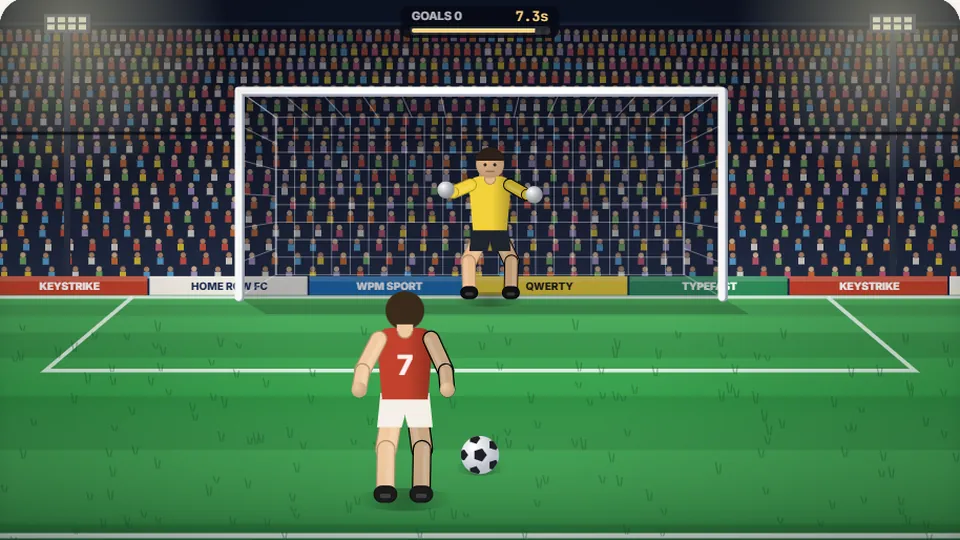 Sports
Penalty Kick
Beat the whistle and the keeper with clean, quick typing.
Play now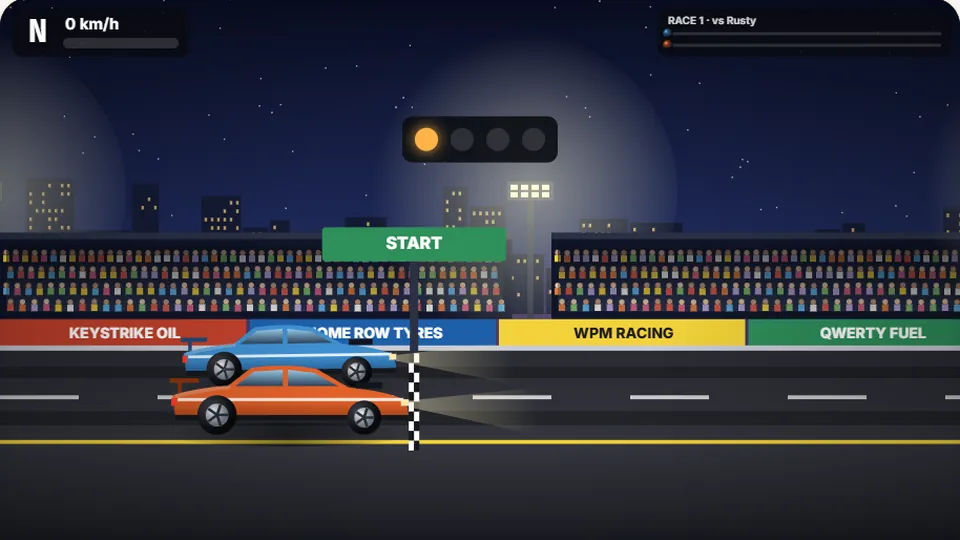 Racing
Drag Strip Typing
Six words, six gears — shift cleanly and beat the car in the next lane.
Play now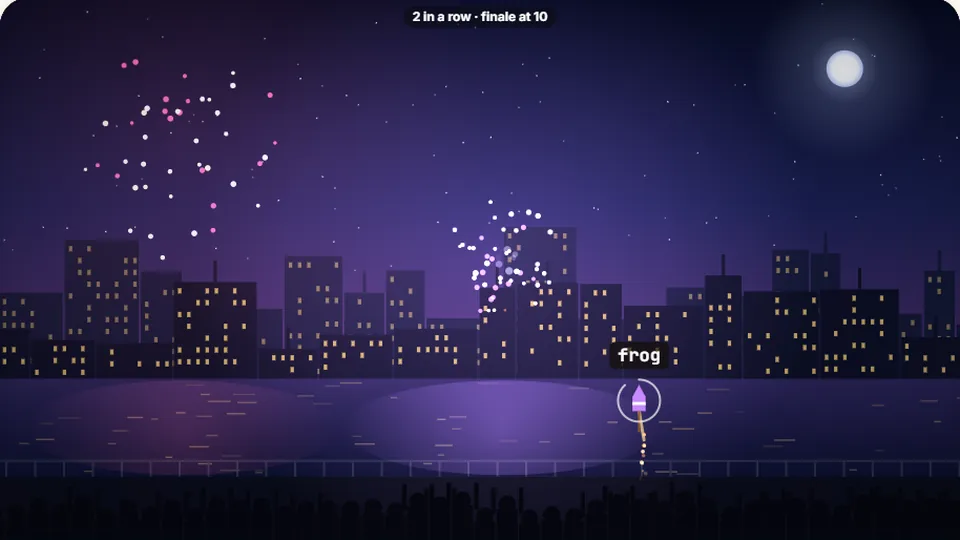 Kids
Fireworks Typing
Rockets climb into the night — type their words to make them burst.
Play now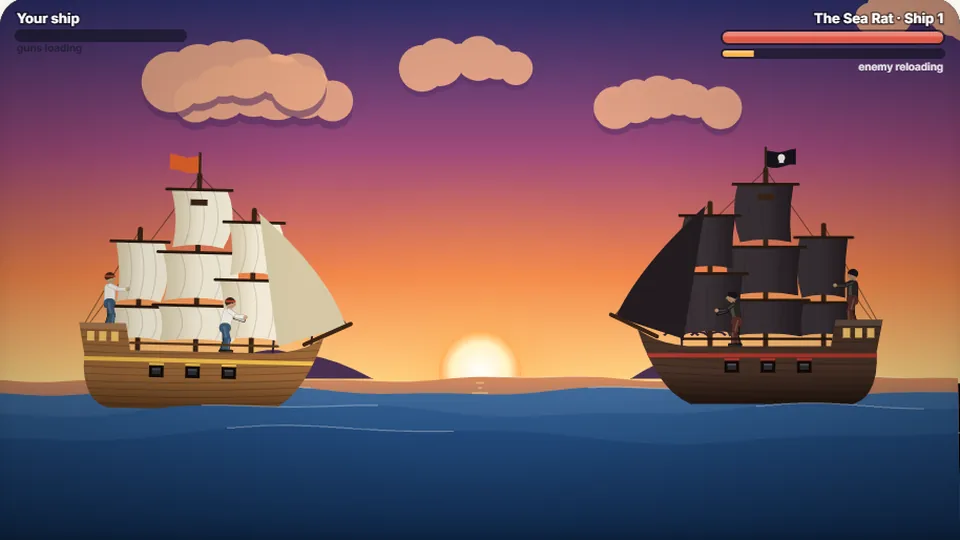 Adventure
Pirate Cannons
Load the guns by typing and sink the enemy ship before it sinks you.
Play now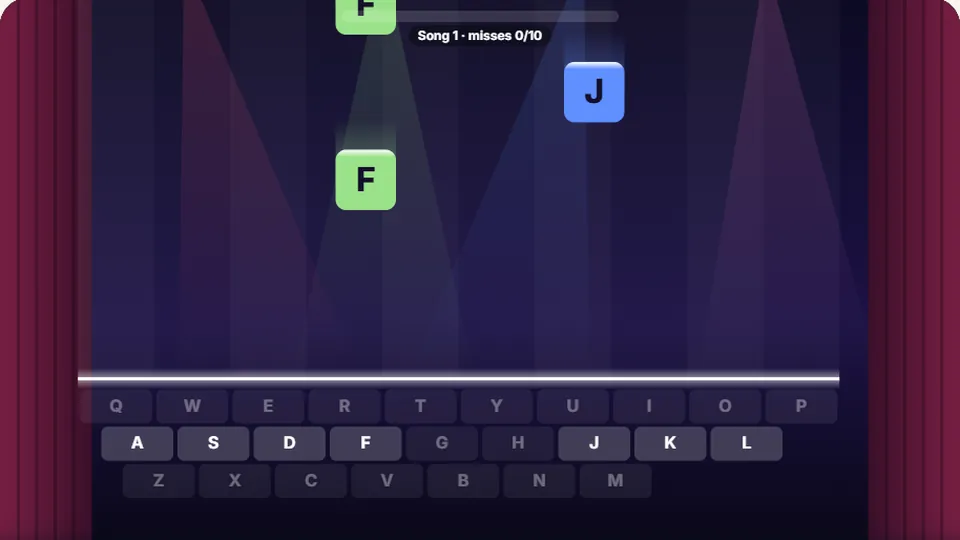 Learn
Melody Keys
Letters fall like notes — press each one on the line to play the melody.
Play now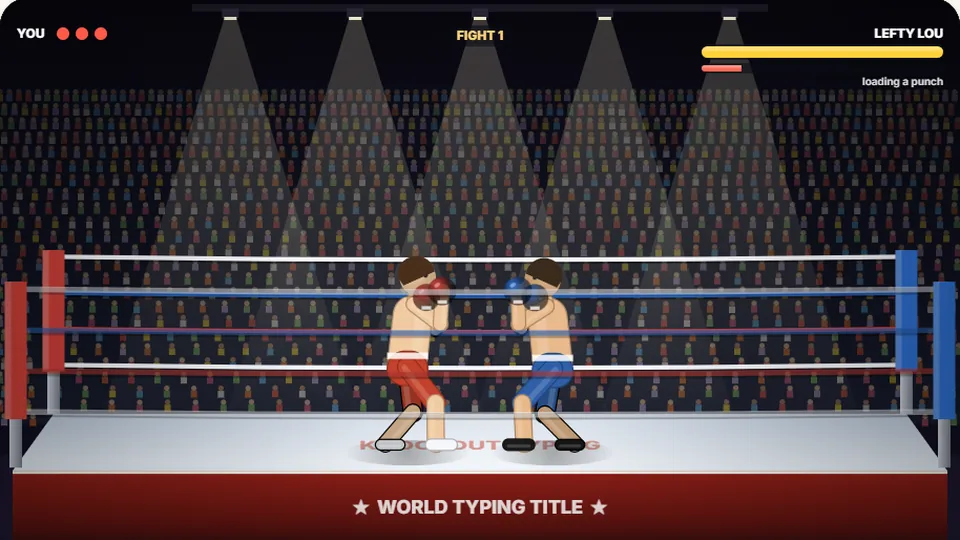 Sports
Knockout Typing
Step into the ring and win the fight with clean typing.
Play nowCommon queries
Frequently asked questions
Is Whack-a-Word really free?
Does the game save my progress?
Can I play this on my phone?
How do I change the theme?
What should I do if the game is too fast?
Ready to whack some words?
Jump into the action and see how many moles you can catch. No setup required—just pick a difficulty and start typing.