Typing Games
Typing Test
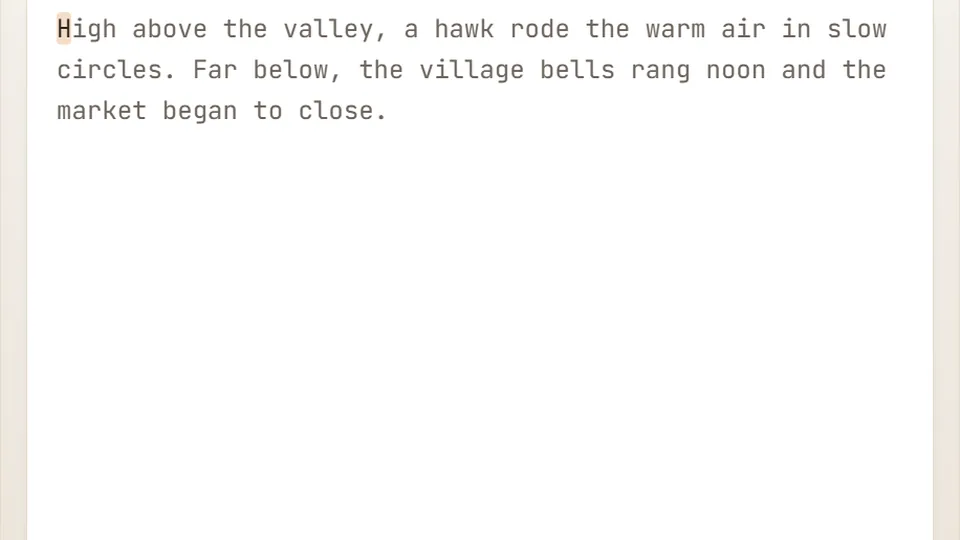
Type the passage exactly as shown for 60 seconds. Your live WPM and accuracy update as you go — your best WPM is saved.
Start Here
Measure your real typing speedtyping test typing games
Take a free 60-second typing test and see your real words-per-minute, accuracy and CPM. A clean, no-pressure typing speed test you take online – no sign-up.
On this page, you can jump straight into the test, check your skill level against common averages, and learn how to practice more effectively.
- Test duration
- 60s
- Difficulty levels
- 3
- Account required
- 0
- Free in browser
- 100%
- Instant words per minute calculation
- Tracks character accuracy and errors
- Saves your best score in your browser
- Works on any modern web browser
The Basics
How the 60-second typing test works
The test gives you a clean line of text to type for exactly sixty seconds. As you type, the tool records every keystroke, calculates your speed, and checks your precision against the target text.
Your score updates instantly as the timer runs down. When the minute ends, you get a full breakdown of your performance, including gross speed, net words per minute, and overall percentage accuracy.
- Duration
- Exactly one minute per run
- Scoring
- Based on standard five-character words
- Difficulty
- Easy, Medium, and Hard modes available
- Storage
- Personal bests save locally on your device
Getting Started
Three simple steps to take the test
Select your difficulty
Choose between Easy, Medium, and Hard depending on your confidence level and the complexity of the text prompt.
Type the text
Click into the input area and start typing the words on the screen. The 60-second timer begins with your first keystroke.
Review your metrics
When the timer hits zero, examine your final WPM, accuracy rate, and character count. Try again to beat your saved personal best.
You can pause or restart the test at any time using the controls right beside the scoreboard.
Metrics
What your words per minute score actually means
A standard word in typing tests equals five characters, including spaces and punctuation. If you type 250 characters in one minute, your raw speed is 50 WPM.
However, accuracy plays a vital role. Net WPM subtracts uncorrected errors from your raw score. A slower typist with 98% accuracy often reads better on a resume than a fast typist making constant mistakes.
Averages
How fast do people usually type?
Everyday comfortable speed for most people sits around 40 words per minute. Large online studies involving hundreds of thousands of volunteers measure the internet average closer to 52 WPM.
Professional typists, legal transcriptionists, and programmers often operate between 75 and 100 WPM with very high accuracy.
- Beginner / Hunt and Peck25WPM
Typical starting speed for infrequent typists using visual search.
- Average Typist45WPM
Common speed for everyday office workers and students.
- Internet Average52WPM
Measured average across large-scale public typing studies.
- Advanced Typist75WPM
Typical speed for experienced touch typists without looking down.
- Professional100WPM
Elite speed found among transcribers, programmers, and competitive typists.
Best Practices
Habits that build speed and habits that slow you down
Good habits
- Keep your fingers anchored on the home row (ASDF and JKL;)
- Focus on accuracy first; speed naturally follows clean keystrokes
- Look at the screen rather than down at your fingers
- Take short, regular practice sessions every day
Habits to break
- Do not hunt and peck with just your index fingers
- Do not sacrifice all your accuracy just to force a higher raw WPM
- Do not strain your wrists; keep a relaxed posture
- Do not skip difficult letters or punctuation marks
Common Questions
Frequently asked questions
Is this typing test completely free?
How is my WPM score calculated?
Where are my best scores saved?
Can I use a phone or tablet?
Do I need to create an account?
More to Play
Explore our full collection of typing games
Browse our library of arcade challenges, racing games, and puzzle tests to keep building your keyboard skills.
 Arcade
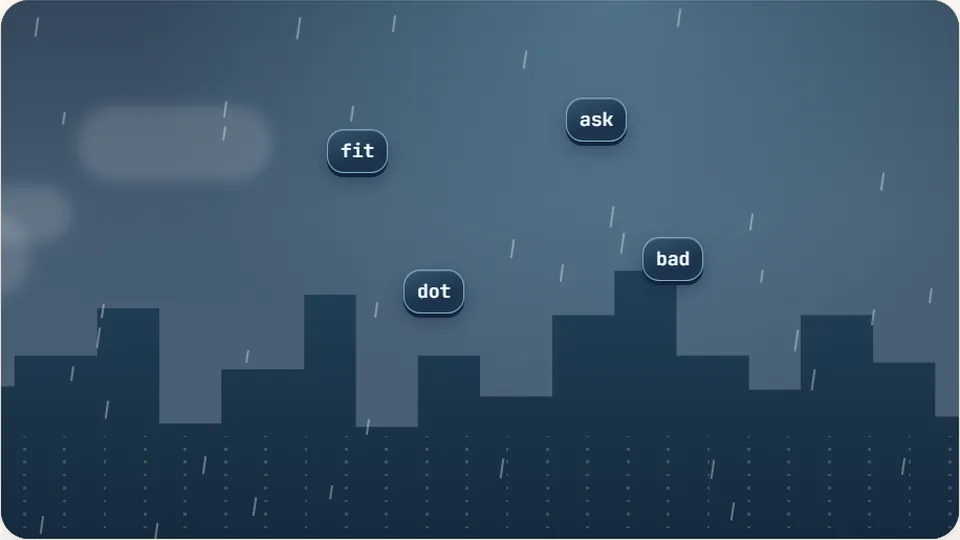
Word Rain
Clear the falling words before they hit the ground.
Play now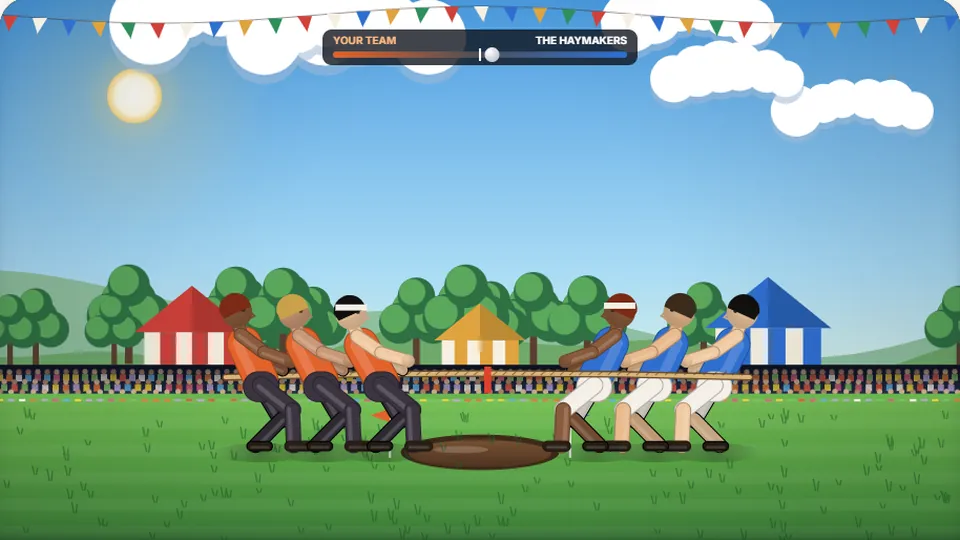 Sports
Tug of Words
Every clean word hauls the rope your way — drag the other team into the mud.
Play now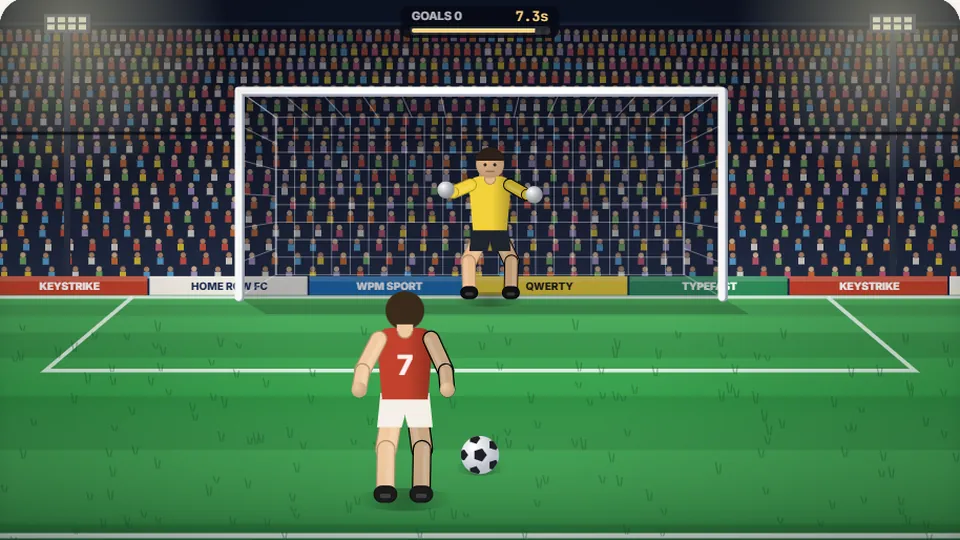 Sports
Penalty Kick
Beat the whistle and the keeper with clean, quick typing.
Play now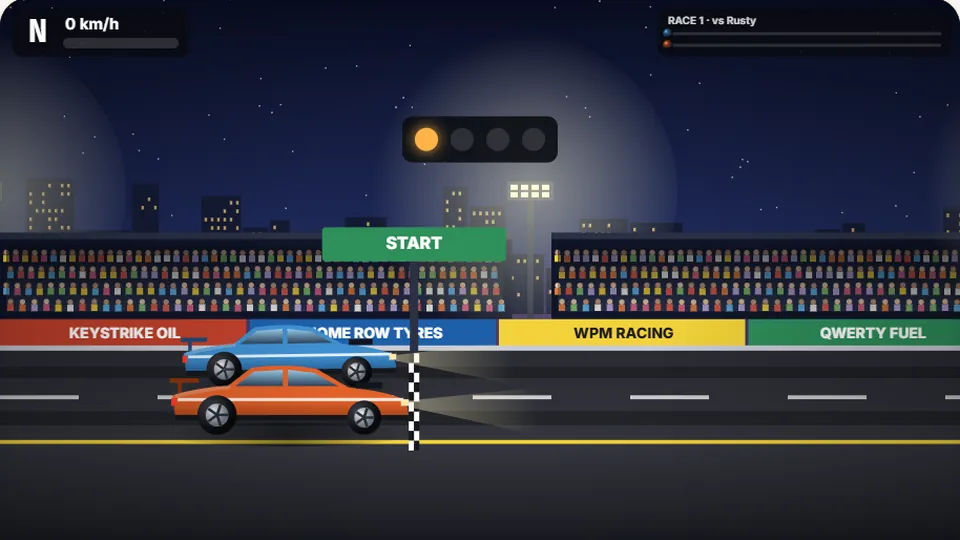 Racing
Drag Strip Typing
Six words, six gears — shift cleanly and beat the car in the next lane.
Play now Kids
Fireworks Typing
Rockets climb into the night — type their words to make them burst.
Play now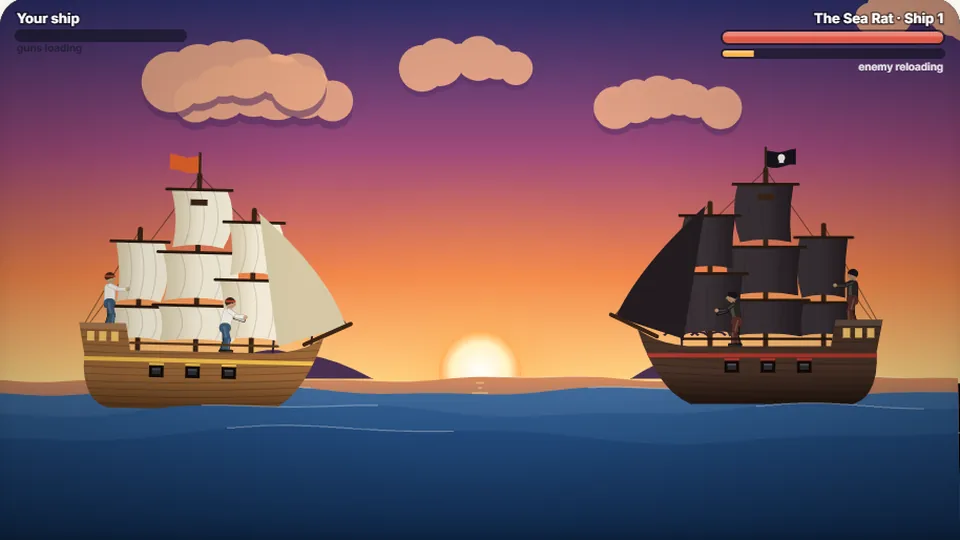 Adventure
Pirate Cannons
Load the guns by typing and sink the enemy ship before it sinks you.
Play now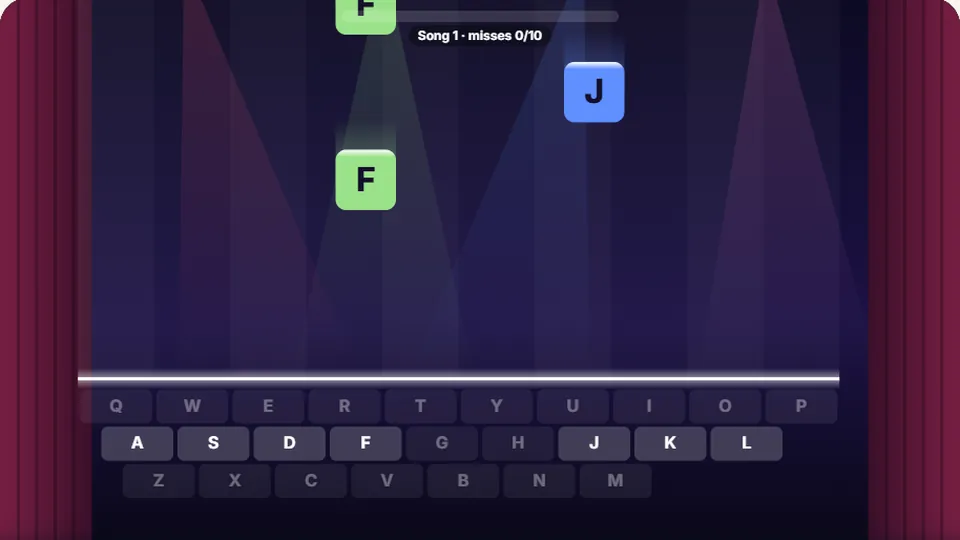 Learn
Melody Keys
Letters fall like notes — press each one on the line to play the melody.
Play now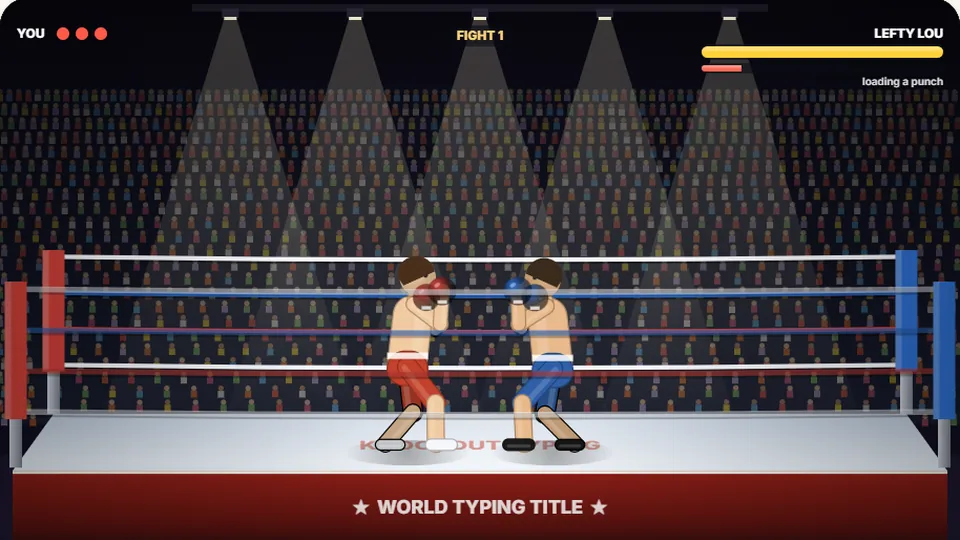 Sports
Knockout Typing
Step into the ring and win the fight with clean typing.
Play nowReady to test your speed?
Jump back to the top and take the 60-second typing test now, or explore our full catalog of free browser games.