Typing Games
Number Crunch typing game
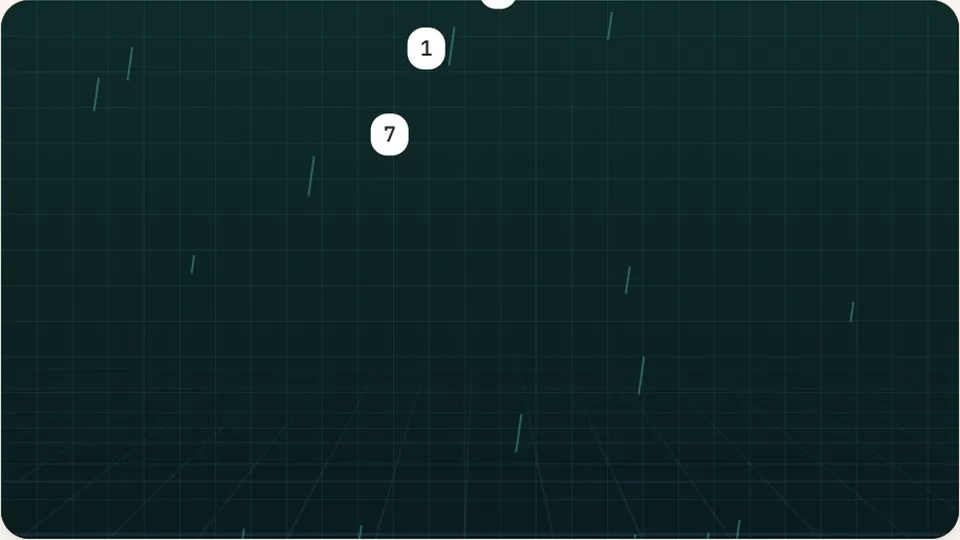
Numbers fall from the top. Type each number before it lands. Great for practising the number row and keypad. Three lives per round.
Falling digit arcade
Clear falling numbers to drill the top rownumber typing games
Most people learn the alphabet keys and stall out when digits show up in real life. Phone numbers, prices, dates, and order codes break their rhythm because their fingers have never built spatial memory for the row above the letters. Number Crunch turns digit practice into an arcade drill. Streams of numbers drop from the top of the display toward the ground line, and you clear each one before it hits the turf.
Unlike standard prose tests that sprinkle digits between words, this game keeps your focus entirely on numbers. You can reach upward from home row or switch over to the ten-key numpad if your keyboard has one. Every round forces quick recognition, accurate reaches, and clean recovery so you stop hunting and pecking whenever data entry begins.
You play straight in your browser with zero sign-ups or downloads. Choose between three calibrated paces, toggle sound effects to fit your workspace, and build reliable muscle memory one clean keystroke at a time.
- digits covered
- 0 to 9
- difficulty paces
- 3
- free to play
- 100%
- score saving
- Local
- Trains the number row above QWERTY and the ten-key numeric keypad.
- Three distinct difficulty speeds: Easy, Medium, and Hard.
- Browser-based high scores saved locally on your device for each pace.
- Quick controls by the scoreboard for pause, sound, and full-screen view.
Game mechanics
How falling digits build finger independence
Number Crunch drops single digits and multi-digit figures from the ceiling of the play area. As each number descends, your goal is to strike the matching numeral on your keyboard before the sprite makes contact with the floor line. Correct keystrokes disintegrate the falling target and feed points directly into your running tally.
If a number reaches the bottom untouched, it registers as a strike against your round. The pace quickens as your streak builds, forcing your brain to identify digit groupings at a glance. By removing alphabetical letters from the mix, the game forces your fingers to map precise vertical angles that regular typing rarely touches.
- Display layout
- Clean vertical drop zones with high-contrast digits readable in light and dark modes.
- Input options
- Supports the horizontal top number row as well as dedicated ten-key side keypads.
- Scoring system
- Points scale with streak length, speed of clearance, and chosen difficulty mode.
- Session length
- Brisk two- to three-minute rounds ideal for warm-ups or structured drill blocks.
Getting started
Three steps to starting a run
Select your speed
Pick Easy, Medium, or Hard from the launcher. Easy gives you generous descent times to locate digits without panic. Hard increases fall speed and drops longer number clusters that test pure muscle memory.
Establish hand placement
Rest your index fingers on the home row bumps (F and J) if practicing top-row reaches, or anchor your middle finger on the 5-key bump if you are running the numeric keypad on the right.
Strike before landing
Read the falling digits from left to right and type them in sequence. Clear each number before it reaches the red baseline to maintain your streak multiplier and protect your lives.
Use the pause button near the scoreboard if you need to take your hands off the keyboard mid-round without ruining an active streak.
Key assignments
Standard finger mapping for the top number row
Reaching for the top row often causes players to lift their whole hands away from home row. When hands float in the air, accuracy drops and every return to home position requires visual checking. The solution is anchor discipline: keep three fingers anchored while the target finger extends up and left or up and right.
QWERTY keyboard layout assigns specific digits to each finger. Sticking to these standard assignments prevents awkward finger crossovers and makes blind digit entry predictable even at high speeds.
The table below outlines the traditional touch typing assignments from the ASDF-JKL; home position to the digits 1 through 0.
| Digit | Assigned hand | Assigned finger | Home anchor point |
|---|---|---|---|
| 1 and 2 | Left hand | Pinky (1) and Ring (2) | A and S keys |
| 3 and 4 | Left hand | Middle (3) and Index (4) | D and F keys |
| 5 and 6 | Left / Right | Left Index (5), Right Index (6) | F key and J key |
| 7 and 8 | Right hand | Index (7) and Middle (8) | J and K keys |
| 9 and 0 | Right hand | Ring (9) and Pinky (0) | L and ; keys |
Some typists prefer using the right index finger for both 6 and 7. Experiment to see which angle feels natural without twisting your wrist.
Skill building
Why dedicated digit training matters
Numbers appear in nearly every practical typing task, from passwords to spreadsheets. Drilling them isolated from text produces focused mechanical improvements.
Blind row targeting
Trains your hands to find digits by feel rather than looking down at the keyboard, keeping your eyes on your screen.
Ten-key keypad fluency
Provides an endless target stream to practice single-hand numeric keypad speed for accounting and bookkeeping tasks.
Faster symbol access
Because symbols share keys with numbers, mastering digit positions makes shift-number punctuation far more automatic.
Steady rhythm under stress
Falling targets create light time pressure that conditions your nervous system to stay smooth instead of tensing up.
More practice
Explore other fast typing games
When you want to blend letters, words, and digits together, try these other titles from our catalog of 69 free keyboard typing games.
 Arcade
Word Rain
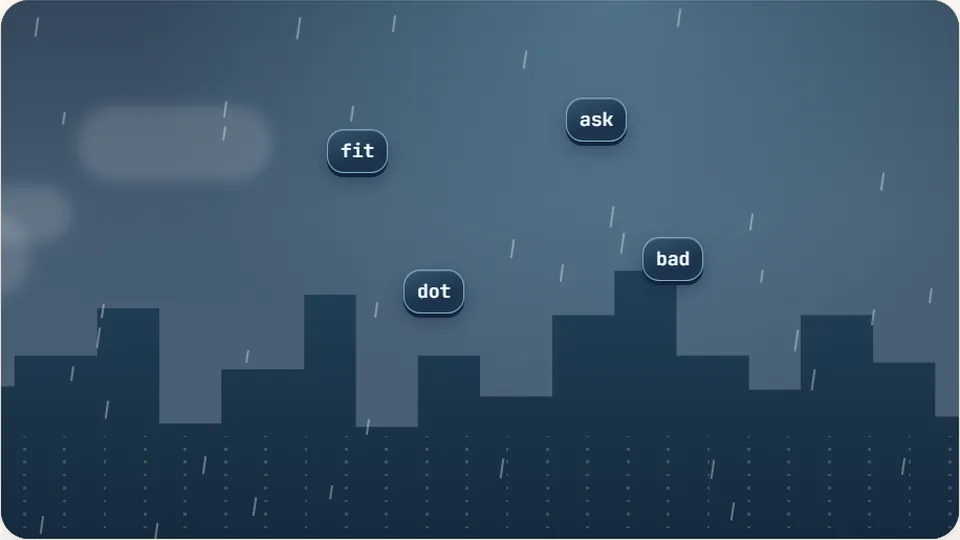
Clear the falling words before they hit the ground.
Play now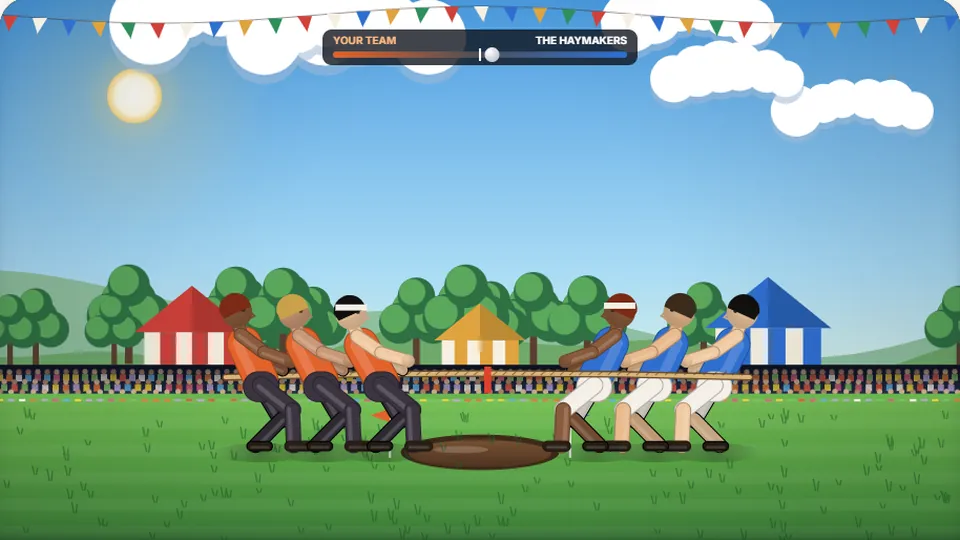 Sports
Tug of Words
Every clean word hauls the rope your way — drag the other team into the mud.
Play now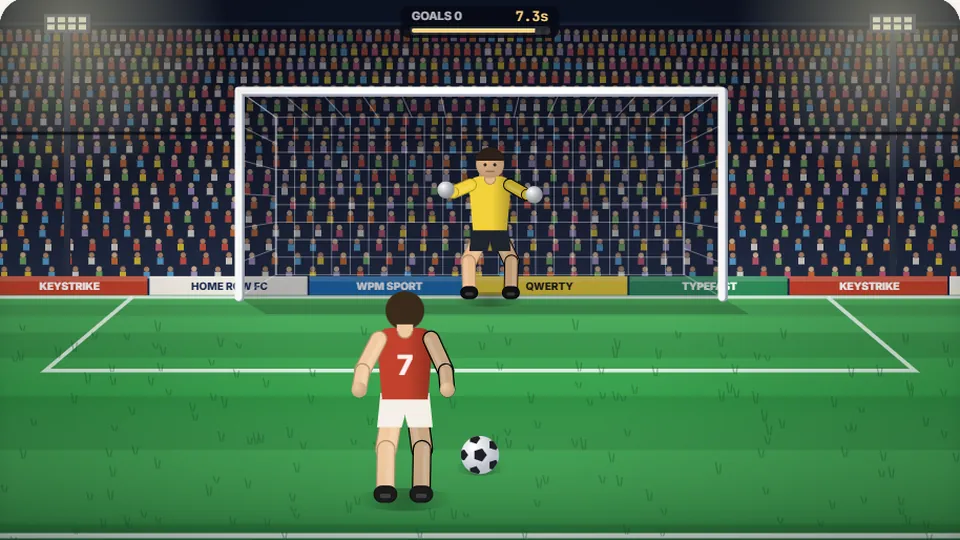 Sports
Penalty Kick
Beat the whistle and the keeper with clean, quick typing.
Play now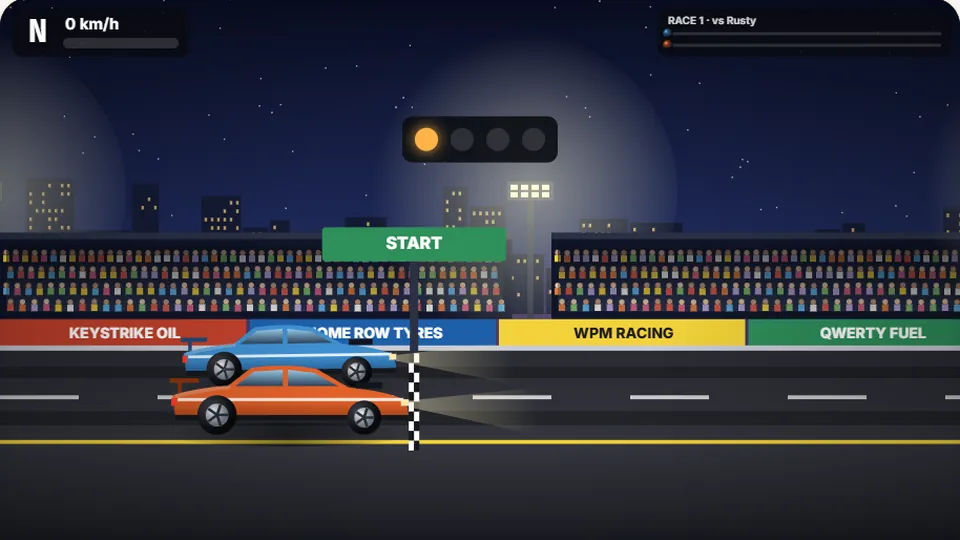 Racing
Drag Strip Typing
Six words, six gears — shift cleanly and beat the car in the next lane.
Play now Kids
Fireworks Typing
Rockets climb into the night — type their words to make them burst.
Play now Adventure
Pirate Cannons
Load the guns by typing and sink the enemy ship before it sinks you.
Play now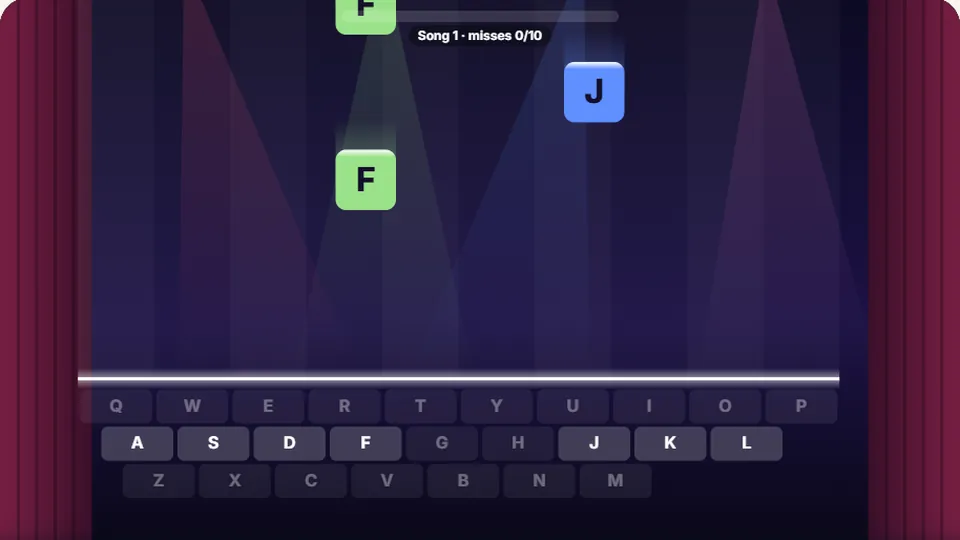 Learn
Melody Keys
Letters fall like notes — press each one on the line to play the melody.
Play now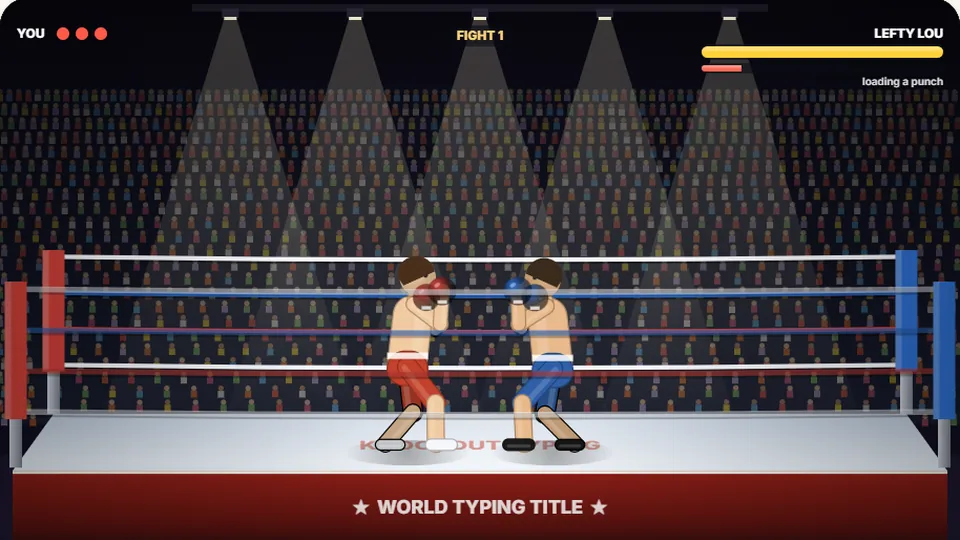 Sports
Knockout Typing
Step into the ring and win the fight with clean typing.
Play nowQuestions answered
Frequently asked questions
Should I use the top number row or the side numpad for this game?
Is Number Crunch suitable as a typing game for beginners?
How does the game track and store high scores?
Can I play Number Crunch on a mobile tablet or phone?
Why are top row numbers harder to type than regular letters?
Ready to test your number speed?
Jump into Number Crunch right now. No accounts, no downloads, and instant play in light or dark mode.