Typing Games
Hoop Shot typing game
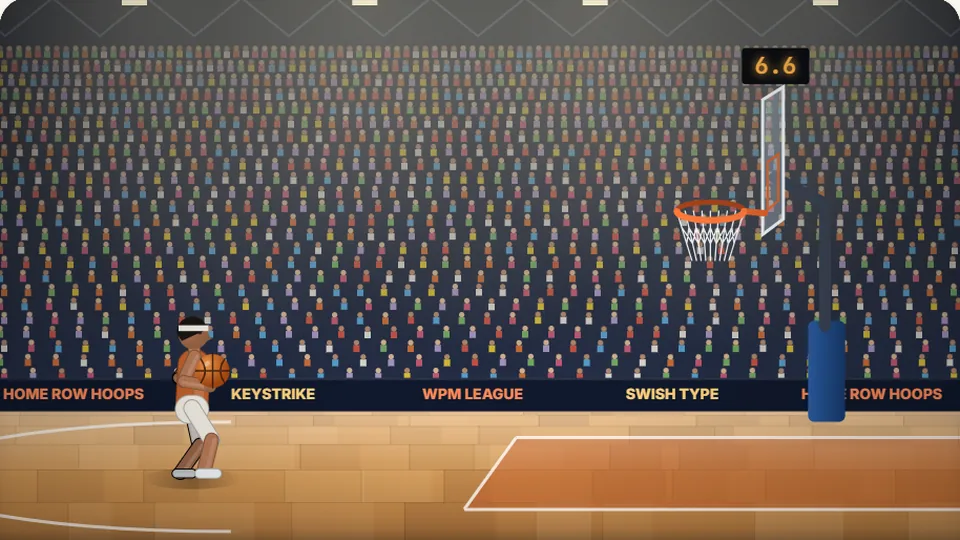
Type the word before the shot clock runs out. Clean and quick is 3 points, clean is 2, one slip hits the rim, more is an airball.
Basketball typing game
Step up to the arcdrain deep threes
Hoop Shot turns word practice into crunch-time basketball. Every prompt represents a jump shot taken against a ticking shot clock. Type the target word with steady rhythm and zero mistakes to see the ball rise in a high arc and snap the net for three points. Stumble over a typo or rush your fingers, and your shooter clips iron, leaving you to fight for a tough bounce.
We designed this basketball typing game to train finger control under realistic time pressure. In real shooting, rushing your mechanics destroys your arc; the same rule applies at the keyboard. Fast typists who panic make erratic mistakes, while calm typists who maintain rhythm score on almost every possession.
You can run shooting drills across Easy, Medium, and Hard difficulty presets. The game runs directly in any modern desktop or mobile browser without signups or software downloads, letting you jump into a quick session whenever you have two minutes to spare.
- Shot clock tension
- 24s
- Per clean swish
- 3 Pts
- Difficulty modes
- 3
- Cost or downloads
- 0
- Instant visual feedback rewarding flawless input with swished jumpers
- Strict shot-clock timer that discourages hesitation on difficult letter pairs
- Individual high scores saved straight to your browser on each difficulty setting
- Full support for sound effects, pause, full-screen view, and dark mode
Rules of the court
How to run the floor in Hoop Shot
Read the defensive breakdown
As your shooter squares up on the hardwood, a target word appears directly below the rim. Check the opening letters before pressing your first key so you avoid an opening misfire.
Release before the buzzer sounds
The shot clock begins counting down immediately. Type every character in order without looking down at your hands, maintaining an even cadence from the first stroke to the last.
Swish the jumper or battle the rim
Entering the entire string cleanly produces a perfect swish worth three points. If you hit a wrong key along the way, your release turns erratic, resulting in a rattling two-pointer or a total brick.
Keep your scoring streak going
String together clean baskets to reach higher levels and improve the best score saved in your browser.
A smooth release beats frantic mashing every single trip down the court.
Court mechanics
Built for basketball fans and rhythm typists
Hoop Shot combines genuine basketball pacing with strict typing fundamentals. Here is how the mechanics reinforce good habits on the keys.
Clean release bonus
Flawless typing triggers a nothing-but-net animation that awards maximum points, teaching you that precision matters far more than wild speed.
Shot clock pressure
The countdown forces you to solve tricky finger combinations without pausing, which builds confidence for high-pressure office or school work.
Difficulty brackets
Pick Easy for short foundational words, Medium for standard basketball vocabulary, or Hard for complex strings that test your reach keys.
Physical keyboard focus
While touch screens work, mechanical and laptop keyboards let you anchor on the home-row bumps to swish long-range shots reliably.
Scoring pace and typing speed equivalents
A standard word in typing analysis equals five keystrokes, including spacing. The table below outlines how common words-per-minute ranges translate to your shooting percentage in Hoop Shot.
Most casual computer users type around 40 WPM, while an extensive 2018 study by Aalto University across 168,000 participants pegged the average online typing speed near 52 WPM. Reaching the elite tier takes consistent practice rather than raw finger twitch.
If you find yourself stuck at a lower tier, slow down slightly. Maintaining 95% accuracy preserves your shooting rhythm and eliminates the backspace penalties that drain your shot clock.
- Rookie bench warmer25WPM
Hunting and pecking for letters. Shots often hit back iron as the shot clock runs out.
- Sixth man rotation40WPM
Comfortable with standard home-row words. Converts open shots on Easy difficulty.
- Starting varsity guard55WPM
Solid touch typing form. Clears Medium difficulty shot clocks with frequent swishes.
- All-star playmaker75WPM
High accuracy under time pressure. Hard difficulty words rarely cause a turnover.
- Championship sharpshooter95WPM
Instant muscle memory across the keyboard. Consistent downtown swishes on every possession.
Offensive drills
Sharpening your form from the free-throw line to downtown
Great jump shooters rely on muscle memory so they can release the ball without analyzing their elbow angle mid-flight. Touch typing demands the exact same mindset. If your eyes dart down to check where the letter N or P sits on the deck, your offensive flow halts and the defensive shot clock catches up to you.
Christopher Latham Sholes arranged the standard QWERTY layout in the 1870s, establishing the home row resting position along ASDF and JKL;. The small raised bumps on the F and J keys exist specifically so your index fingers can find their baseline without visual confirmation. Anchor your hands on those markers before every round of Hoop Shot.
When a word flashes on the backboard, resist the urge to hammer the first two keys at full sprint. Instead, pronounce the syllables smoothly in your head and let your fingers trace the movement in an unbroken stroke. That even cadence creates clean three-pointers instead of hurried rim-hangers.
Trust the home bumps
Keep index fingers anchored on F and J so your reach fingers snap back into position after every jumper.
Prioritize pure accuracy
A single mistyped character turns a certain three-pointer into a clanking miss that burns precious seconds.
Read words in clusters
Scan entire prefixes and suffixes at once rather than spelling out individual letters one key at a time.
Review your misses
Notice which finger combinations trigger your turnovers so you can isolate them in dedicated practice.
Consistency on easy layups builds the finger stamina required to drain long-distance jumpers.
Related arenas
Explore more free typing challenges
Looking to cross-train your fingers in other sports? Jump from the basketball court into baseball diamonds, soccer shootouts, or racing tracks with our full collection of 69 free browser games.
 Arcade
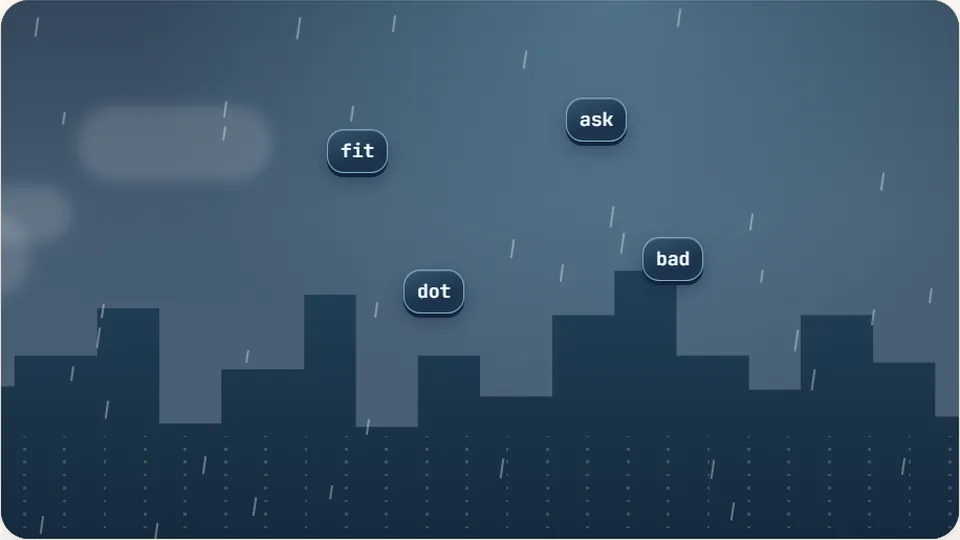
Word Rain
Clear the falling words before they hit the ground.
Play now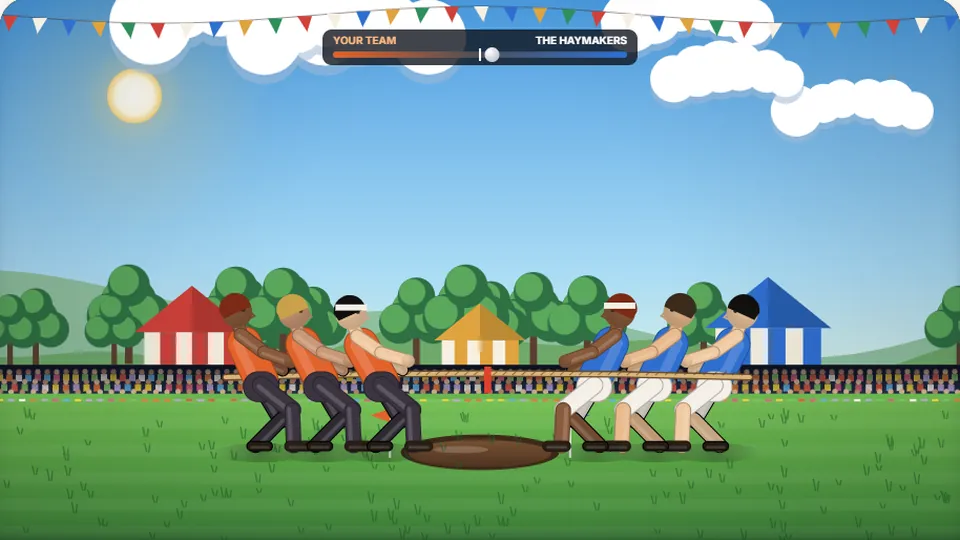 Sports
Tug of Words
Every clean word hauls the rope your way — drag the other team into the mud.
Play now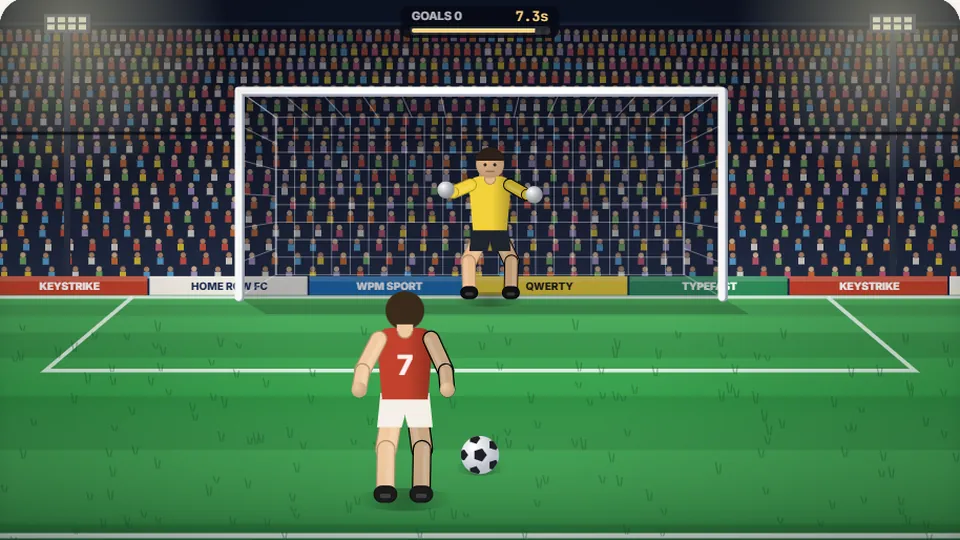 Sports
Penalty Kick
Beat the whistle and the keeper with clean, quick typing.
Play now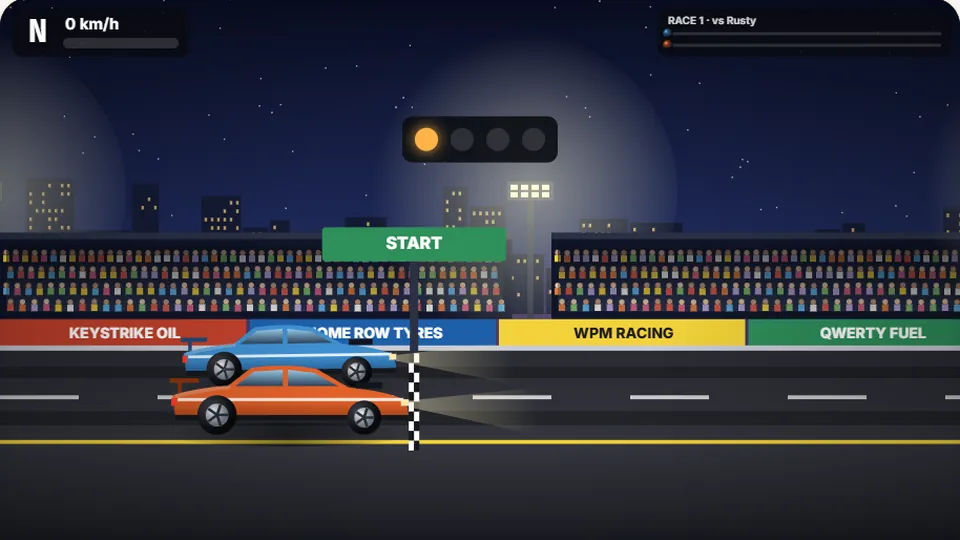 Racing
Drag Strip Typing
Six words, six gears — shift cleanly and beat the car in the next lane.
Play now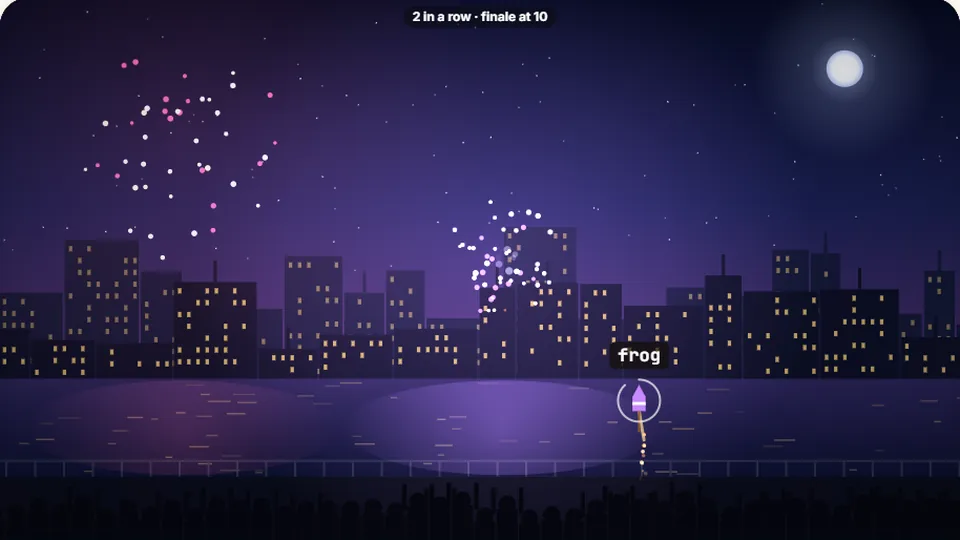 Kids
Fireworks Typing
Rockets climb into the night — type their words to make them burst.
Play now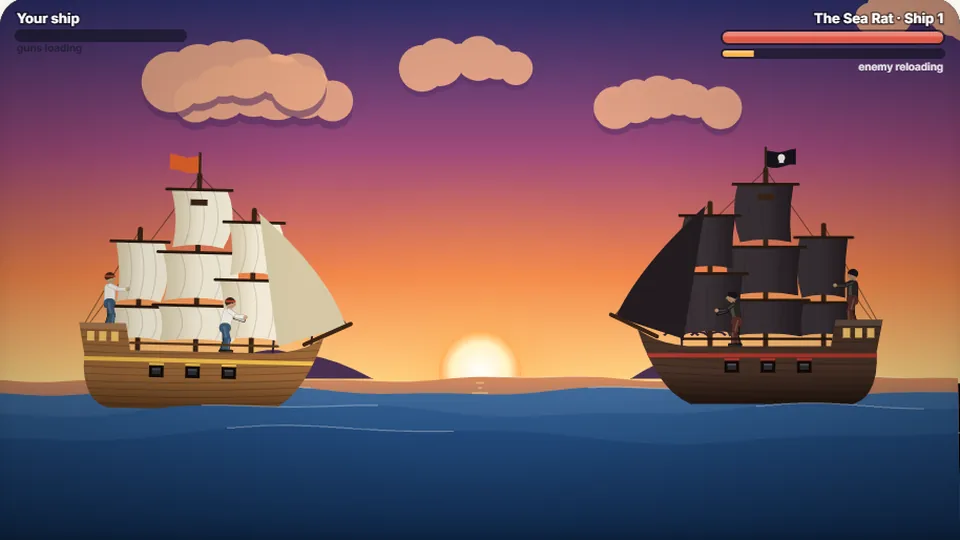 Adventure
Pirate Cannons
Load the guns by typing and sink the enemy ship before it sinks you.
Play now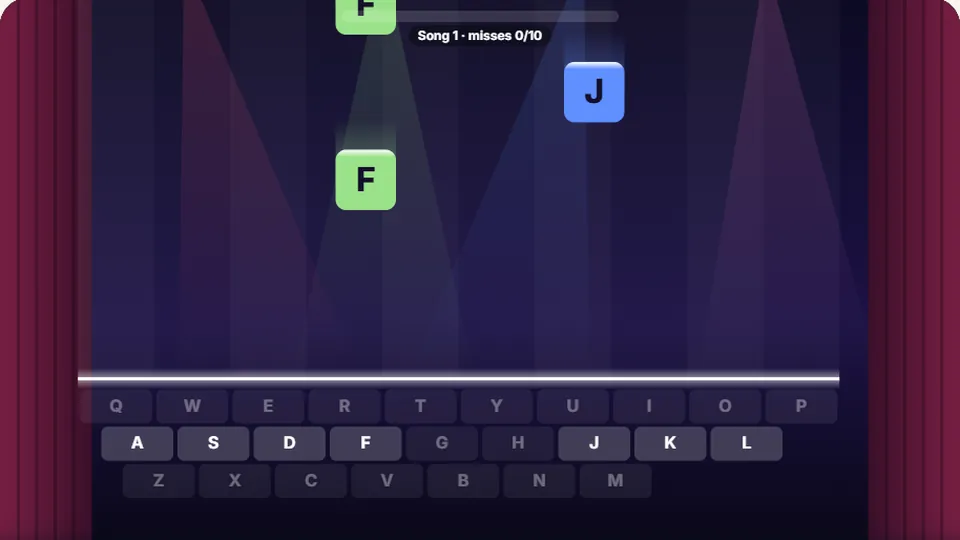 Learn
Melody Keys
Letters fall like notes — press each one on the line to play the melody.
Play now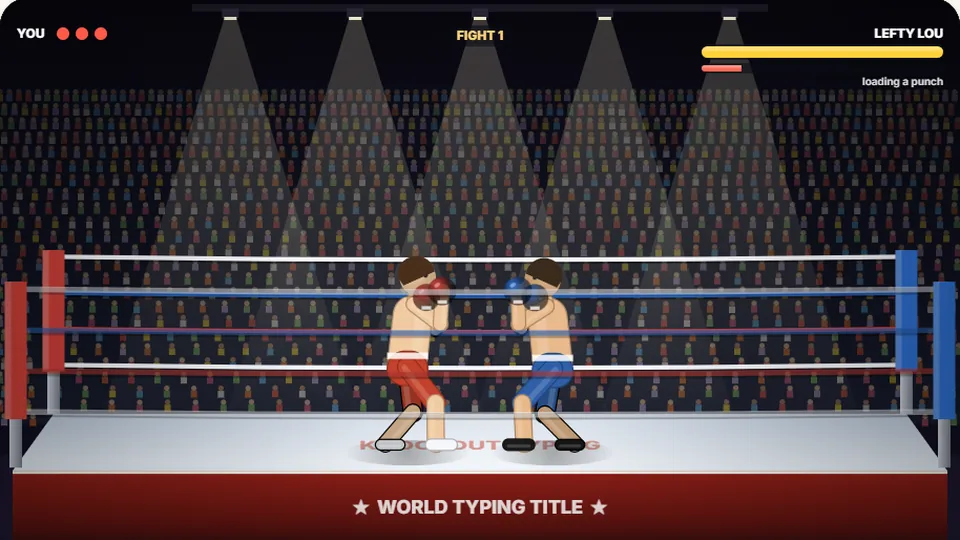 Sports
Knockout Typing
Step into the ring and win the fight with clean typing.
Play nowCourt side answers
Frequently asked questions
What makes Hoop Shot a true basketball typing game?
Do I have to create an account or pay to play?
How does the game track my personal best scores?
Can I practice on an iPad or mobile phone?
What controls are available on the scoreboard?
Is Hoop Shot suitable for kids learning to type?
Warm up your shooting hand
Beat the buzzer, swish your three-pointers, and prove your finger speed on the hardwood. Jump into a free shootaround right now.