Guides
Touch Typing for Beginners: Learn Without Looking
A clear beginner's guide to touch typing — home row position, finger assignments, and how typing games make the habit stick faster than drills.
By ProTypingGames ·
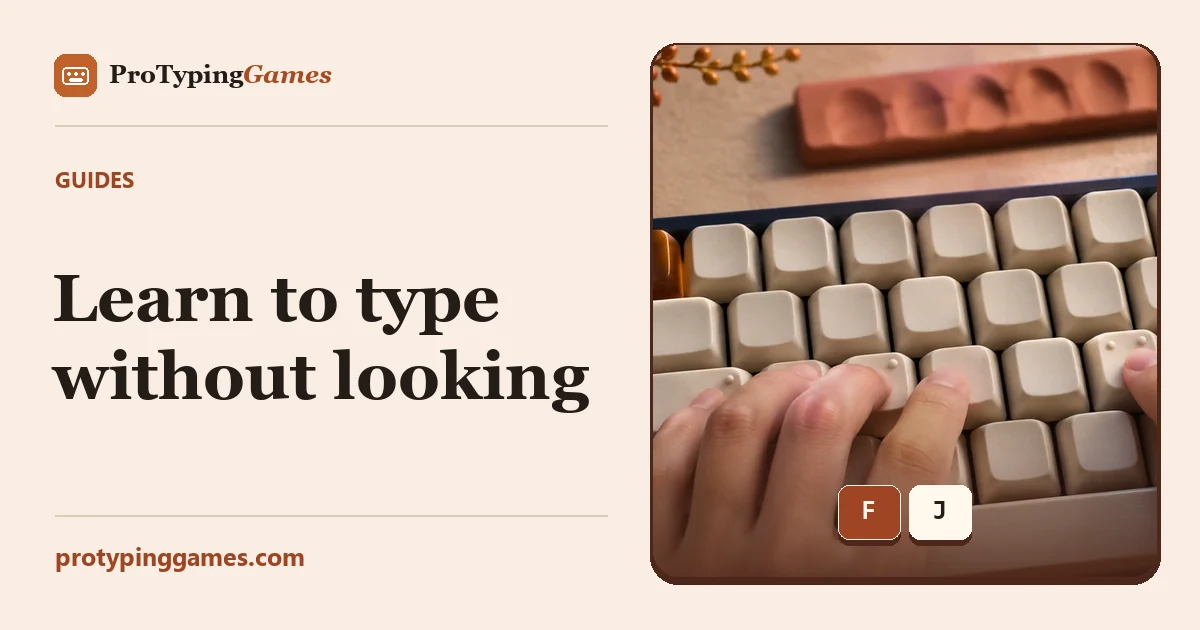
Touch typing means typing without looking at the keyboard, using muscle memory instead of your eyes. It’s the difference between typing as fast as you think and being stuck at hunt-and-peck speed. Here’s how to learn it — and how to make it stick.
The home row is everything
Touch typing starts from one anchor position called the home row:
- Left hand: A S D F
- Right hand: J K L ;
Feel the small bumps on F and J — they let you find home position without looking. Every other key is a short, learnable reach from here, and your fingers always return home.
Basic finger assignments
Each finger owns a small column of keys:
- Index fingers cover the busiest middle columns (F/G and J/H plus nearby keys).
- Middle, ring and little fingers each handle their own column up and down.
- Thumbs rest on the space bar.
Don’t try to memorise a chart. Instead, let the assignments form naturally through practice — which is where games come in.
Why games beat drills
Traditional touch-typing courses work, but most people quit because drills are dull. Games solve the motivation problem:
- Key Jump and Balloon Pop train individual keys and letter recognition — perfect while you’re learning positions.
- Word Rain and Word Tower move you to whole words with steady, focused pressure.
- Typing Race then pushes real sentences and speed once the basics are automatic.
Because you’re playing, you repeat the motions far more than you would in a drill — and repetition is what wires in muscle memory.
How long does it take?
Expect the awkward phase to last about one to two weeks of short daily practice. You’ll be slower than your old hunt-and-peck speed at first — that’s normal and temporary. Push through it, keep your eyes on the screen, and within a couple of weeks touch typing will start to feel faster and more natural than looking down ever did.
Common mistakes to avoid
- Peeking at the keyboard. The fastest way to never learn. Cover your hands if you must.
- Rushing for speed too early. Accuracy first; speed is a side effect of accuracy.
- Skipping days. Consistency beats intensity. Five minutes daily wins.
Start building the habit today — try Key Jump to warm up, then move on to the word games.
Put it into practice
The fastest way to improve is to play. Jump into a free typing game and try it now.
Play free typing games