Typing Games
Single-Letter Typing Games for First-Time Keyboard Users
Find the best single letter typing games to help first-time keyboard users build foundational skills without needing to read complex words or paragraphs.
By ProTypingGames ·
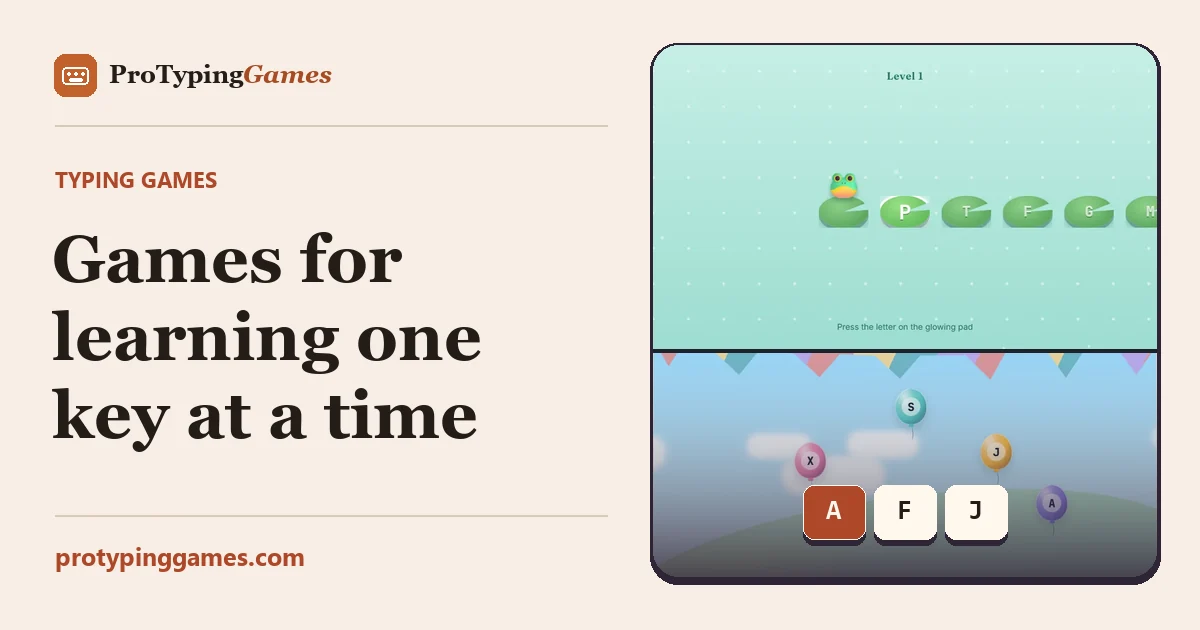
First-time keyboard users can build fast finger memory using single letter typing games like Balloon Pop and Key Jump. These games show exactly one character at a time, removing the pressure of reading full words while you learn where the keys live. When you drop the cognitive load of spelling and reading, you can focus entirely on the physical layout of the keyboard.
Before jumping into timed challenges or word games, new typists need a foundation. A keyboard can look like a random jumble of symbols to a beginner. Breaking the learning process down into single letters makes the task manageable. You do not have to worry about capitalization, punctuation, or chaining letters together into words. You just see a prompt, find the key, and press it.
The zero-reading warmup
Before you even load a game, start with a zero-reading warmup. This step is crucial because it connects the physical sensation of the keyboard to the user before the screen demands their attention. Ask the new typist to sit in front of the keyboard with the monitor turned off or their eyes closed.
Instruct them to find the F and J keys using only their index fingers. They should feel for the small raised bumps on these two keys. Once they find the bumps, have them rest their other fingers naturally on the adjacent keys in the middle row. This is the home row position.
Next, call out single letters from that middle row out loud. Say the letter A, and have them press it with their left pinky finger. Say the letter L, and have them press it with their right ring finger. Because there is no screen to look at, they have to visualize the keyboard layout in their mind and trust their fingers. This physical grounding is an excellent strategy to include in a kindergarten keyboarding lesson or any introductory session for a complete beginner.
Playing individual prompt games
Once the typist is comfortable finding the home row without looking, it is time to introduce the screen. Individual prompt games are designed to test reaction time and key recognition without the burden of reading.
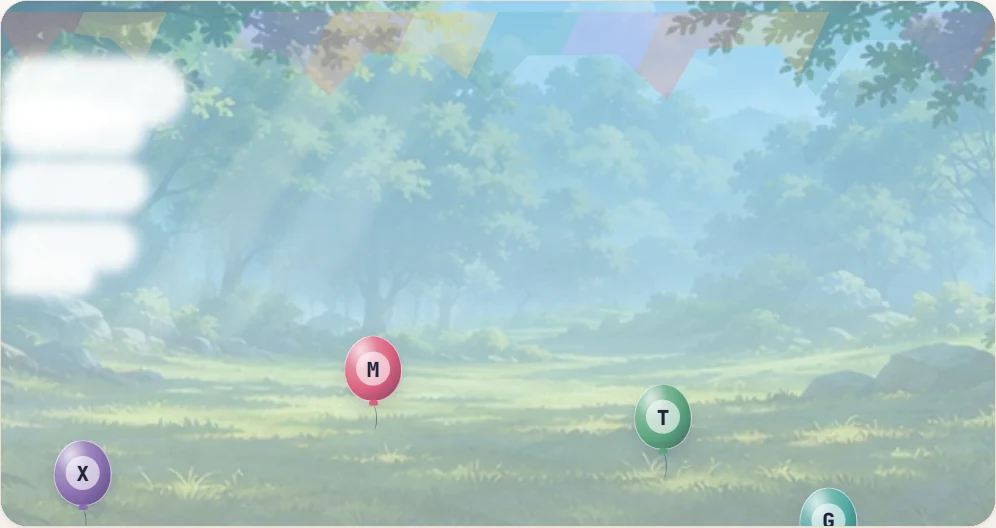
You can play Balloon Pop to practice this skill. In this game, single-letter prompts appear on the screen. The goal is to press the corresponding key on your keyboard to pop the balloon. This is an aimed game, meaning the user is targeting a specific visual prompt rather than typing freely in an unrestricted practice box.
Another option for individual prompt practice is Key Jump, which also exposes single-letter prompts. The mechanic is similar. You see a letter, you press the key, and the game responds.
These games are highly effective because they isolate the typing action. If you make a mistake, you only fail that one prompt. There is no cascading error where a misspelled word ruins the rest of a sentence. You just reset your fingers and wait for the next letter to appear.
Worked example for individual prompts
To get the most out of these games, try this structured routine:
Step 1: Open the game and have the user place their hands on the home row. Step 2: Tell the user to keep their eyes on the screen, not on their hands. Step 3: Start the game. When the first letter appears, ask the user to say the letter out loud before pressing the key. Step 4: If the user presses the wrong key, pause. Have them look down, find the correct key, return their eyes to the screen, and then press it. Step 5: Continue this process for five minutes.
Saying the letter out loud bridges the gap between visual recognition and physical action. It reinforces the connection in the brain. Over time, the user will stop needing to say the letter and will simply react to the visual prompt.
Moving to sequence practice
Individual prompts are great for building raw reaction speed, but typing eventually requires moving from one key to another in a predictable way. This is where sequence practice comes in.
Instead of random letters popping up, sequence practice asks the user to type letters in a specific, known order. You can practice this by playing Alphabet Dash. This game asks for the alphabet in sequence. You start with A, then type B, then C, all the way to Z.
Sequence practice is different from random prompt practice because the user knows exactly what is coming next. When you type the letter G, your brain is already preparing to type the letter H. This anticipation is a core component of fluent typing. It teaches the fingers how to transition smoothly across the keyboard rather than resetting completely after every single stroke.
Worked example for sequence practice
Here is a practical instruction set for mastering the alphabet sequence:
Step 1: Have the user slowly type the alphabet from A to Z in a standard document or practice area just to get a feel for the locations. Step 2: Open the sequence game. Step 3: Instruct the user to group the letters mentally into small chunks, much like the alphabet song. A through G is the first chunk. Step 4: Have the user type the first chunk, focusing on keeping their hands near the home row even when reaching for top or bottom row keys. Step 5: Continue through the rest of the alphabet in these small chunks. Step 6: Repeat the sequence, trying to smooth out the pauses between the chunks.
This exercise helps build rhythm. The user learns that typing is not just a series of isolated jabs, but a continuous flow of movement.
Comparing random prompts and sequences
It is important not to conflate aimed games that use random prompts with unrestricted sequence practice. They serve two different purposes in the learning journey.
Random prompt games build immediate character recognition. They force the brain to quickly map a visual symbol to a physical location. You cannot anticipate the next letter, so you have to rely entirely on your spatial memory of the keyboard layout.
Sequence practice builds transitional speed. Because you know the next letter, you can start moving your finger toward it before you have even finished pressing the current key. This overlapping movement is exactly how experienced typists achieve high speeds when typing full words.
A complete beginner should start with random individual prompts to learn the layout. Once they can consistently hit the right keys without looking down, they should introduce sequence practice to learn how to string those keystrokes together smoothly.
Progress observations for advancing
Knowing when to move a beginner from single letters to actual words requires careful observation. You do not want to rush them, but you also do not want them to get bored.
Watch the user’s eyes. When they first start, their eyes will dart back and forth between the screen and the keyboard. This is normal. As they practice, you will notice their eyes staying on the screen for longer periods. When they can play a full round of a single-letter game while keeping their eyes fixed entirely on the screen, they have internalized the layout.
Watch the user’s hands. Beginners often type with stiff, floating hands, using only their index fingers to jab at the keys. As they gain confidence, their hands will relax. Their wrists will hover steadily, and they will begin using multiple fingers to reach different keys. When the typing motion looks smooth rather than rigid, their muscle memory is taking over.
Watch their reaction time. In the beginning, there will be a noticeable delay between a letter appearing on the screen and the user pressing the key. They are thinking about the letter, thinking about where it is, and then moving their finger. When that delay vanishes and the keystroke becomes an immediate reflex, they are ready for a new challenge.
Structuring a daily practice routine
To make sure these skills stick, you need a consistent practice routine. Short, frequent sessions are much more effective than long, exhausting ones. A beginner’s hands and brain will fatigue quickly.
Here is a practical 15-minute daily routine you can use to structure the learning process:
Minute 1 to 3: Start with the physical posture check. Ensure the user is sitting up straight with their feet flat on the floor. Have them place their hands on the home row and do the zero-reading warmup. Call out five random letters and have them find the keys blindly.
Minute 3 to 8: Open an individual prompt game. Let the user play continuously for five minutes. Encourage them to focus on accuracy over speed. If they miss a key, remind them to reset their hands to the home row before continuing.
Minute 8 to 13: Switch to sequence practice. Have the user run through the alphabet sequence. If they get stuck on a specific letter, like Q or X, have them stop and practice reaching for that specific key from the home row five times in a row.
Minute 13 to 15: Finish with a cool-down. Have the user stretch their fingers and wrists. Ask them which keys felt the hardest to find today, so you know what to focus on tomorrow.
This routine provides a balanced mix of physical grounding, random recall, and sequence flow. It keeps the practice engaging by switching activities before the user gets frustrated.
Avoid rushing into words
The biggest mistake you can make with a first-time keyboard user is pushing them into typing full words too early. Games that drop short words or require unscrambling jumbled letters are excellent tools, but they demand a cognitive leap.
When you type a word, your brain has to process the spelling, break it down into individual letters, sequence those letters, and then execute the physical keystrokes. If the user does not have a solid grasp of where the single letters live, this process breaks down. They will freeze, stare at the keyboard, and lose their confidence.
Stick to the single letters until the physical layout is second nature. The patience you invest in these early stages will pay off massively when they finally transition to word typing. They will skip the frustrating hunt-and-peck phase entirely and move straight into fluent, touch-typing mechanics.
Load up a single-letter prompt game right now and play one round using only your left hand to see how well you know that side of the board.
Put it into practice
The fastest way to improve is to play. Jump into a free typing game and try it now.
Play free typing games