Practice Languages
How to Practice Simplified Chinese Typing With Pinyin
Master Simplified Chinese typing by entering Romanized Pinyin on a standard keyboard and picking target characters from an operating system candidate list.
By ProTypingGames ·
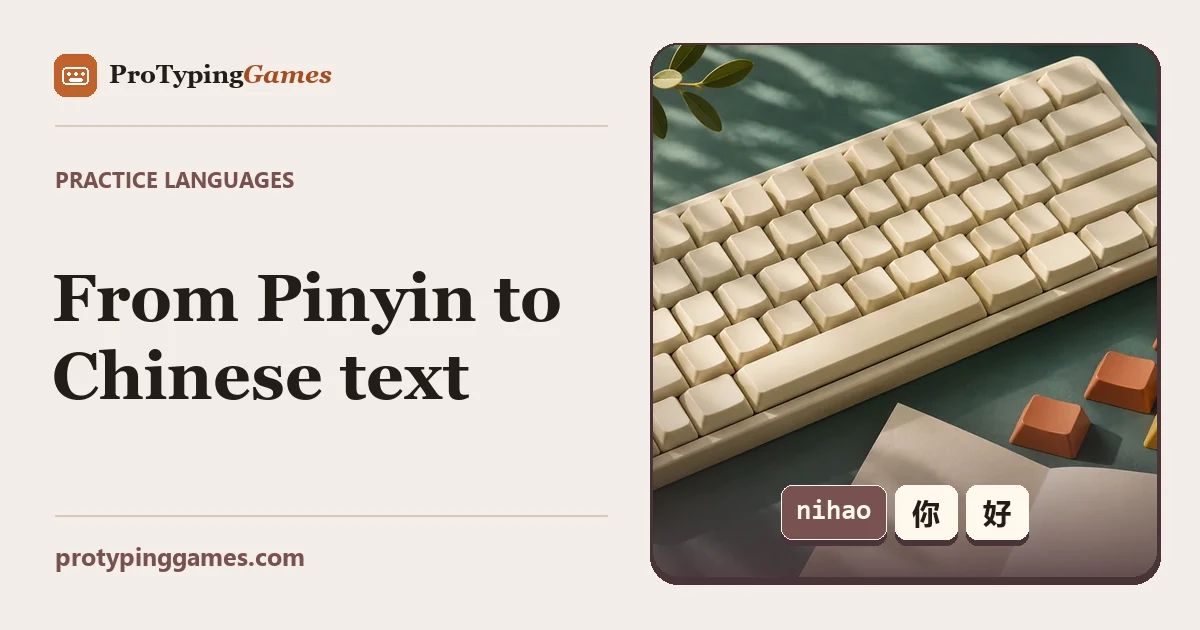
To type Simplified Chinese on a modern computer, you type Romanized spellings called Pinyin on a standard QWERTY keyboard and select the matching characters from an operating system candidate list. Once you confirm your choice, the system converts your keystrokes into characters, making keyboard layout memorization far less intimidating for beginners.
Learning this workflow unlocks direct communication with over a billion people. Whether you are learning Chinese as a second language or building bilingual computer skills, practicing Pinyin input requires a balance of Latin keystroke fluency, visual recognition, and smart software habits.
How Pinyin input methods work
Typing Chinese does not require an expansive keyboard with thousands of unique keys. Instead, you enter the phonetic spelling of Mandarin words using the standard Latin alphabet through an Input Method Editor, commonly called an IME.
As you type Latin letters, your operating system creates an active composing string and presents a small floating window displaying matching Chinese characters or phrases. This window is called the candidate menu. Every entry on that list corresponds to a number, typically starting at 1. Pressing the spacebar or typing the corresponding number selects that option and commits the Chinese characters to your document or test window.
For example, to type the universal greeting “hello” (nǐ hǎo), you do not type tonal accents. You simply type the continuous string:
nihao
Your IME reads the sound combination and immediately ranks the most probable matches. Look for 你好 in the candidate list. When you hit the spacebar, the system converts nihao into 你好 and places it on your screen.
When you want to type an entire clause, such as “I am very busy today” (wǒ jīntiān hěn máng), typing phrase by phrase is much faster than typing single characters. If you target the phrase 我今天很忙, enter the full phonetic string:
wo jintian hen mang
Modern predictive engines look at the entire context of the sentence. By reading wo, jintian, hen, and mang together, the IME predicts that you mean 我今天很忙 rather than unrelated characters sharing those identical pronunciations. Committing full phrases minimizes trips to the candidate menu and saves hundreds of individual keystrokes.
Official guides show how operating systems handle this conversion seamlessly. Apple explains the exact process of typing spellings to populate and choose from candidate lists in their guide on how to type Chinese Pinyin on Mac.
Setting up your software environment
Before running drills, you must activate a Chinese IME within your operating system. While online tools may offer localized practice text, they rely directly on your local system settings to handle candidate conversion.
To set up your device, open your operating system settings, locate the keyboard language management menu, and add Simplified Chinese using the Pinyin input method. Platform instructions for setting up alternative system languages are detailed in Apple’s walkthrough on how to write in another language on Mac.
Once added, you can switch between your standard English keyboard and the Pinyin input method using a keyboard shortcut, such as Control plus Space or Globe on macOS, or Windows Key plus Space on Windows.
When you prepare for online tests, check the language selection on the site. ProTypingGames localized practice pages default to the locale’s practice text, and the practice-language picker can change practice independently of your display interface. However, your operating system input language still needs to be configured manually by you.
When you sit down for an assessment, remember how the platform scores your session. On ProTypingGames, timed tests start on the first accepted typing input after starting the test. Results show correct characters per minute, but test scores calculate raw and net metrics systematically. Test results use retained typed character units divided by 5 and minutes for raw WPM, while correctly matched character units divided by 5 and minutes determine net WPM.
Accuracy equals successful attempts divided by all scored attempts multiplied by 100, rounded to the nearest whole number. Fixing a typo does not erase that attempt, and corrected-but-deleted entries are not counted in the retained raw total. Furthermore, net WPM cannot be found by multiplying raw WPM by attempt accuracy.
Because characters are counted by implementation units, typing tests evaluating standard alphabets rely on predictable unit rules. On ProTypingGames, you do not need to worry about word locks, and the backspace key works across spaces within the active screen in every test, though you cannot return to completed pages.
Mastering candidate selection and homophones
Because Mandarin has far fewer phonetic syllables than distinct written characters, dozens of characters often share identical pronunciations. These homophones mean you cannot simply type blind and hit the spacebar every time. Developing speed requires sharp visual scanning of the candidate window.
Consider these common candidate contrasts where identical or similar inputs require careful selection:
Contrast 1: The de family (的, 地, 得)
These three structural particles all use the Pinyin input de, but they serve completely different grammatical functions:
- 的: used for possession or noun modification (我的书, my book).
- 地: used for adverbial phrases (高兴地笑, smile happily).
- 得: used to connect verbs to complement descriptions (跑得快, run fast).
If you blindly accept candidate 1 while writing a descriptive verb complement, you will commit the wrong character.
Contrast 2: The shi family (是, 事, 时, 十)
The syllable shi contains dozens of potential characters:
- 是: the verb “to be”.
- 事: meaning “matter” or “thing”.
- 时: meaning “time” (found in 时间).
- 十: the numeral 10.
When typing isolated characters, scanning the candidate list is mandatory. When you type them inside compounds, such as shijian for 时间 or shishi for 事实, the predictive engine narrows the list automatically.
Contrast 3: The special vowel sound ü
Mandarin contains a vowel sound not present on standard English keyboards: the umlauted ü found in words like “green” (lǜ) and “female” (nǚ).
Because the letter V is not used in standard Pinyin spelling, Chinese input engines map the letter V to the umlauted ü:
- To type 女 (nǚ, woman), type
nv. - To type 绿 (lǜ, green), type
lv. - To type 旅行 (lǚxíng, travel), type
lvxing.
Practicing these oddities prevents you from getting stuck when you encounter common words containing that vowel sound.
Structured drills for natural speed
To build muscle memory, practice typing natural sentences that use varying sentence lengths and frequent homophones. Move away from single-syllable entry as quickly as possible.
Drill 1: Pronouns and everyday greetings
Practice typing these lines as continuous Pinyin strings, committing each word with the spacebar once the correct characters highlight:
nihao-> 你好 (Hello)zaoshang hao-> 早上好 (Good morning)xie xie ni-> 谢谢你 (Thank you)bu ke qi-> 不客气 (You are welcome)mingtian jian-> 明天见 (See you tomorrow)
Focus on smooth, steady keystrokes rather than rushing. Make sure your eyes stay on the text line to verify that the IME picks the right phrase.
Drill 2: Connecting nouns and descriptions
This drill trains you to enter multi-word clauses using the contextual sentence technique discussed earlier:
wo jintian hen mang-> 我今天很忙 (I am very busy today)ta shi wo de peng you-> 他是我的朋友 (He is my friend)zhe ge dong xi hen hao-> 这个东西很好 (This thing is very good)women qu kan dianying-> 我们去看电影 (We are going to watch a movie)xianzai shi dian ban-> 现在十点半 (It is 10:30 right now)
Notice how typing dianying generates 电影 instantly, whereas typing dian alone might present 电, 点, 店, or 典 as competing candidates.
Drill 3: Mixed paragraph reading
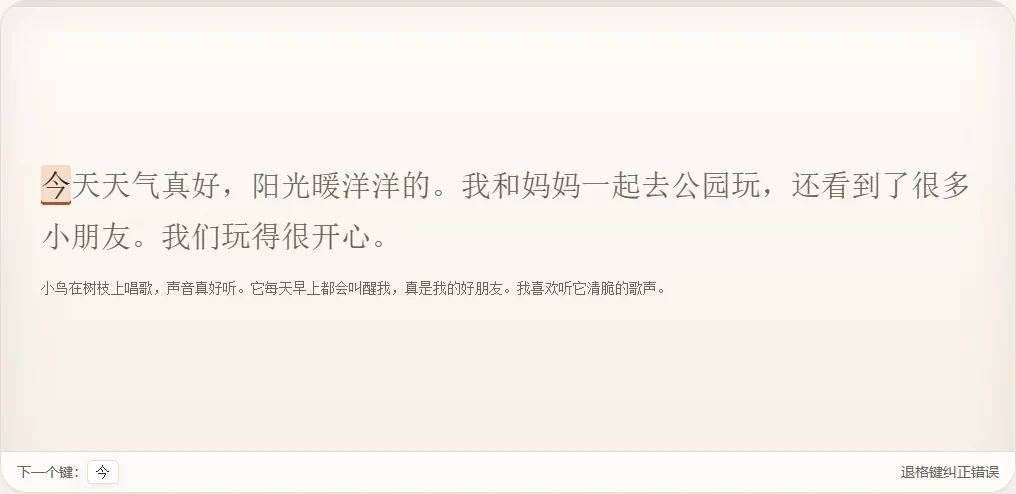
Once you feel comfortable typing individual clauses, test your stamina on longer passages. You can benchmark your progress using the Chinese paragraph typing test to see how cleanly you manage candidate selection over a sustained excerpt.
Read the sentence, assemble the Latin letters in your head, and output full vocabulary chunks without stopping after every character:
北京是中国的首都。这里有很多名胜古迹,比如故宫和长城。每年都有许多来自世界各地的游客来到这里参观。秋天是北京最好的季节,天气晴朗,气温舒服。
If you run into an incorrect character while practicing, use your backspace key immediately to drop the bad candidate, type the syllable again, and look across the candidate list to select the proper number key.
Distinguishing typing speed from language fluency
A common trap for learners is conflating Latin keyboard typing speed with actual Chinese reading and writing mastery. Chinese writing and Pinyin typing are distinct disciplines, and typing assessments do not report raw or net words per minute as a vocabulary score.
When an assessment evaluates your typing, it counts your mechanical input speed and raw characters submitted. In an English assessment, a typist reading source copy converts letters directly from the page to the keyboard. In Chinese typing, your brain performs a complex two-step translation:
- You read the visual Chinese character (such as 忙).
- You recall its phonetic sound (
mang). - You type the Latin letters.
- You visually scan the candidate list to re-identify the original character among homophones.
Because of this multi-step loop, an individual who types 80 WPM in English may find themselves typing at 25 or 30 WPM when converting Chinese text. That difference does not mean your fingers have slowed down. It simply reflects the extra cognitive processing time needed to verify candidate accuracy.
Furthermore, typing with an IME is not the same as handwriting. A student might easily recognize and type 谢谢 because the computer provides the visual prompt once xiexie is entered. That same student might struggle to write the individual strokes of 谢 on blank paper from memory.
Treat your Pinyin practice as a dedicated reading and digital productivity drill. Use long-form evaluations like the 3-minute Chinese typing test to measure your visual endurance and candidate selection speed without mistaking the score for an official language proficiency rating.
Set aside ten minutes today to configure your operating system IME, open a practice passage, and type twenty complete sentences using whole-phrase Pinyin inputs without touching your mouse.
Put it into practice
The fastest way to improve is to play. Jump into a free typing game and try it now.
Play free typing games